 View template
 Atelier CV
Free · no sign-up · no watermark
Free CV templates you can edit online and download as PDF
Pick one of 40 CV templates, fill it in online and download a ready-to-send PDF in minutes. Add, remove or reorder sections as you like — your data never leaves your browser.
40 templates
From classic and formal to modern and creative. Switch templates any time without losing your text.
Flexible sections
Add, delete, hide or reorder sections, or create sections with your own titles.
High-quality PDF
Selectable text and working links on A4 paper, ready to send.
No account
Your data stays in your browser. Save a copy as a file to continue on another device.
40 free CV templates
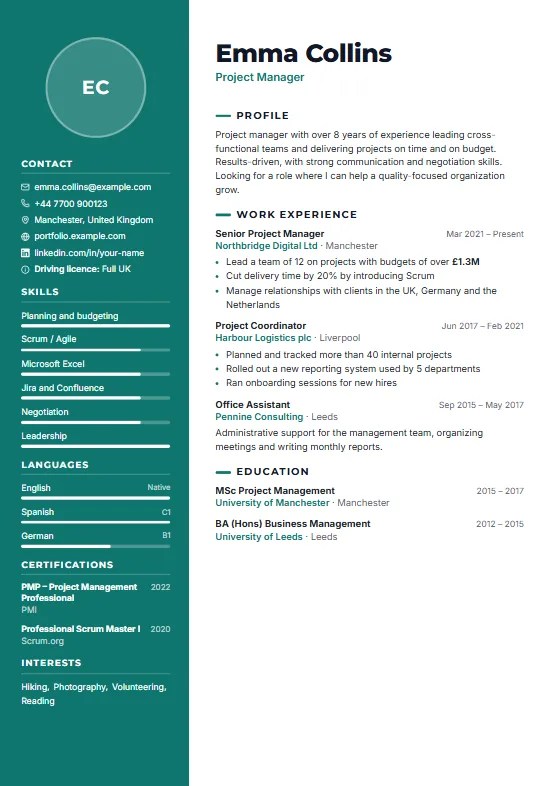
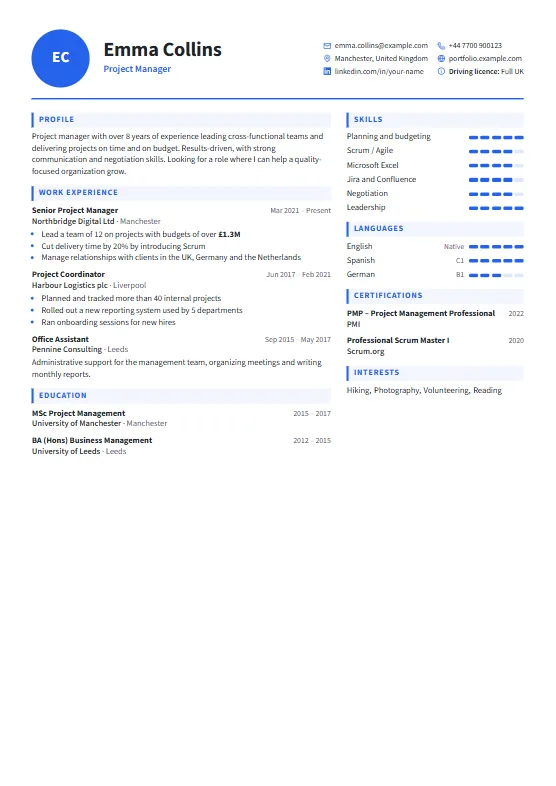
Every template is customizable: color, font, text size, photo and section order. Click a template to see it in full.
View template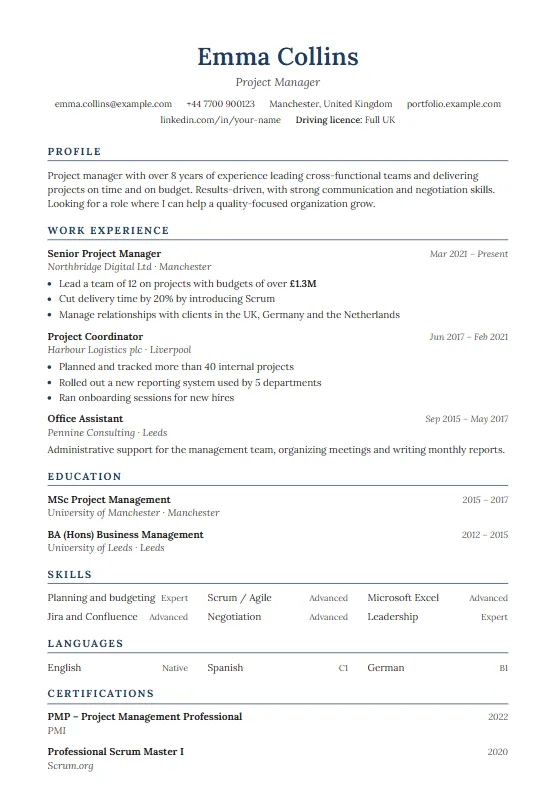 View template
 View template
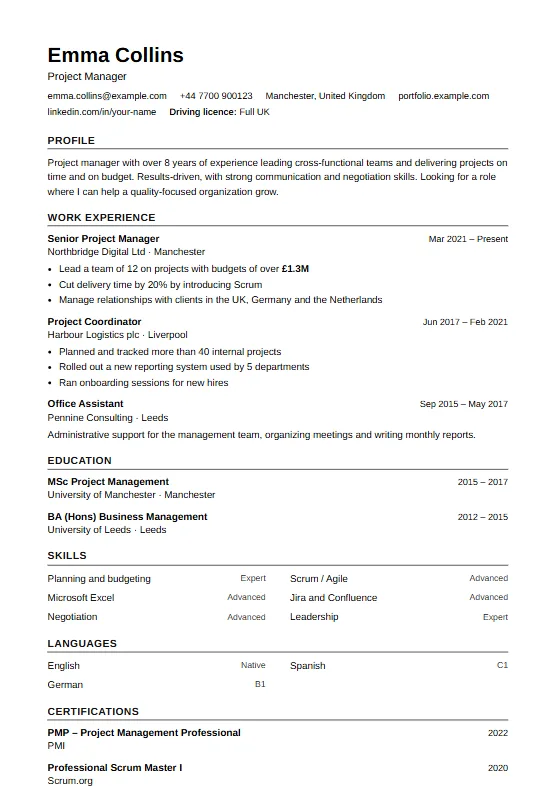
No columns, no icons, no photo. Parsed cleanly by ATS software.
Use the Simple ATS template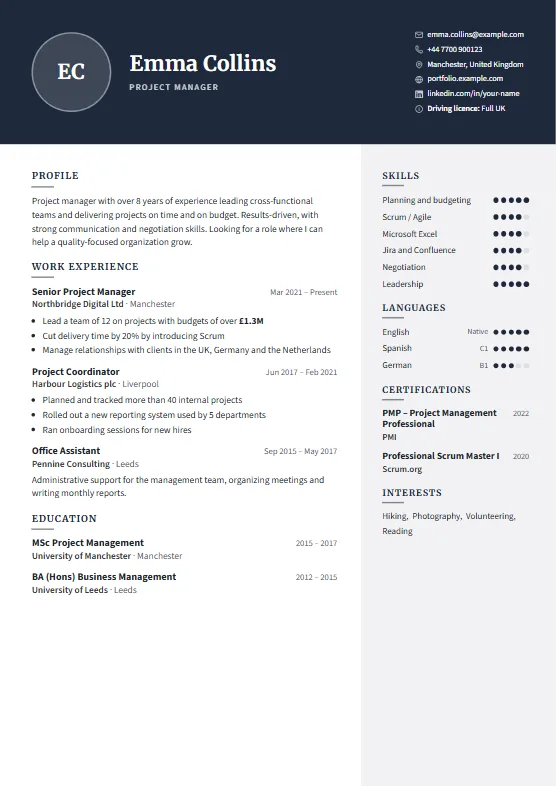 View template
Dark header band and a tinted side column. Built for leadership roles.
Use the Executive template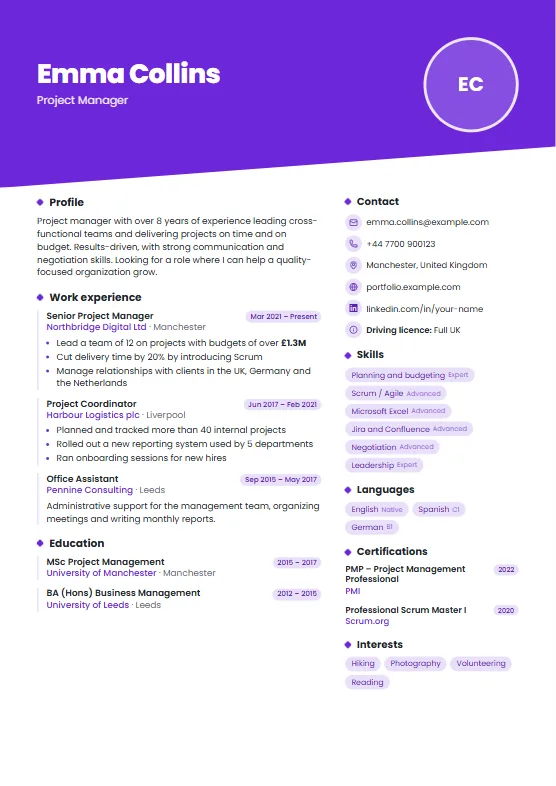 View template
 View template
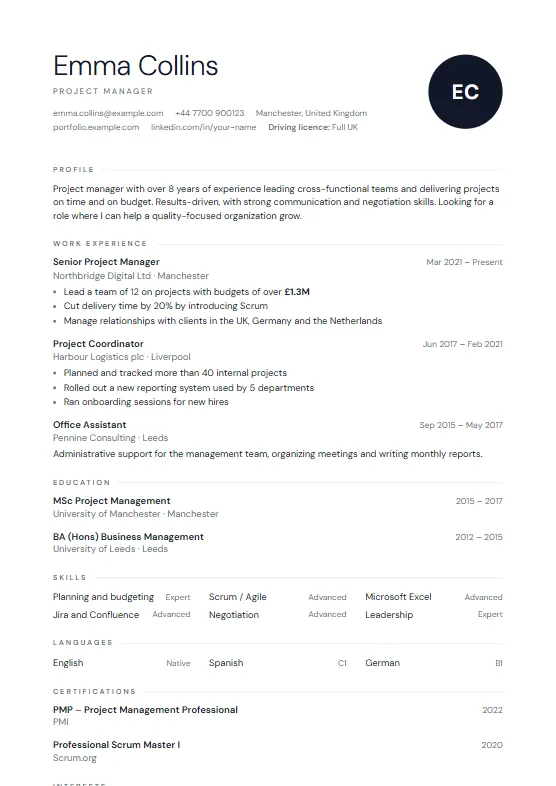
Lots of white space and refined typography. Understated and easy to read.
Use the Minimalist template View template
 View template
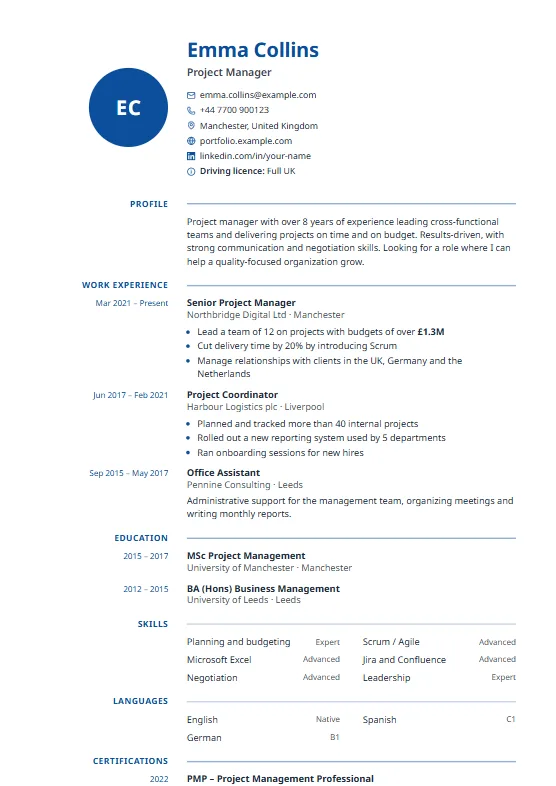
Labels and dates on the left, inspired by the classic European CV layout.
Use the Institutional template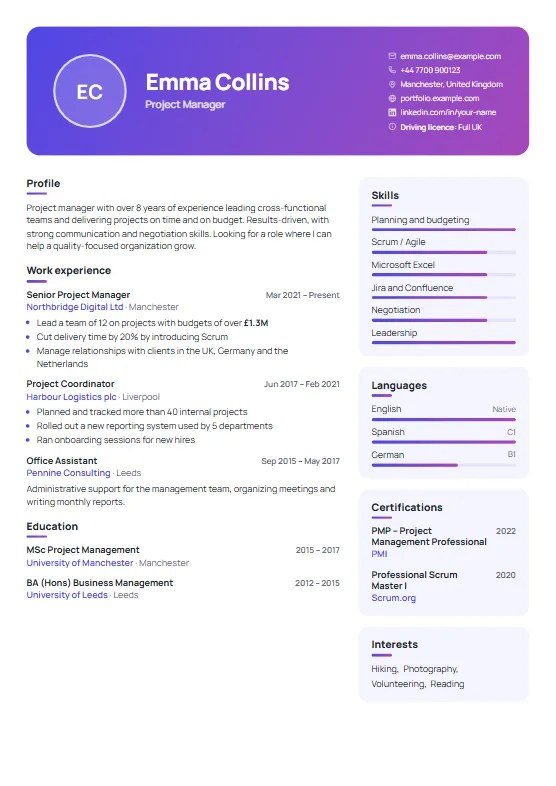 View template
 View template
 View template
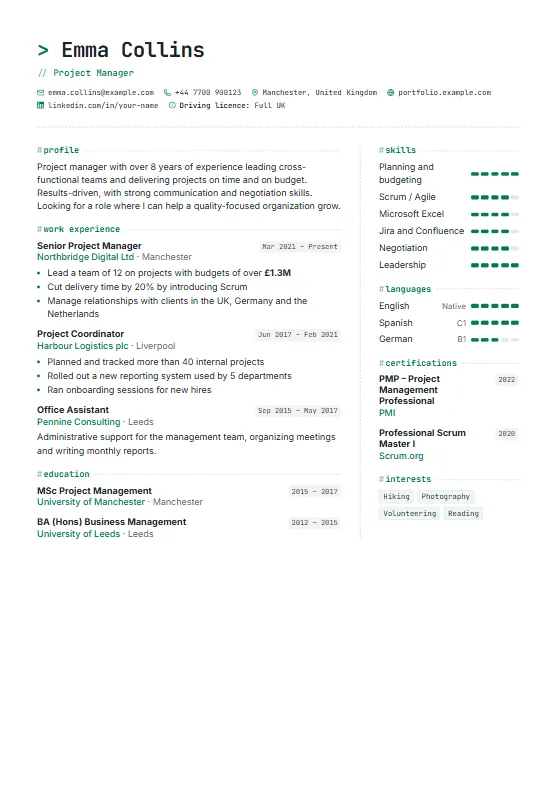
Monospace font and code-style details. For IT and technical roles.
Use the Technical template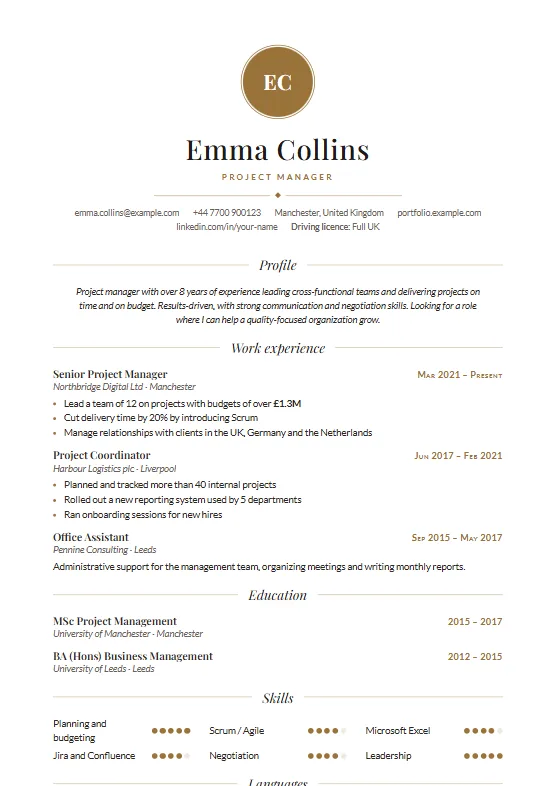 View template
 View template
 View template
 View template
 View template
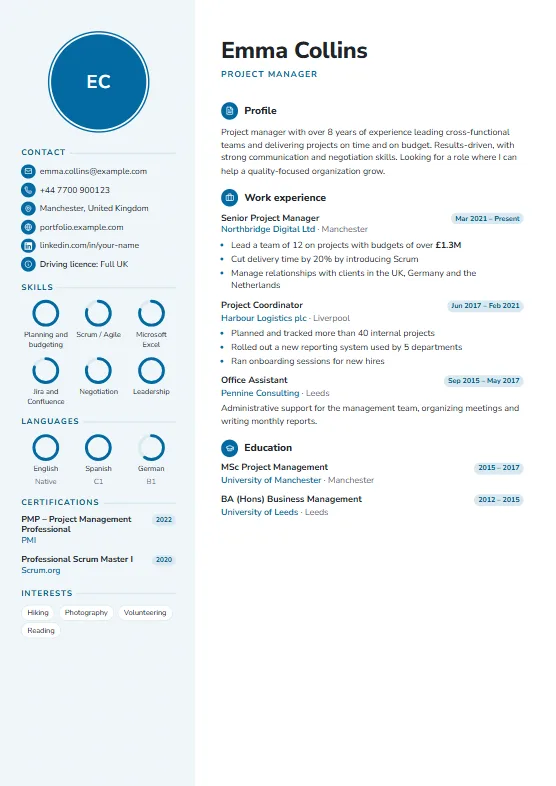 View template
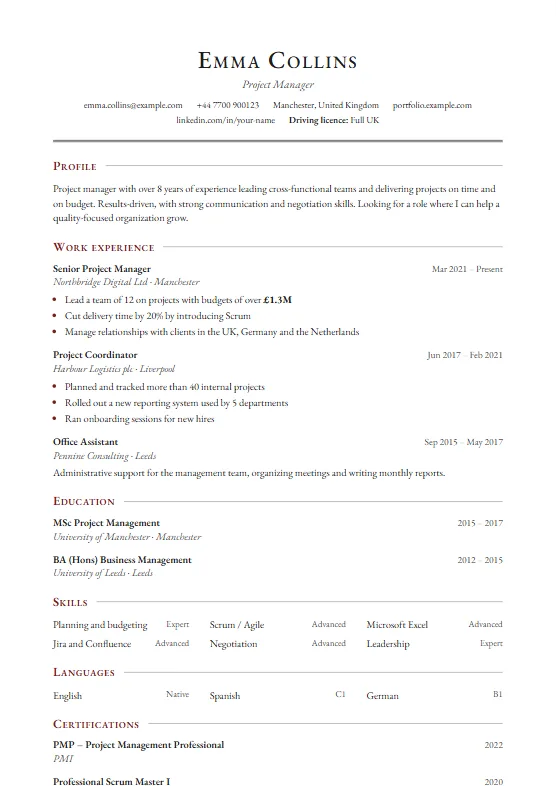 View template
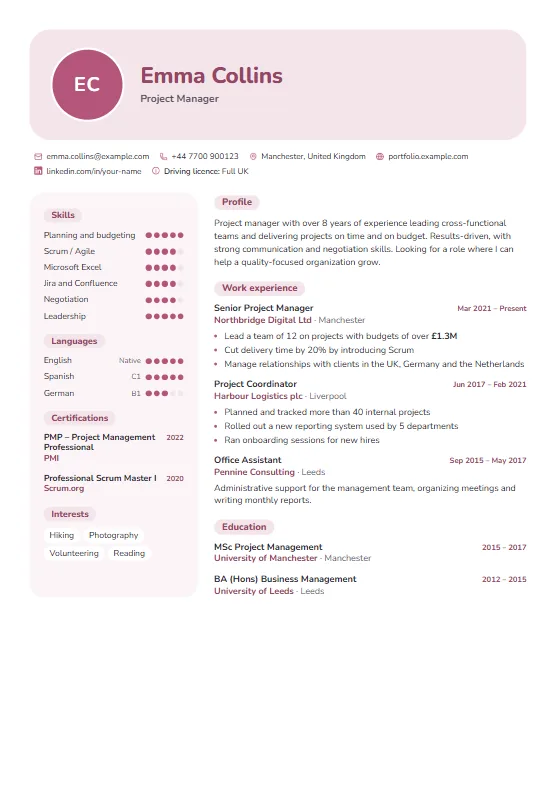 View template
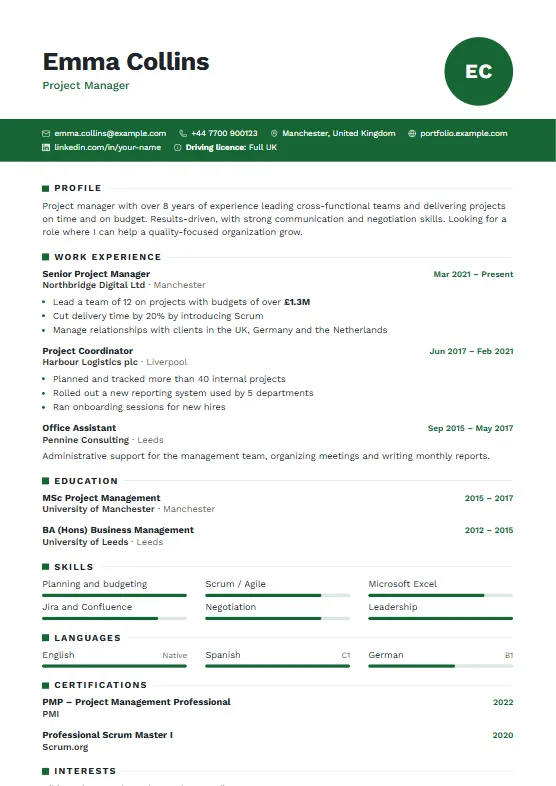 View template
Colored strip with your contact details under the name. Clear and balanced.
Use the Horizon template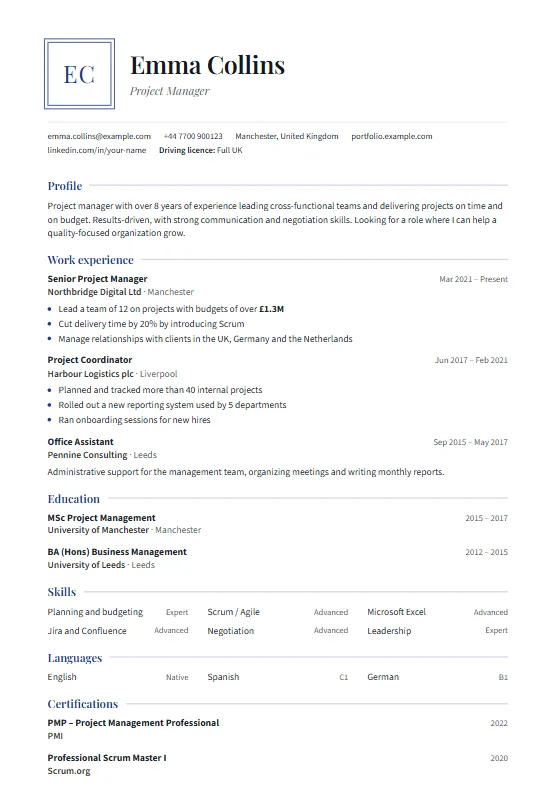 View template
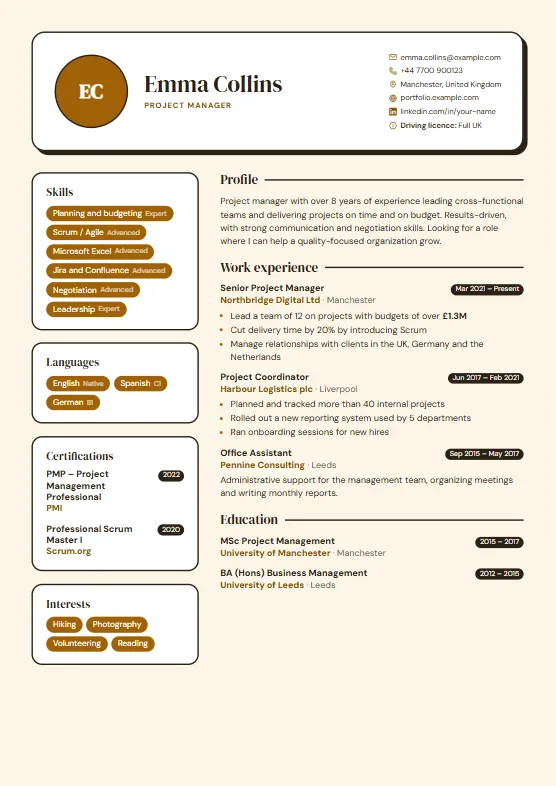
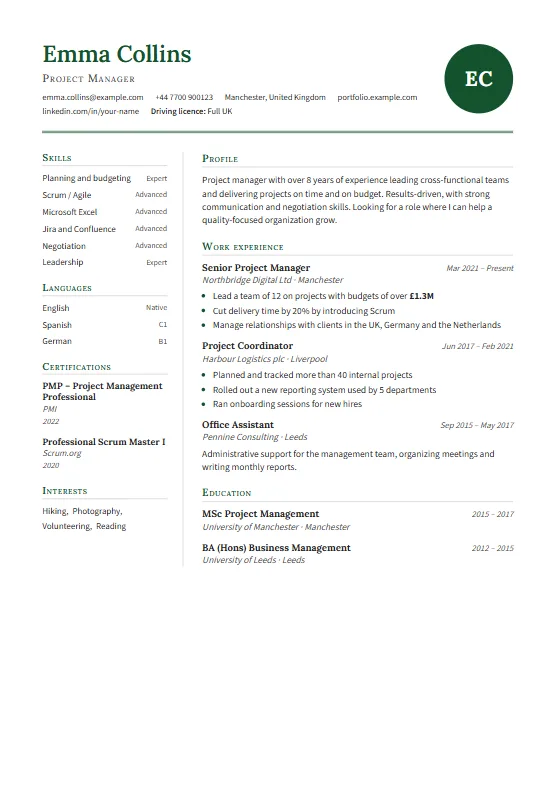
Your initials in a double frame instead of a photo. Serif and understated.
Use the Monogram template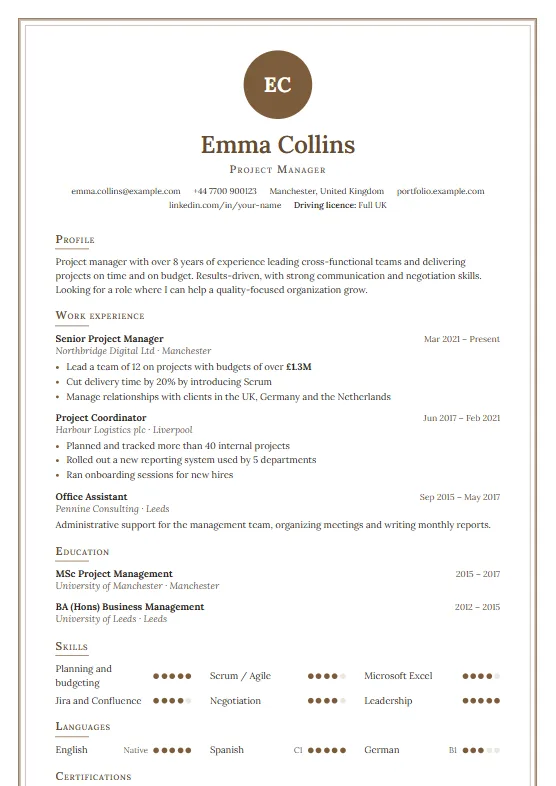 View template
A double border around the page, like a certificate. Centered serif header.
Use the Frame template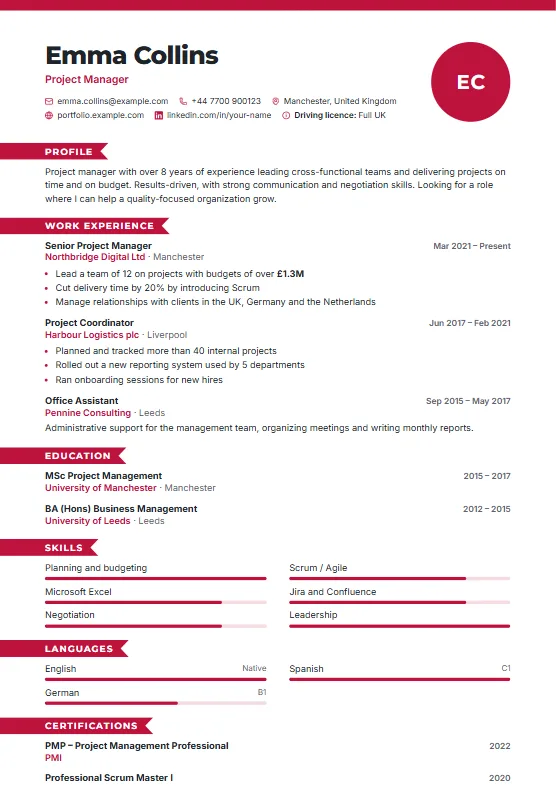 View template
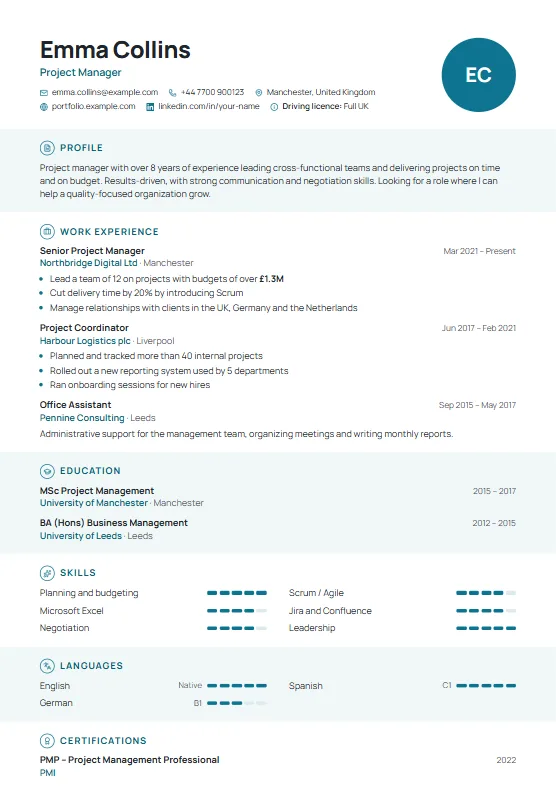 View template
 View template
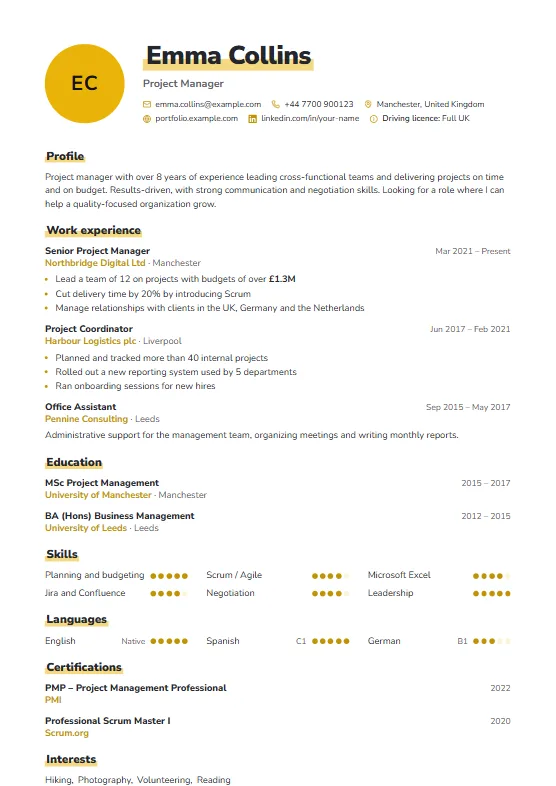
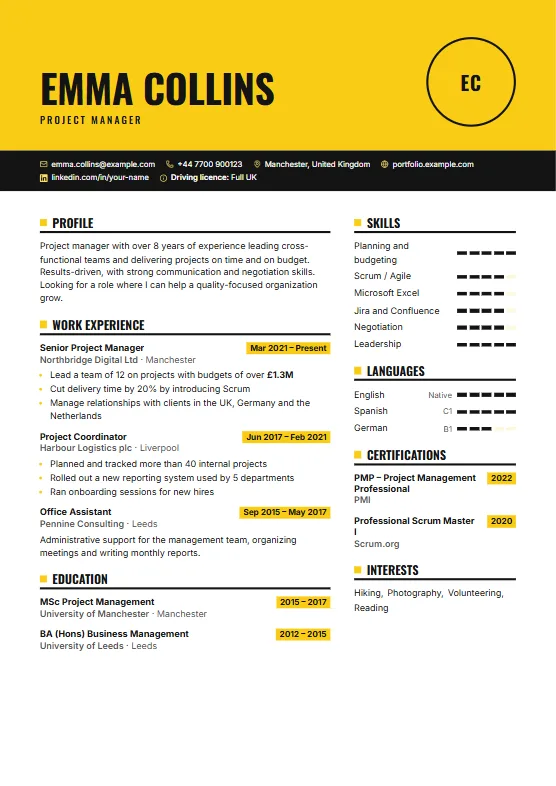
Your name and headings marked as if with a highlighter. Friendly and bright.
Use the Highlighter template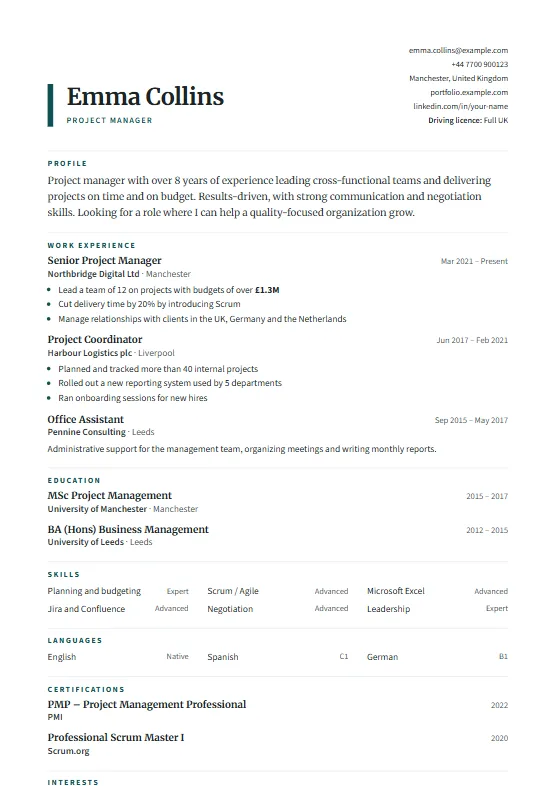 View template
A vertical bar beside your name and right-aligned contacts. Confident.
Use the Consultant template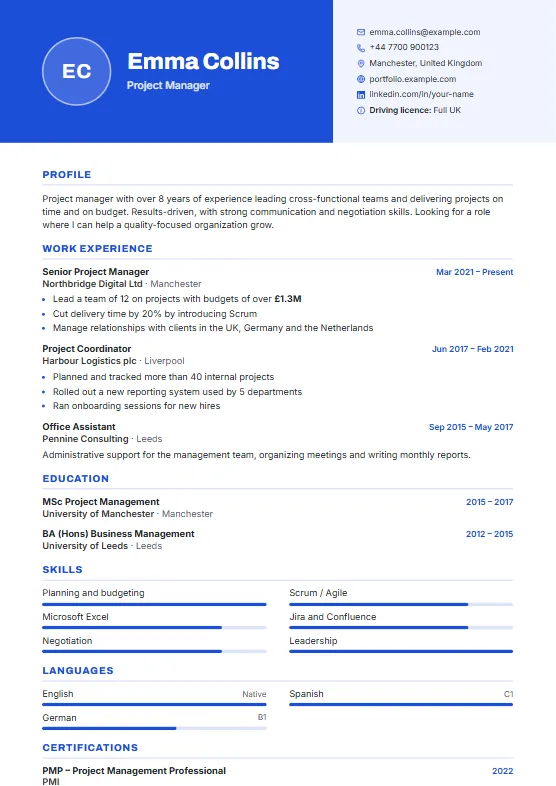 View template
 View template
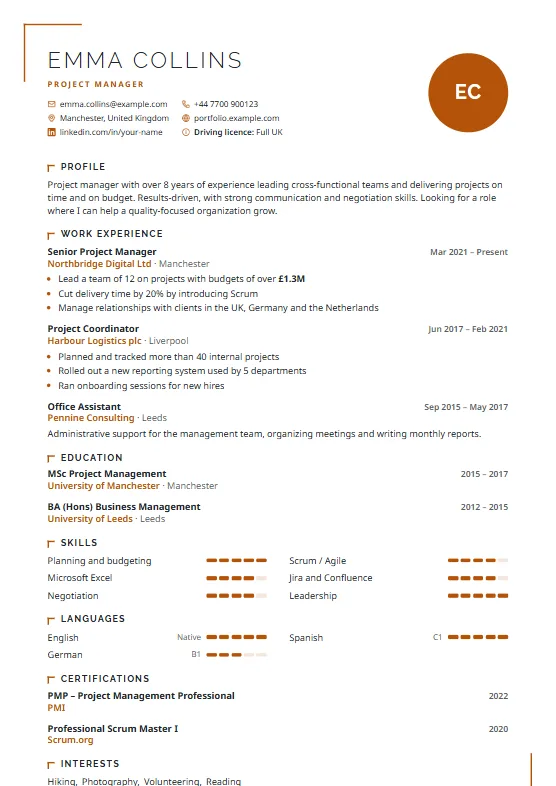 View template
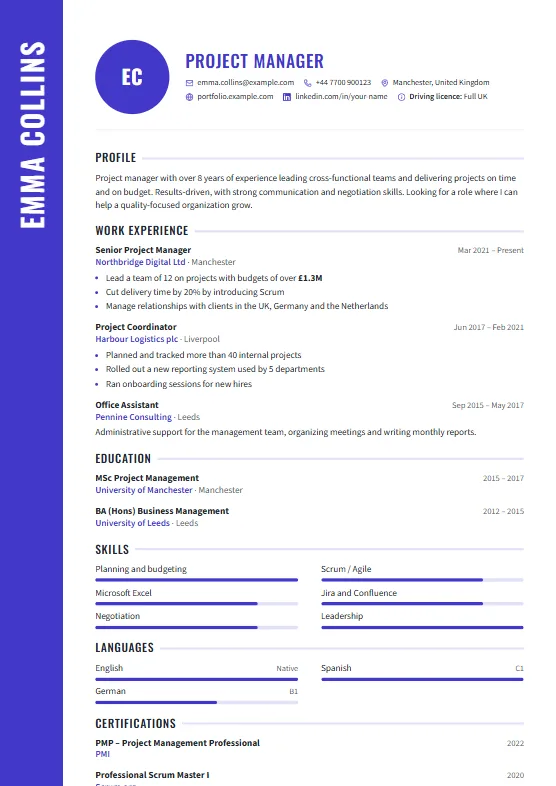 View template
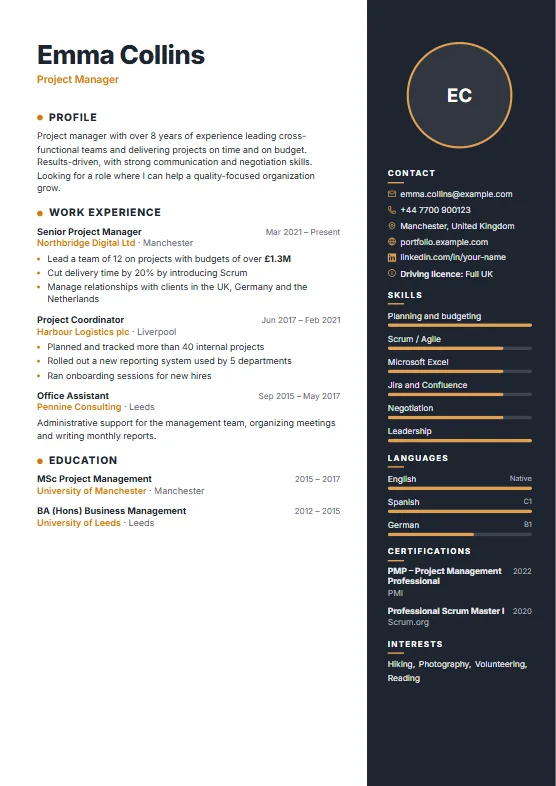 View template
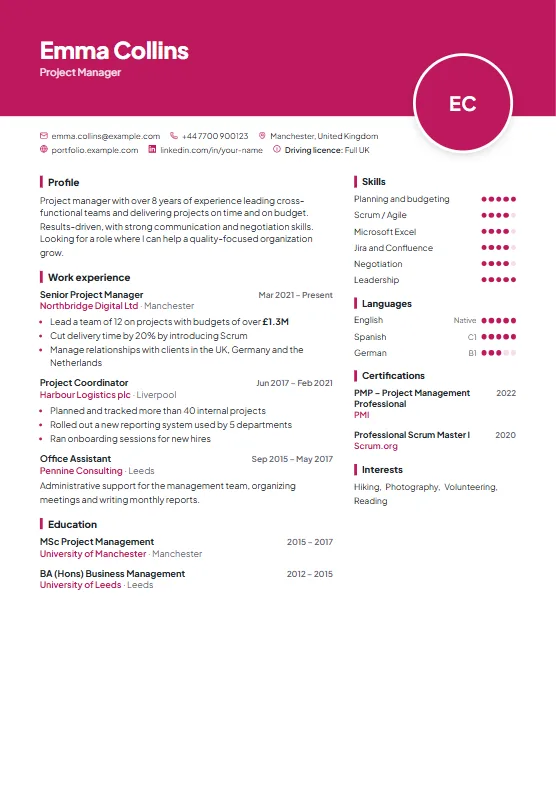 View template
A colored band at the top with your photo sitting on its edge. Two columns.
Use the Banner template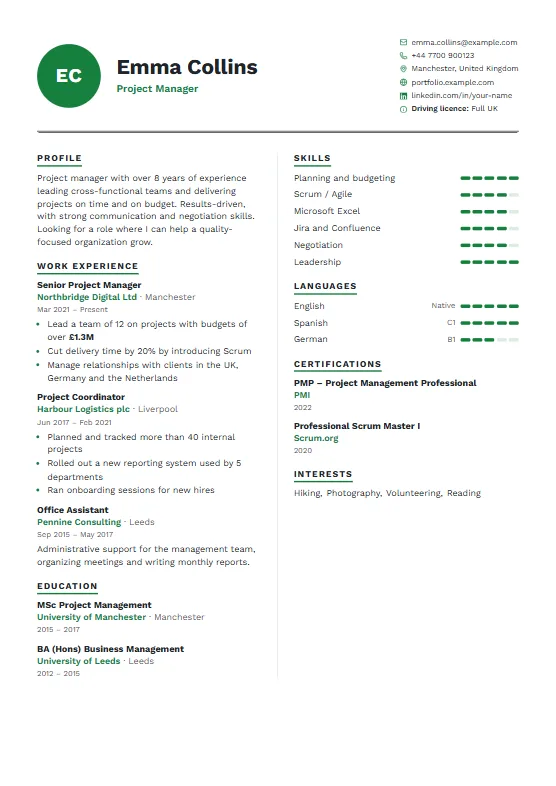 View template
 View template
 View template
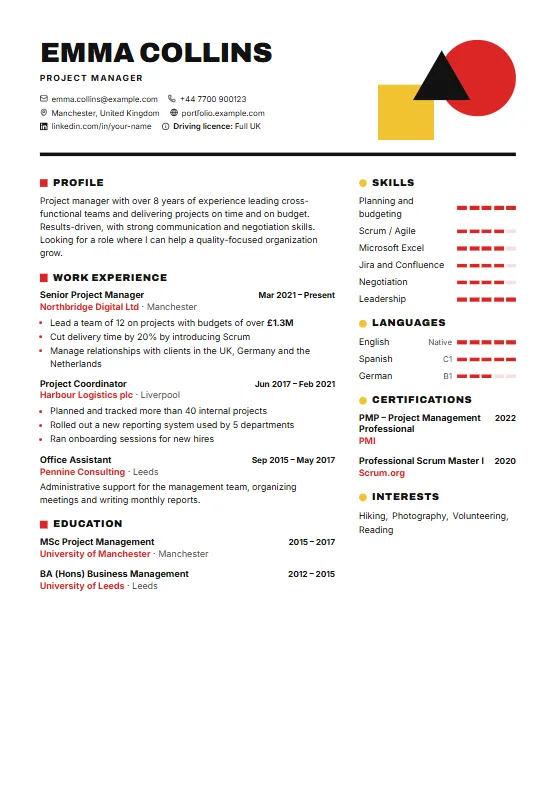
A circle, a square and a triangle in the header, heavy headings. Geometric.
Use the Bauhaus template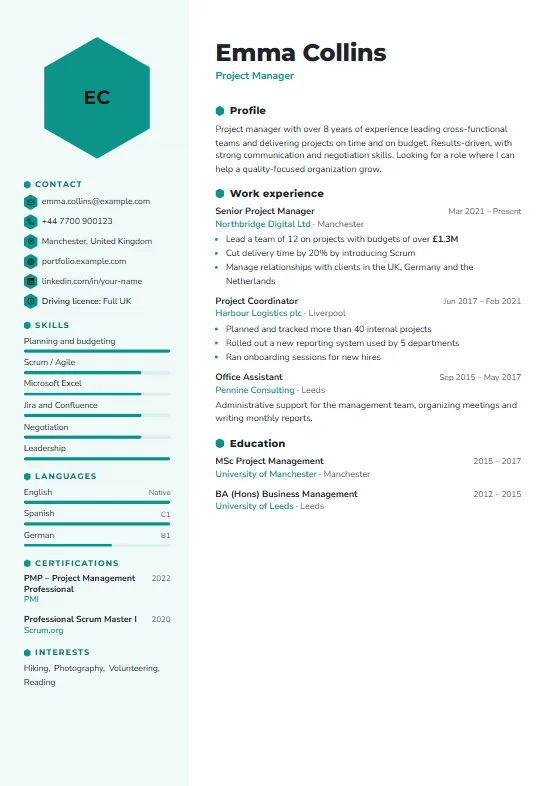 View template
 View template
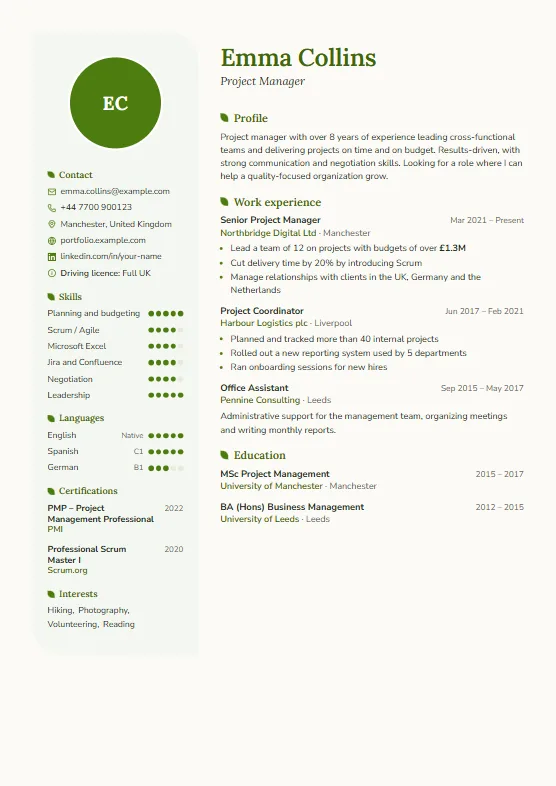
Serif in two columns, with no colored backgrounds. Classic and orderly.
Use the Traditional template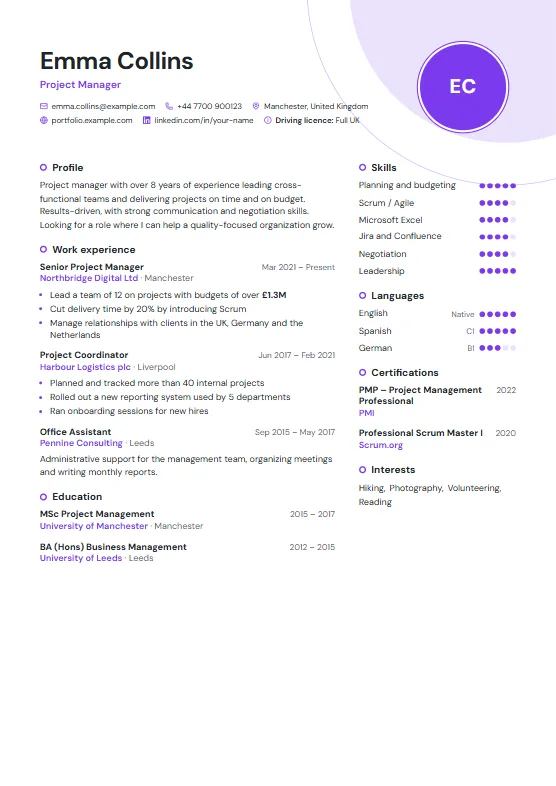 View template
 View template
 View template
How to make a CV in 3 steps
- 1
Choose a template
Start from any of the 40 templates. You can switch later — your text stays.
- 2
Fill in your details
Type into the form and watch the A4 page update live. Add or remove the sections you need.
- 3
Download the PDF
Click “Download PDF” and save your CV, ready to send to employers or upload to job sites.
Which CV template should you choose?
For online applications (ATS)
Many large employers screen CVs automatically. Choose a single-column template with clear headings.
For IT and technical roles
A compact structure, easy-to-find skills and a modern look.
For creative fields
Color, icons and a design that makes you memorable.
For public sector and leadership roles
A formal, composed look with the familiar European CV structure.
Guides with verifiable sources
How to write a CV, a personal profile, your skills and a cover letter, what to include as a student or with no experience, and how to get past applicant tracking systems.
How to write a CV: a step-by-step guide with examples
Which sections to include, which personal details to leave out, how to describe your experience and how long your CV should be. Advice from official guidance, with sources.
How to write a CV with no work experience
What to put on your CV when you haven’t worked yet: education, placements, volunteering, projects and transferable skills. With examples and official sources.
How to make an ATS-friendly CV
What an applicant tracking system is and how to format your CV so it’s read correctly: one column, standard headings, no tables, keywords from the job advert. Sourced from university career centres.
Language levels on a CV: what A1, A2, B1, B2, C1 and C2 mean (CEFR)
What A1, A2, B1, B2, C1 and C2 mean under the Common European Framework of Reference for Languages, and how to list your level on a CV. Based on the official Europass grid.
How to write a CV personal profile, with examples
What to put in the personal profile (personal statement) at the top of your CV: how long it should be, what to include, what to avoid, and examples for a first job, experienced candidates and career changers. With sources.
Skills on a CV: examples and how to prove them
Which skills to put on your CV, how to pick them from the job advert and how to prove them. Examples for communication, teamwork, organisation and Excel, with sources.
Student CV: what to include, with two full examples
What a school or university student’s CV looks like: education, placements and summer jobs, two full example CVs, and the minimum working age in Romania. With sources.
Cover letter: structure, examples and mistakes to avoid
How to write a one-page cover letter: what goes in each paragraph, who to address it to, examples for a job, a first job and an email, and mistakes to avoid. With sources.
Frequently asked questions
Is it really free?
Yes. All 40 CV templates and the PDF download are free, with no account and no watermark.
How do I download my CV as a PDF?
Click “Download PDF”, then choose “Save as PDF” in the print window. The PDF keeps selectable text and working links.
Where is my data stored?
Only in your browser. Your CV is never sent to a server. You can save a copy as a file to continue on another computer.
Which CV template works best with ATS software?
Single-column templates with standard headings are the easiest to parse: Simple ATS, Classic, Minimalist and Academic. The text in the PDF stays real text, not an image.
What’s the difference between a CV and a resume?
In the UK, Ireland and most of Europe, “CV” is the usual name for the document you send with a job application; in the US and Canada it’s usually called a resume. These templates work for both.
Should I put a photo on my CV?
It depends on the country and the job. You can hide the photo in the “Template & design” tab or pick a template without one, such as Simple ATS or Classic.
Can I make my CV in another language?
Yes. Switch “CV language” in the editor to change the fixed words and default section titles between English and Romanian.
How long should a CV be?
Usually one or two pages. The editor shows the page count live, and the Compact template helps you fit everything on one page.