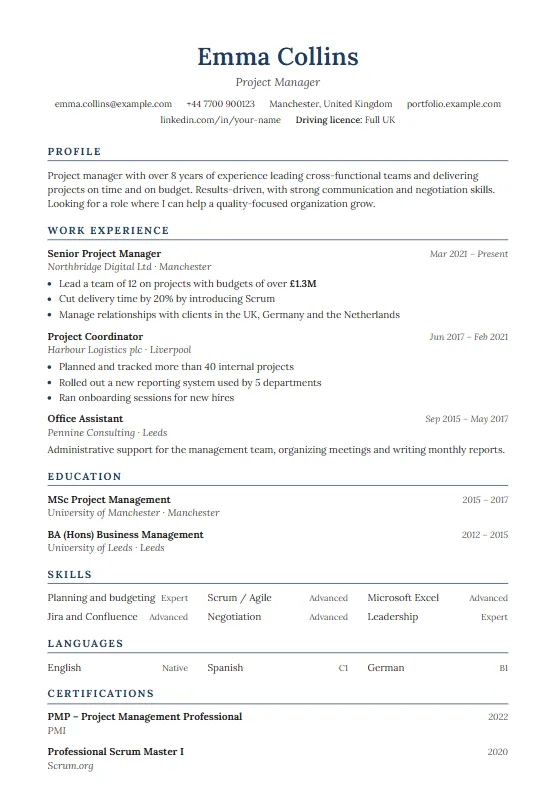
Classic
Single column, serif font and centered header. Works for any field.
 Atelier CV
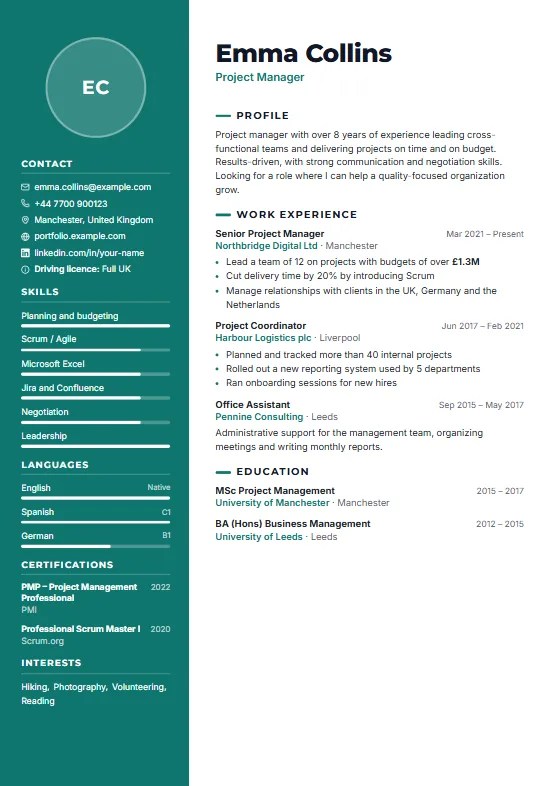
The Modern template puts your contact details, skills and languages in a colored sidebar and gives your work experience the whole right-hand column. A large name and an accent-colored job title catch the eye without cluttering the page.
Free · no sign-up · A4 PDF
For anyone who wants a CV that can be taken in at a glance. Your contact details, skills and languages sit in the colored sidebar, and your work experience gets the whole right-hand column. It suits sales, marketing, office roles and graduates, especially when the CV goes straight to a person.
If you are applying through an online form at a large company, pick a one-column template such as Simple ATS. The same goes for very formal fields like law or the public sector, where Classic is a better fit.
We rate it Good rather than Excellent because it has two columns, and university career centers advise against columns for automated systems. A person reads it easily, but a system may mix up the sections. If you want to use it anyway, copy the text from the PDF into Notepad and check that it comes out in the right order.
There is room for a photo in the sidebar. You can make it round or square, or hide it in the editor if the job ad asks for a CV without one.
Start from any of the 40 templates. You can switch later — your text stays.
Type into the form and watch the A4 page update live. Add or remove the sections you need.
Click “Download PDF” and save your CV, ready to send to employers or upload to job sites.
Single column, serif font and centered header. Works for any field.
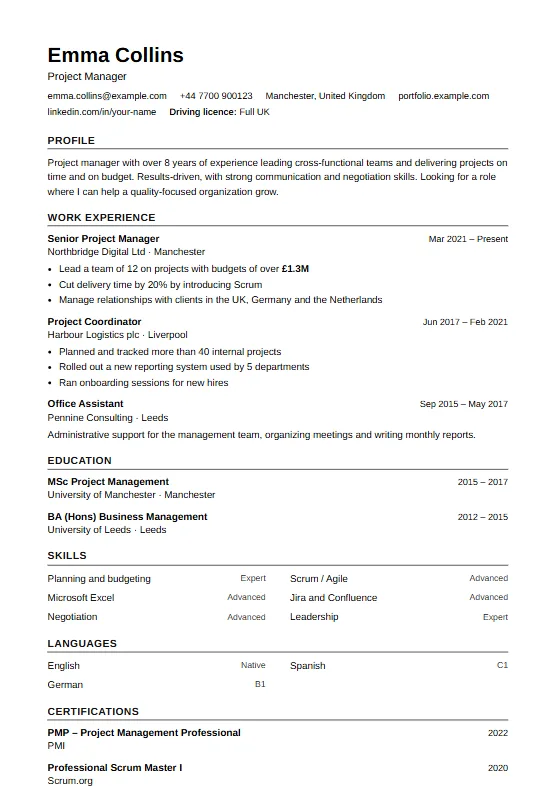
No columns, no icons, no photo. Parsed cleanly by ATS software.
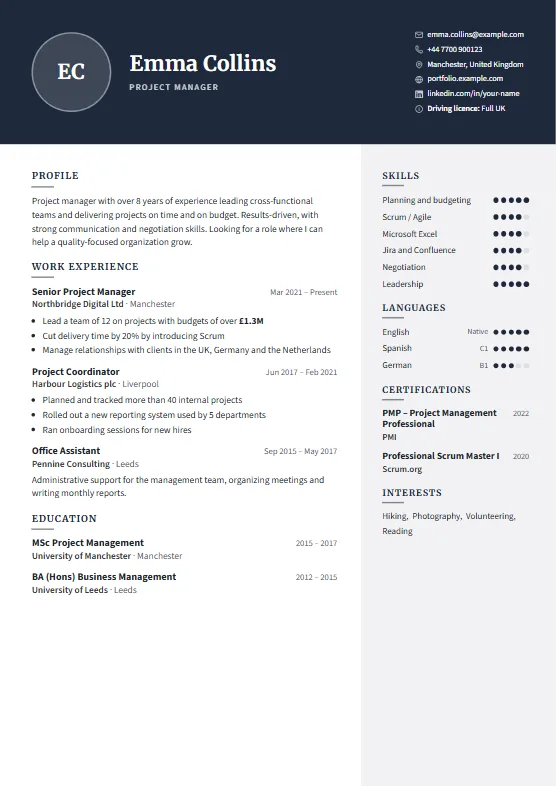
Dark header band and a tinted side column. Built for leadership roles.
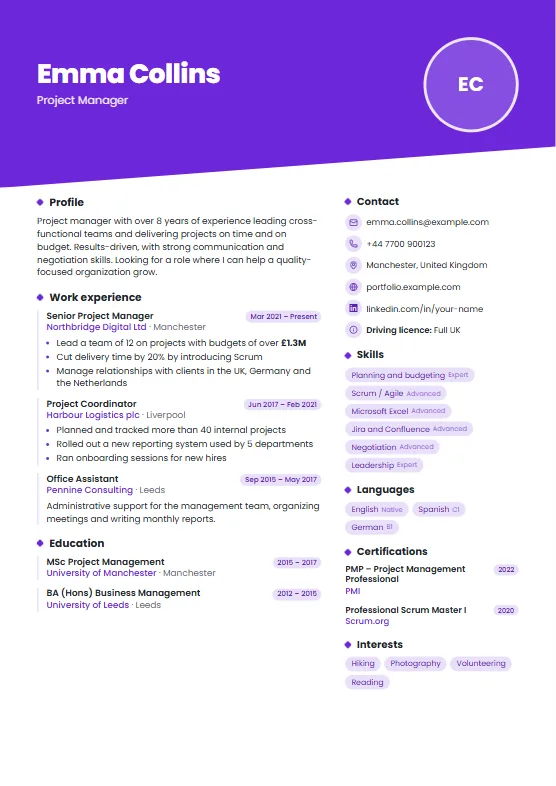
Bold colored header and skills shown as tags.
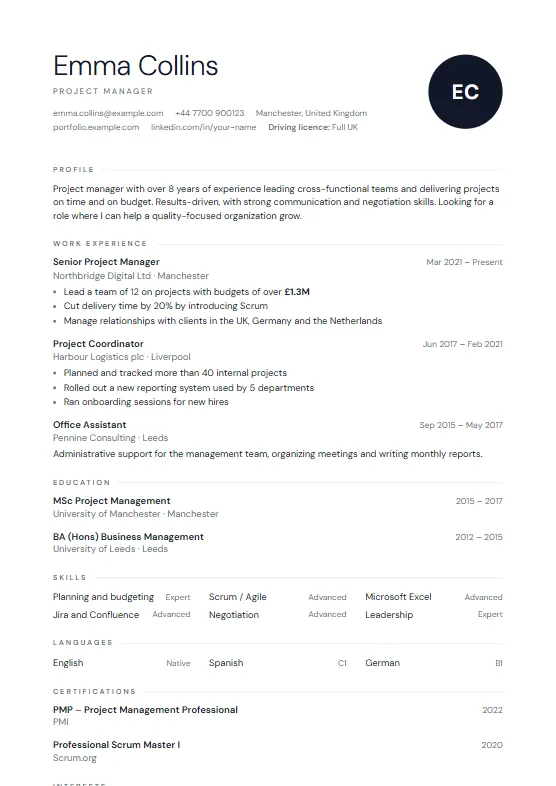
Lots of white space and refined typography. Understated and easy to read.
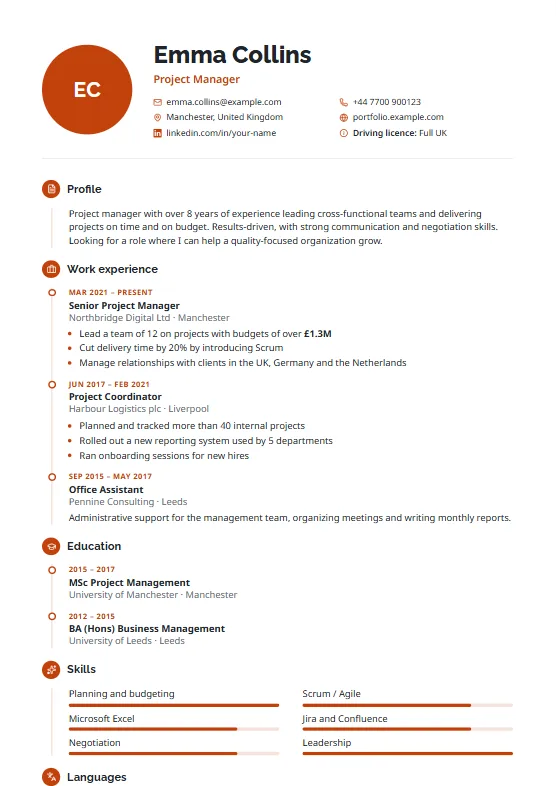
Experience and education on a timeline, with section icons.
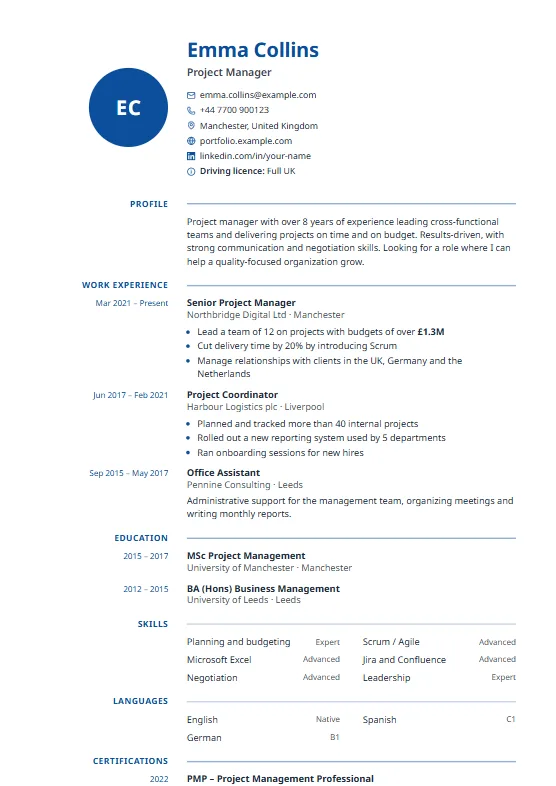
Labels and dates on the left, inspired by the classic European CV layout.
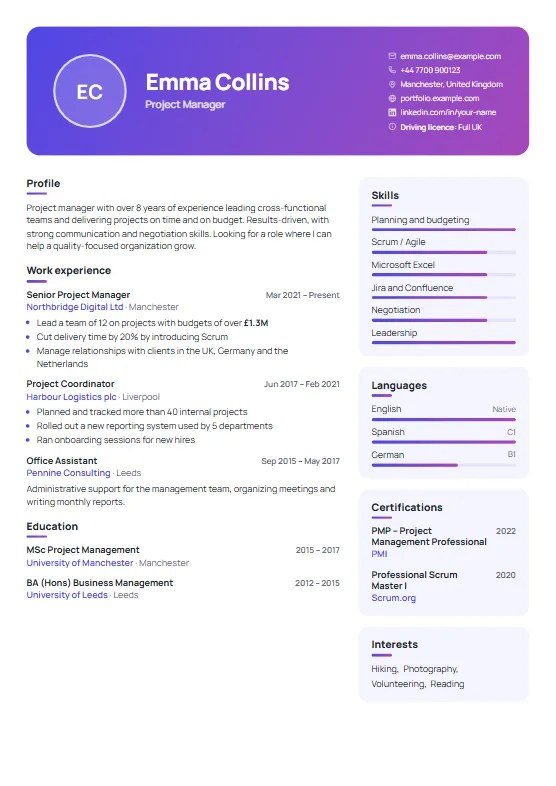
Gradient header card and rounded panels. Modern and friendly.