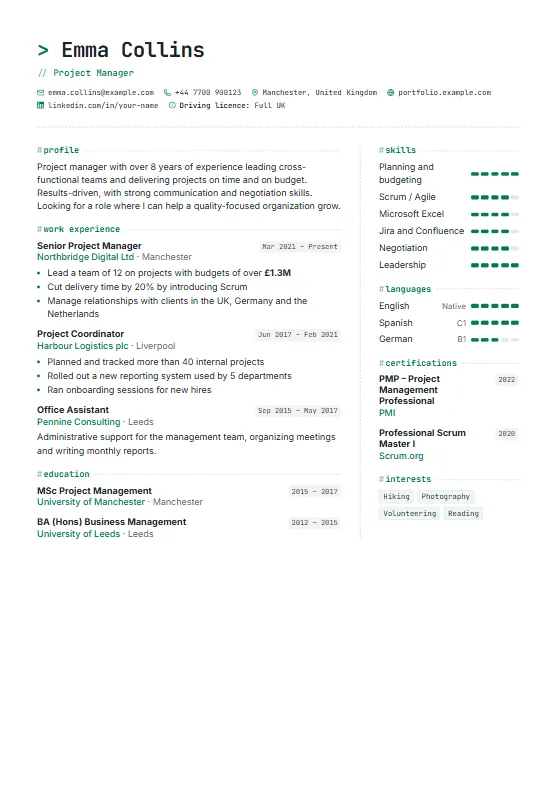
Technical
Monospace font and code-style details. For IT and technical roles.
 Atelier CV
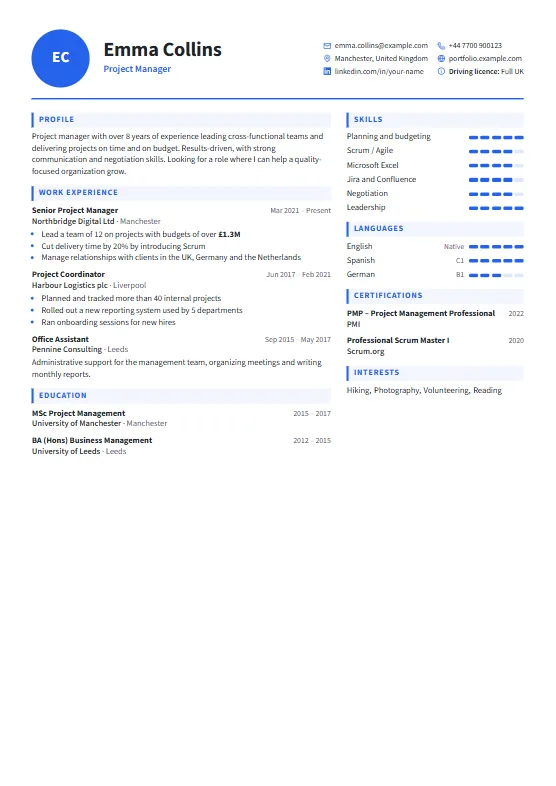
Compact uses slightly smaller type and two columns to fit plenty of content on a single page without feeling crowded. Ideal if you have years of experience but want a one-page CV.
Free · no sign-up · A4 PDF
For experienced professionals, engineers and consultants who want to stay on one page. The slightly smaller text and two columns make room for a lot of content without the page feeling crowded. This is the template to look at when your CV keeps spilling onto a second page.
If you have little experience, you do not need a template that squeezes text together: Minimalist or Highlighter will fill your page more naturally. Avoid it as well when you know the CV will be read on a phone, where smaller text is tiring; Simple ATS is easier to follow.
It is rated Good because it has two columns, and university career centers recommend avoiding them for automated systems. The text size is not the issue, the order is: a system may read the columns mixed together. If you are applying through a portal, copy the text from the PDF into Notepad and check that your experience reads from start to finish.
There is room for a photo, but it takes space from a template built to save space. If you need every line, hide it in the editor. You can make it round or square if you keep it.
Start from any of the 40 templates. You can switch later — your text stays.
Type into the form and watch the A4 page update live. Add or remove the sections you need.
Click “Download PDF” and save your CV, ready to send to employers or upload to job sites.
Monospace font and code-style details. For IT and technical roles.
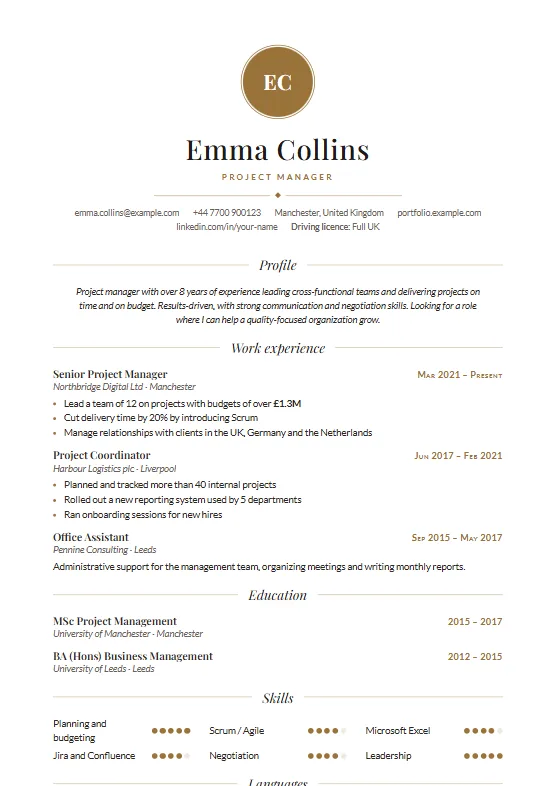
Centered layout with refined serif type and gold accents.
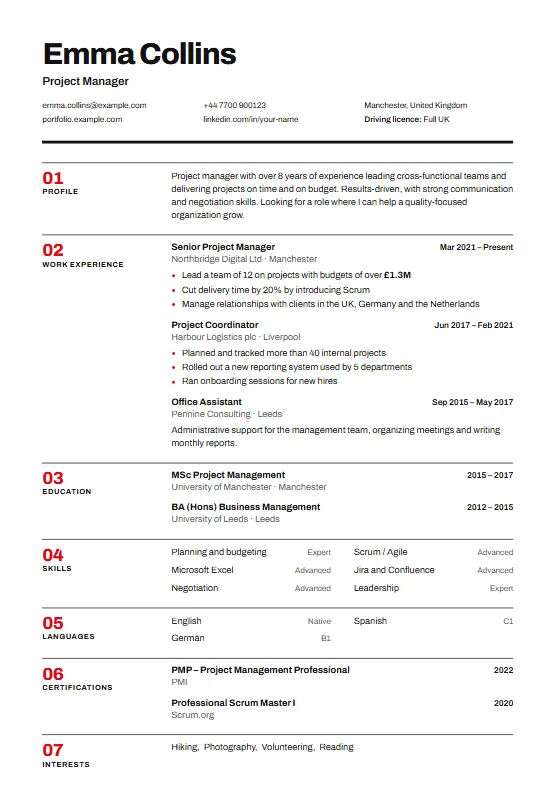
Strict grid, numbered sections and Swiss red.
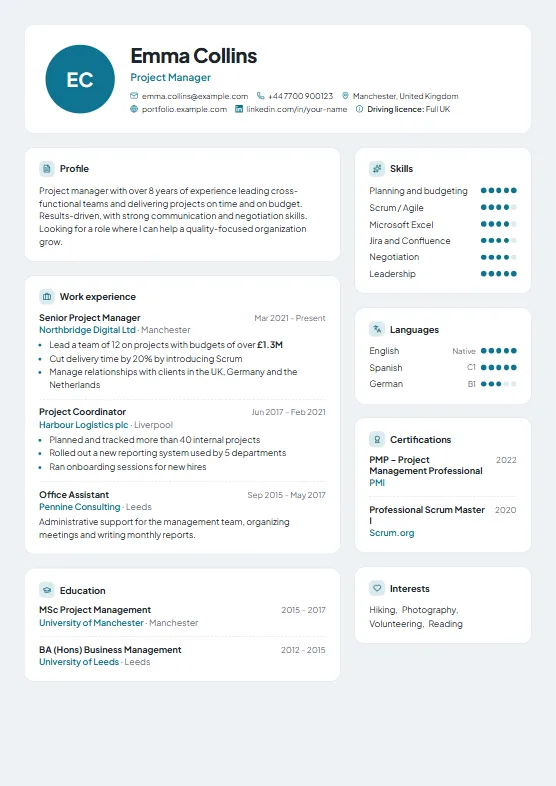
Each section in its own card on a light gray background.
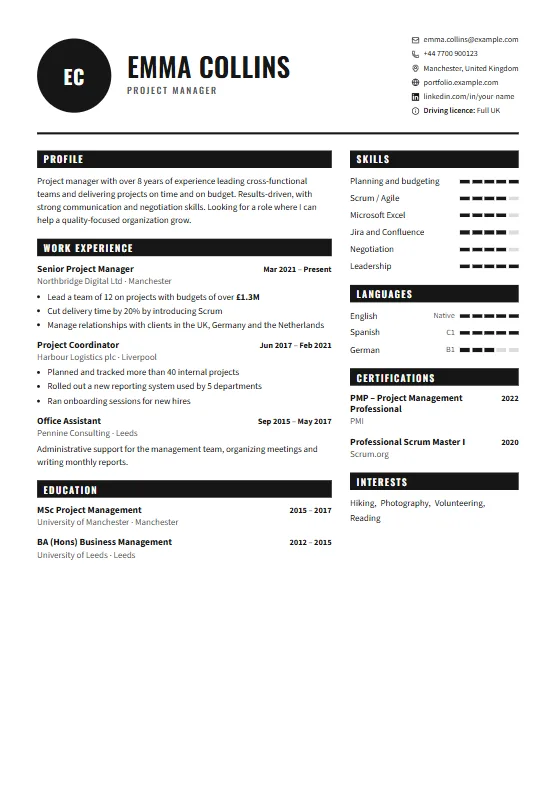
Headings on dark bars and a condensed font. Maximum impact.
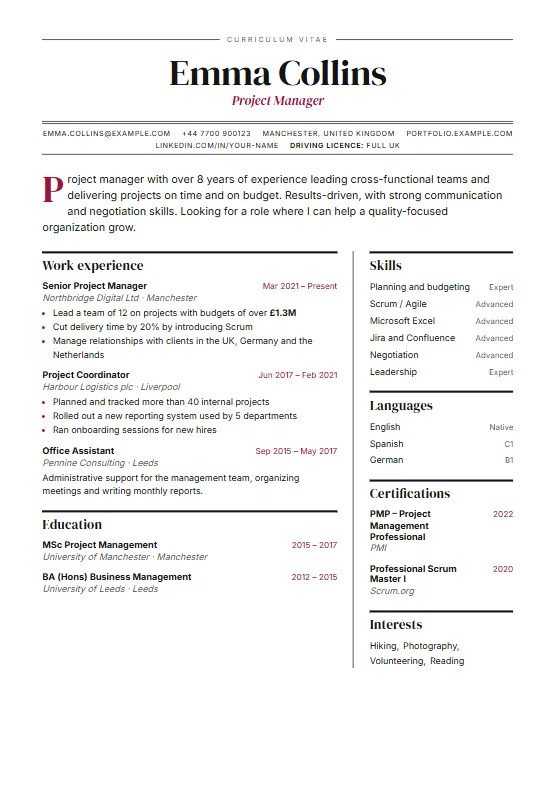
Like a magazine page: huge name, display serif and a drop cap.
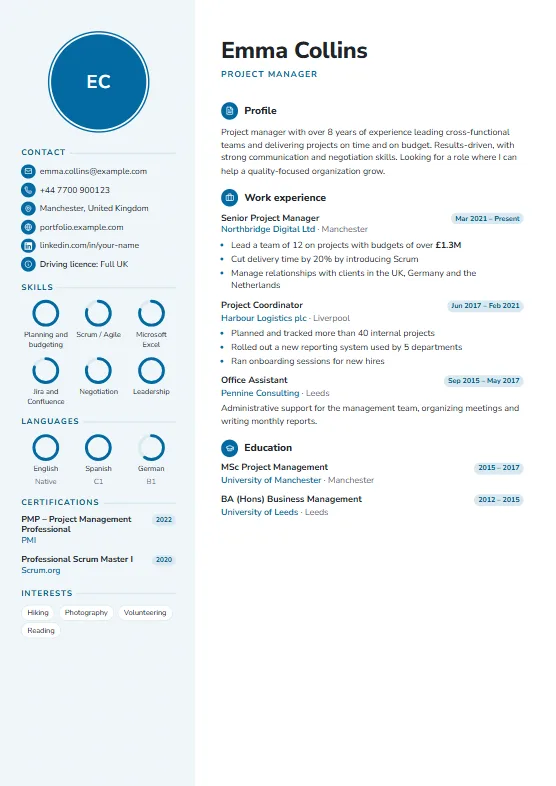
Skills as progress rings and an icon on every section.
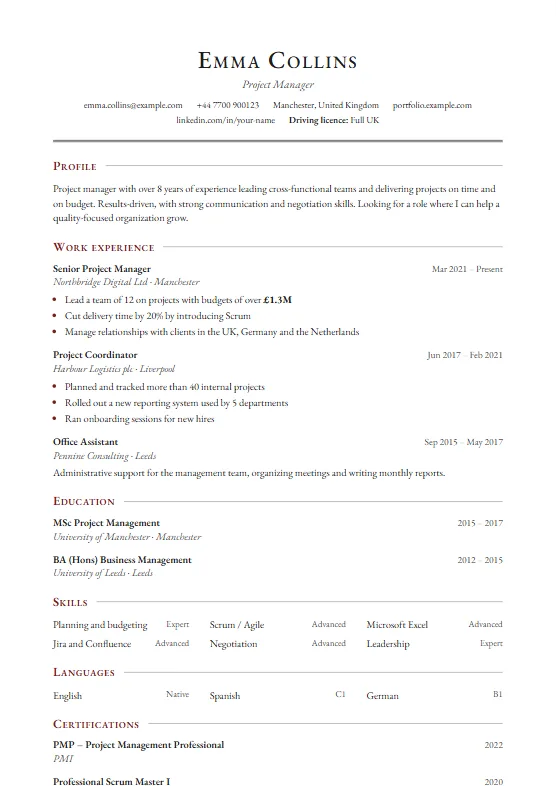
Classic serif with small-caps headings. For research and teaching.