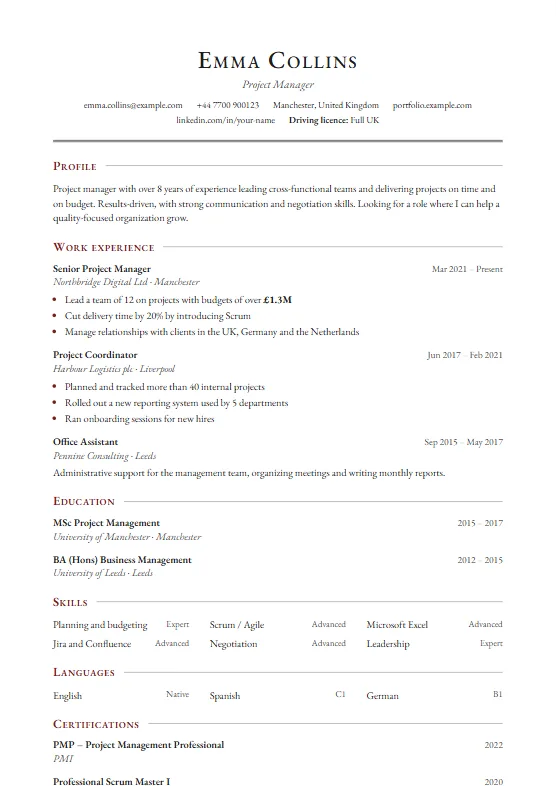
Academic
Classic serif with small-caps headings. For research and teaching.
 Atelier CV
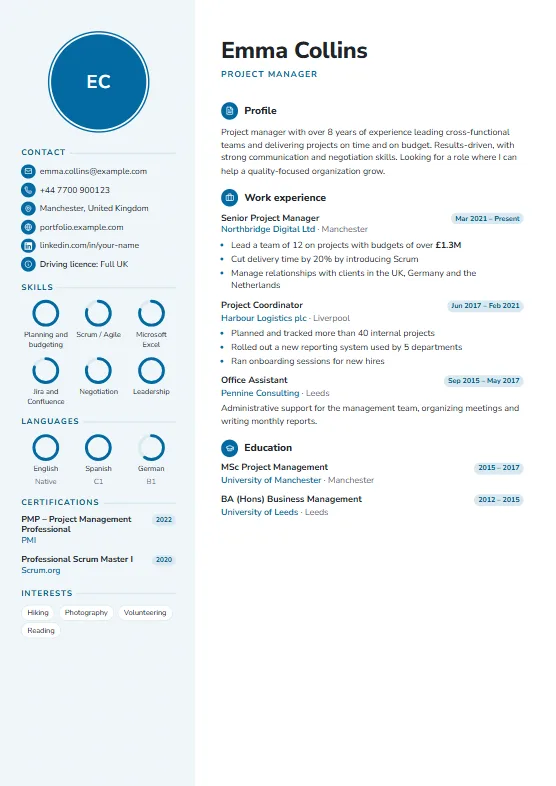
Infographic turns your skills and languages into progress rings and adds an icon to each section. It is visual yet organized, with a light sidebar.
Free · no sign-up · A4 PDF
For marketing, sales, training and creative roles, when you want a CV that stands out in a pile. The progress circles and icons give it rhythm, and the light sidebar keeps things in order. It is useful when you present it face to face or at a job fair.
A circle filled to 80% does not say what you actually know, and some recruiters prefer concrete examples. For senior roles, Executive or Consultant are more credible. If you know your CV will pass through an automated system, go straight to Simple ATS.
It is rated Good, but it is among the templates that rely most on graphics. University career centers recommend avoiding charts and columns for automated systems, and levels drawn in circles may not be read at all. Put your important skills in your job descriptions too, using the words from the job ad.
There is room for a photo in the sidebar, above the circles. You can make it round or square, and the round version goes well with the rest of the page. If you hide it in the editor, the sidebar starts with your contact details.
Start from any of the 40 templates. You can switch later — your text stays.
Type into the form and watch the A4 page update live. Add or remove the sections you need.
Click “Download PDF” and save your CV, ready to send to employers or upload to job sites.
Classic serif with small-caps headings. For research and teaching.
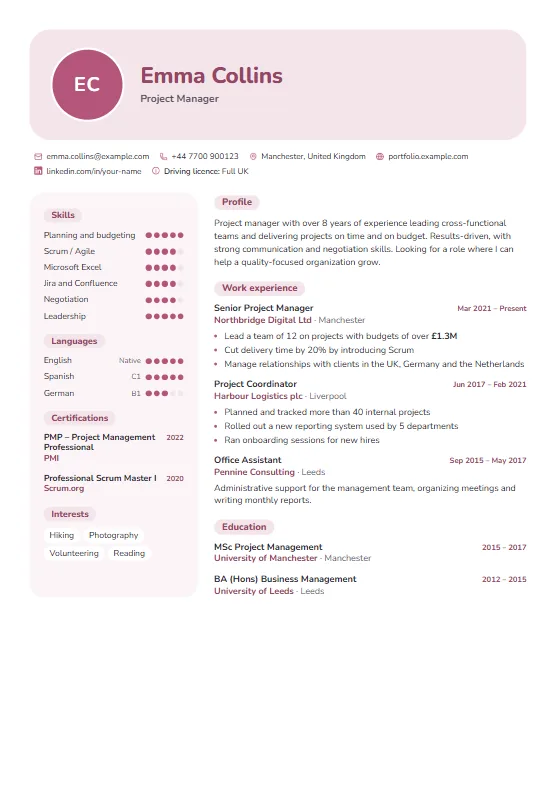
Pastel colors, rounded corners and a friendly feel.
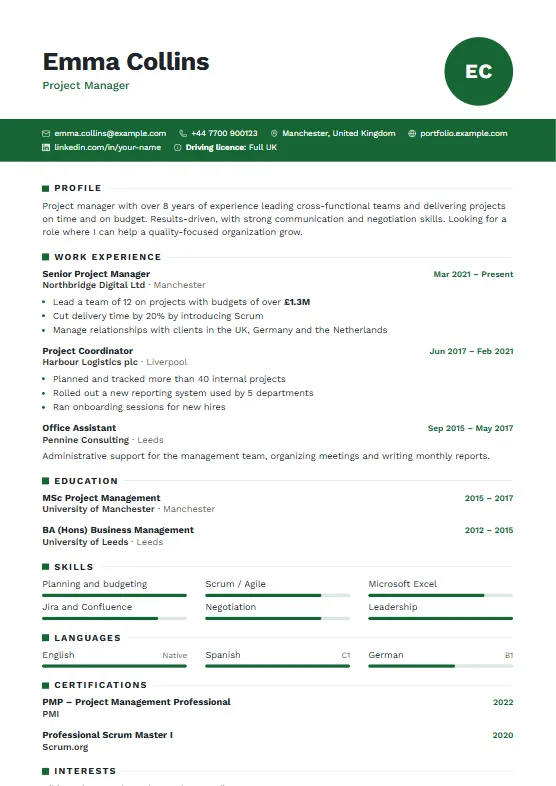
Colored strip with your contact details under the name. Clear and balanced.
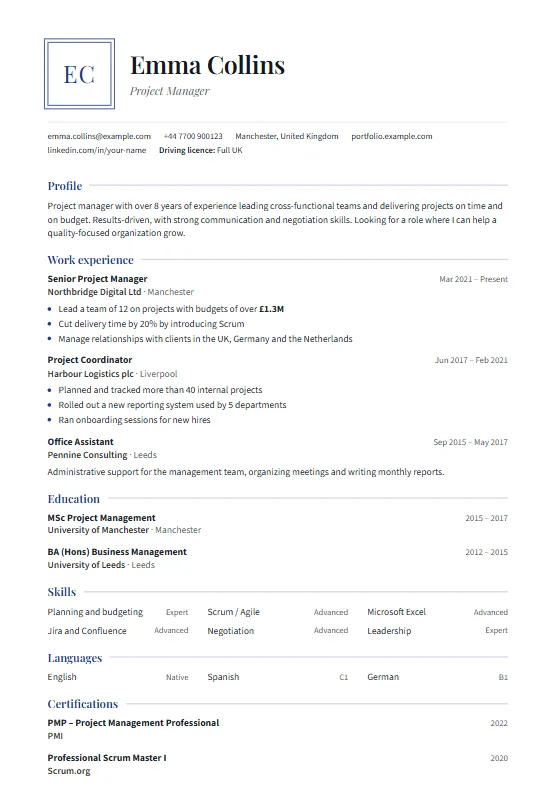
Your initials in a double frame instead of a photo. Serif and understated.
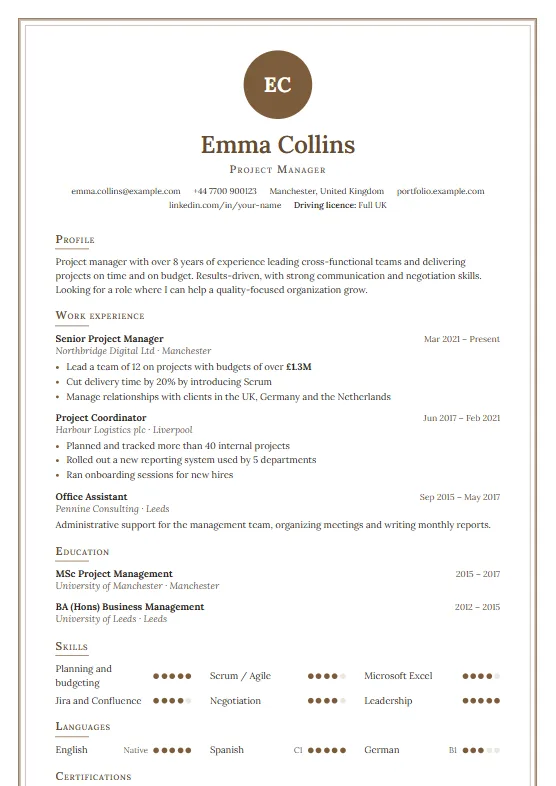
A double border around the page, like a certificate. Centered serif header.
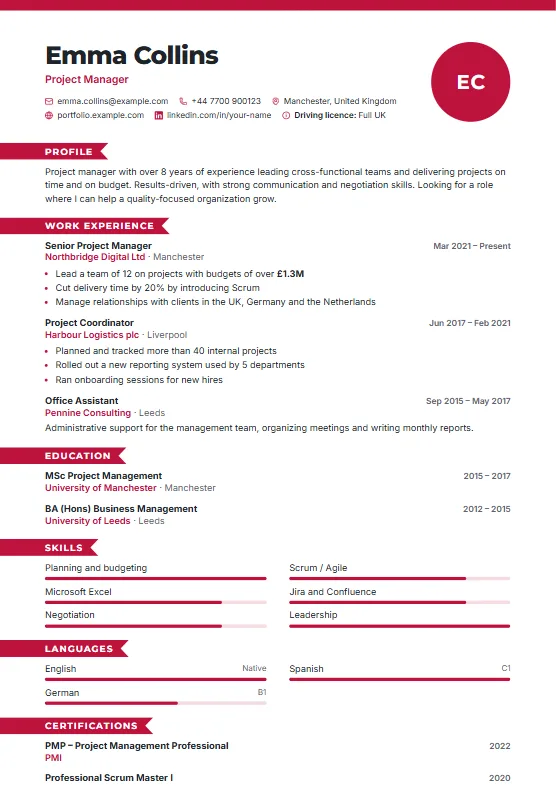
Section headings stick out from the page edge like colored ribbons.
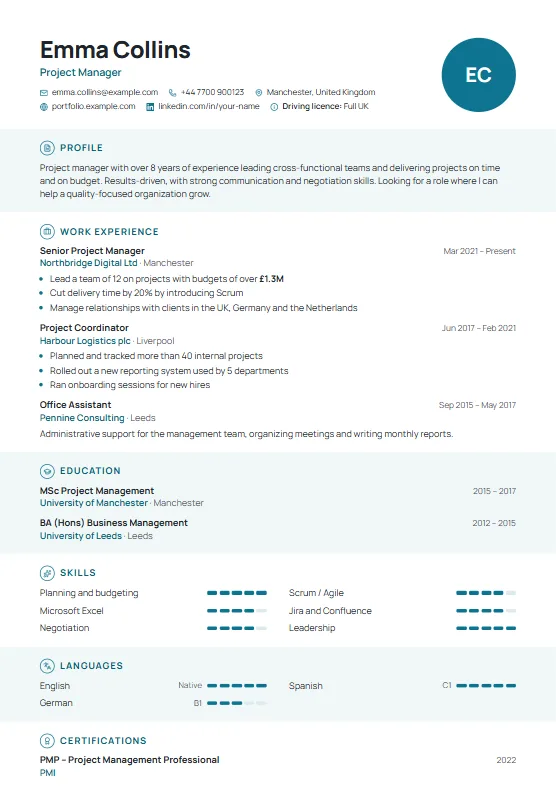
Sections on alternating full-width bands. Tidy and airy.
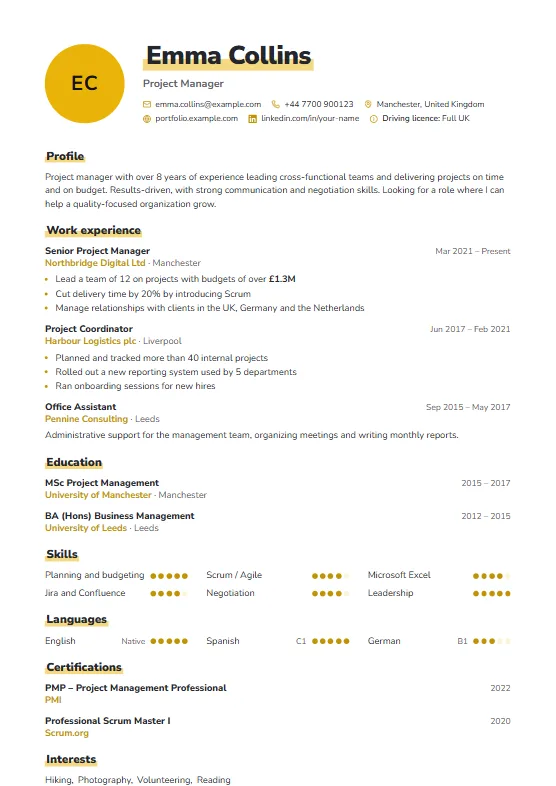
Your name and headings marked as if with a highlighter. Friendly and bright.