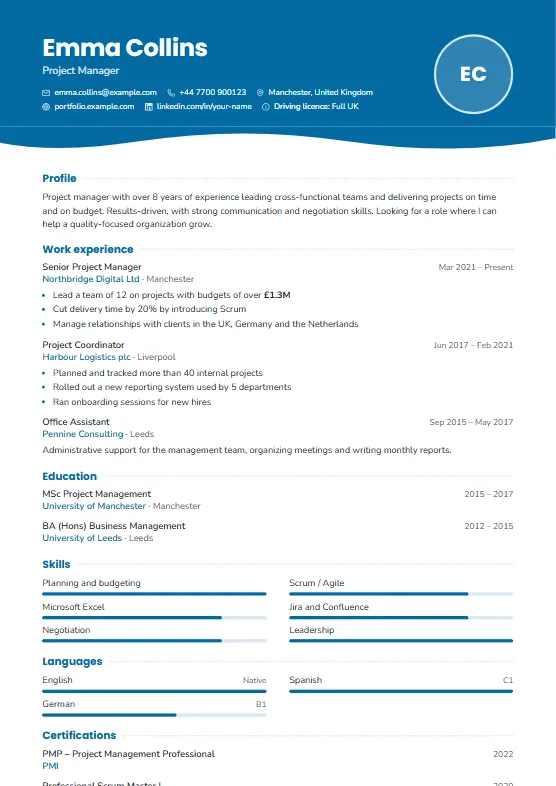
Wave
A colored header that ends in a wave. Fresh and bright.
 Atelier CV
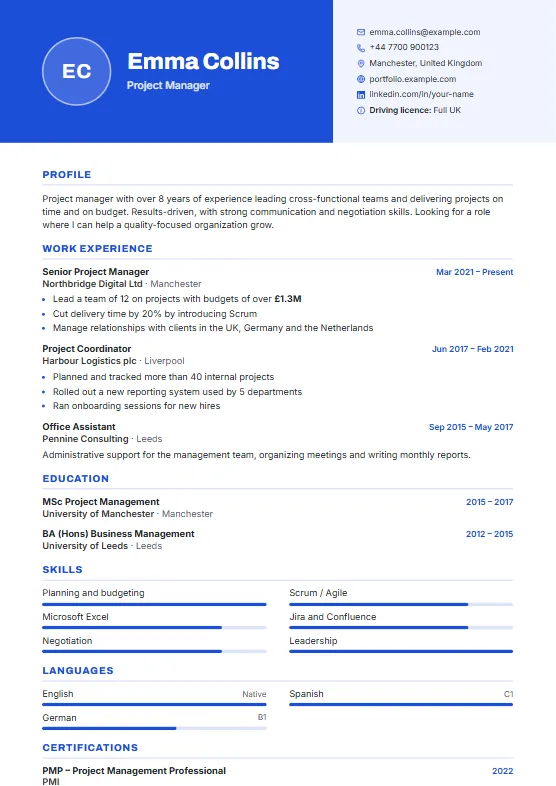
Split divides the header in two: your name and photo on a colored block on the left, your contact details on a light tint on the right. The rest of the CV runs in a single column with clear headings.
Free · no sign-up · A4 PDF
For IT, engineering, projects and technical roles, when you want a memorable header and a simple body. Your name and photo sit on a colored block, your contact details on a light shade, and the rest of the page is clean. It is a good choice if you like the look of a sidebar but want a single column.
If you do not want a photo, half of the block feels emptier, and Swiss will suit you better. For institutions or law, the colored block is bolder than people expect; Classic is safer.
Only the header is split in two; the content flows in a single column, so we rate it Excellent. Your contact details sit beside your name, so they are worth checking: copy the text from the PDF into Notepad and see whether your name and details come first. For technical jobs, write your technologies into your project descriptions as well.
The photo sits on the colored block, next to your name. You can make it round or square. You can also hide it in the editor, but the header is designed around it, so check in the preview how it looks.
Start from any of the 40 templates. You can switch later — your text stays.
Type into the form and watch the A4 page update live. Add or remove the sections you need.
Click “Download PDF” and save your CV, ready to send to employers or upload to job sites.
A colored header that ends in a wave. Fresh and bright.
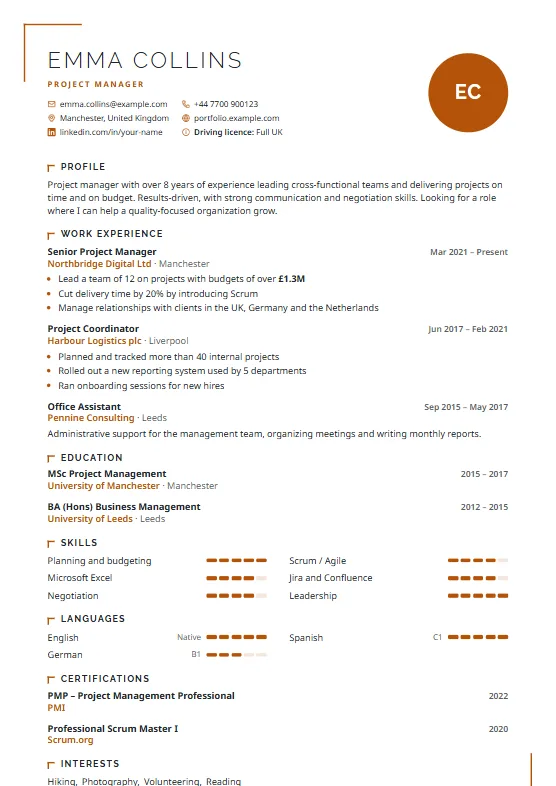
Corner brackets at the top and bottom, a widely spaced name. Refined.
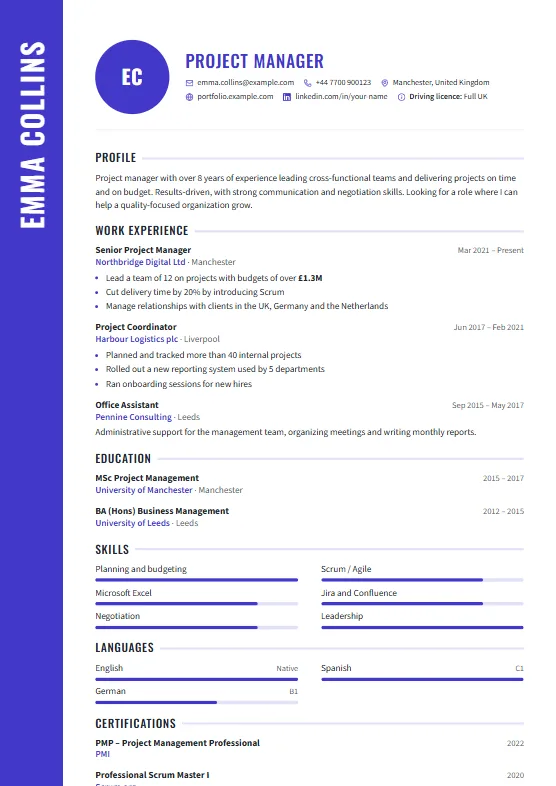
Your name written vertically on a colored strip on the left. Bold.
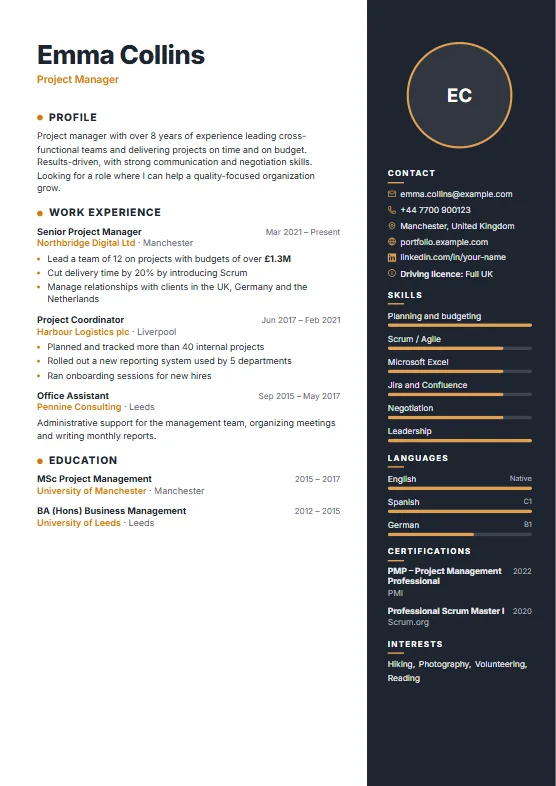
A dark sidebar on the right with warm accents.
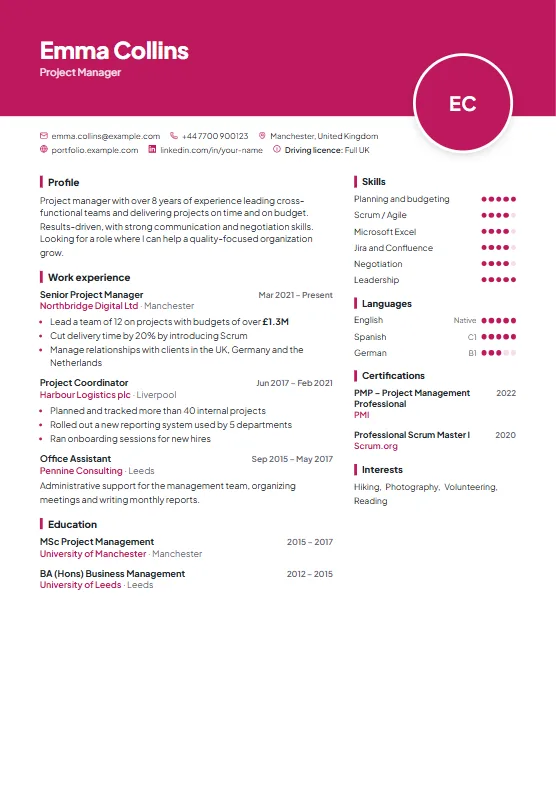
A colored band at the top with your photo sitting on its edge. Two columns.
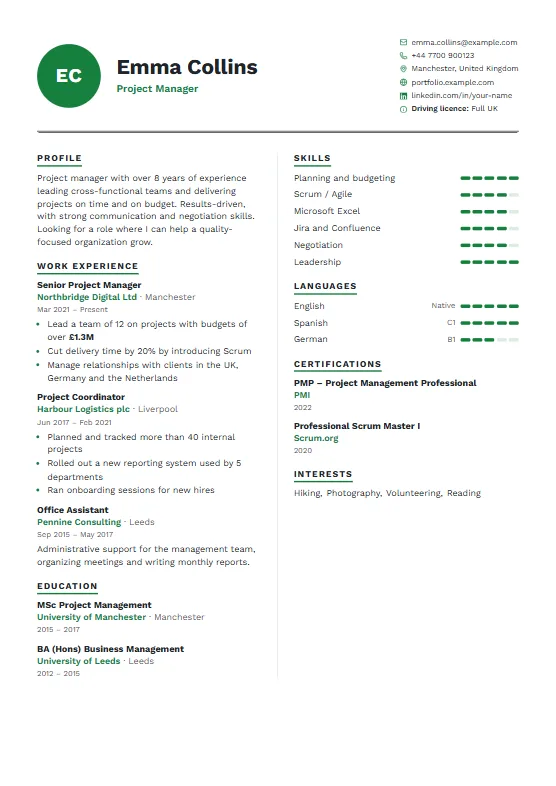
Two equal columns divided by a fine line. Balanced.
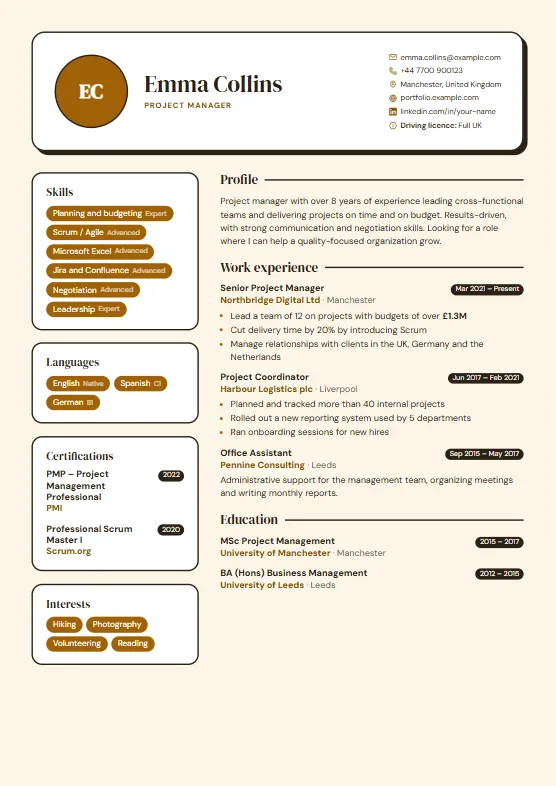
Cream background, thick outlines and offset shadows. Full of character.
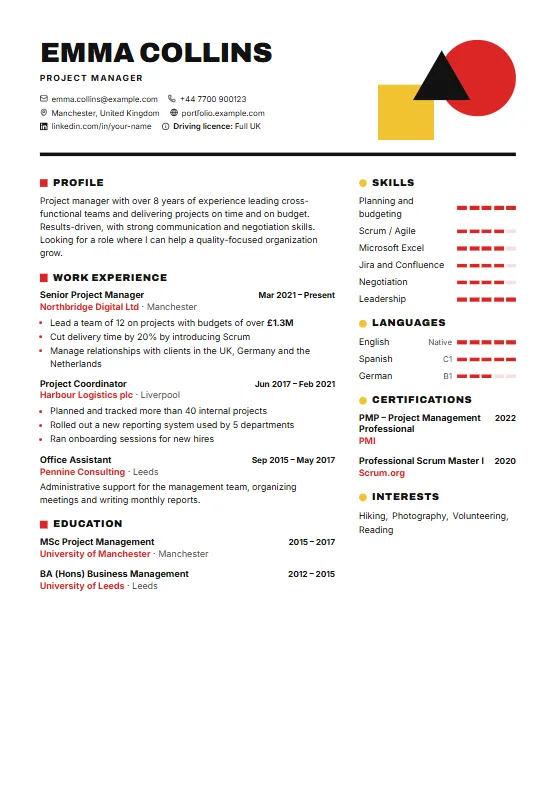
A circle, a square and a triangle in the header, heavy headings. Geometric.