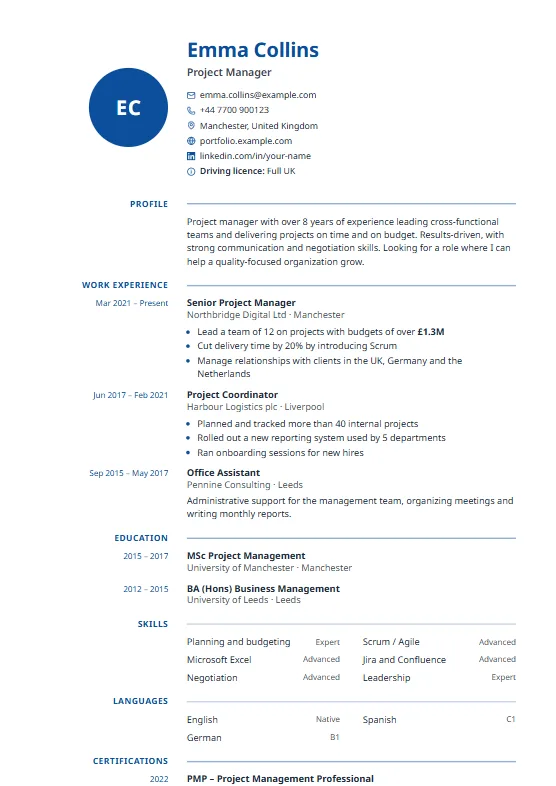
Institutional
Labels and dates on the left, inspired by the classic European CV layout.
 Atelier CV
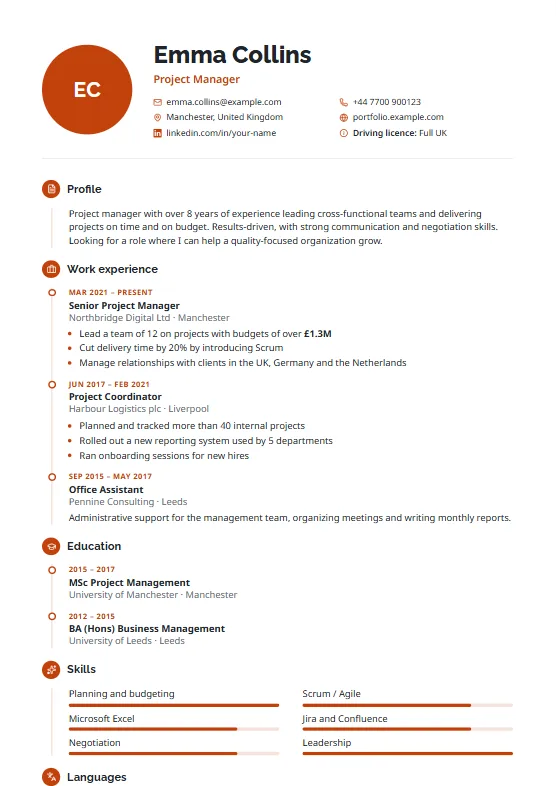
Timeline places your experience and education along a vertical timeline, with dates highlighted above each role. Your career path is clear at a glance.
Free · no sign-up · A4 PDF
For people with a career that climbs nicely: assistant, then specialist, then coordinator. The vertical axis shows your progress at a glance, with the dates above each role. It suits education, healthcare and any career where length of service and each step matter.
If you have long gaps between jobs or have changed fields often, the timeline puts them front and center. It is better to focus on your skills with Modern or Cards. It is not ideal for a first job either, because the axis stays almost empty; take Highlighter.
It sits on a single column, and the axis is only a decoration next to the text, which is why we rate it Excellent. University career centers do draw attention to dates: systems use them to work out how long each job lasted, so keep one format everywhere, such as 03/2022 or March 2022.
There is room for a photo in the header, above the timeline. You can make it round or square, or hide it in the editor if you would rather have the page open directly with your name and contact details.
Start from any of the 40 templates. You can switch later — your text stays.
Type into the form and watch the A4 page update live. Add or remove the sections you need.
Click “Download PDF” and save your CV, ready to send to employers or upload to job sites.
Labels and dates on the left, inspired by the classic European CV layout.
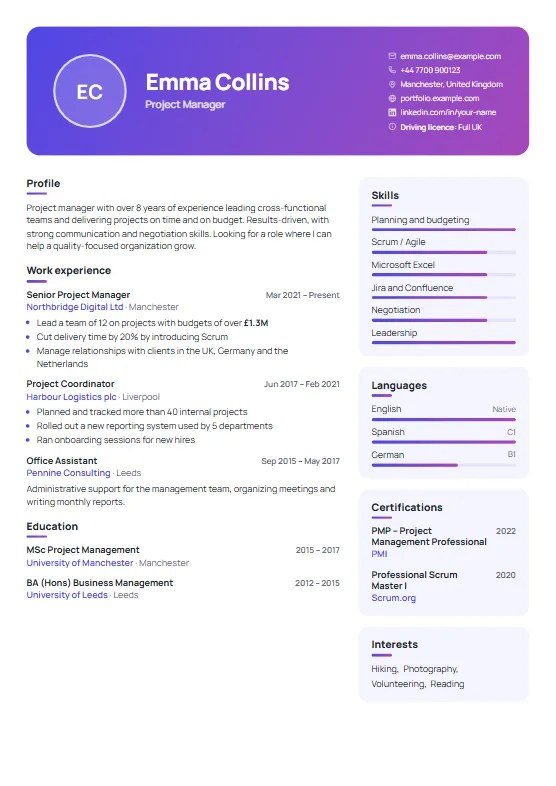
Gradient header card and rounded panels. Modern and friendly.
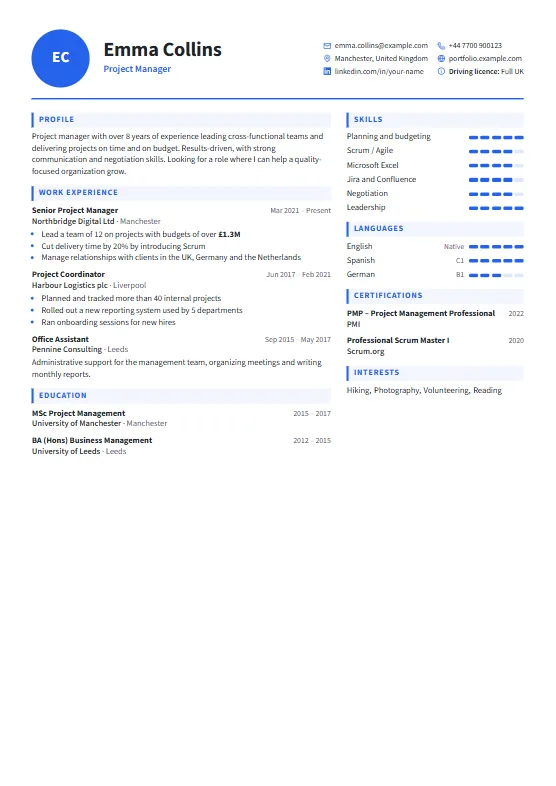
Dense two-column layout that fits a lot on one page.
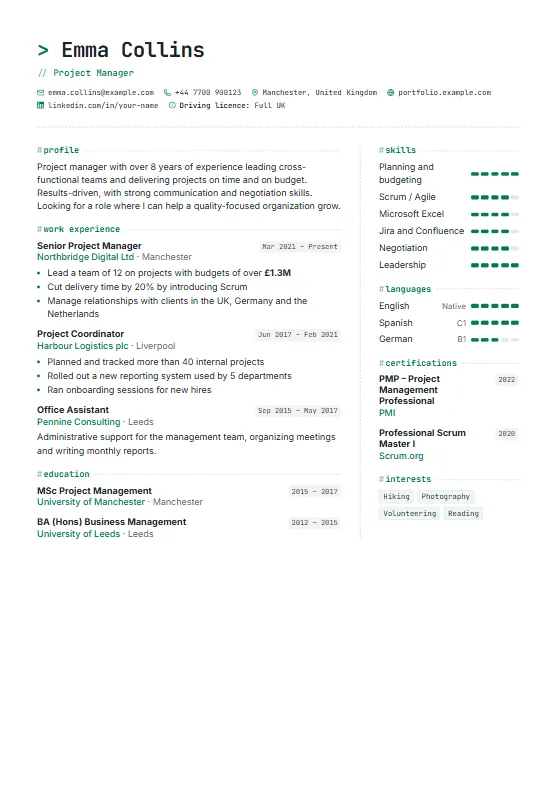
Monospace font and code-style details. For IT and technical roles.
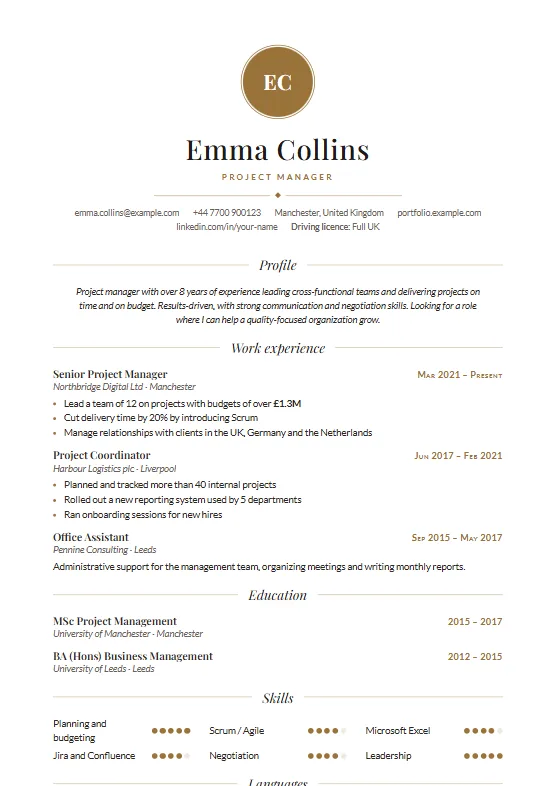
Centered layout with refined serif type and gold accents.
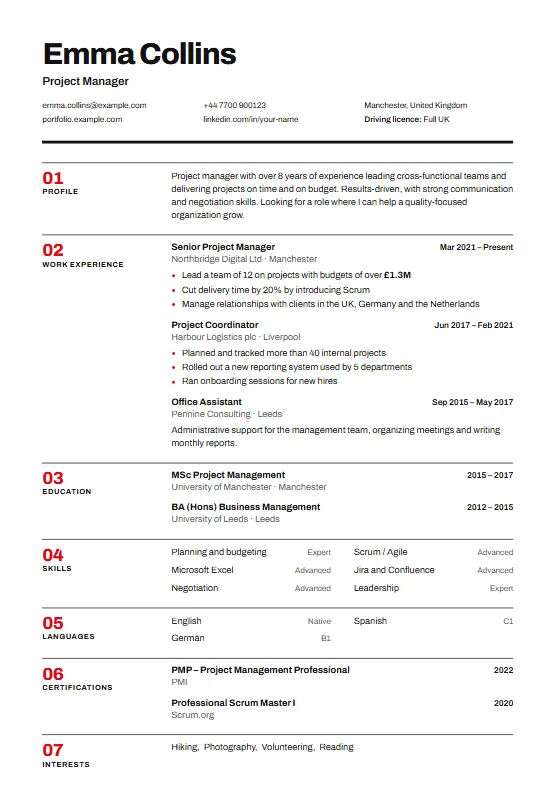
Strict grid, numbered sections and Swiss red.
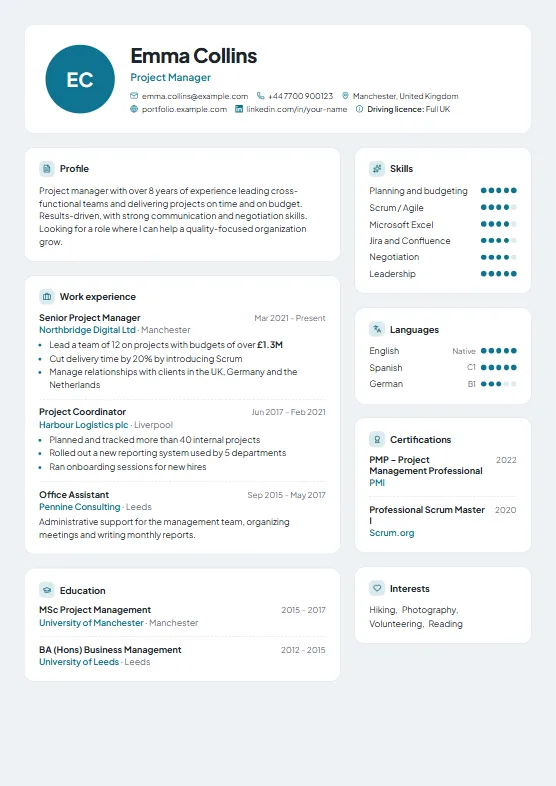
Each section in its own card on a light gray background.
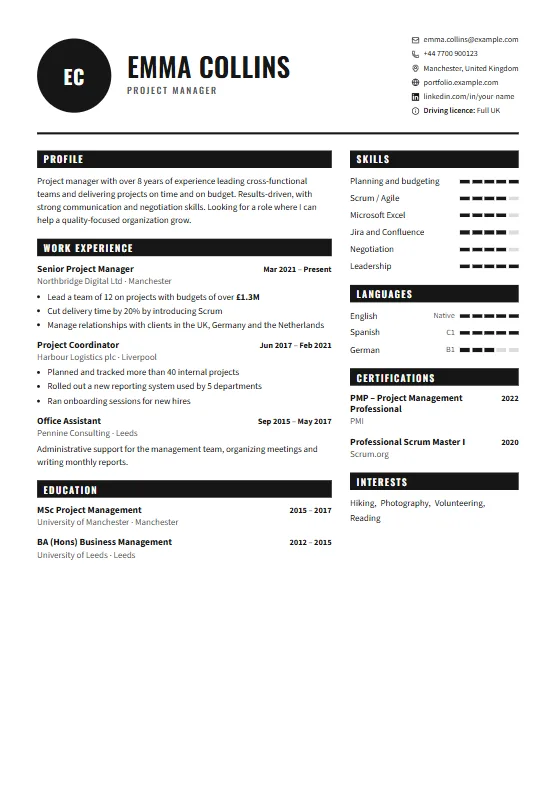
Headings on dark bars and a condensed font. Maximum impact.