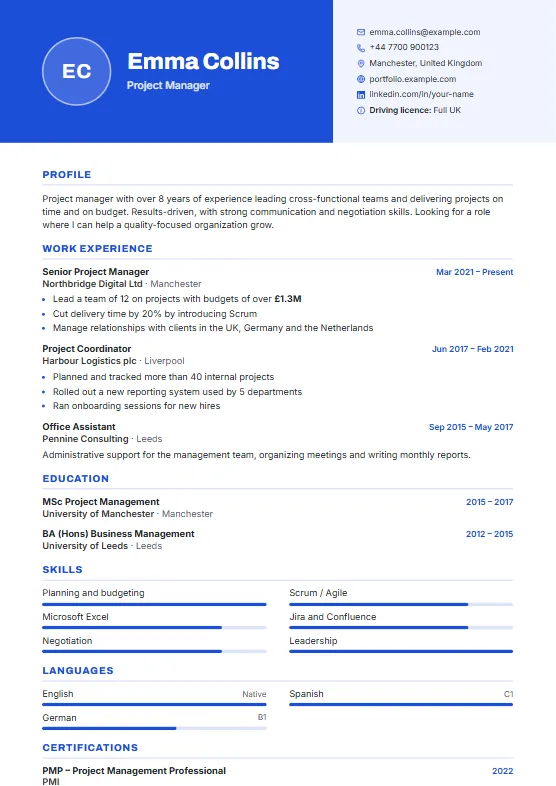
Split
A two-tone header: your name on color, your contacts beside it.
 Atelier CV
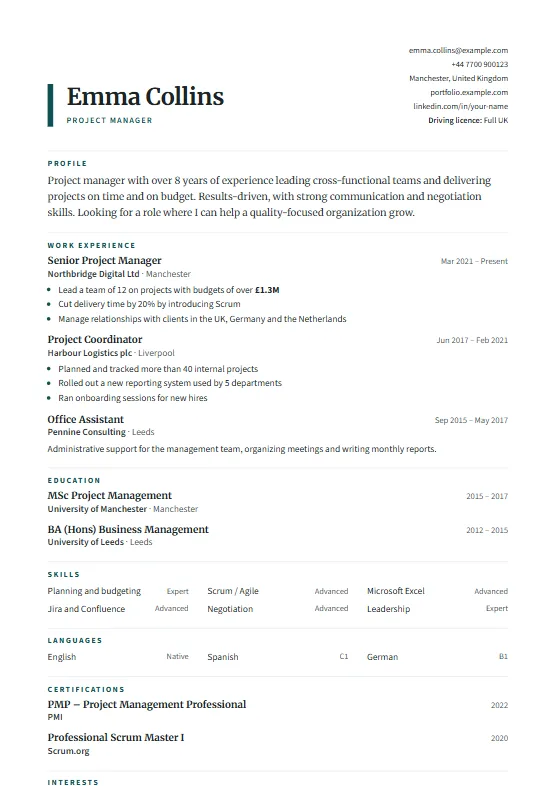
Consultant marks your name with a thick vertical bar and lines up your contact details on the right. Fine rules separate the sections, and your profile is set in serif, like an executive summary.
Free · no sign-up · A4 PDF
For consulting, finance, audit and management. The thick vertical bar next to your name, the right-aligned contact details and the serif profile make it look like the first page of a report. It works well when you want to come across as rigorous and have measurable results to show.
If you do not have numbers or concrete achievements, the report format exposes that; a warmer template such as Horizon will help you more. It is too cold for creative roles, where Swiss keeps the order with more character.
It is rated Excellent because it has one column and fine lines in place of graphics. The contact details are right-aligned but sit in the body of the page, not in a document header, which the guides say systems usually do not read. Write out acronyms in full as well, such as Key Performance Indicators (KPI).
There is no photo, which strengthens its report-like look. If the job ad asks for one, Executive keeps the seriousness and has room for it.
Start from any of the 40 templates. You can switch later — your text stays.
Type into the form and watch the A4 page update live. Add or remove the sections you need.
Click “Download PDF” and save your CV, ready to send to employers or upload to job sites.
A two-tone header: your name on color, your contacts beside it.
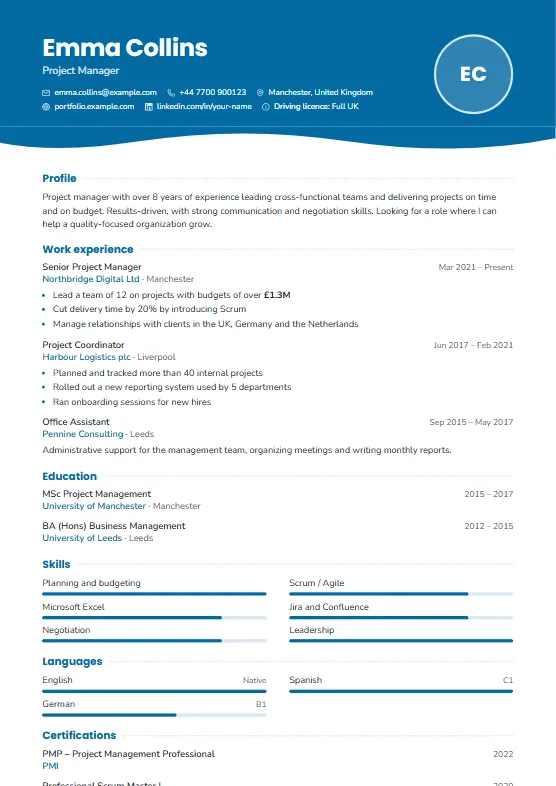
A colored header that ends in a wave. Fresh and bright.
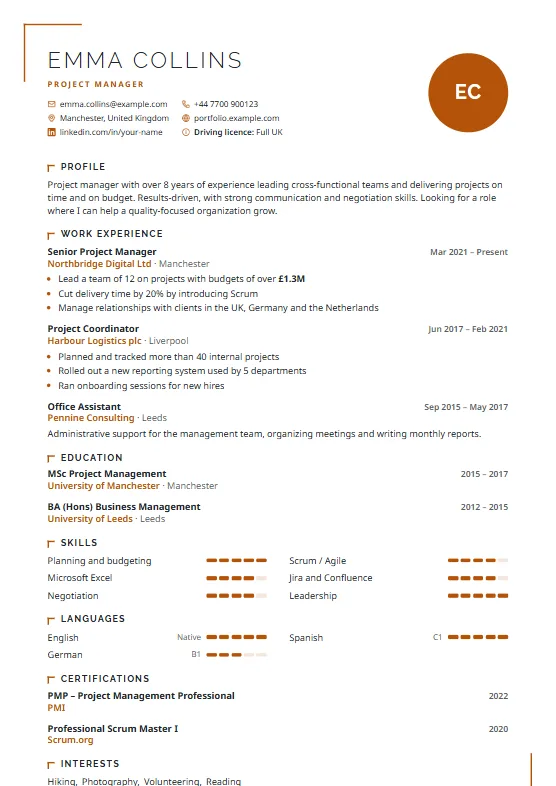
Corner brackets at the top and bottom, a widely spaced name. Refined.
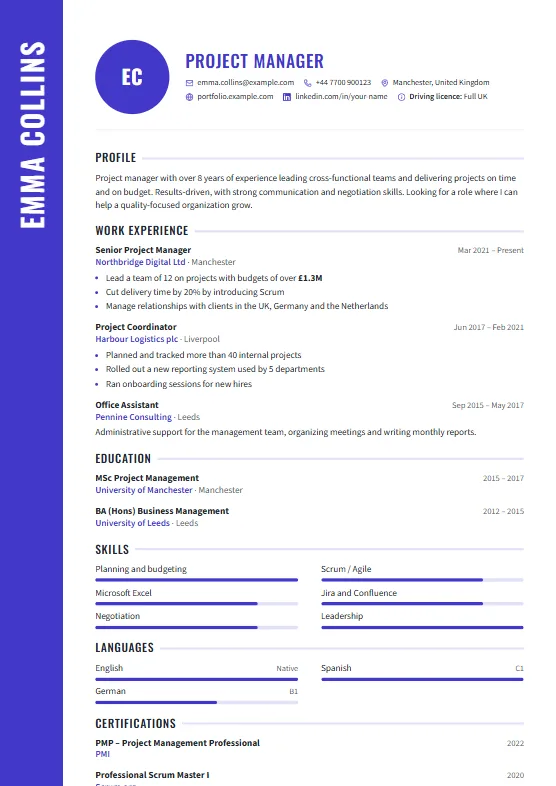
Your name written vertically on a colored strip on the left. Bold.
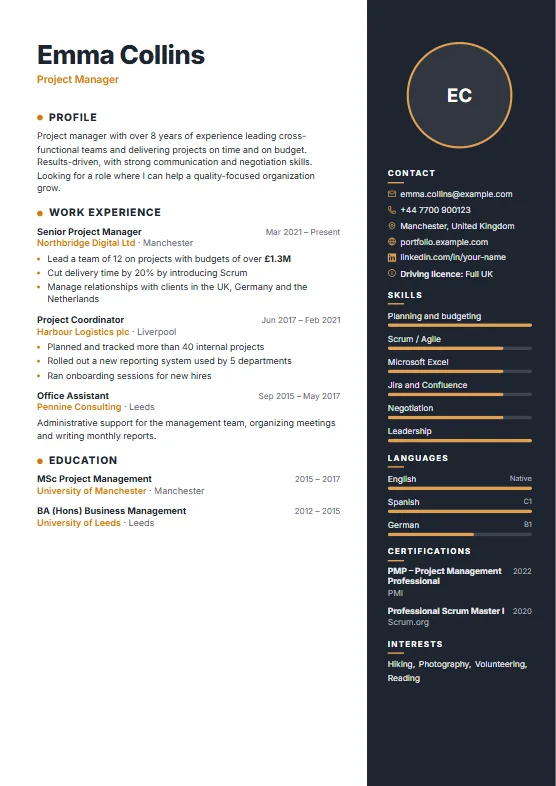
A dark sidebar on the right with warm accents.
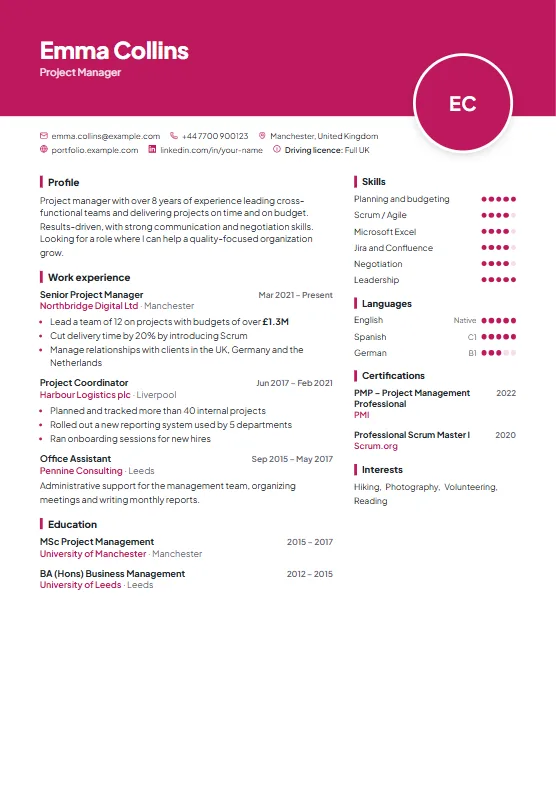
A colored band at the top with your photo sitting on its edge. Two columns.
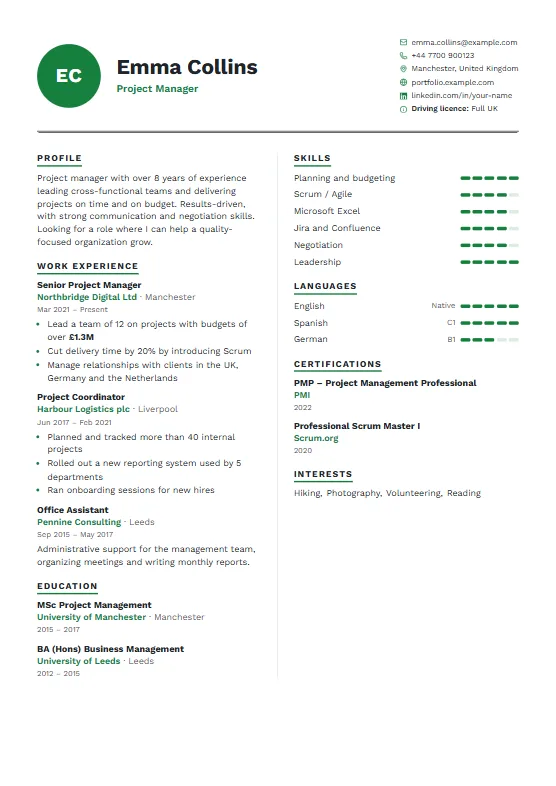
Two equal columns divided by a fine line. Balanced.
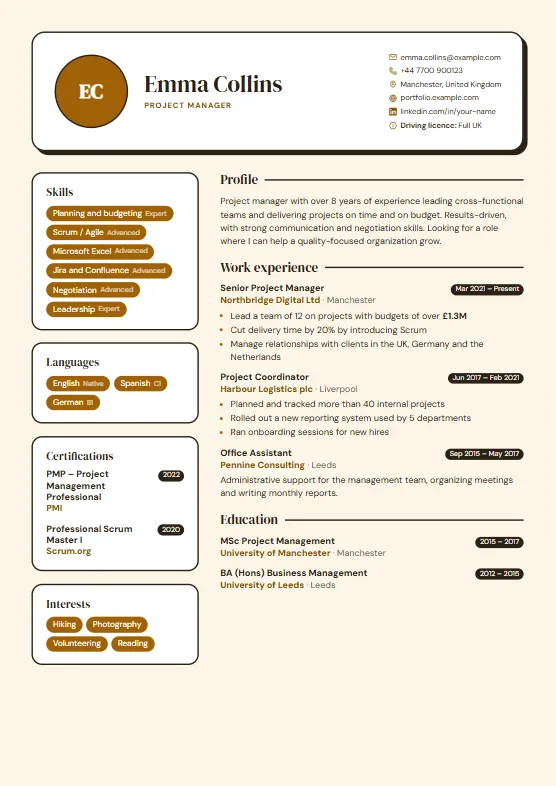
Cream background, thick outlines and offset shadows. Full of character.