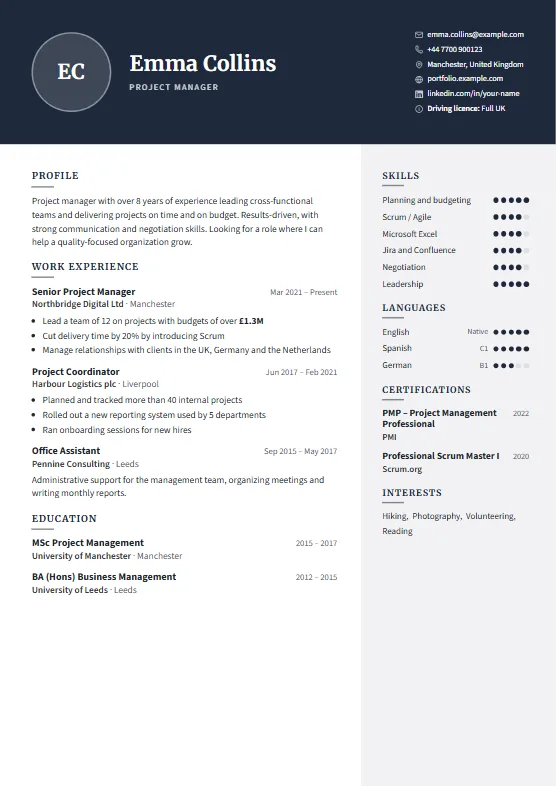
Executive
Dark header band and a tinted side column. Built for leadership roles.
 Atelier CV
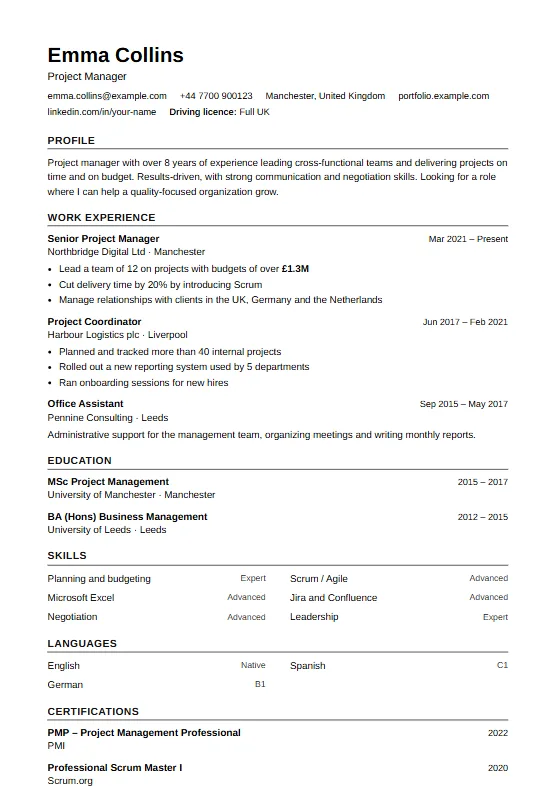
Simple ATS is the plainest template: one column, an Arial-style font, standard headings and no graphics. It is built to be read correctly by the applicant tracking systems many large employers use.
Free · no sign-up · A4 PDF
For people applying online, especially at large companies, where your CV first goes through an applicant tracking system (ATS). It is also a safe pick when you do not know who will read your CV: a person can skim it quickly, and the simple structure is easy for a system to read too.
If you are sending your CV directly to a person and want it to stand out, this template is too plain. The same is true in creative fields, where the look is part of what you are showing. A template with some color, such as Modern, works better there.
It follows what university career centers recommend: one column, standard headings, no tables or graphics, and an ordinary font. No template can guarantee you get through the filter, because the words from the job ad matter just as much. Before you send it, copy the text from the PDF into Notepad and check that it comes out in order.
There is no photo, so the page stays as simple as possible. If the job ad asks for one, choose Minimalist: it is also one column, but it has room for a photo.
Start from any of the 40 templates. You can switch later — your text stays.
Type into the form and watch the A4 page update live. Add or remove the sections you need.
Click “Download PDF” and save your CV, ready to send to employers or upload to job sites.
Dark header band and a tinted side column. Built for leadership roles.
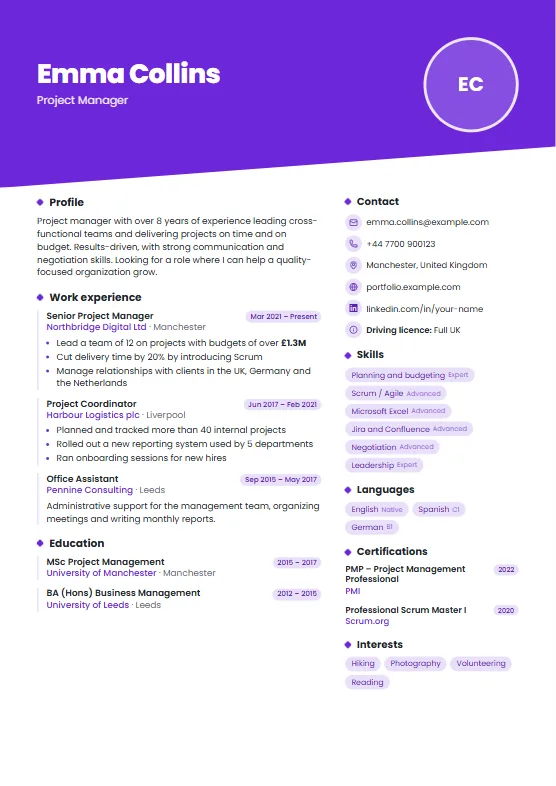
Bold colored header and skills shown as tags.
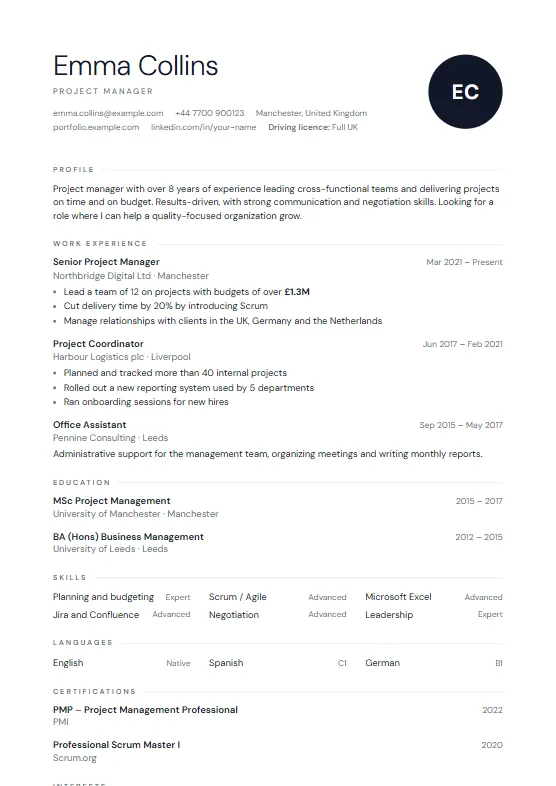
Lots of white space and refined typography. Understated and easy to read.
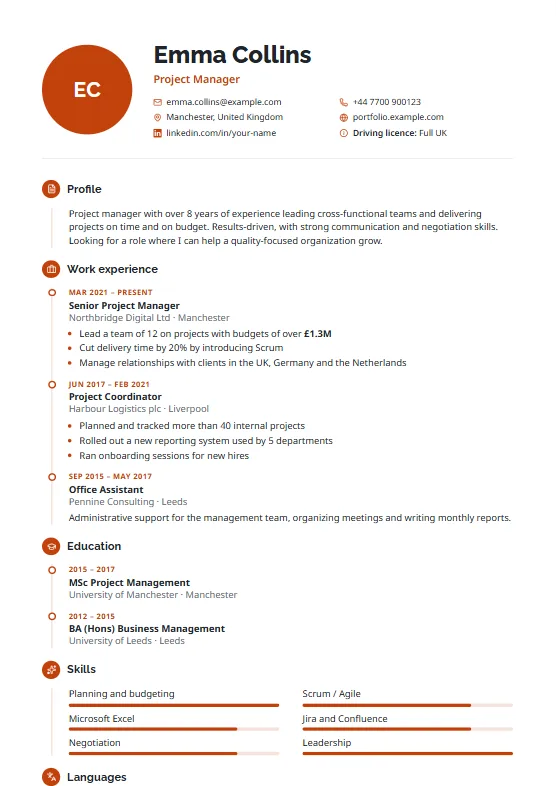
Experience and education on a timeline, with section icons.
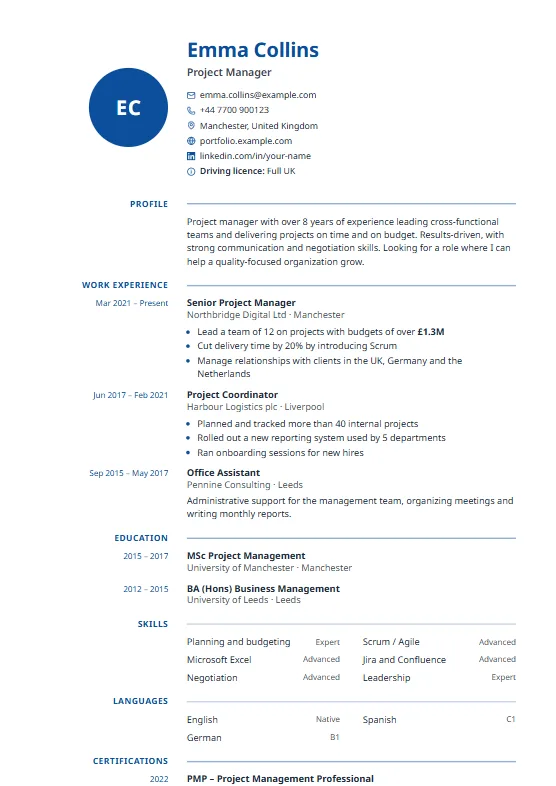
Labels and dates on the left, inspired by the classic European CV layout.
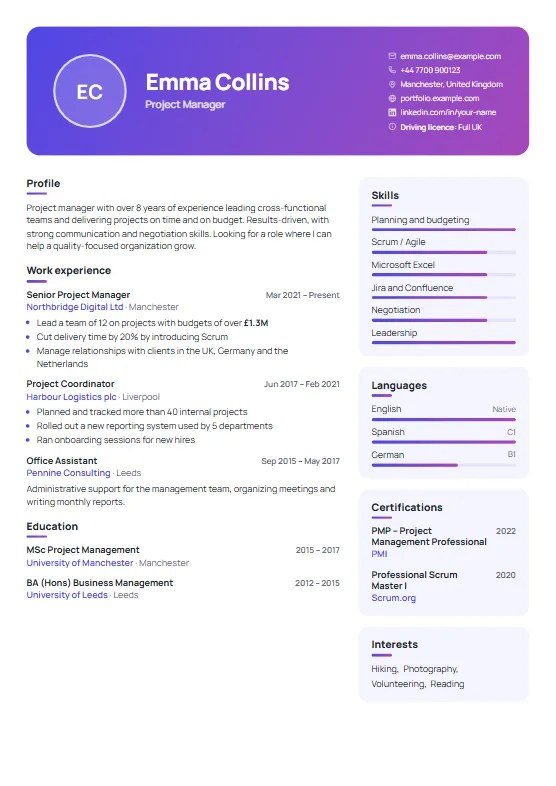
Gradient header card and rounded panels. Modern and friendly.
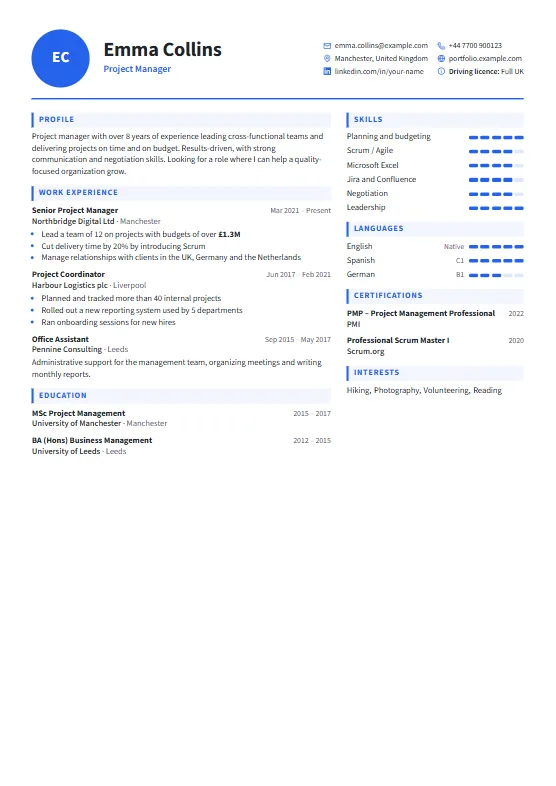
Dense two-column layout that fits a lot on one page.
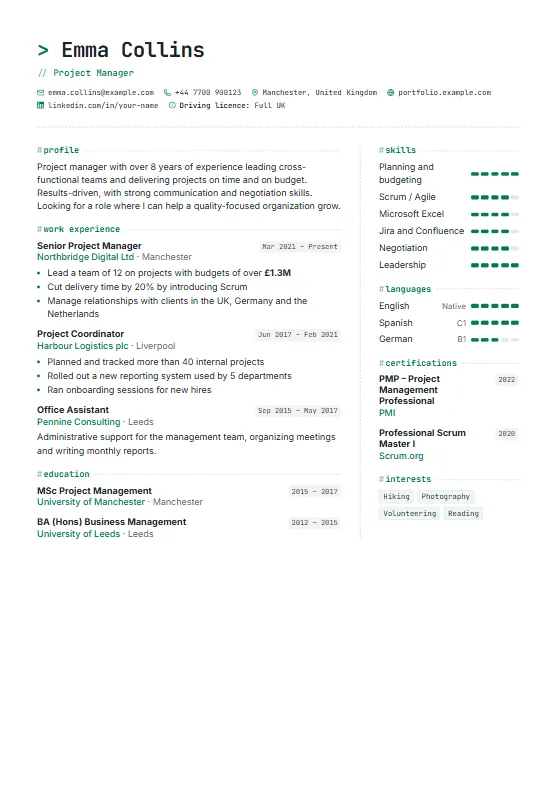
Monospace font and code-style details. For IT and technical roles.