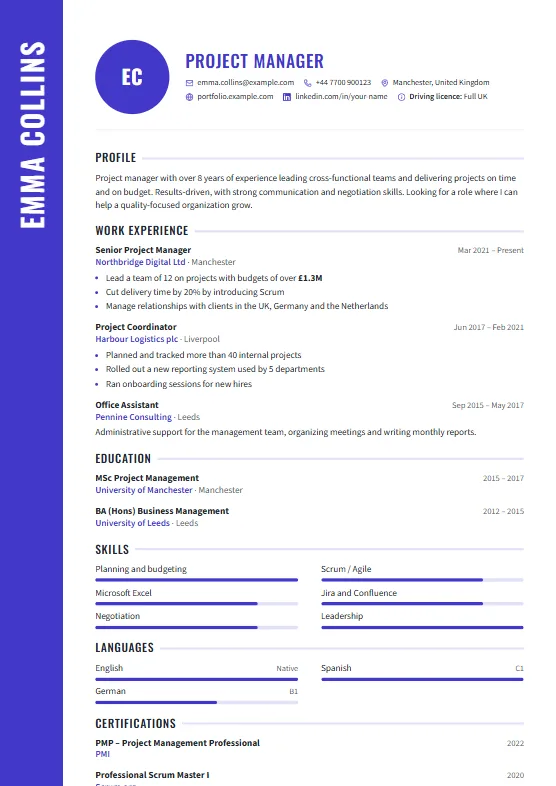
Vertical
Your name written vertically on a colored strip on the left. Bold.
 Atelier CV
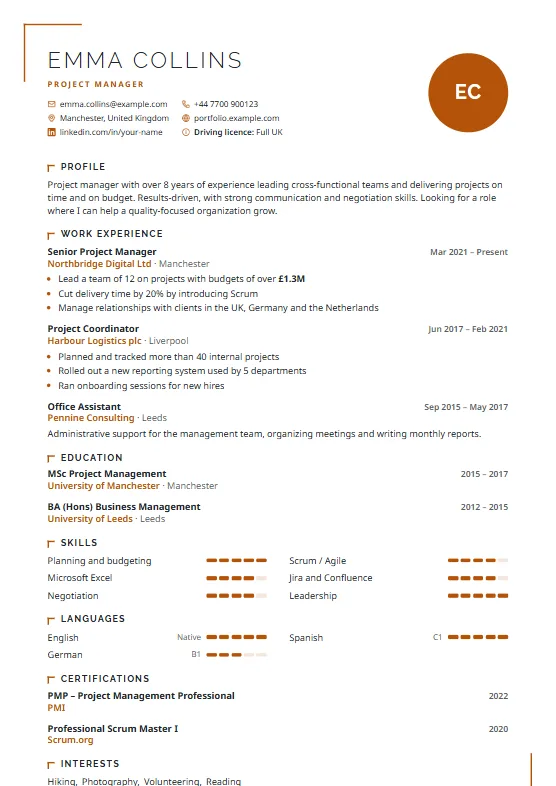
Corner frames the page with just two brackets, top left and bottom right. Your name is set in spaced capitals, and each heading starts with a small colored corner.
Free · no sign-up · A4 PDF
For architecture, interior design, real estate and construction, where proportions matter. The page is framed only by two corner marks, and your name in widely spaced capitals recalls a well-drawn plan. It is elegant without making a show of it, so it works at a design office as well as at an agency.
If you want to stand out with a visual portfolio, this template is too discreet; Bauhaus or Poster have more character. On a very long CV, the top and bottom corners no longer frame the same page, so check the preview.
It sits on one column and the corners are only decoration, which is why we rate it Excellent. The spaced capitals in your name are the one thing to check: copy the text from the PDF into Notepad and see whether your name comes out whole. Section headings stay ordinary, as university career centers recommend.
There is room for a photo in the header, balanced by the corners of the page. You can make it round or square, and a square goes better with the straight lines of the template. You can hide it in the editor.
Start from any of the 40 templates. You can switch later — your text stays.
Type into the form and watch the A4 page update live. Add or remove the sections you need.
Click “Download PDF” and save your CV, ready to send to employers or upload to job sites.
Your name written vertically on a colored strip on the left. Bold.
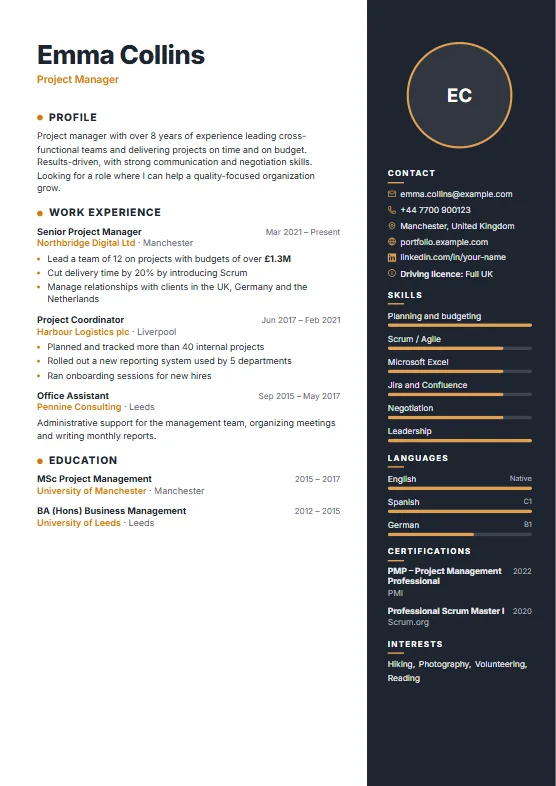
A dark sidebar on the right with warm accents.
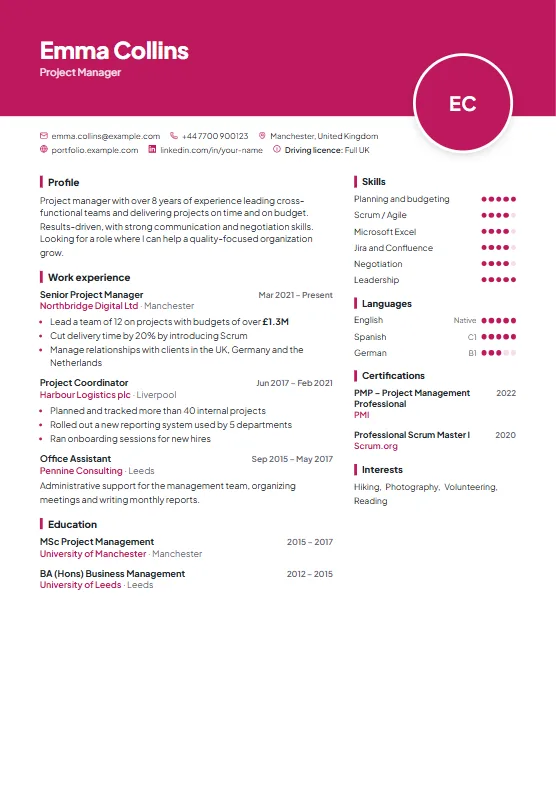
A colored band at the top with your photo sitting on its edge. Two columns.
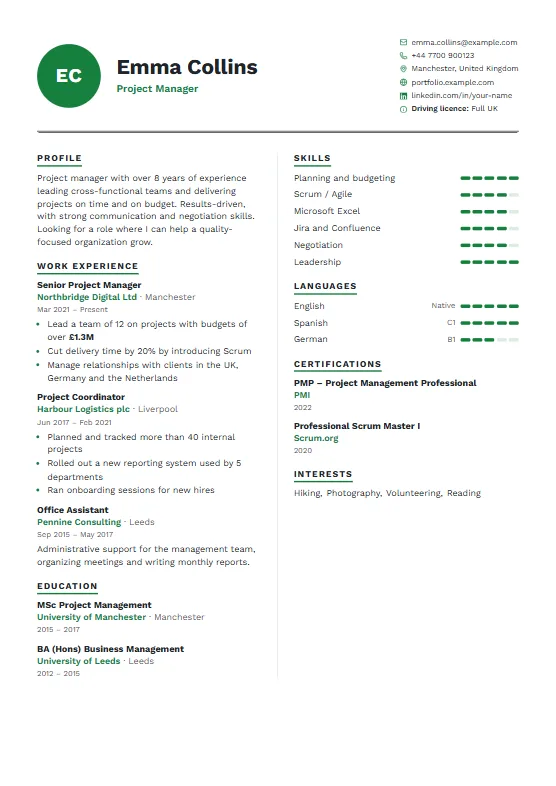
Two equal columns divided by a fine line. Balanced.
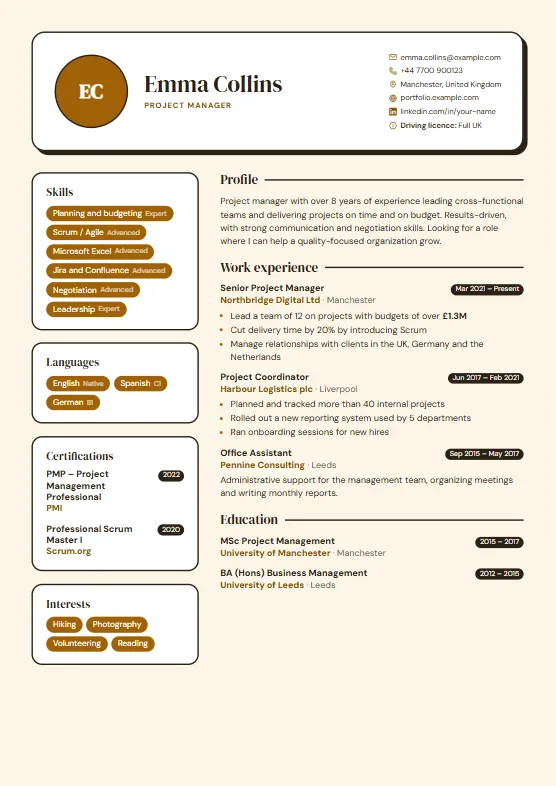
Cream background, thick outlines and offset shadows. Full of character.
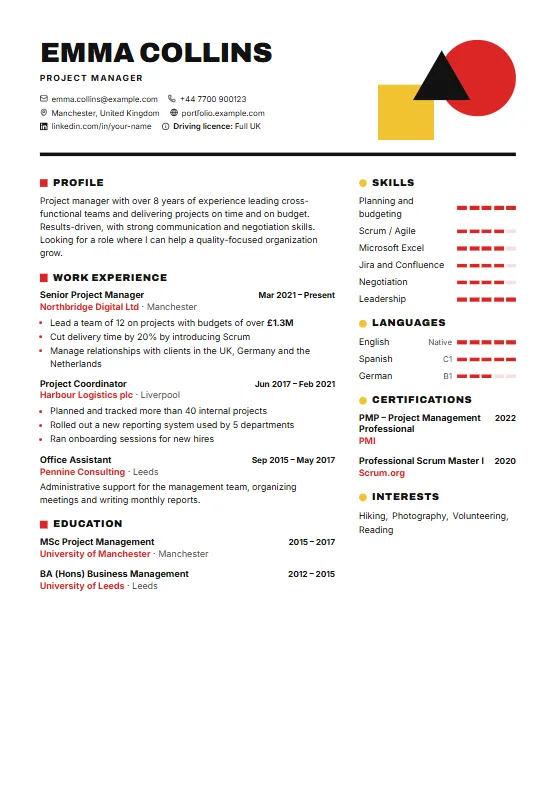
A circle, a square and a triangle in the header, heavy headings. Geometric.
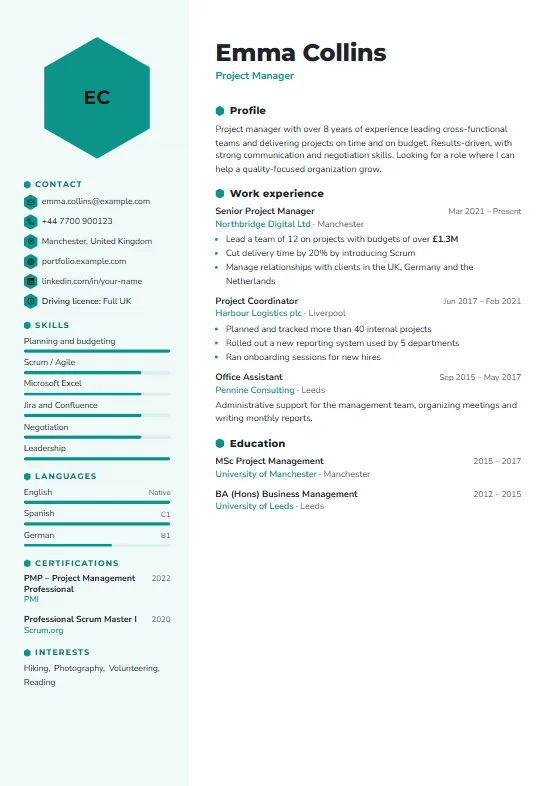
A hexagonal photo and markers, with a tinted sidebar.
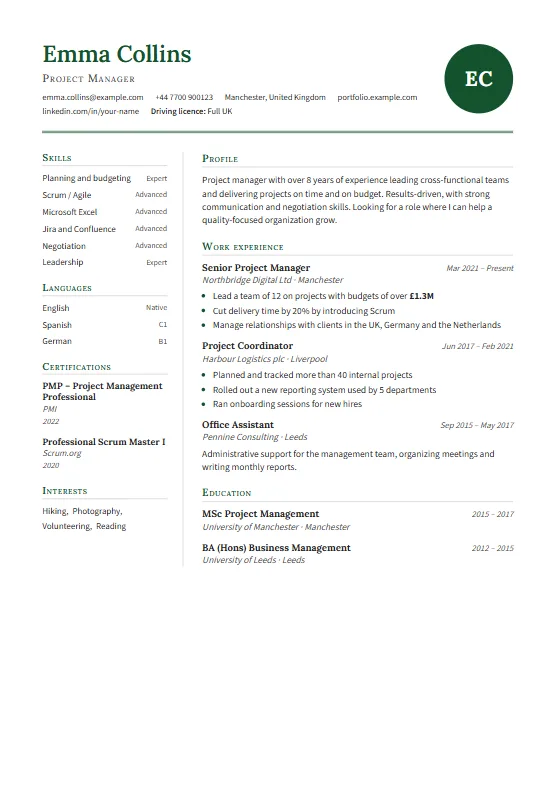
Serif in two columns, with no colored backgrounds. Classic and orderly.