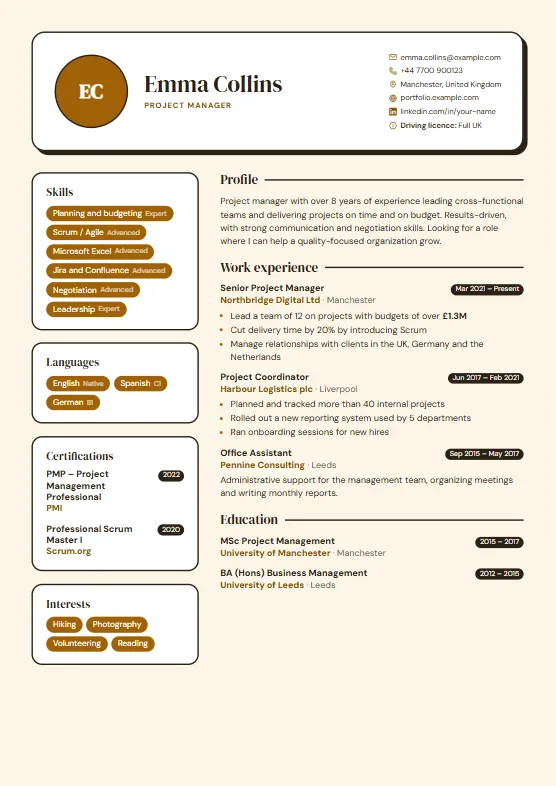
Retro
Cream background, thick outlines and offset shadows. Full of character.
 Atelier CV
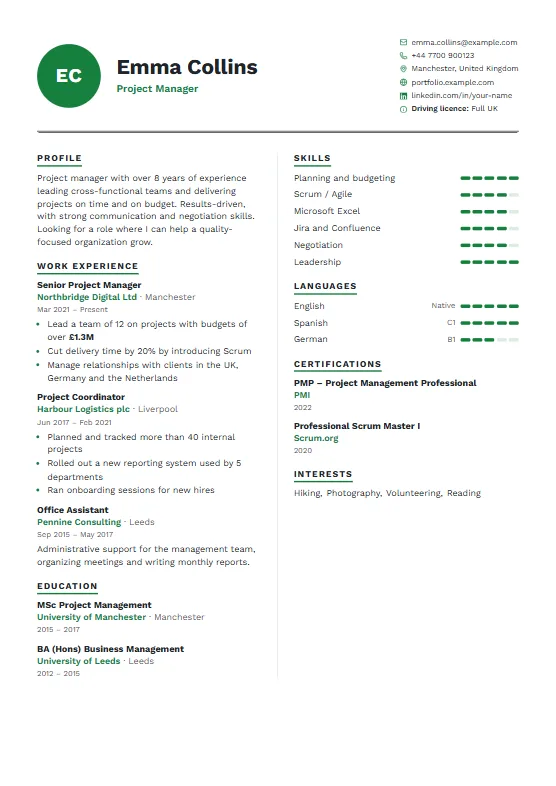
Duo splits the page into two equal columns divided by a fine line, under a header with a double rule. Good when you have as much to say about skills and projects as about experience.
Free · no sign-up · A4 PDF
For research, data analysis, IT and engineering, when you have as much to say about your experience as about your skills and projects. The two equal columns do not put one side ahead of the other, and the fine line and double-ruled header keep it sober. It suits mixed profiles, such as a researcher who also programs.
If experience is your strong point, equal columns take space away from it; Modern gives it more room. For very long CVs, two columns of different lengths leave gaps at the end, so check the preview or try Academic.
We keep it at Good because university career centers recommend avoiding columns for automated systems. With equal columns, the risk is that a system reads across the rows. Do the test: copy the text from the PDF into Notepad and see whether the sections stay whole.
There is room for a photo in the header, above the two columns, so it takes space from neither. You can make it round or square, or hide it in the editor.
Start from any of the 40 templates. You can switch later — your text stays.
Type into the form and watch the A4 page update live. Add or remove the sections you need.
Click “Download PDF” and save your CV, ready to send to employers or upload to job sites.
Cream background, thick outlines and offset shadows. Full of character.
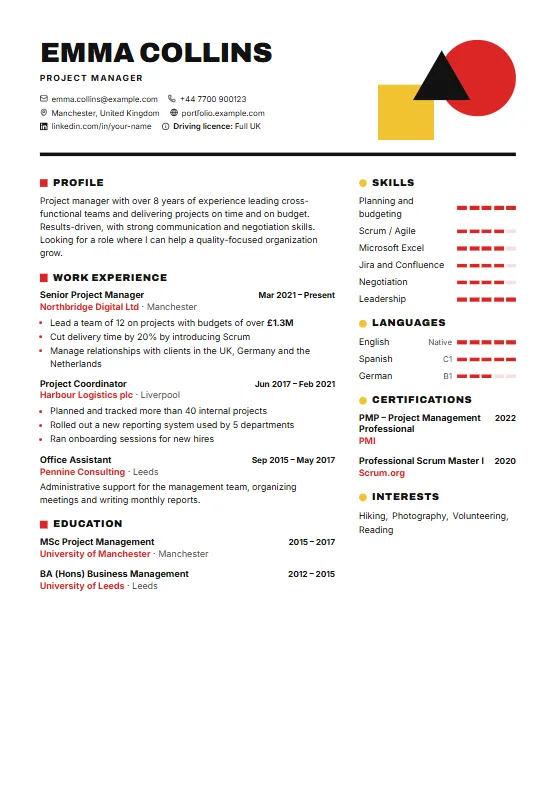
A circle, a square and a triangle in the header, heavy headings. Geometric.
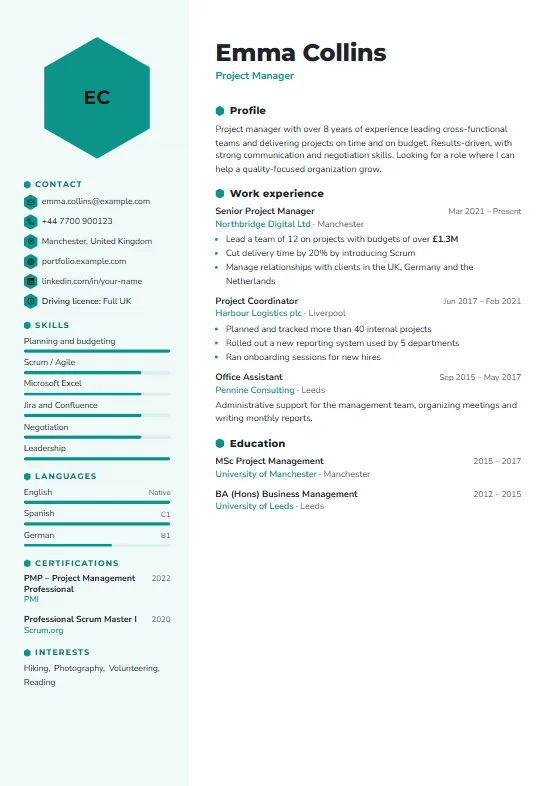
A hexagonal photo and markers, with a tinted sidebar.
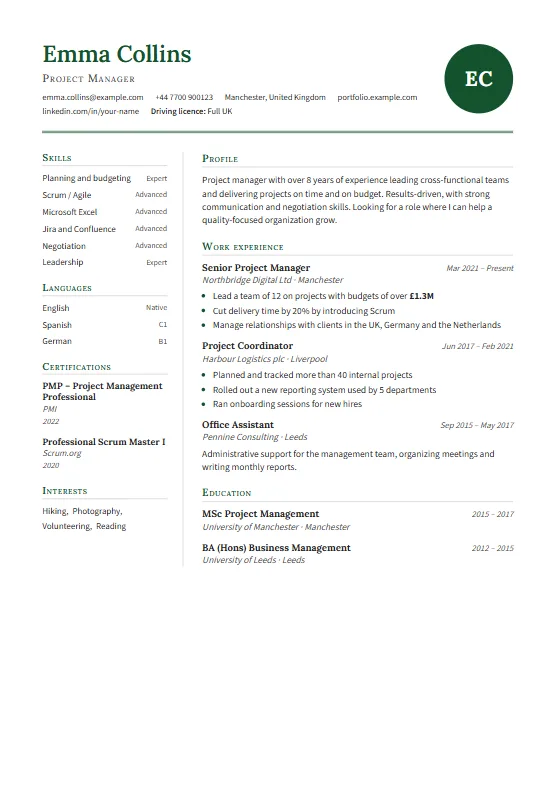
Serif in two columns, with no colored backgrounds. Classic and orderly.
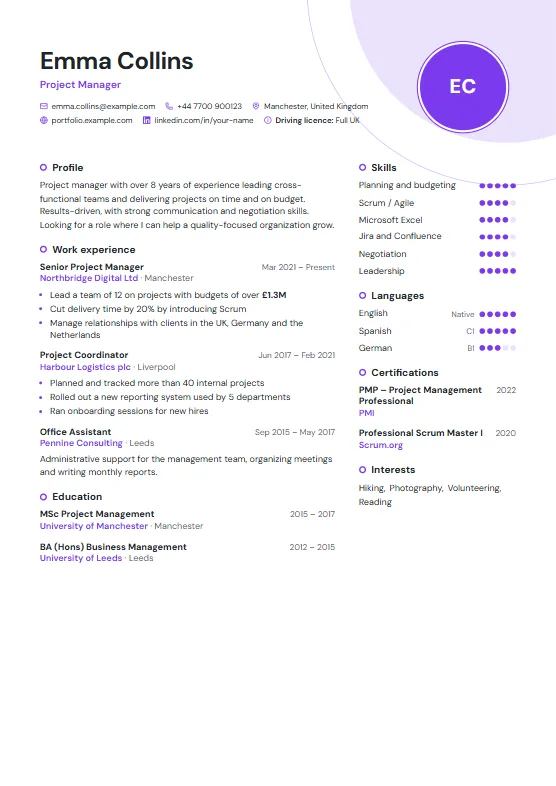
A large decorative circle in the top corner. Modern and playful.
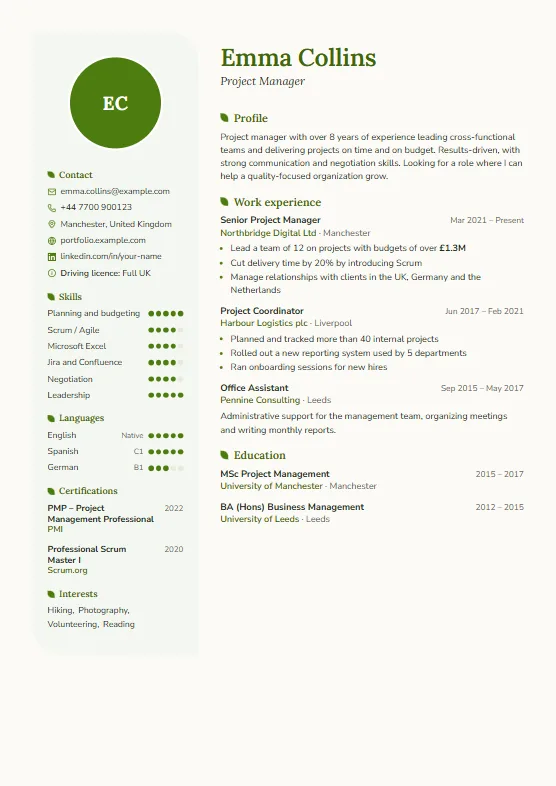
Earthy tones and a sidebar with leaf-shaped corners.
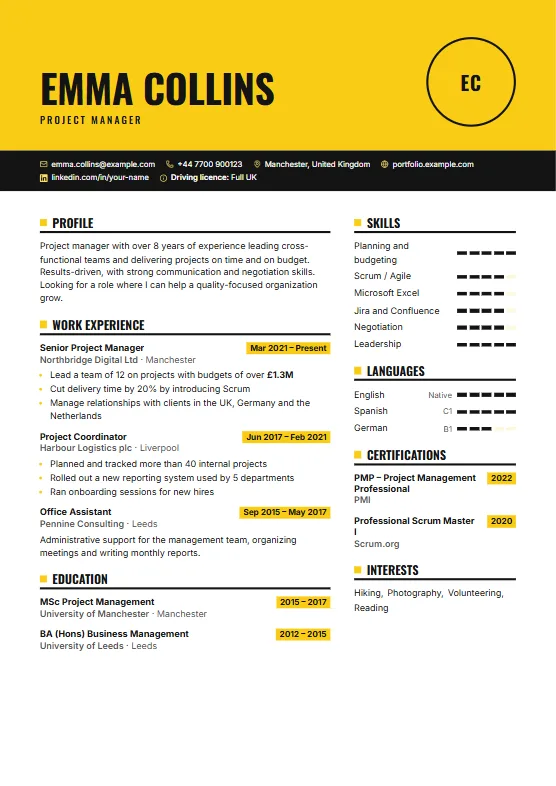
A huge name on a block of color, with a black contact strip.
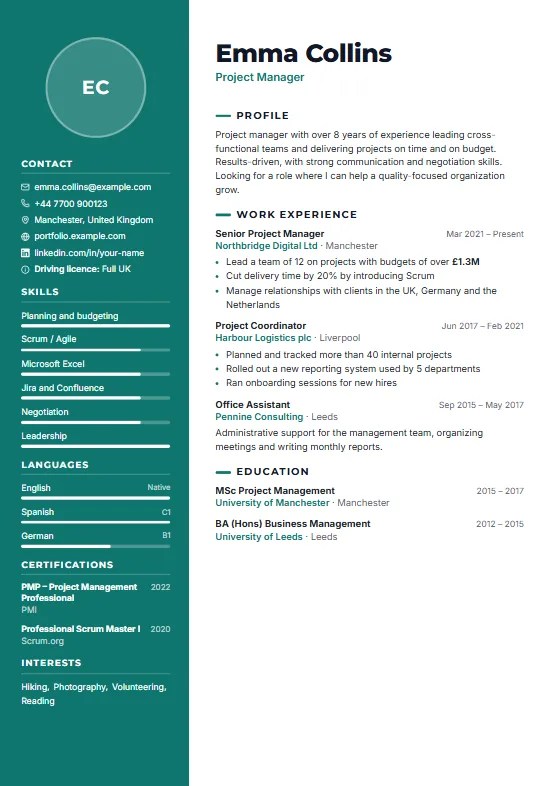
Colored sidebar with a photo and skill bars.