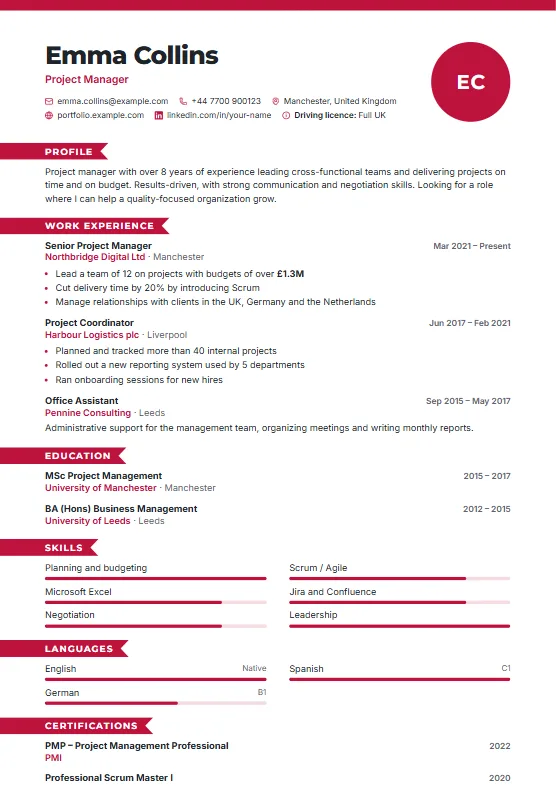
Ribbon
Section headings stick out from the page edge like colored ribbons.
 Atelier CV
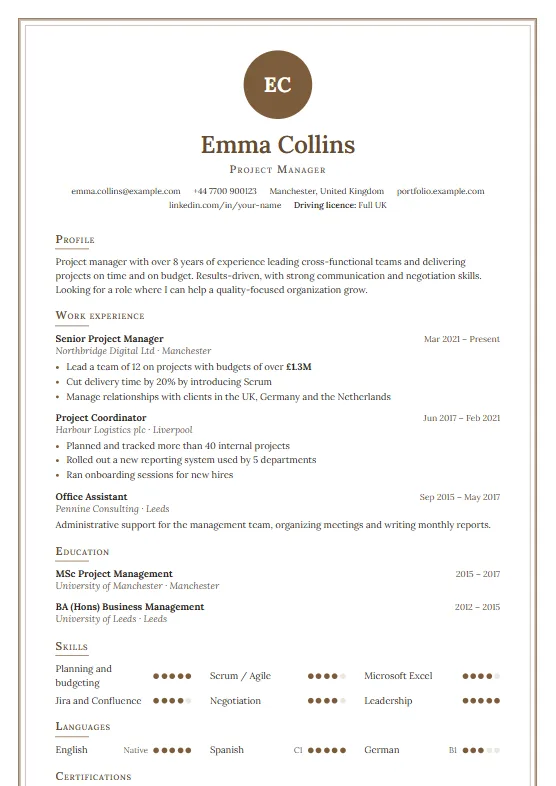
Frame surrounds the whole page with a subtle double border, like a certificate. The header is centered with your photo above your name, and section headings are set in small caps.
Free · no sign-up · A4 PDF
For education, culture, museums and public administration, when you want a CV with some ceremony, like a diploma. The double border frames the whole page, and the centered header with the photo above your name feels formal. It works well for a competition file or an application to a cultural institution.
If you are applying to a young company, the border can look dated, and Horizon will suit you better. If your CV runs to several pages, check in the preview how the border looks on each page before you send it.
It is rated Excellent, because on one column everything reads in order and the border is only decoration. The small capitals in the headings do not change the words, as long as you keep standard names. University career centers also recommend checking your spelling, because a system does not recognize misspelled words.
The photo sits above your name, in the middle of the header, so it is the first thing a reader sees. Choose a good image. You can make it round or square, or hide it in the editor, and the header stays centered.
Start from any of the 40 templates. You can switch later — your text stays.
Type into the form and watch the A4 page update live. Add or remove the sections you need.
Click “Download PDF” and save your CV, ready to send to employers or upload to job sites.
Section headings stick out from the page edge like colored ribbons.
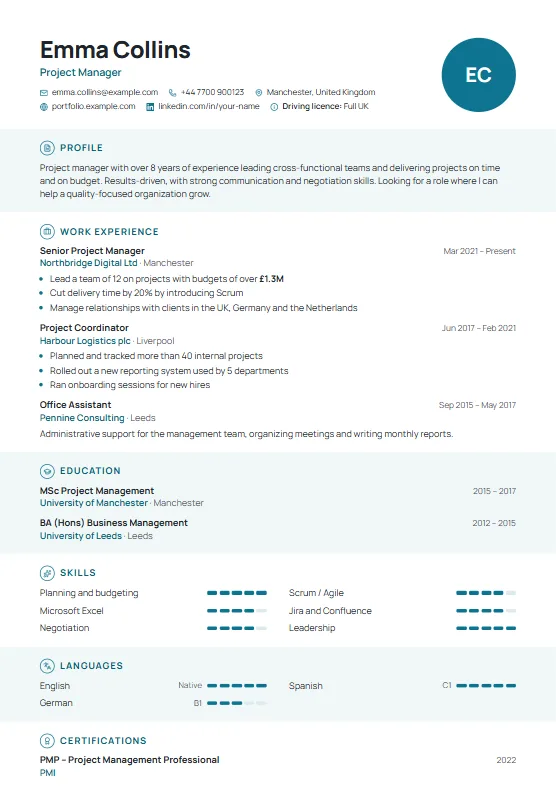
Sections on alternating full-width bands. Tidy and airy.
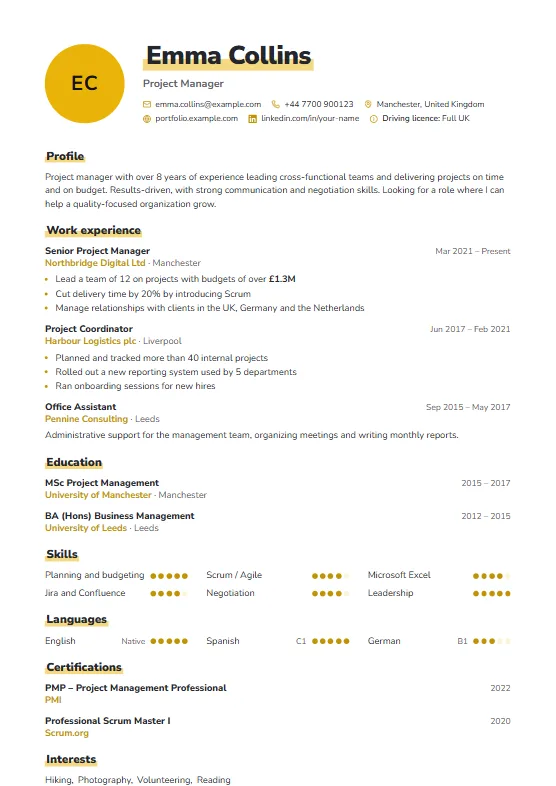
Your name and headings marked as if with a highlighter. Friendly and bright.
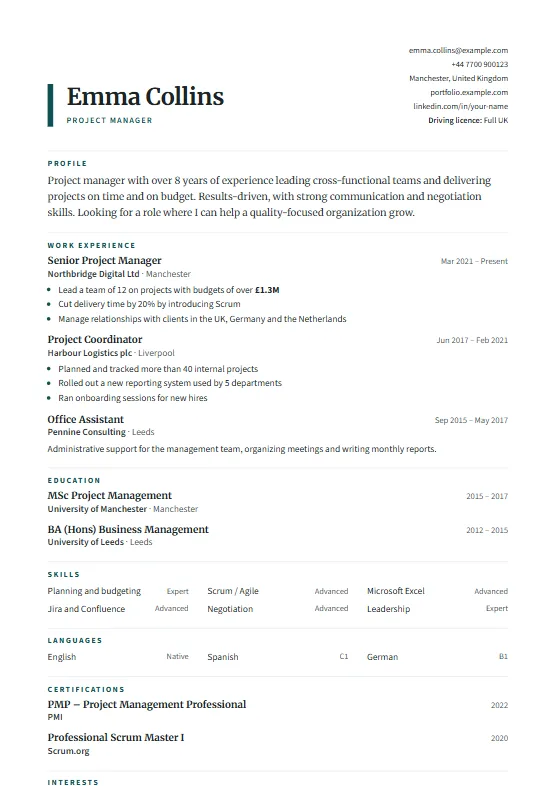
A vertical bar beside your name and right-aligned contacts. Confident.
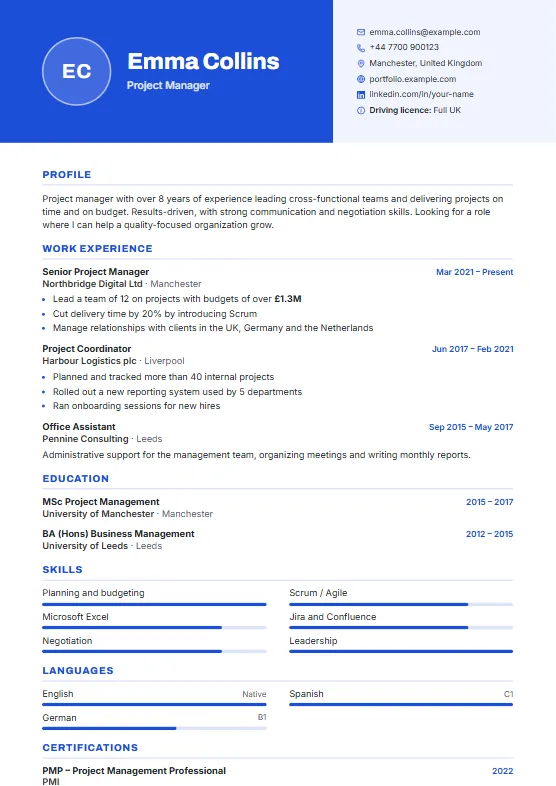
A two-tone header: your name on color, your contacts beside it.
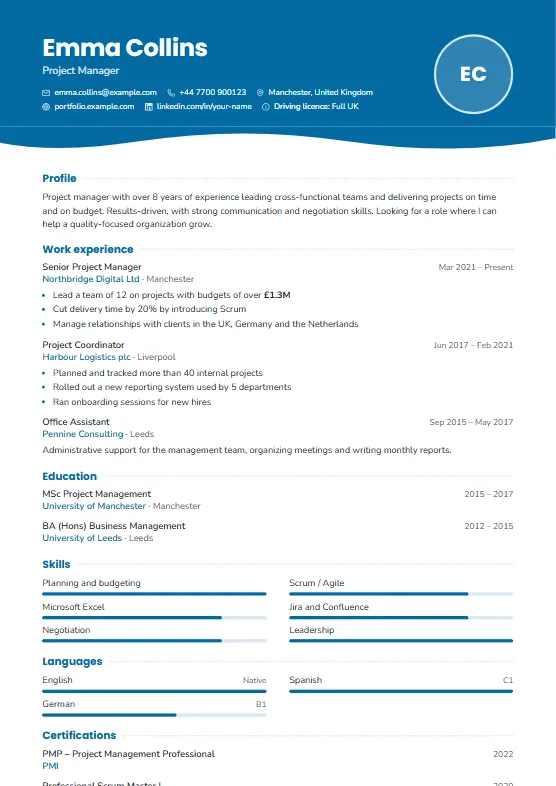
A colored header that ends in a wave. Fresh and bright.
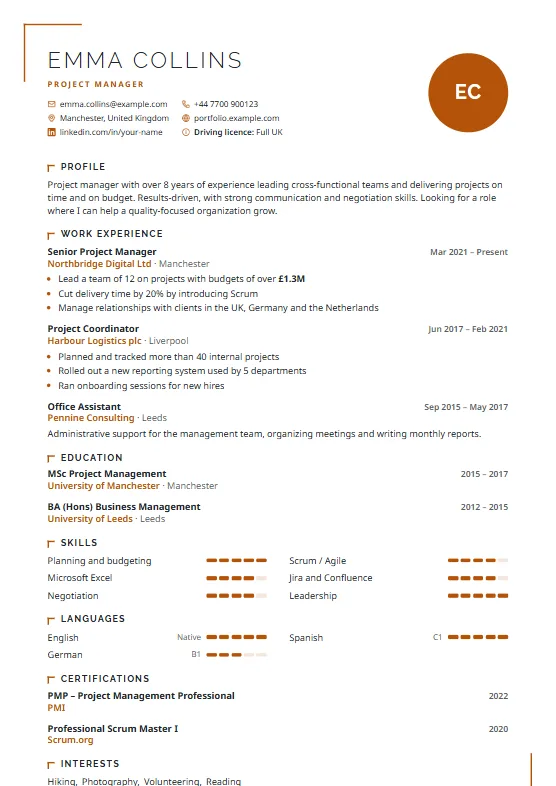
Corner brackets at the top and bottom, a widely spaced name. Refined.
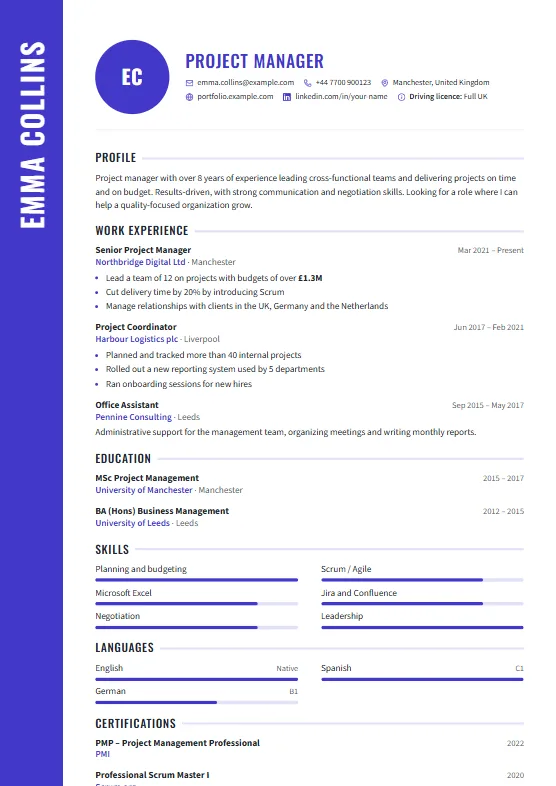
Your name written vertically on a colored strip on the left. Bold.