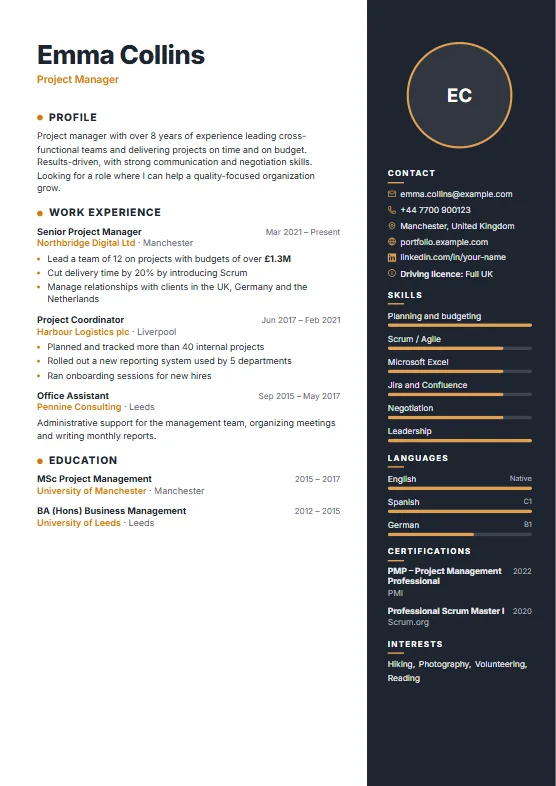
Slate
A dark sidebar on the right with warm accents.
 Atelier CV
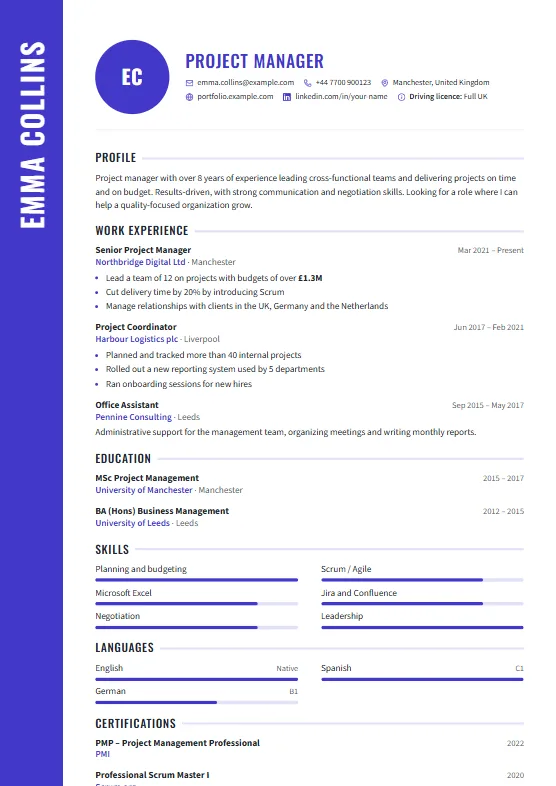
Vertical runs your name up a colored strip along the left edge in tall, narrow capitals. Your job title is set large in the header, and the rest of the content follows in one column.
Free · no sign-up · A4 PDF
For design, media, advertising and creative roles. Your name running along the band on the left edge can be seen from a distance, and your job title appears large in the header. It is a template with personality, but the content stays on one column, so it is easy for the person receiving it to read.
A long or compound name may not fit neatly on the band, so check the preview. If your CV passes through an automated system, pick another template. In formal fields, a name written vertically looks like a joke; Classic or Consultant are safer.
We rate it only Good, even though the content sits on one column. The reason is the rotated name on the band, which may be read incorrectly or in the wrong place. University career centers recommend simple formatting for automated systems. Copy the text from the PDF into Notepad: if your name does not come first, use Swiss for online applications.
There is room for a photo in the header, next to your job title. You can make it round or square, or hide it in the editor; the band with your name remains the main feature either way.
Start from any of the 40 templates. You can switch later — your text stays.
Type into the form and watch the A4 page update live. Add or remove the sections you need.
Click “Download PDF” and save your CV, ready to send to employers or upload to job sites.
A dark sidebar on the right with warm accents.
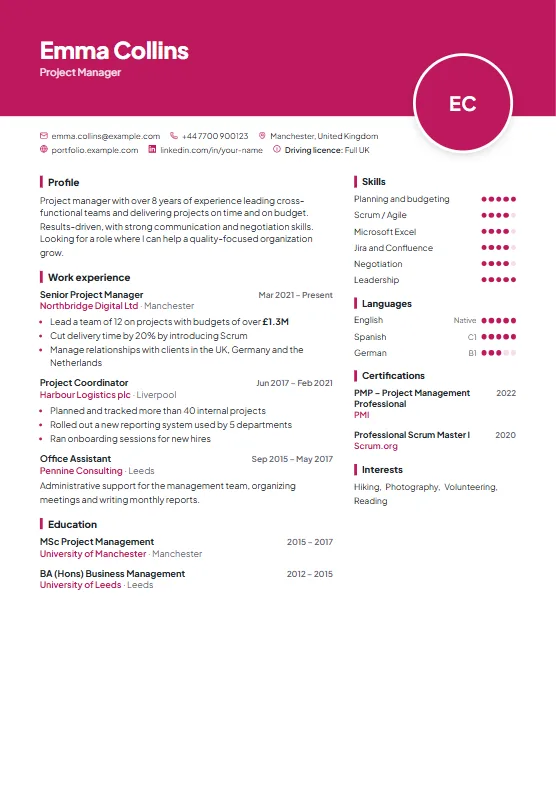
A colored band at the top with your photo sitting on its edge. Two columns.
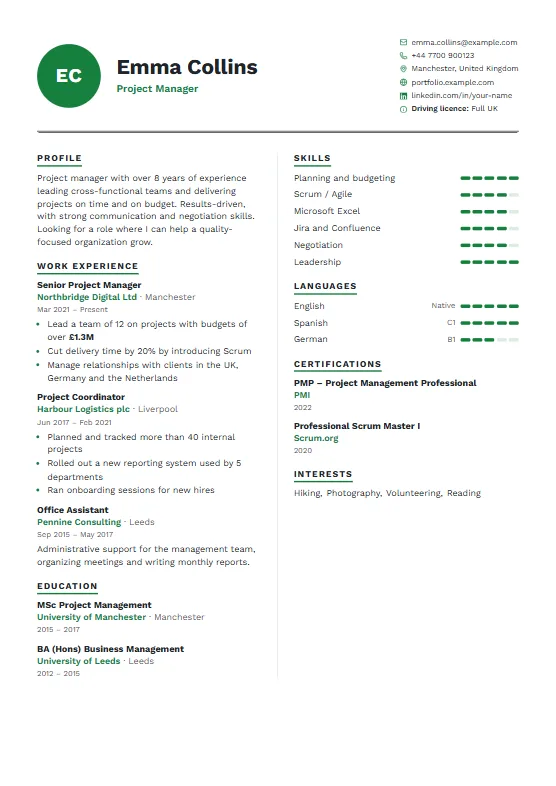
Two equal columns divided by a fine line. Balanced.
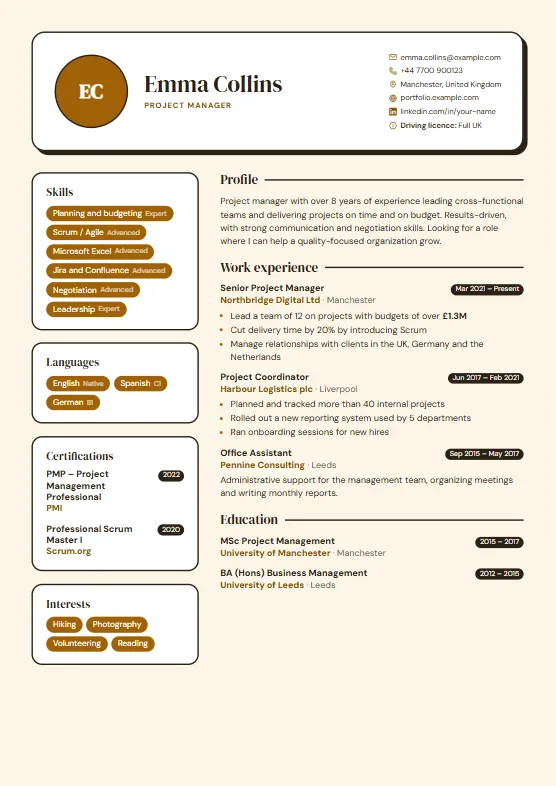
Cream background, thick outlines and offset shadows. Full of character.
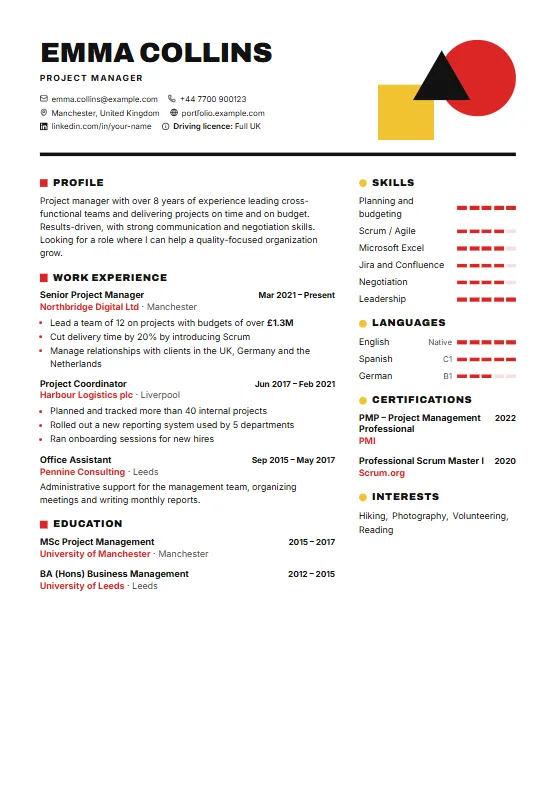
A circle, a square and a triangle in the header, heavy headings. Geometric.
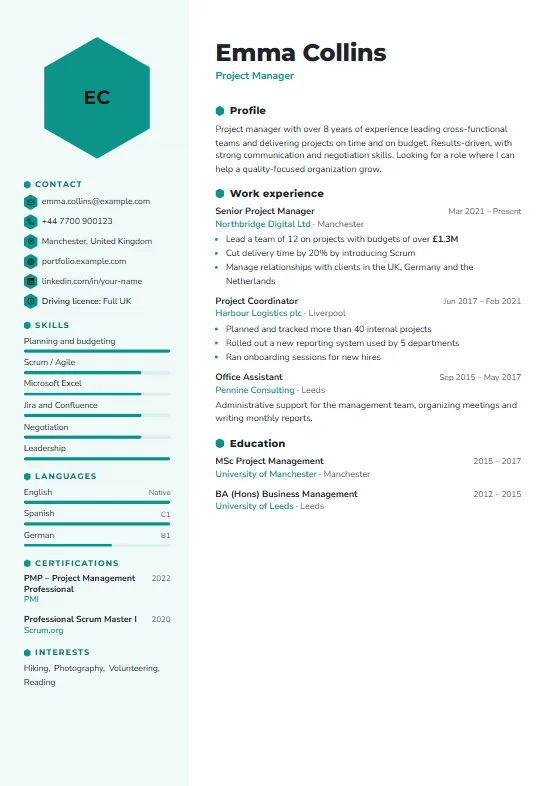
A hexagonal photo and markers, with a tinted sidebar.
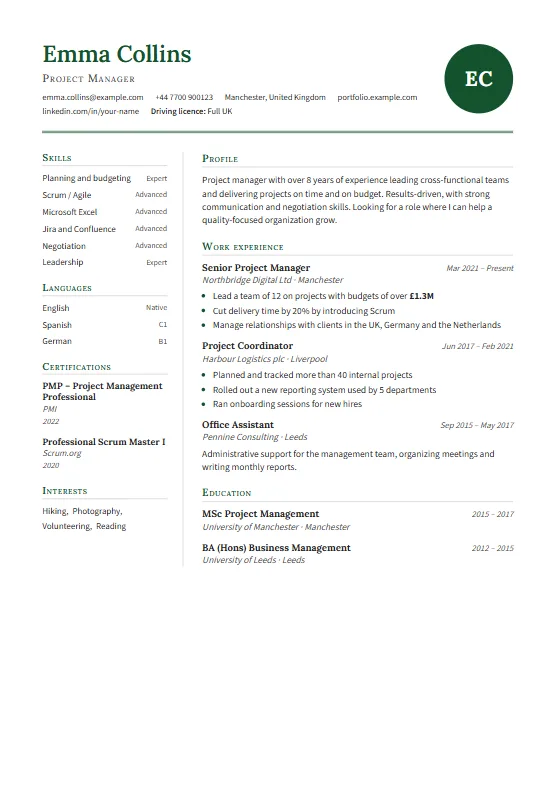
Serif in two columns, with no colored backgrounds. Classic and orderly.
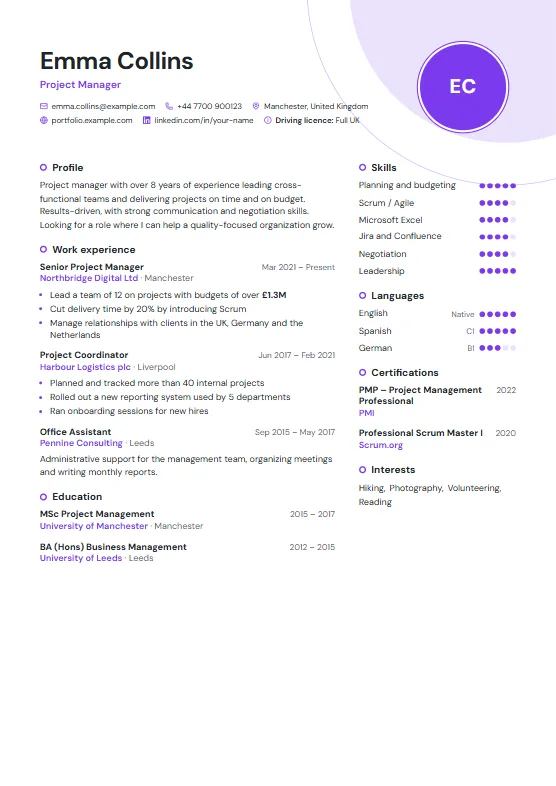
A large decorative circle in the top corner. Modern and playful.