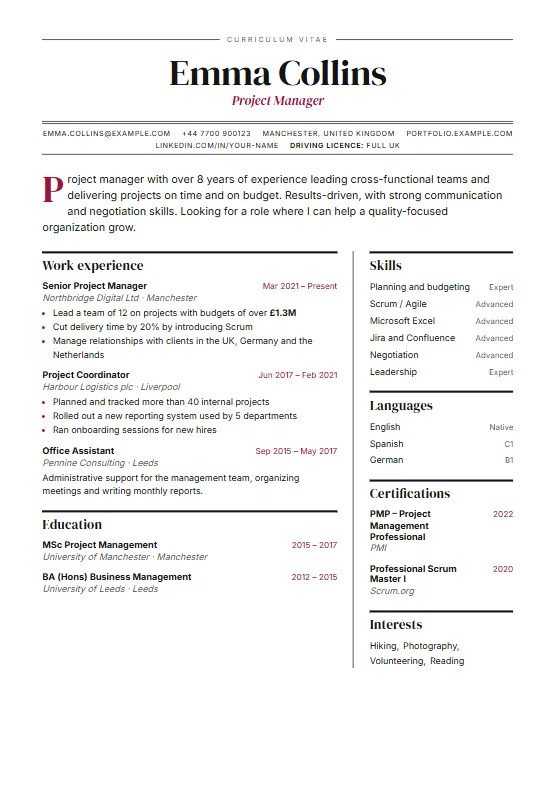
Editorial
Like a magazine page: huge name, display serif and a drop cap.
 Atelier CV
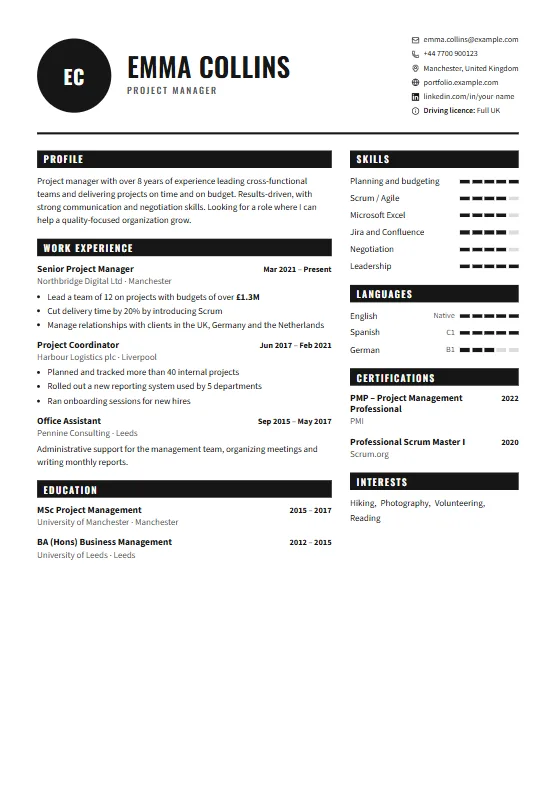
Contrast sets section headings on dark bars with a condensed, uppercase typeface. Pages look strong and read quickly, even when printed in black and white.
Free · no sign-up · A4 PDF
For construction, logistics, sports and engineering, where you need a direct CV. The dark bands behind the headings and the condensed capitals make sections easy to find. It reads quickly and stays clear when printed in black and white, for example on a building site or in a warehouse.
At a law firm, a bank or an institution, the strong tone can be too much; take Classic. For a CV with long descriptions, condensed capitals get tiring in large amounts, so Horizon is calmer.
It stays at Good because of its two columns, which university career centers recommend avoiding for automated systems. That does not matter at small companies or when you hand it to someone directly. For large employers with online forms, test the PDF by copying the text into Notepad, or pick Stripes, which suits the same fields and sits on one column.
There is room for a photo in the header, where a bright image looks good beside the dark headings. You can make it round or square, or hide it in the editor. If you print in black and white, check how it comes out first.
Start from any of the 40 templates. You can switch later — your text stays.
Type into the form and watch the A4 page update live. Add or remove the sections you need.
Click “Download PDF” and save your CV, ready to send to employers or upload to job sites.
Like a magazine page: huge name, display serif and a drop cap.
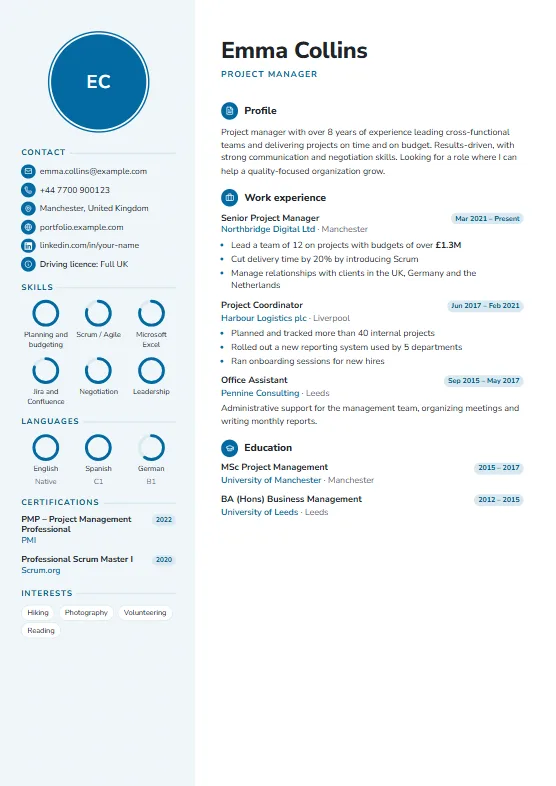
Skills as progress rings and an icon on every section.
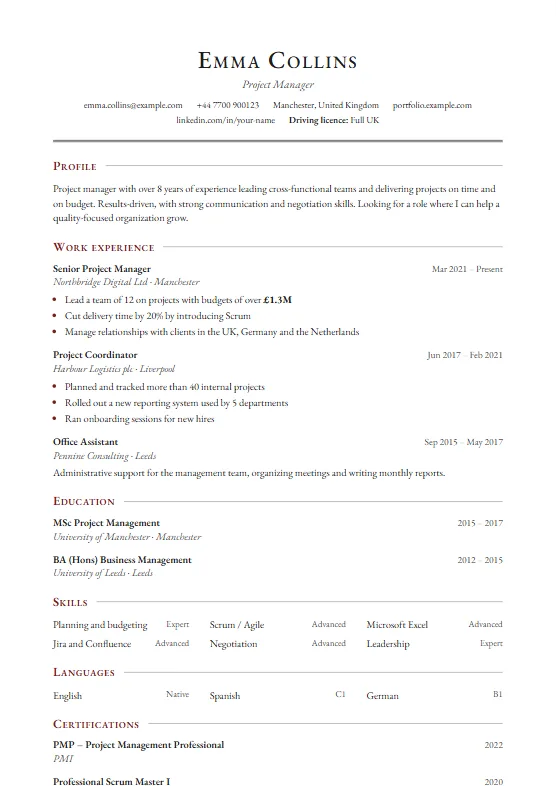
Classic serif with small-caps headings. For research and teaching.
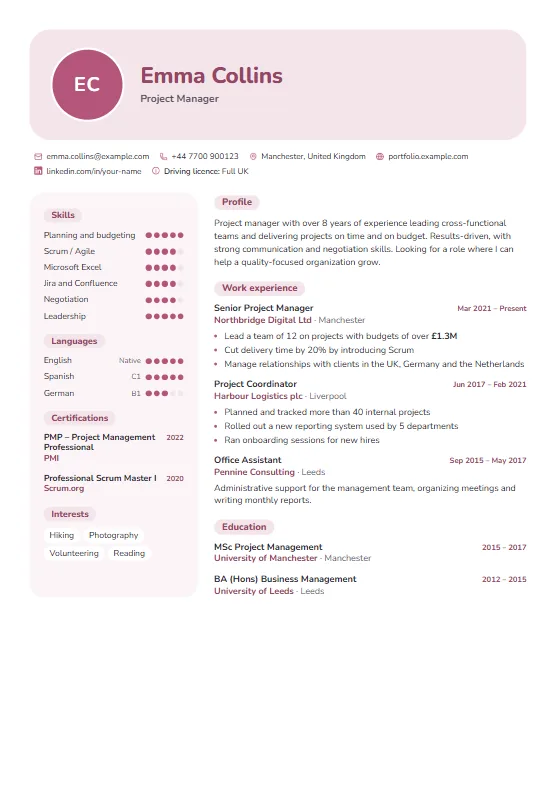
Pastel colors, rounded corners and a friendly feel.
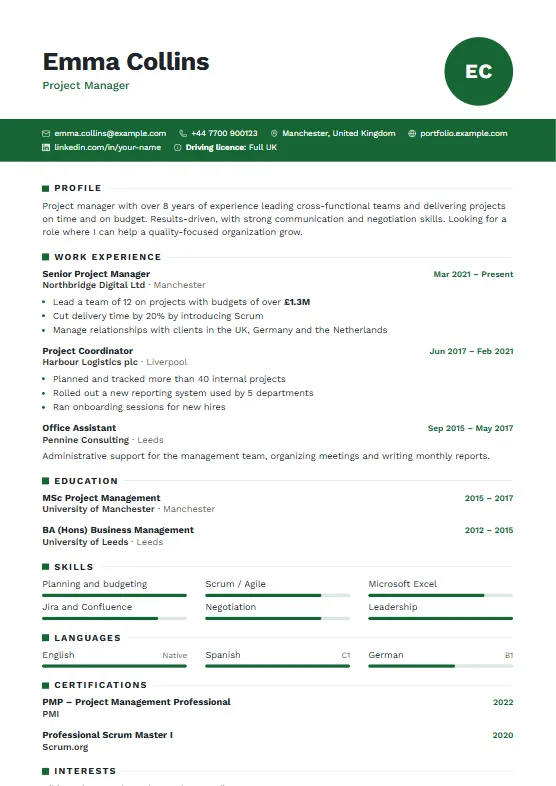
Colored strip with your contact details under the name. Clear and balanced.
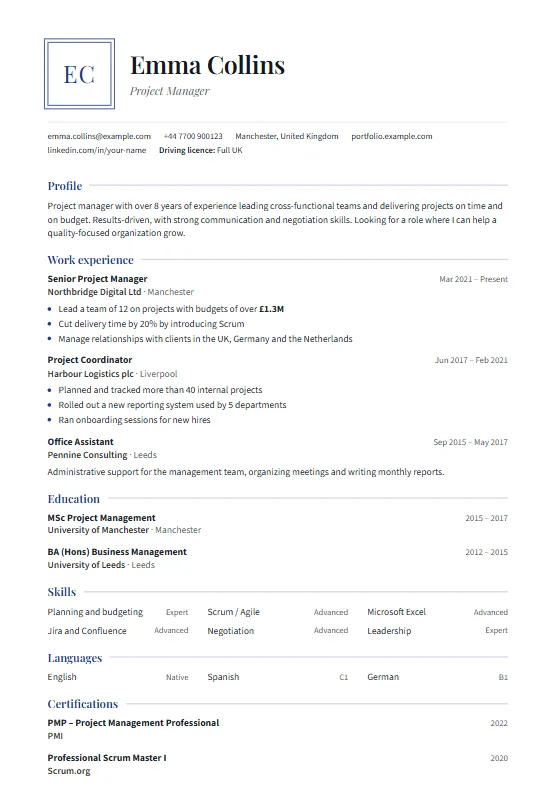
Your initials in a double frame instead of a photo. Serif and understated.
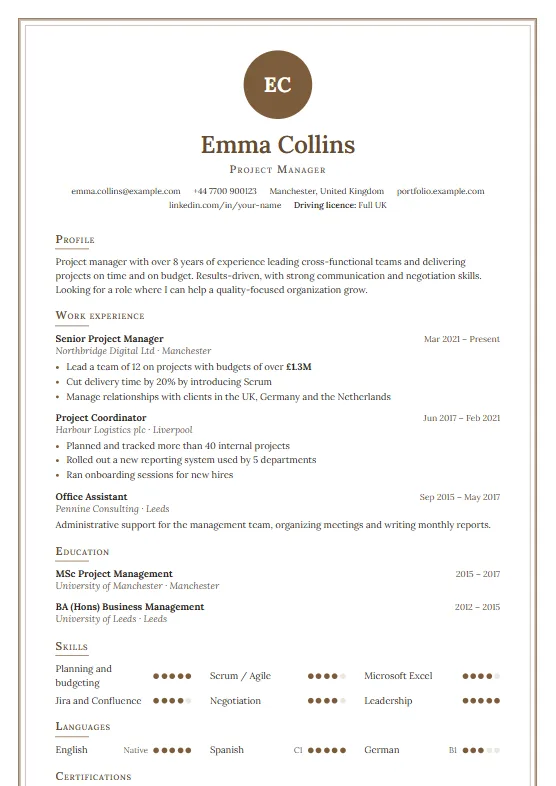
A double border around the page, like a certificate. Centered serif header.
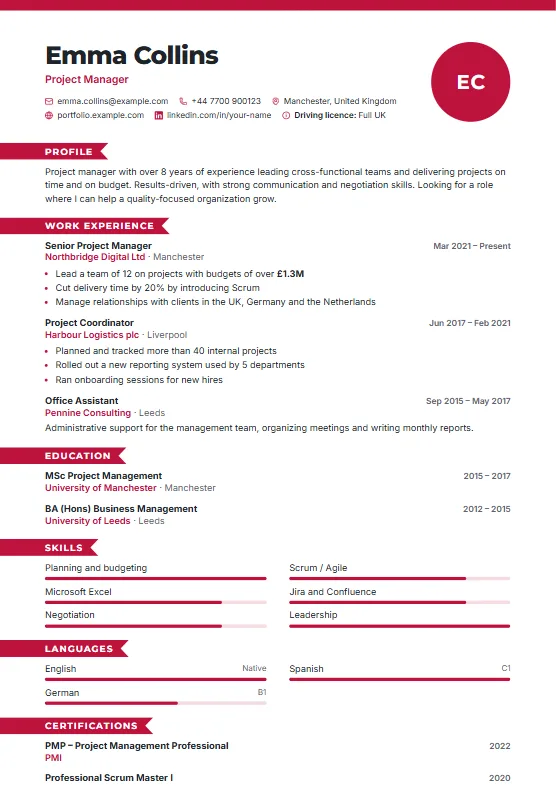
Section headings stick out from the page edge like colored ribbons.