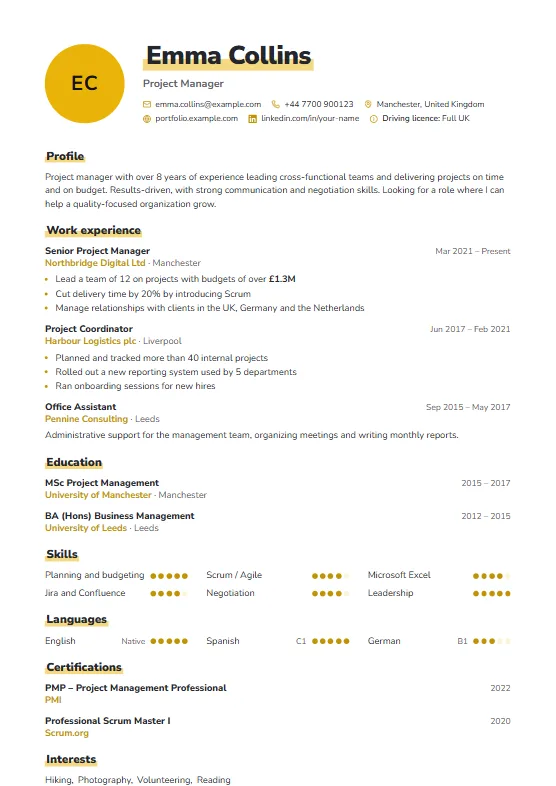
Highlighter
Your name and headings marked as if with a highlighter. Friendly and bright.
 Atelier CV
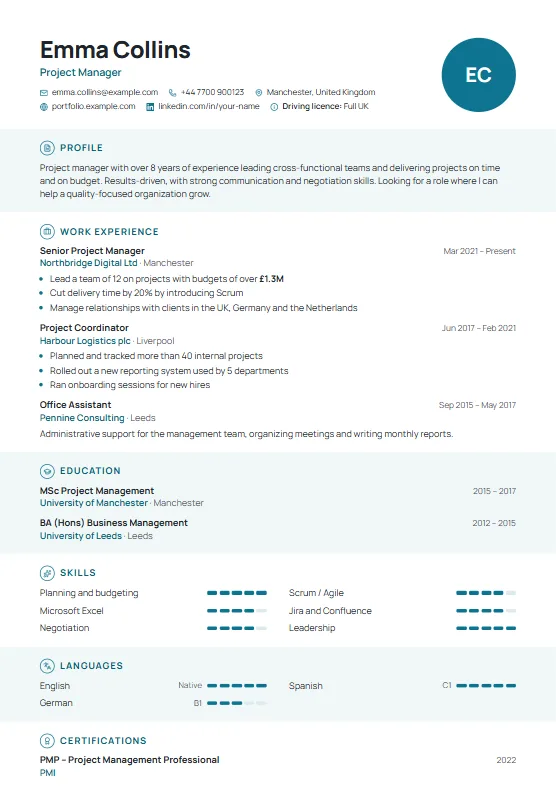
Stripes places your sections on full-width bands that alternate between white and a light tint, with an icon by each heading. It makes it easy to see where each part starts.
Free · no sign-up · A4 PDF
For logistics, operations, retail and office roles, when you want a CV that is very easy to scan. Bands alternating between white and a light shade show at once where each section starts, and the icons by the headings help too. It is practical if you have several short jobs to present.
If you only have two or three sections, the bands have little to separate and the page looks empty; Minimalist looks better with little content. For leadership roles, Executive or Consultant carry more weight.
It sits on one column, so we rate it Excellent. The bands are only background, and the text stays text. The icons by the headings are decoration, so what counts is the word next to them. Before you send it, use the terms from the job ad in your job descriptions, as university career centers recommend, such as the name of the software or certificate they ask for.
There is room for a photo in the header, above the first band. You can make it round or square, or hide it in the editor, and the bands stay across the full width of the page.
Start from any of the 40 templates. You can switch later — your text stays.
Type into the form and watch the A4 page update live. Add or remove the sections you need.
Click “Download PDF” and save your CV, ready to send to employers or upload to job sites.
Your name and headings marked as if with a highlighter. Friendly and bright.
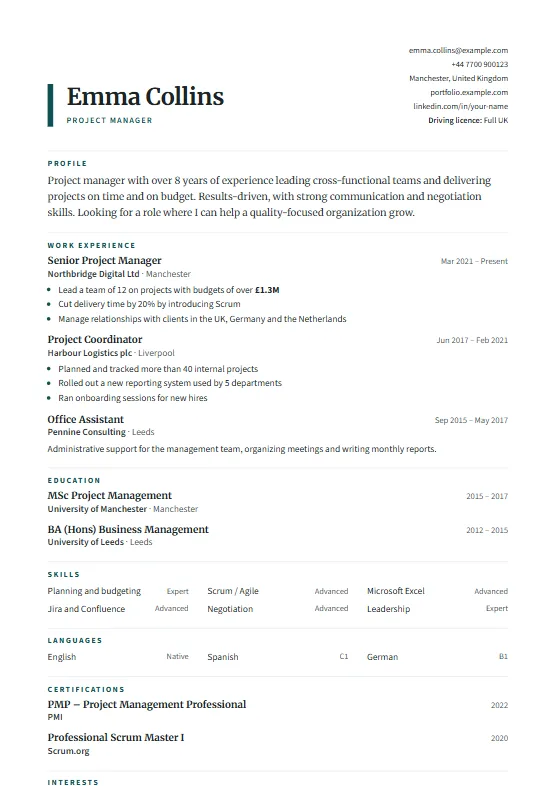
A vertical bar beside your name and right-aligned contacts. Confident.
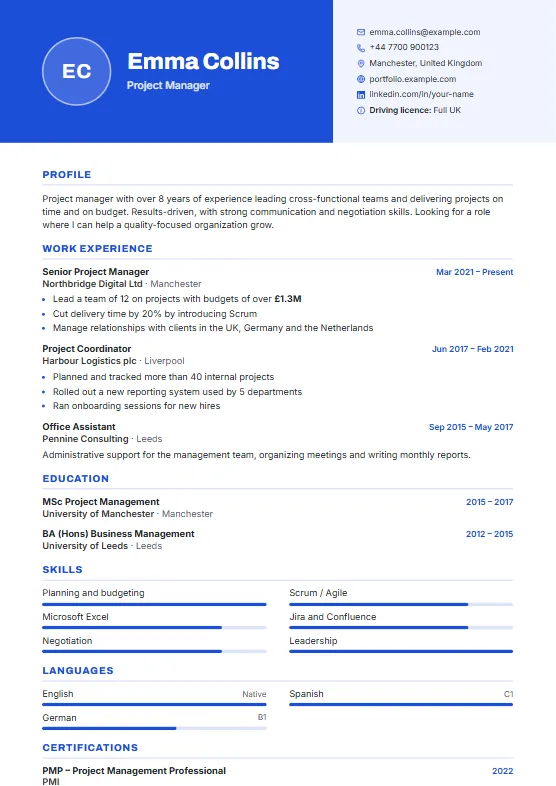
A two-tone header: your name on color, your contacts beside it.
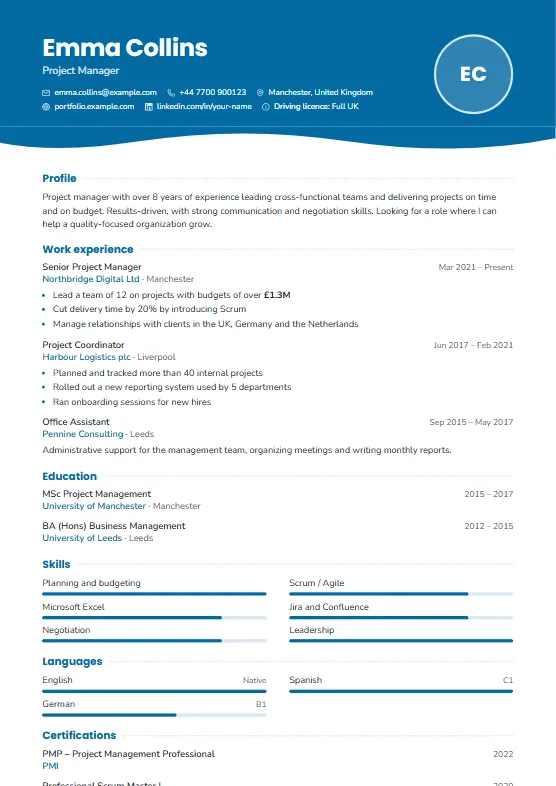
A colored header that ends in a wave. Fresh and bright.
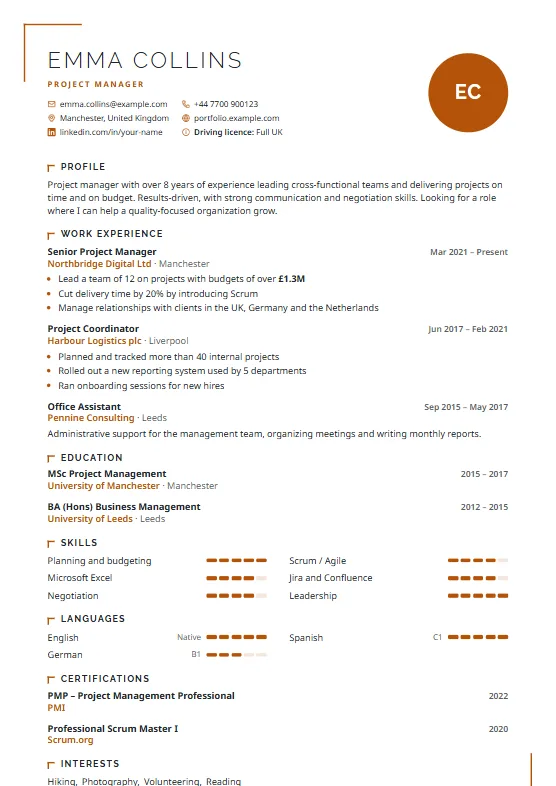
Corner brackets at the top and bottom, a widely spaced name. Refined.
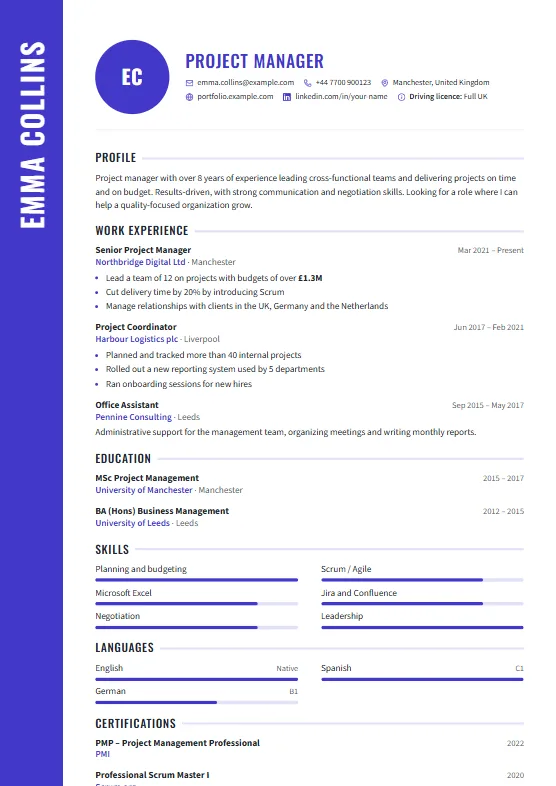
Your name written vertically on a colored strip on the left. Bold.
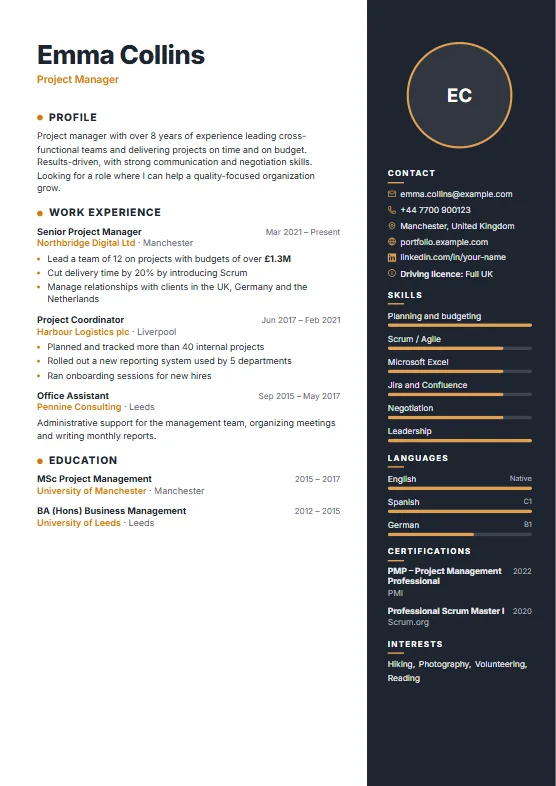
A dark sidebar on the right with warm accents.
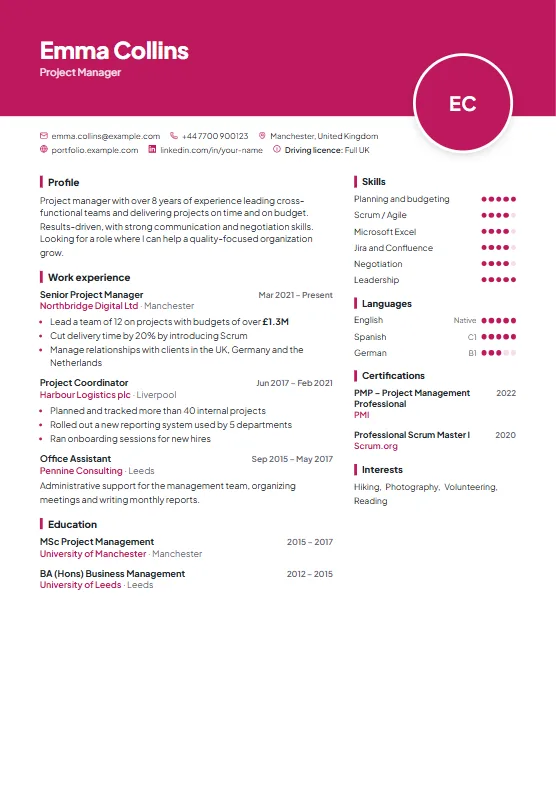
A colored band at the top with your photo sitting on its edge. Two columns.