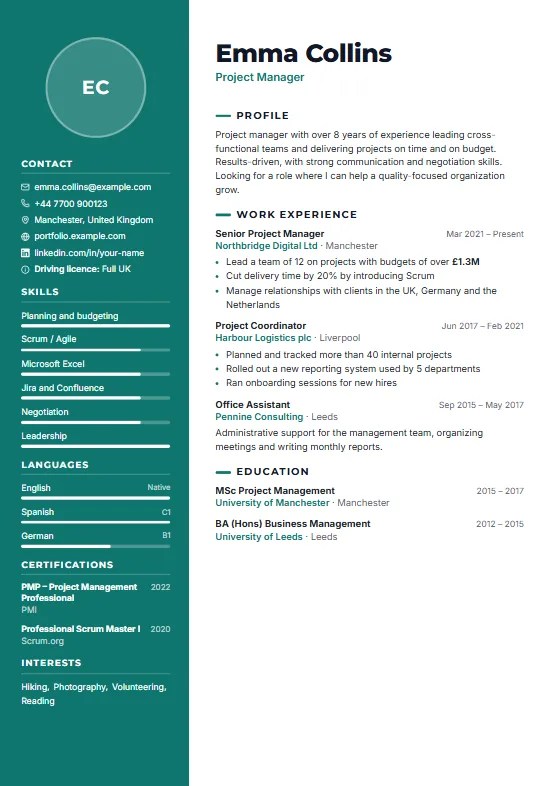
Modern
Colored sidebar with a photo and skill bars.
 Atelier CV
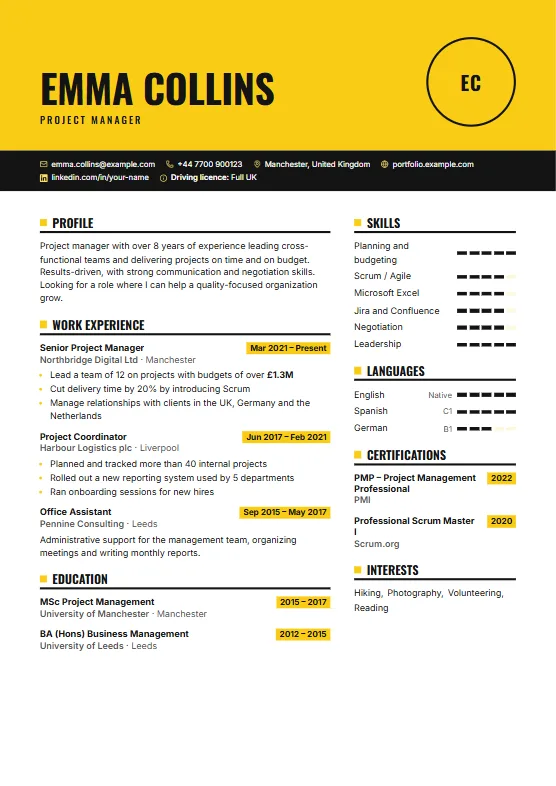
Poster sets your name in huge letters on a block of color, like a poster, with a black strip for your contact details. Headings have heavy rules, and dates are highlighted in color.
Free · no sign-up · A4 PDF
For events, media, music and creative industries. Your name in huge letters on a color block turns the CV into a poster, and the black band keeps your contact details in one place. It is for people who want to be remembered and work somewhere that boldness is an advantage.
If you have a very long name, the huge letters can take up too much room, so check the preview. Avoid it in formal fields and at large companies with automated systems. For a creative but more restrained tone, Editorial or Banner are good alternatives.
It is rated Good, but it is a template made for people. It has two columns and a lot of graphics, and university career centers recommend avoiding them for automated systems. The colored dates remain text. If you are sent to an online form, use a one-column version such as Ribbon, and keep the poster for when you talk to someone directly.
There is room for a photo on the color block, next to your huge name, so choose an image with good contrast. You can make it round or square, or hide it in the editor.
Start from any of the 40 templates. You can switch later — your text stays.
Type into the form and watch the A4 page update live. Add or remove the sections you need.
Click “Download PDF” and save your CV, ready to send to employers or upload to job sites.
Colored sidebar with a photo and skill bars.
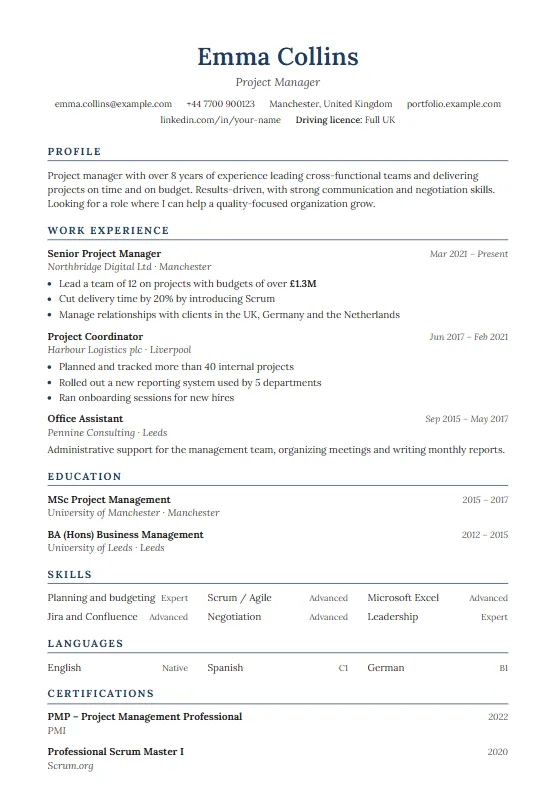
Single column, serif font and centered header. Works for any field.
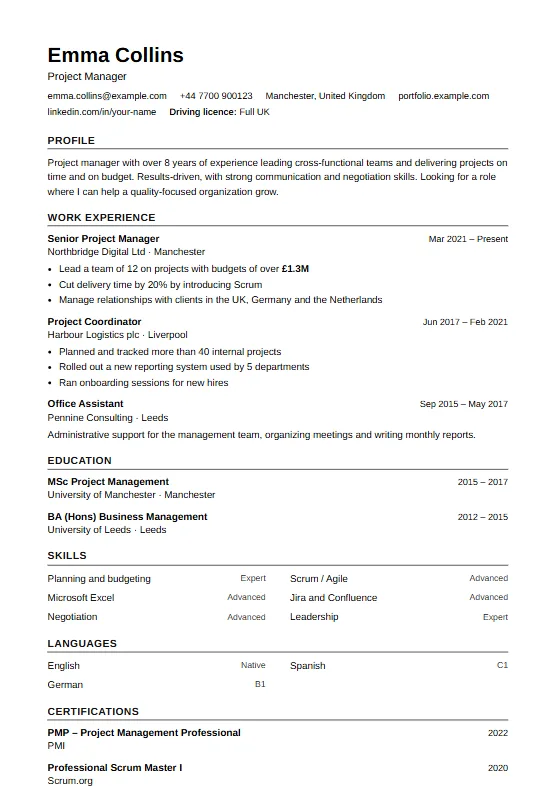
No columns, no icons, no photo. Parsed cleanly by ATS software.
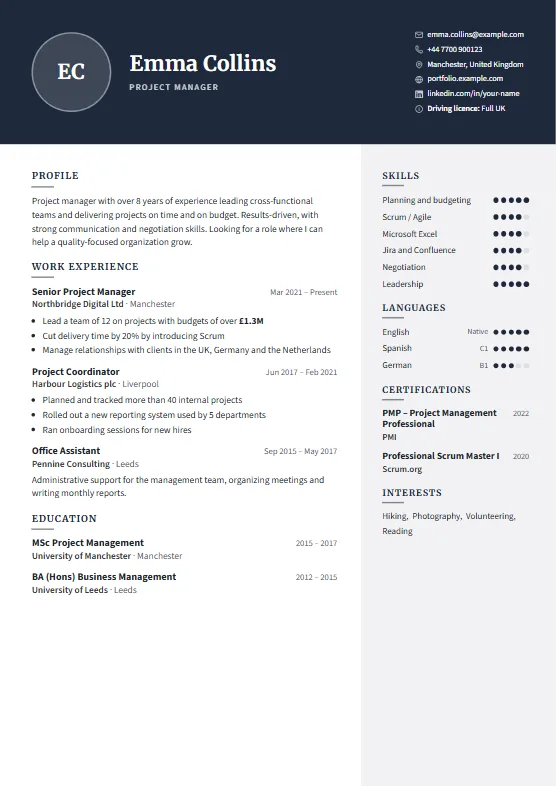
Dark header band and a tinted side column. Built for leadership roles.
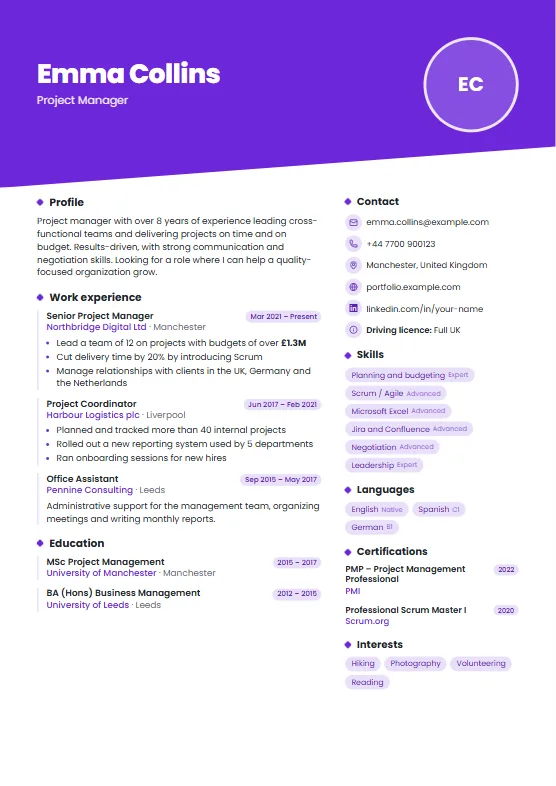
Bold colored header and skills shown as tags.
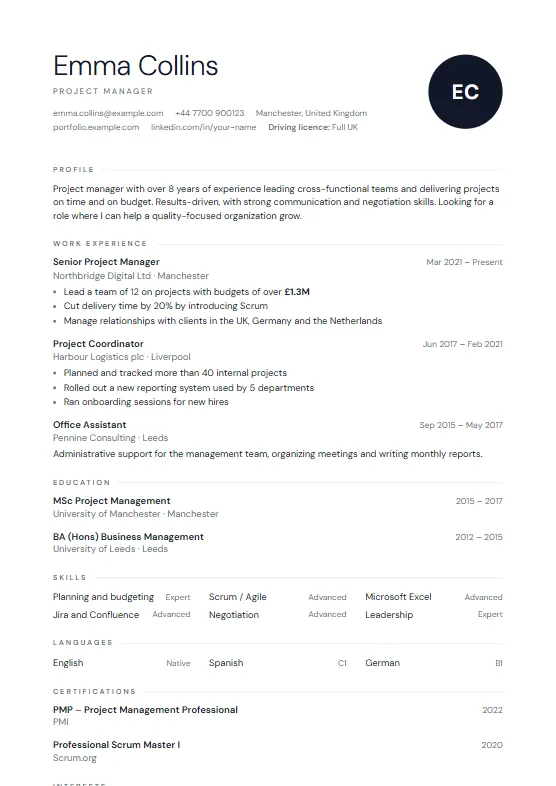
Lots of white space and refined typography. Understated and easy to read.
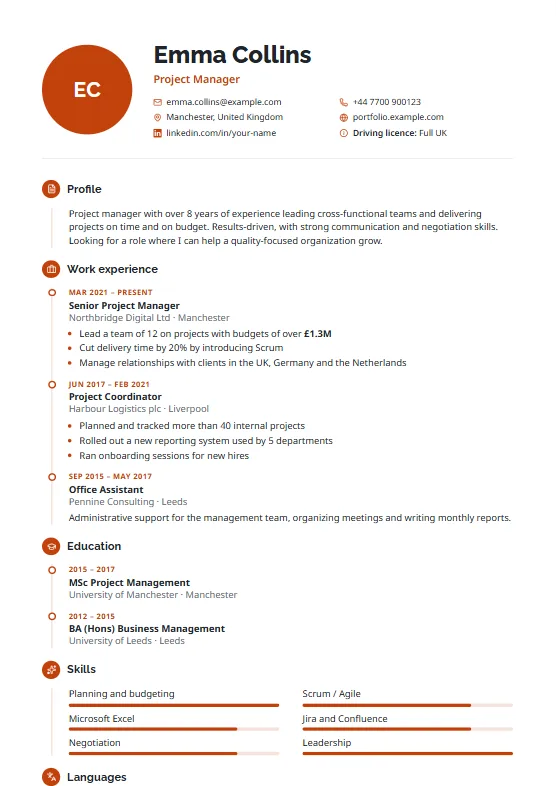
Experience and education on a timeline, with section icons.
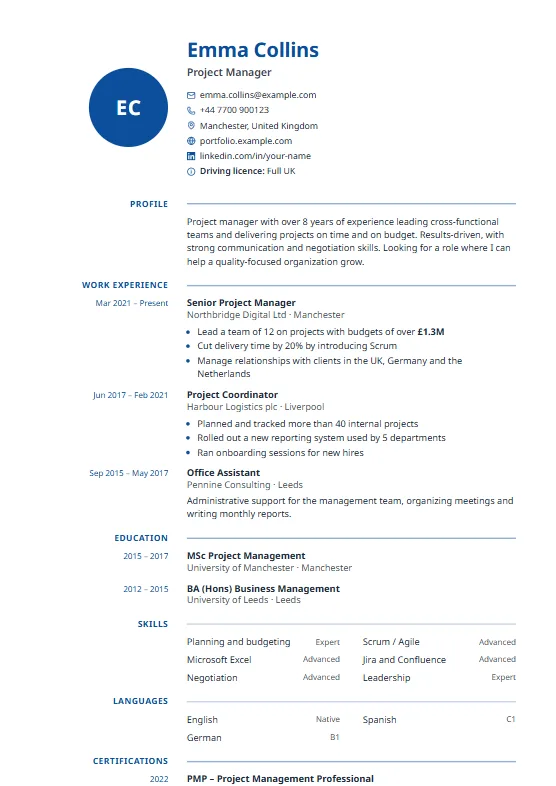
Labels and dates on the left, inspired by the classic European CV layout.