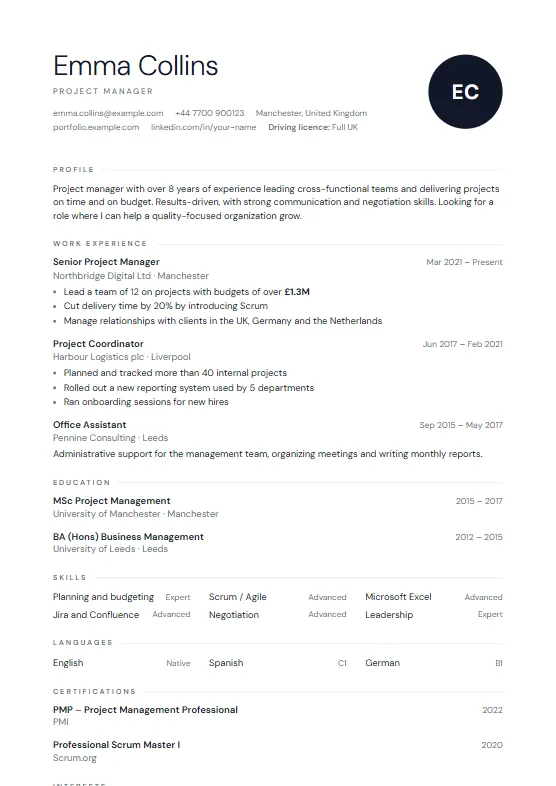
Minimalist
Lots of white space and refined typography. Understated and easy to read.
 Atelier CV
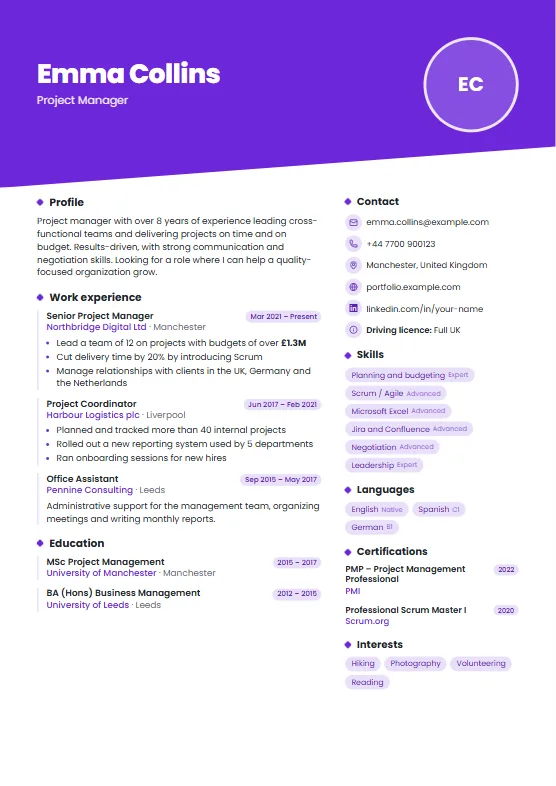
Creative features a bold header cut on a diagonal and skills shown as rounded tags. It is made for people who want to be remembered without giving up clarity.
Free · no sign-up · A4 PDF
For design, marketing, social media and events, where a well-made CV already says something about you. The diagonal colored header is memorable, and the skills shown as rounded tags are quick to scan. It works well when you send it directly to a person or attach it to your portfolio.
In banking, law or public institutions, the colored header can feel out of place; Classic or Traditional are safer. If you want to stay in creative territory but be quieter about it, try Minimalist, which lets white space do the work.
It is rated Good. It has two columns, and university career centers recommend avoiding columns and graphics for automated systems. This is a template for people, not for big recruitment portals. If a job ad sends you to an online form, prepare a one-column version alongside it and use that one there.
There is room for a photo in the header, where an image with a simple background looks best. You can make it round or square, or hide it in the editor, and the colored header stays.
Start from any of the 40 templates. You can switch later — your text stays.
Type into the form and watch the A4 page update live. Add or remove the sections you need.
Click “Download PDF” and save your CV, ready to send to employers or upload to job sites.
Lots of white space and refined typography. Understated and easy to read.
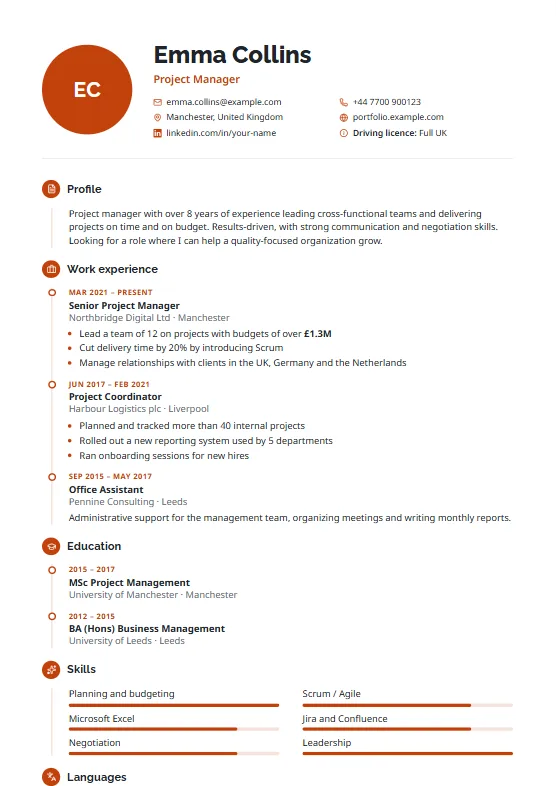
Experience and education on a timeline, with section icons.
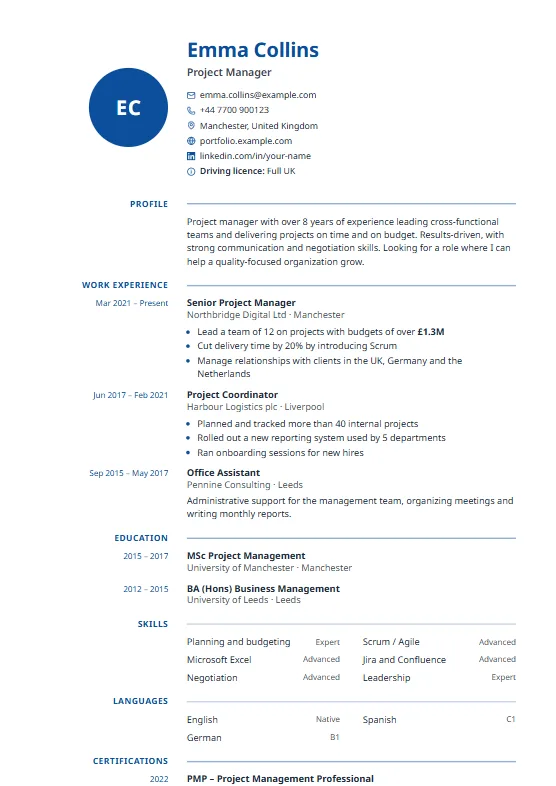
Labels and dates on the left, inspired by the classic European CV layout.
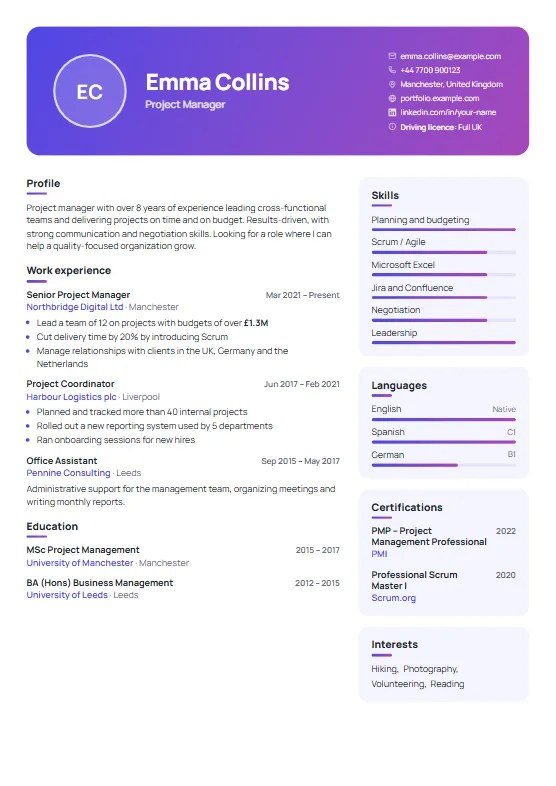
Gradient header card and rounded panels. Modern and friendly.
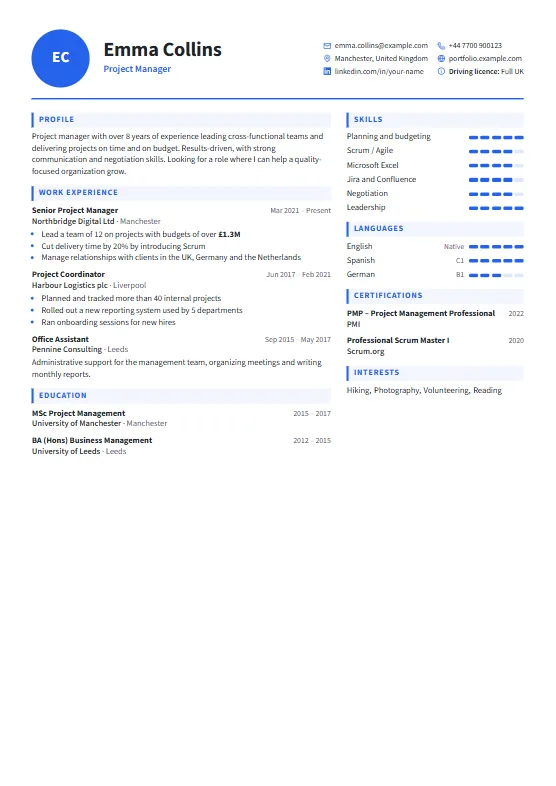
Dense two-column layout that fits a lot on one page.
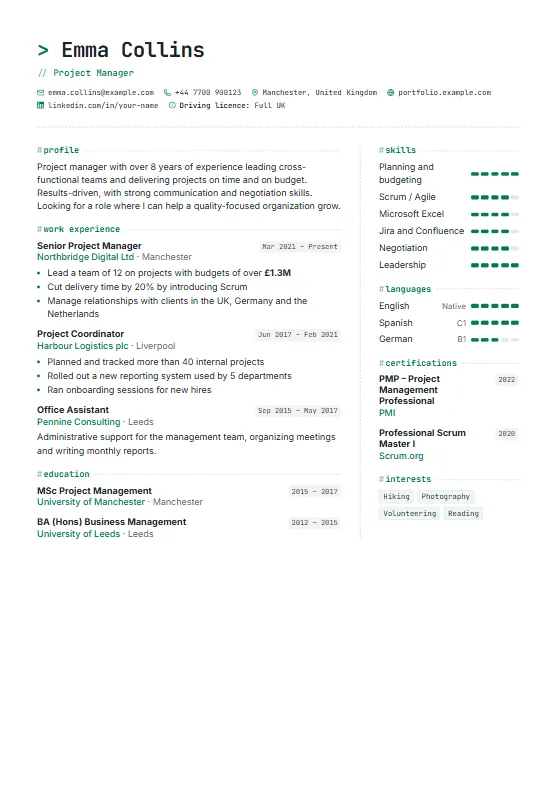
Monospace font and code-style details. For IT and technical roles.
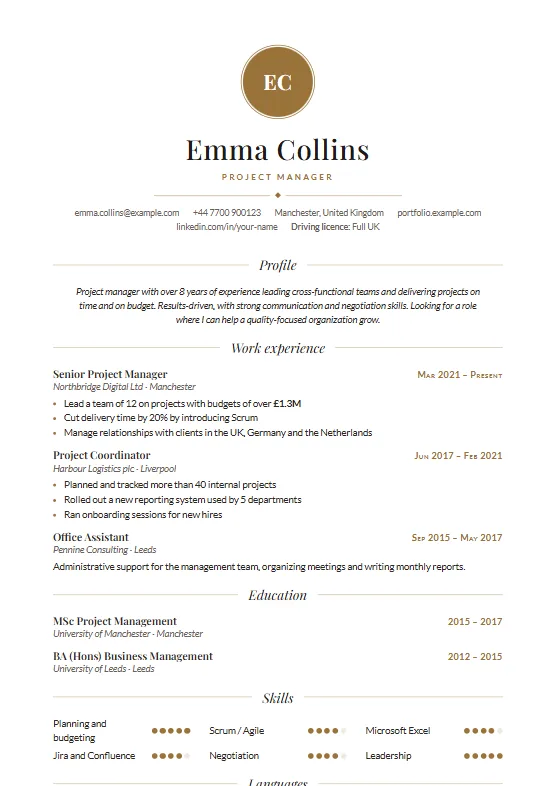
Centered layout with refined serif type and gold accents.
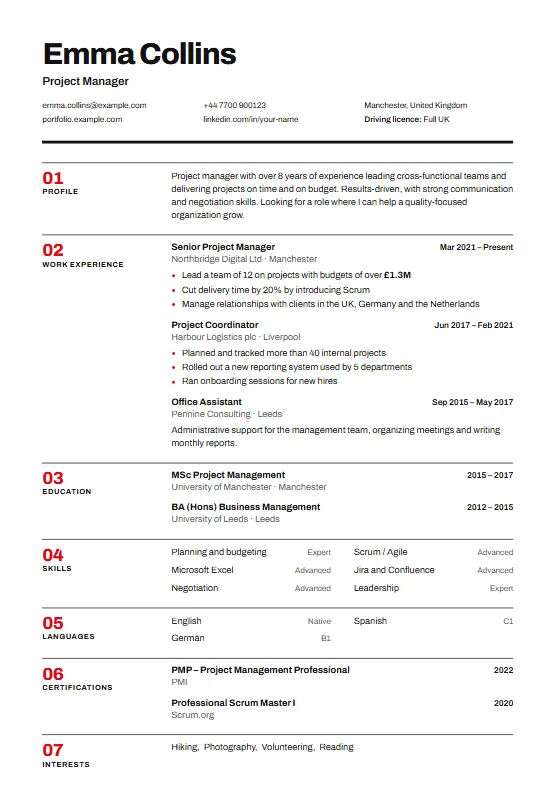
Strict grid, numbered sections and Swiss red.