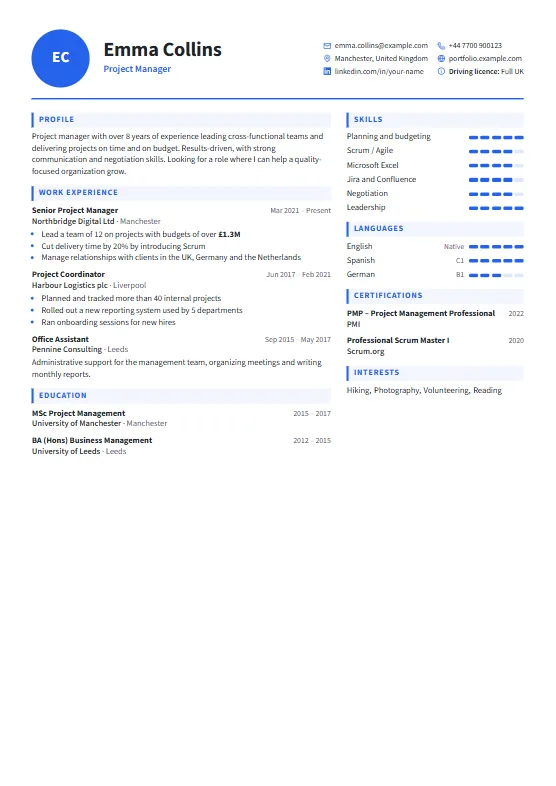
Compact
Dense two-column layout that fits a lot on one page.
 Atelier CV
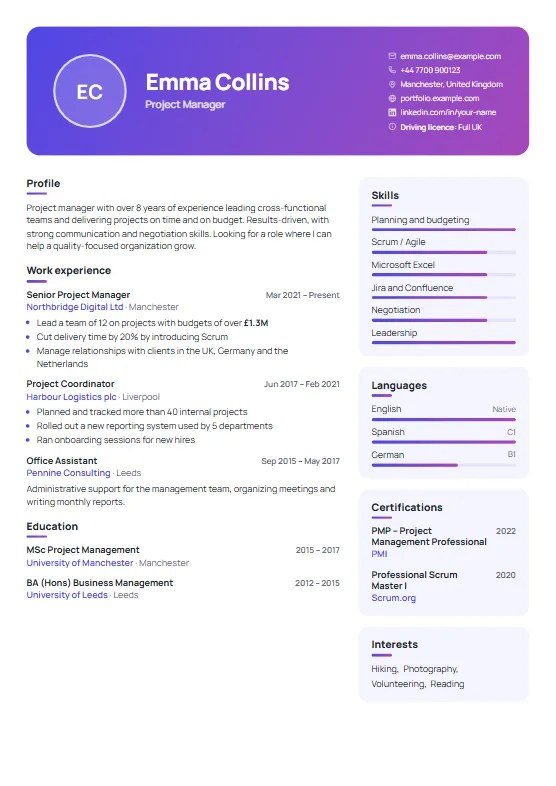
Gradient features a card-style header with a colorful gradient, a round photo and skill bars in matching colors. It looks fresh, like a modern digital product.
Free · no sign-up · A4 PDF
For startups, IT, digital marketing and product management, where a CV can look like a well-made product. The card-style header and color gradient feel fresh, and the skill bars are visible right away. It suits applications sent directly to a small team.
Skill bars say little about what you really know, so for technical or senior roles it is better to write concrete achievements, for example with Technical. At traditional companies or institutions, the gradient stands out too much; take Classic.
We rate it Good rather than Excellent because it has two columns and graphic elements, and university career centers recommend avoiding them for automated systems. Levels drawn as bars may not be read at all, so the important technologies should also appear in your job descriptions, in the same words as the job ad.
The photo is round and sits in the header card, over the gradient. An image with a simple background works well. If you hide it in the editor, the card keeps just your name and contact details.
Start from any of the 40 templates. You can switch later — your text stays.
Type into the form and watch the A4 page update live. Add or remove the sections you need.
Click “Download PDF” and save your CV, ready to send to employers or upload to job sites.
Dense two-column layout that fits a lot on one page.
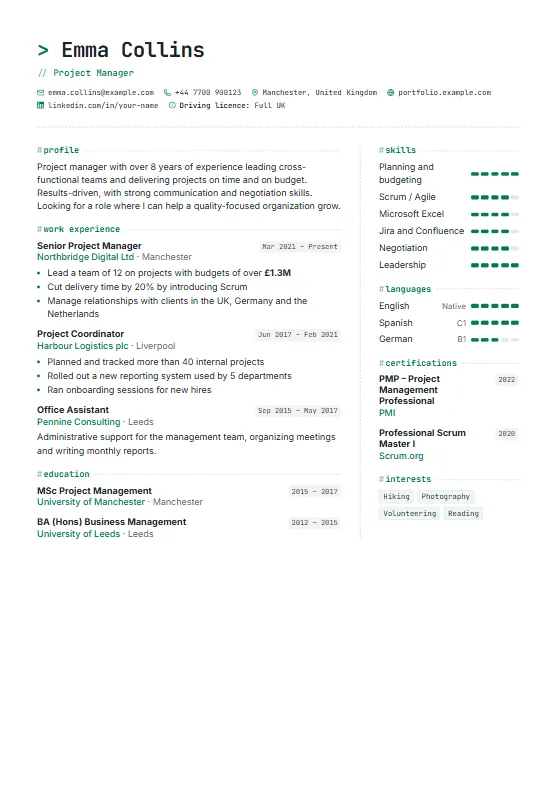
Monospace font and code-style details. For IT and technical roles.
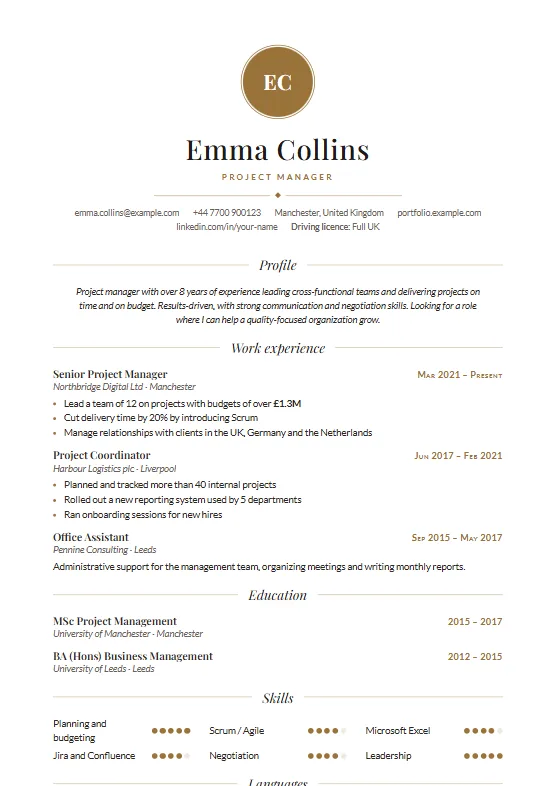
Centered layout with refined serif type and gold accents.
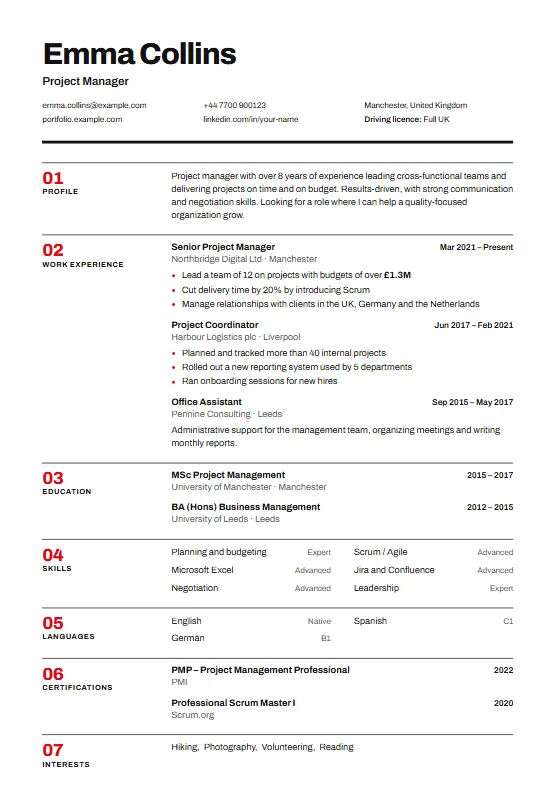
Strict grid, numbered sections and Swiss red.
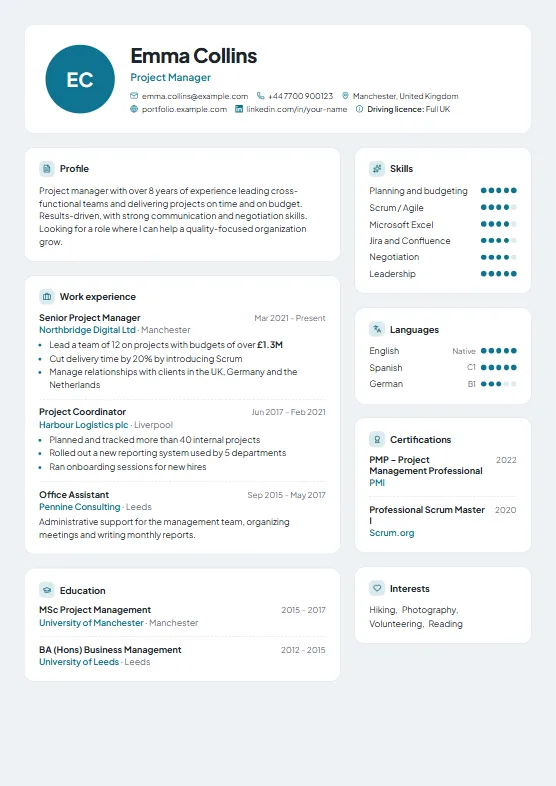
Each section in its own card on a light gray background.
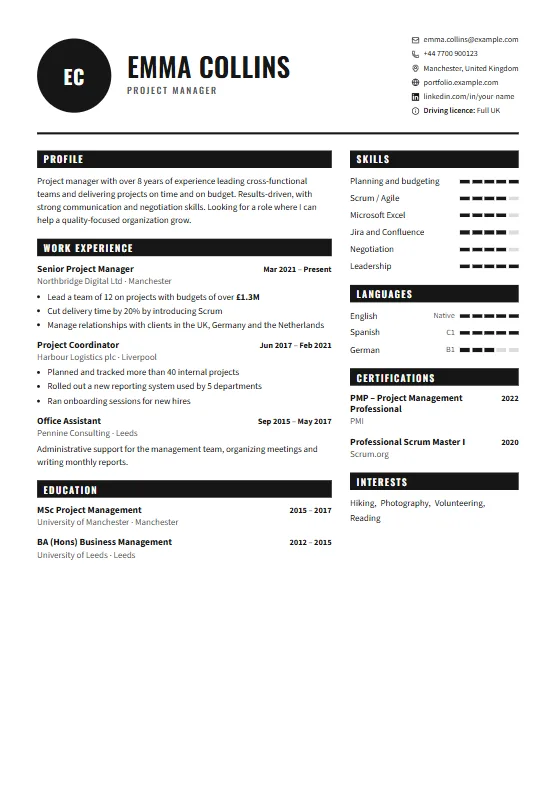
Headings on dark bars and a condensed font. Maximum impact.
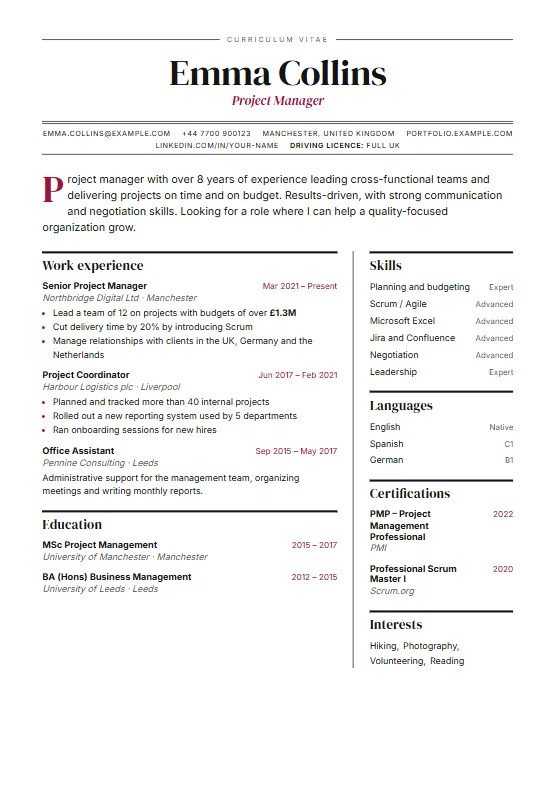
Like a magazine page: huge name, display serif and a drop cap.
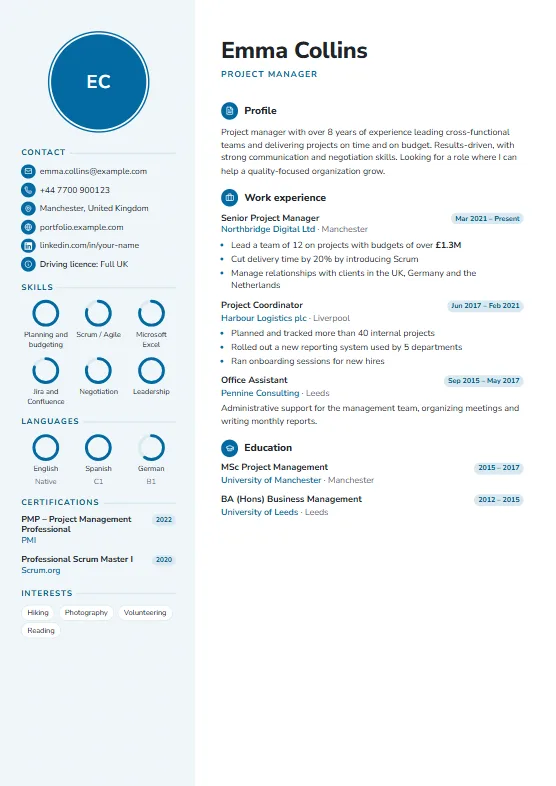
Skills as progress rings and an icon on every section.