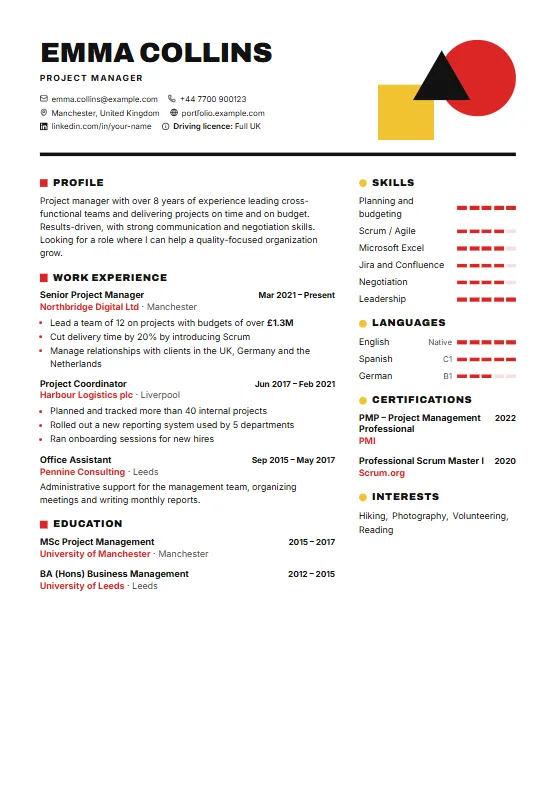
Bauhaus
A circle, a square and a triangle in the header, heavy headings. Geometric.
 Atelier CV
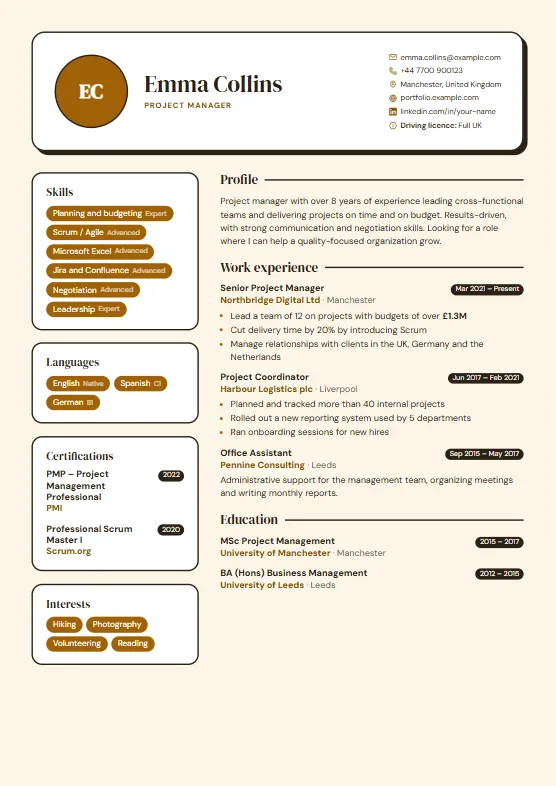
Retro uses a cream background, a header with a thick outline and offset shadow, and headings in a characterful serif. Your skills appear as colored tags in the left column.
Free · no sign-up · A4 PDF
For cafes, hospitality, craftspeople and creative industries. The cream background, thick outline with an offset shadow and characterful serifs recall a carefully made product label. It is a good choice when the place you are applying to has personality and would appreciate a CV with taste.
At a bank, a large company or in an office job, this template is too eccentric; take Classic or Stripes. The cream background uses ink when printed, so it works better sent as a PDF or printed on good paper.
It is rated Good because it has two columns and graphics, and university career centers recommend avoiding them for automated systems. In its fields, a CV usually goes straight to the owner or the manager. If you do apply through a job portal, use Highlighter, which sits on one column.
There is room for a photo in the header with the thick outline, where a warm image goes well with the cream background. You can make it round or square, or hide it in the editor.
Start from any of the 40 templates. You can switch later — your text stays.
Type into the form and watch the A4 page update live. Add or remove the sections you need.
Click “Download PDF” and save your CV, ready to send to employers or upload to job sites.
A circle, a square and a triangle in the header, heavy headings. Geometric.
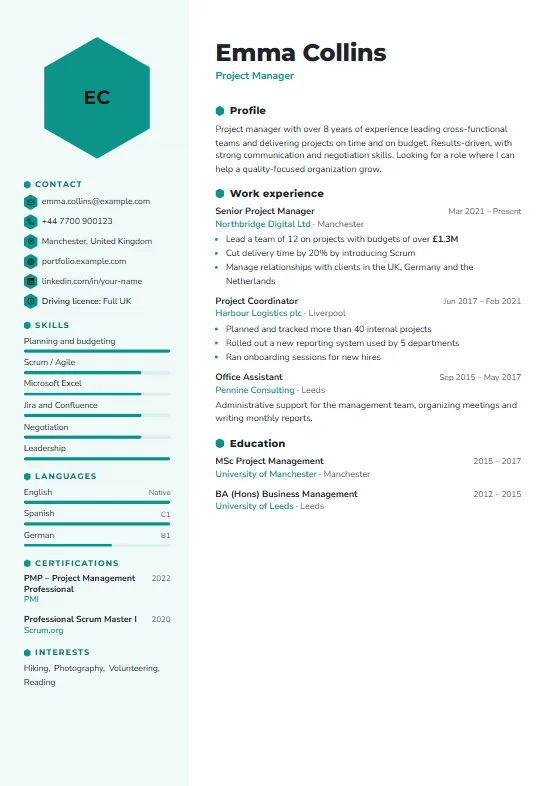
A hexagonal photo and markers, with a tinted sidebar.
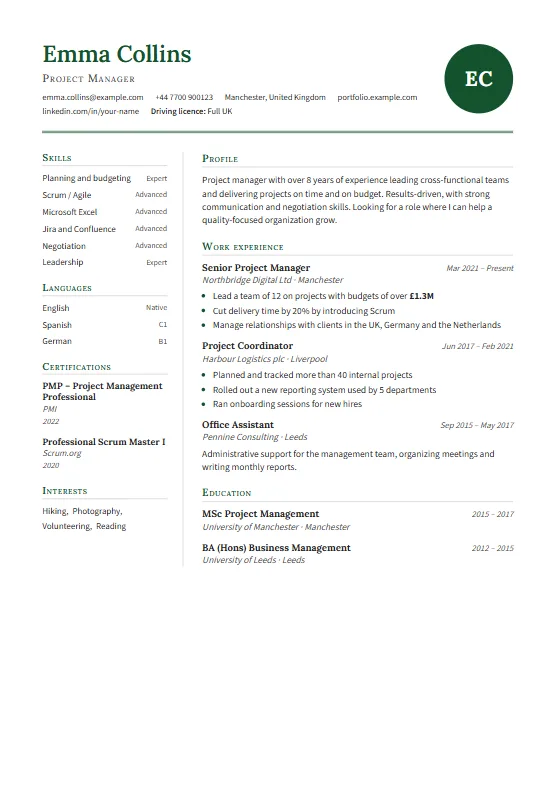
Serif in two columns, with no colored backgrounds. Classic and orderly.
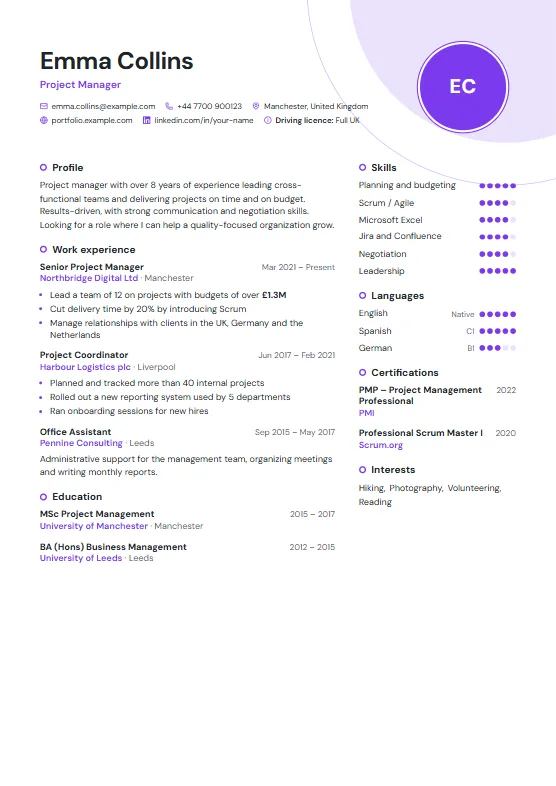
A large decorative circle in the top corner. Modern and playful.
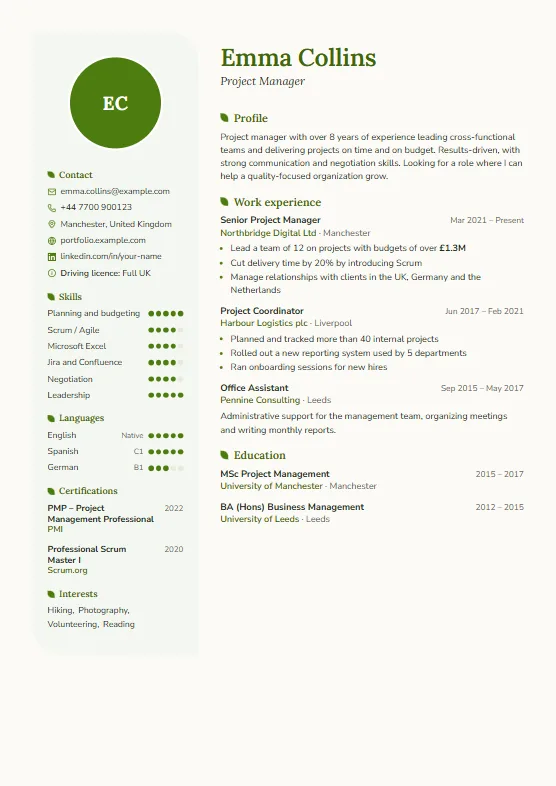
Earthy tones and a sidebar with leaf-shaped corners.
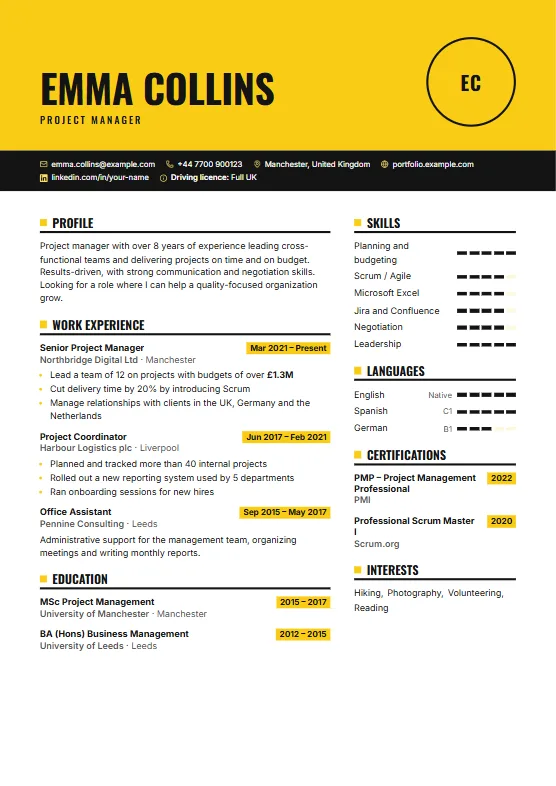
A huge name on a block of color, with a black contact strip.
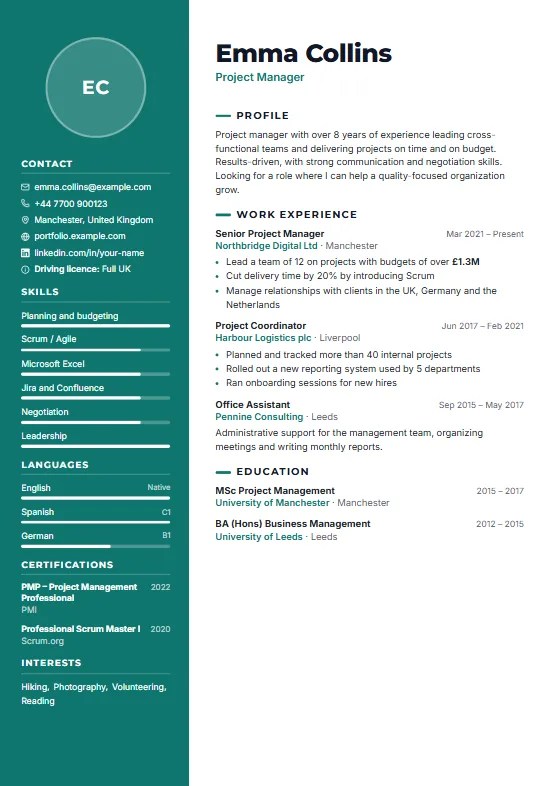
Colored sidebar with a photo and skill bars.
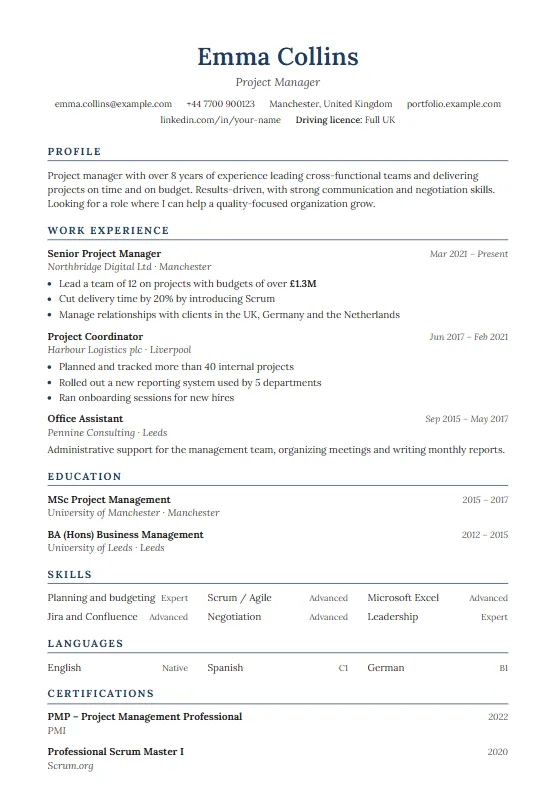
Single column, serif font and centered header. Works for any field.