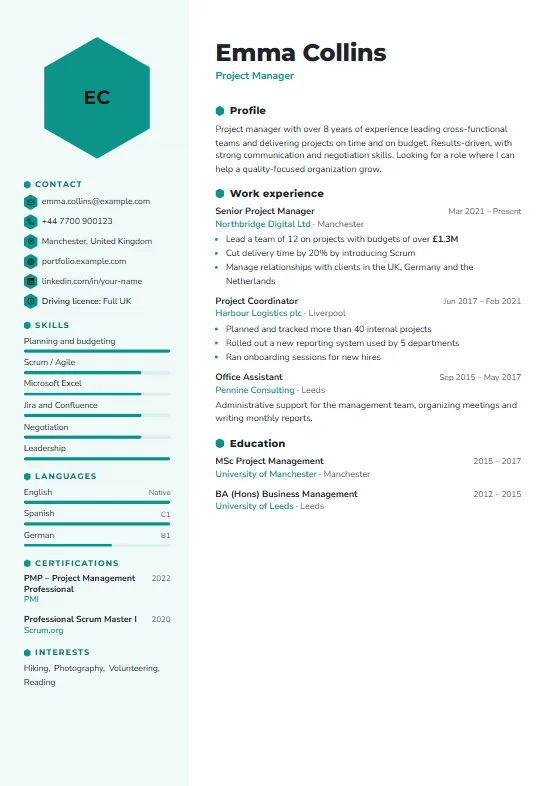
Hexagon
A hexagonal photo and markers, with a tinted sidebar.
 Atelier CV
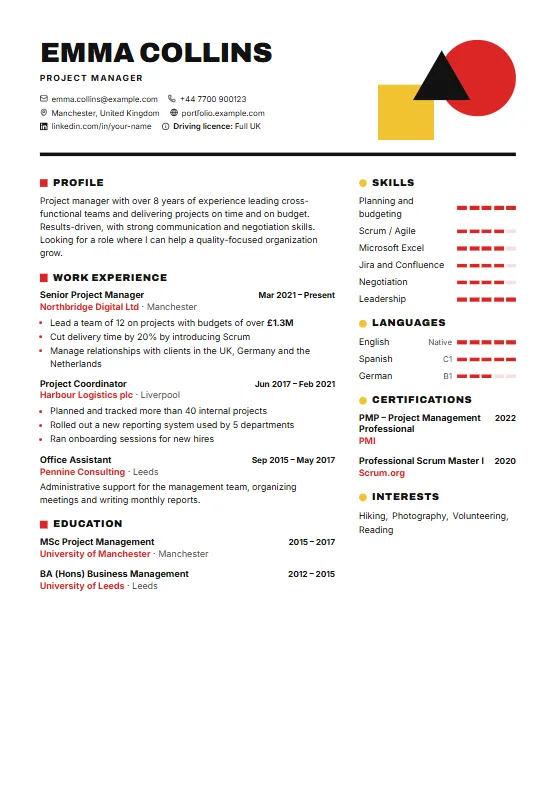
Bauhaus uses simple geometric shapes, a circle, a square and a triangle, in the corner of the header, with a big, heavy name. Bold headings and black rules make it graphic and memorable.
Free · no sign-up · A4 PDF
For graphic design, architecture, art and advertising. The circle, square and triangle in the header, the bold name and the black lines show that you know what composition is. It works when the reader is also a design person who will notice the details, for example at a studio or an agency.
For readers outside the field, the geometric shapes can look like mere decoration; Swiss stays graphic but calmer. Avoid it at large companies, where your CV goes through an automated system, and in formal fields, where Classic is safer.
It is rated Good because it has two columns, and university career centers recommend avoiding columns and graphics for automated systems. The shapes in the header are only decoration, but the order of the columns needs checking. Copy the text from the PDF into Notepad before you upload it to a portal.
Start from any of the 40 templates. You can switch later — your text stays.
Type into the form and watch the A4 page update live. Add or remove the sections you need.
Click “Download PDF” and save your CV, ready to send to employers or upload to job sites.
A hexagonal photo and markers, with a tinted sidebar.
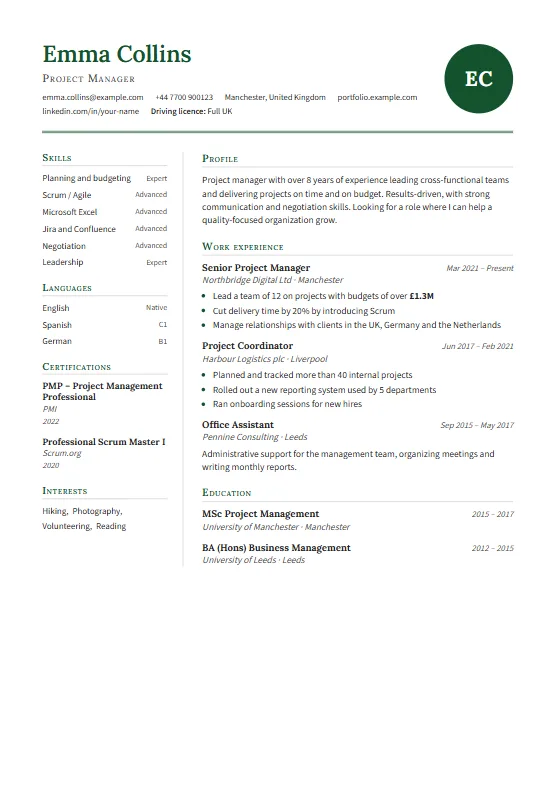
Serif in two columns, with no colored backgrounds. Classic and orderly.
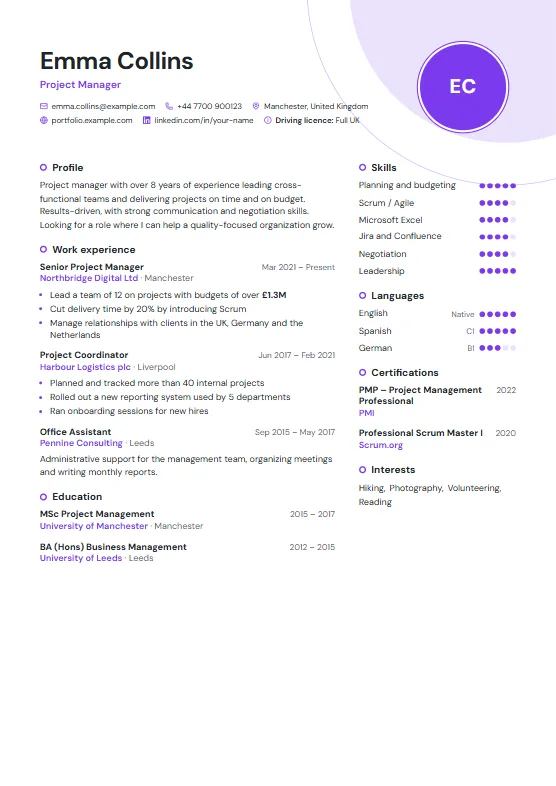
A large decorative circle in the top corner. Modern and playful.
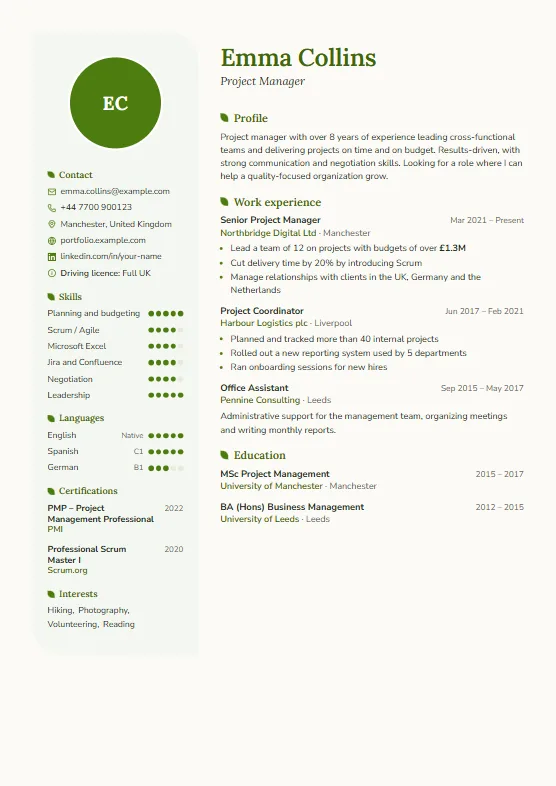
Earthy tones and a sidebar with leaf-shaped corners.
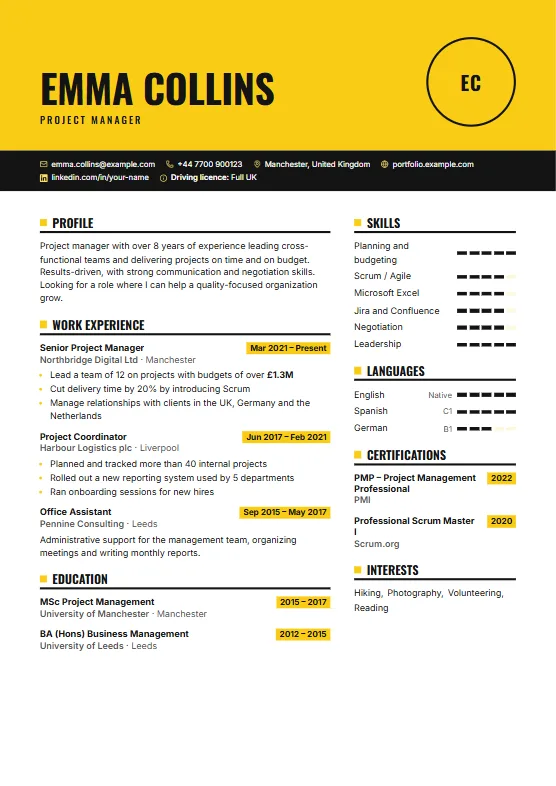
A huge name on a block of color, with a black contact strip.
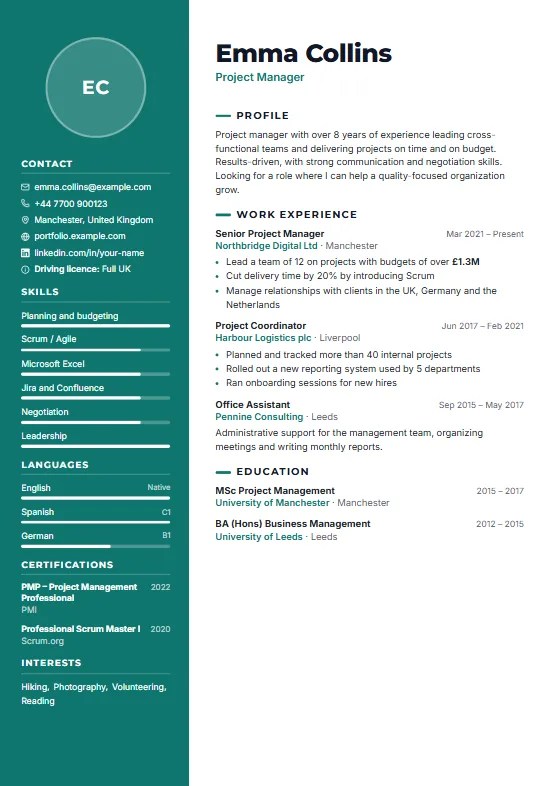
Colored sidebar with a photo and skill bars.
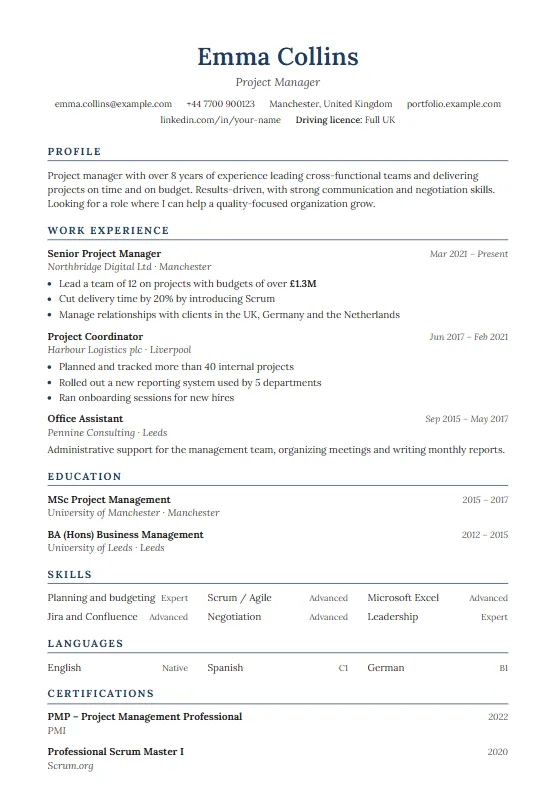
Single column, serif font and centered header. Works for any field.
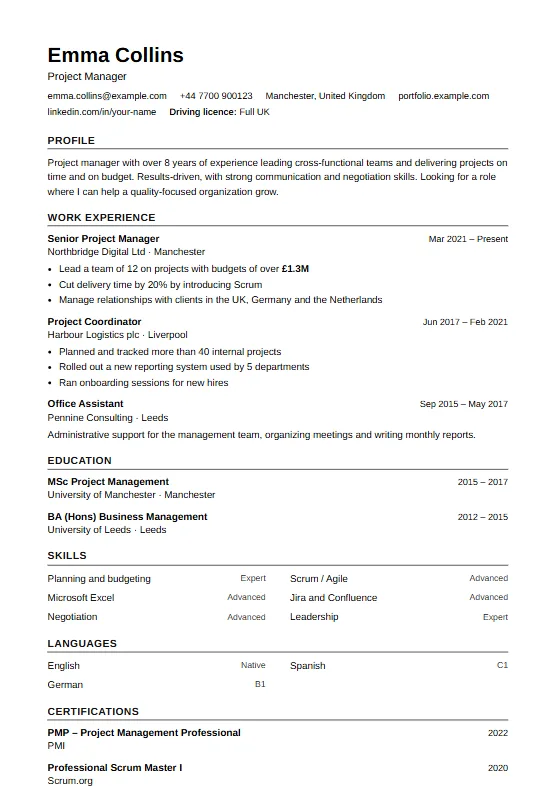
No columns, no icons, no photo. Parsed cleanly by ATS software.