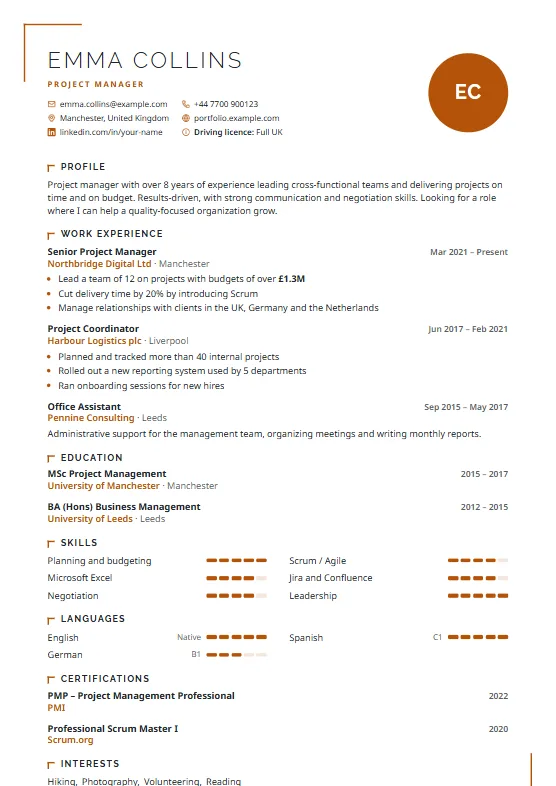
Corner
Corner brackets at the top and bottom, a widely spaced name. Refined.
 Atelier CV
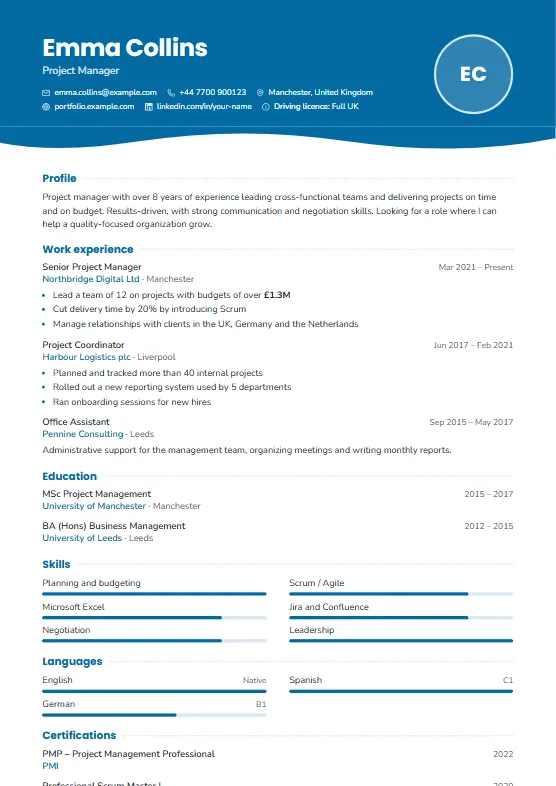
Wave has a colored header with a wavy bottom edge, holding your name, photo and contact details. Below it, the content runs in one column with colored headings.
Free · no sign-up · A4 PDF
For tourism, hospitality, sports and customer service. The colored header with a wave-shaped lower edge gives the CV a relaxed but tidy feel, and the colored headings carry the theme down the page. It suits you when you want to come across as open and energetic, for example at a reception desk or as a guide.
In a corporate or legal setting, the wave can feel too casual; take Horizon, which has the same structure with straight lines. If you plan to print a lot, keep in mind that the colored header uses ink, while Ribbon uses less color.
It is rated Excellent because after the header the content sits on one column. Your name and contact details are ordinary text on a colored background, not an image, so they can be copied. Check this in Notepad, as with any CV. University career centers recommend using the same date format for all your jobs.
The photo sits in the colored header, next to your name and contact details. A bright image looks good against the wave. You can make it round or square, or hide it in the editor.
Start from any of the 40 templates. You can switch later — your text stays.
Type into the form and watch the A4 page update live. Add or remove the sections you need.
Click “Download PDF” and save your CV, ready to send to employers or upload to job sites.
Corner brackets at the top and bottom, a widely spaced name. Refined.
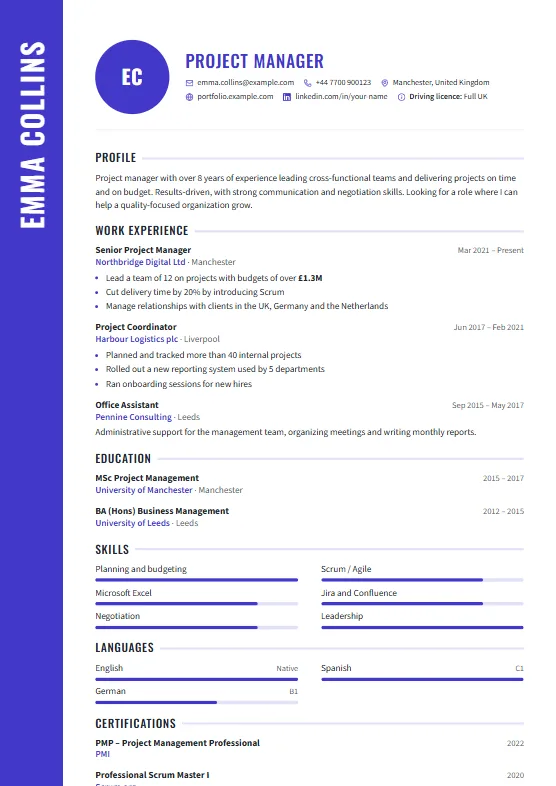
Your name written vertically on a colored strip on the left. Bold.
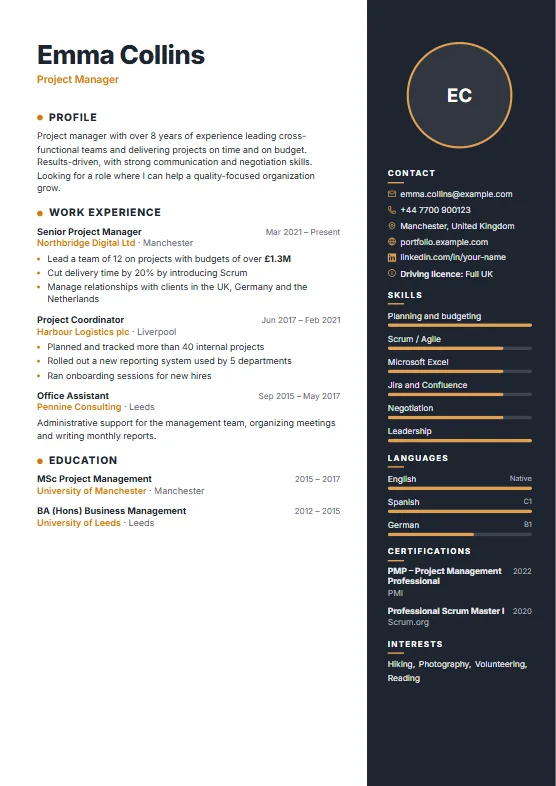
A dark sidebar on the right with warm accents.
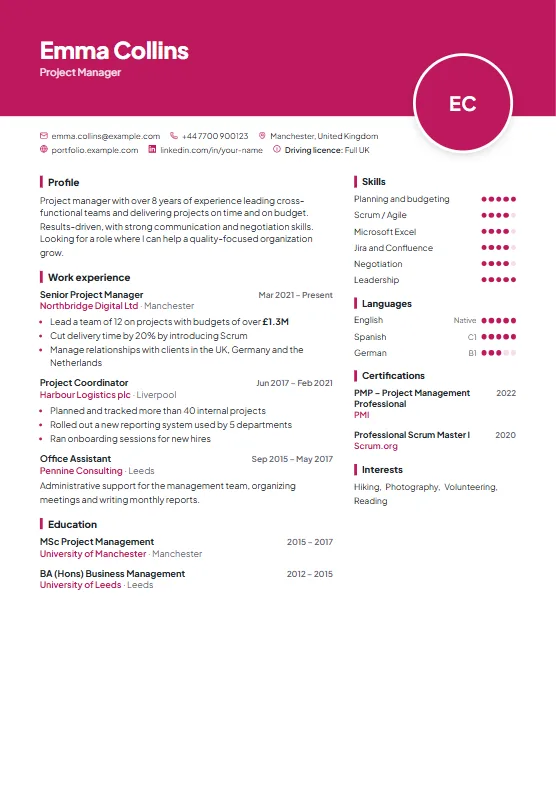
A colored band at the top with your photo sitting on its edge. Two columns.
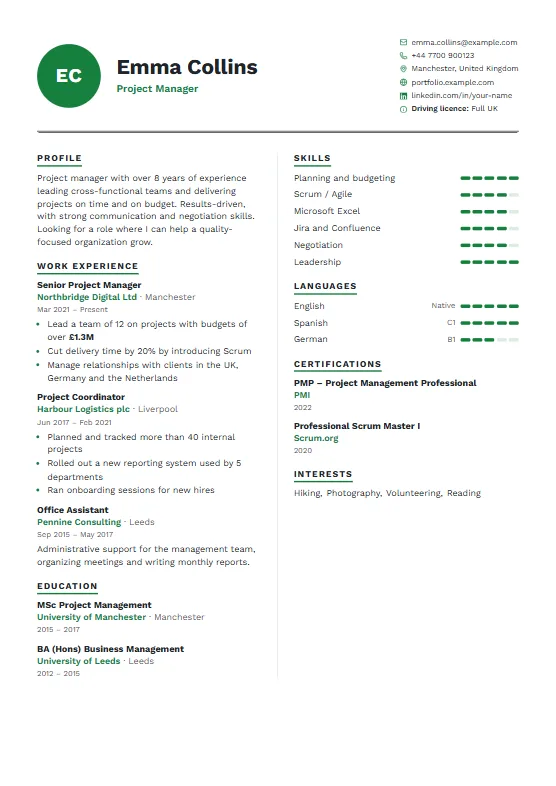
Two equal columns divided by a fine line. Balanced.
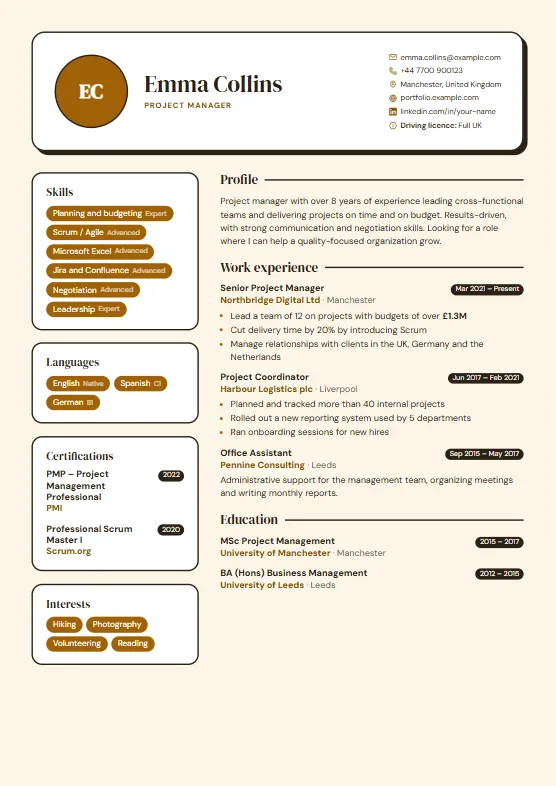
Cream background, thick outlines and offset shadows. Full of character.
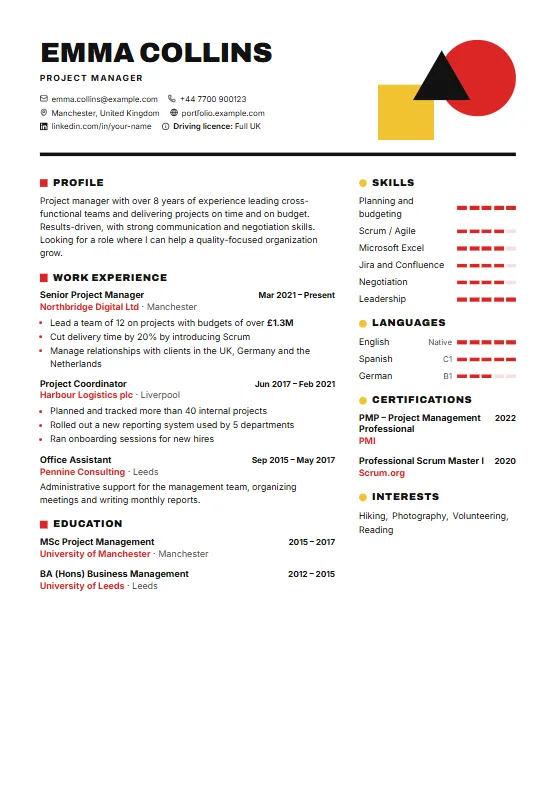
A circle, a square and a triangle in the header, heavy headings. Geometric.
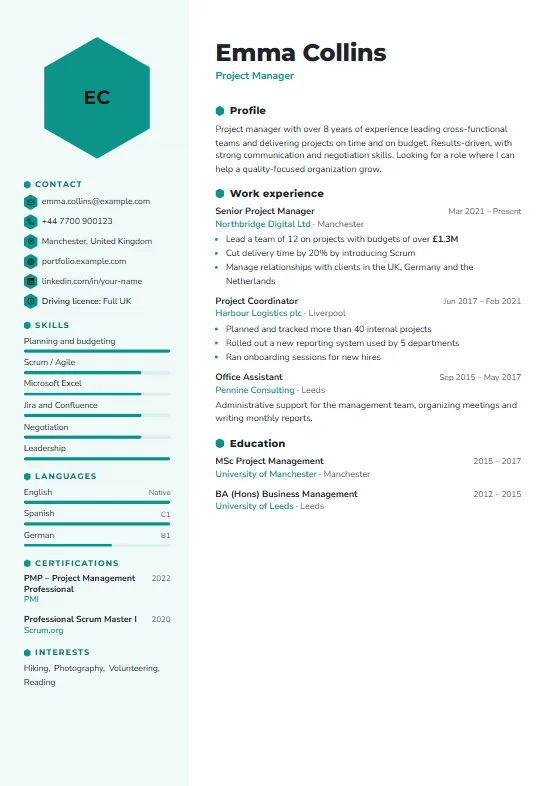
A hexagonal photo and markers, with a tinted sidebar.