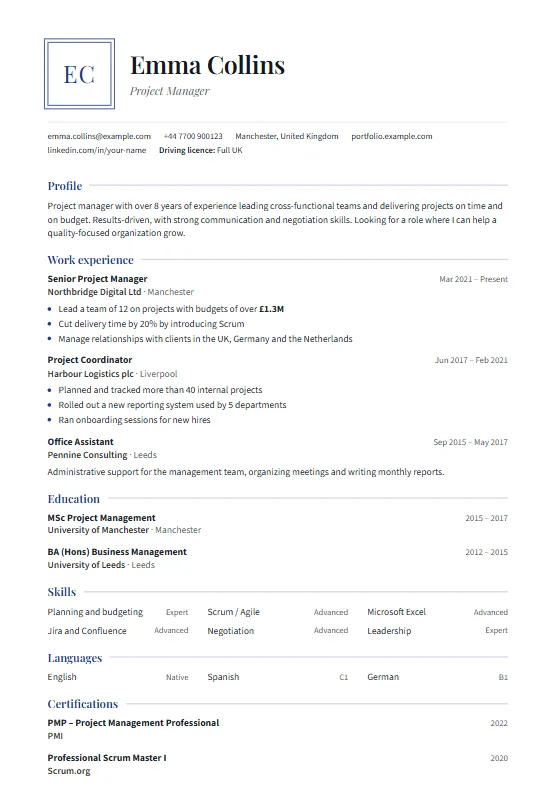
Monogram
Your initials in a double frame instead of a photo. Serif and understated.
 Atelier CV
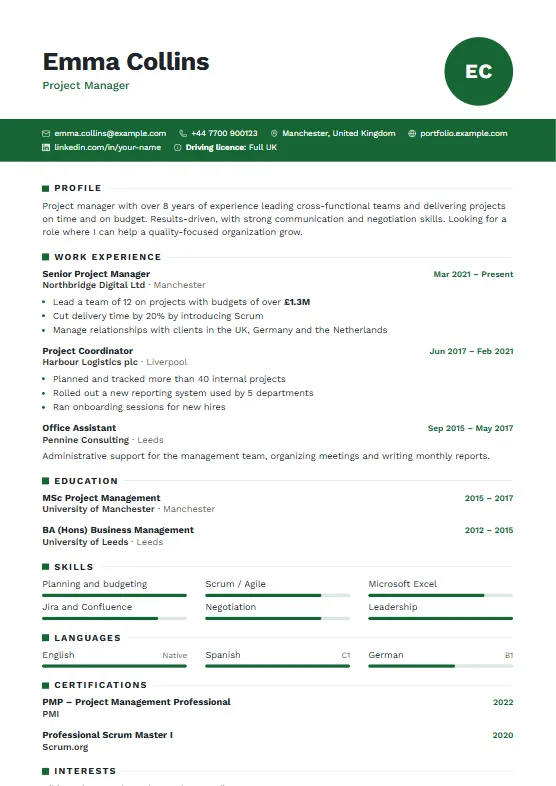
Horizon places your contact details on a colored strip running across the page just below your name, then continues in a single column with headings marked by a colored square. Balanced and easy to scan.
Free · no sign-up · A4 PDF
For engineering, the environment, agriculture and administration, when you want a balanced CV with a little color. The band under your name puts your contact details in plain view, and the rest of the page stays calm on one column. It is a good choice if Classic feels too plain and Modern too colorful.
If you want to stand out strongly, the colored band is too discreet; Creative or Poster make more of an impression. If you have a lot of skills to list, Compact or Modern handle them better, because they have a separate column.
It sits on one column with ordinary headings, so we rate it Excellent. University career centers warn that an ATS usually does not read a document header or footer; here your contact details are in the body of the page, not in a document header. A quick test in Notepad confirms they appear in the text.
There is room for a photo next to your name, above the contact band. You can make it round or square, or hide it in the editor if you want the band to be the only colored element.
Start from any of the 40 templates. You can switch later — your text stays.
Type into the form and watch the A4 page update live. Add or remove the sections you need.
Click “Download PDF” and save your CV, ready to send to employers or upload to job sites.
Your initials in a double frame instead of a photo. Serif and understated.
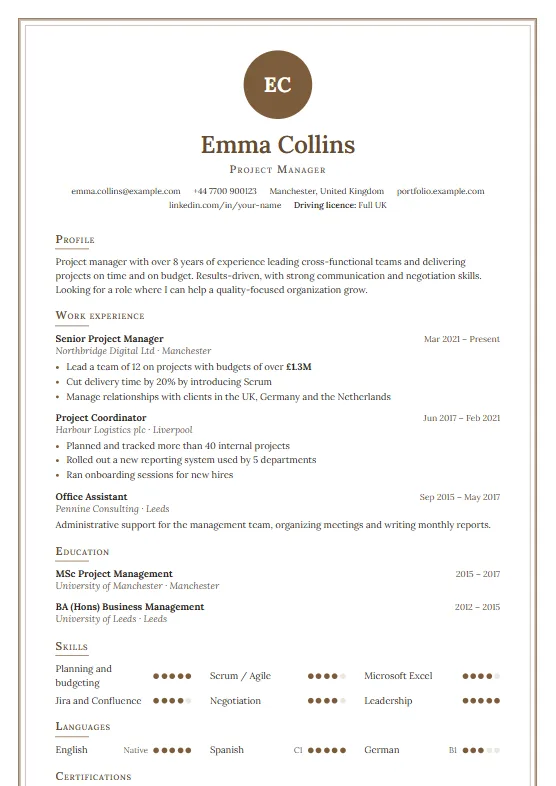
A double border around the page, like a certificate. Centered serif header.
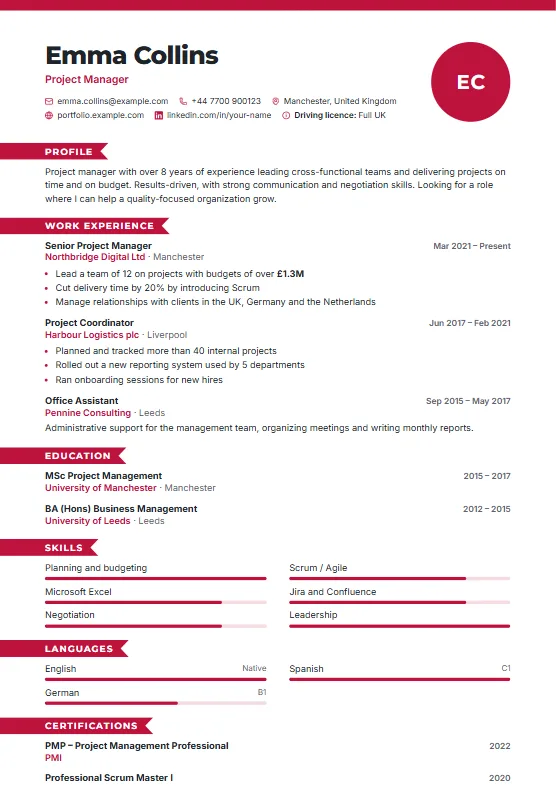
Section headings stick out from the page edge like colored ribbons.
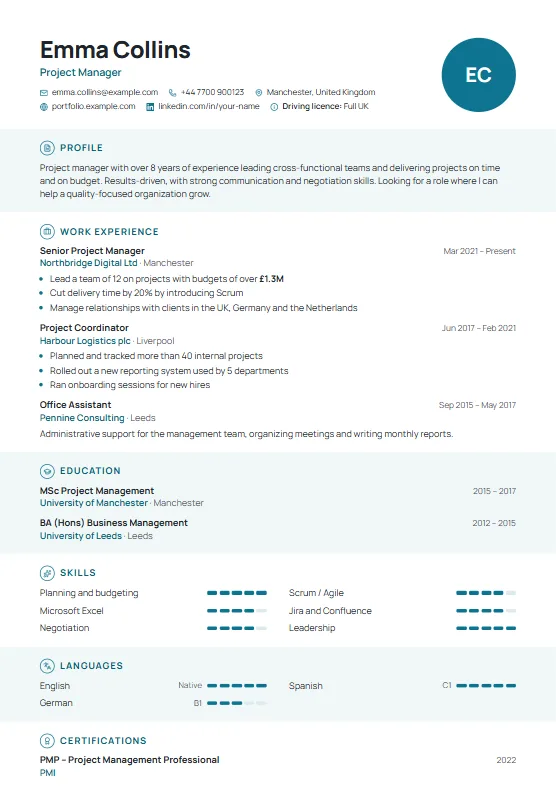
Sections on alternating full-width bands. Tidy and airy.
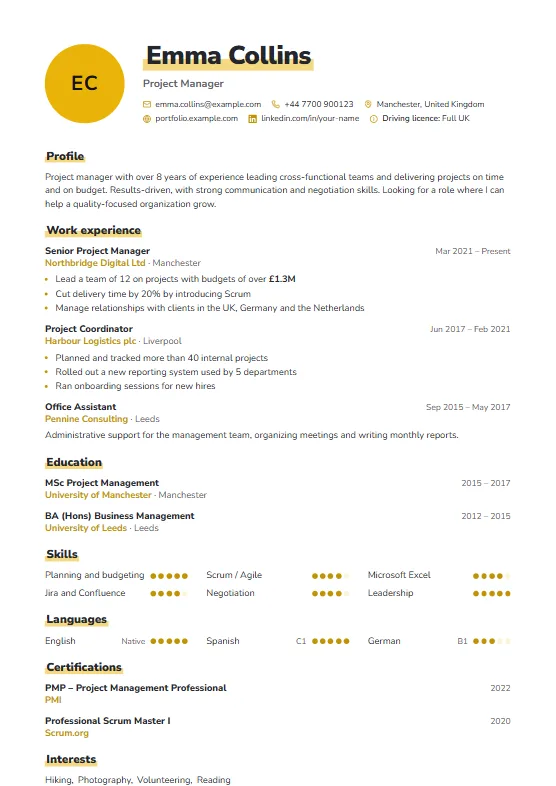
Your name and headings marked as if with a highlighter. Friendly and bright.
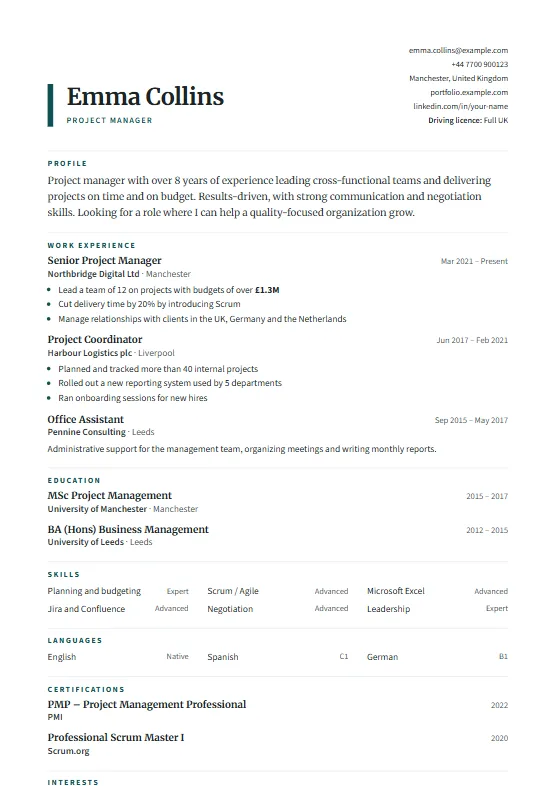
A vertical bar beside your name and right-aligned contacts. Confident.
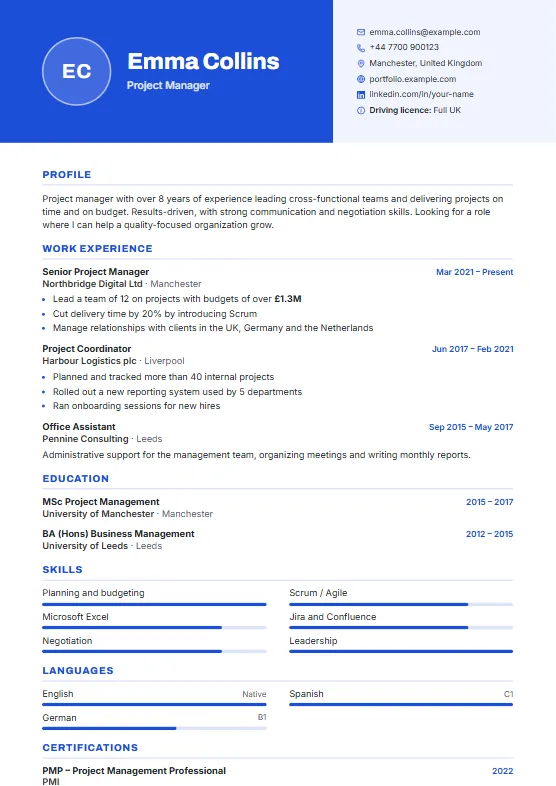
A two-tone header: your name on color, your contacts beside it.
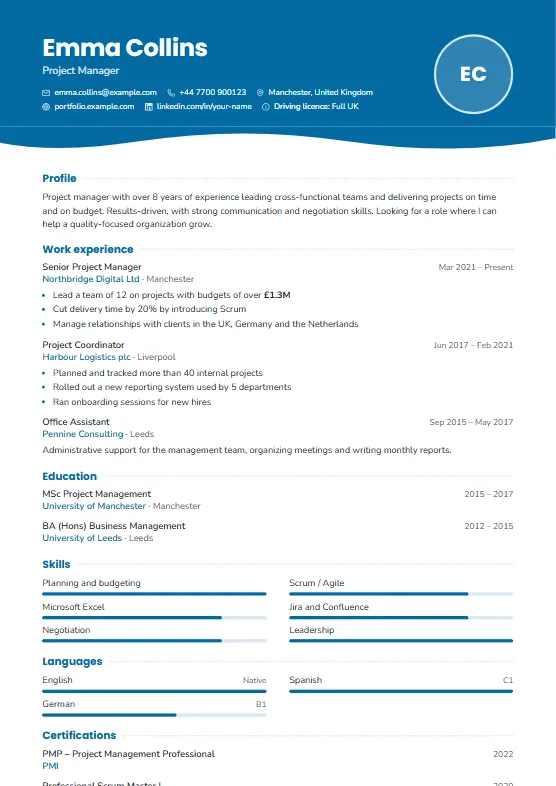
A colored header that ends in a wave. Fresh and bright.