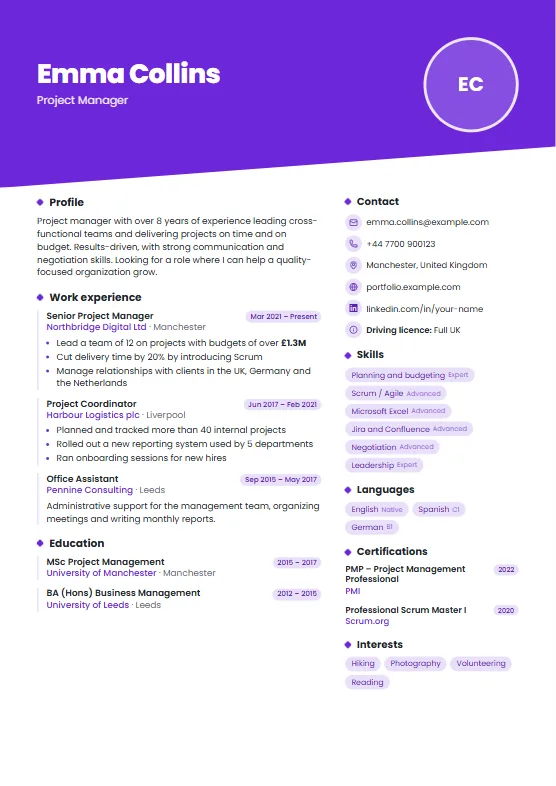
Creative
Bold colored header and skills shown as tags.
 Atelier CV
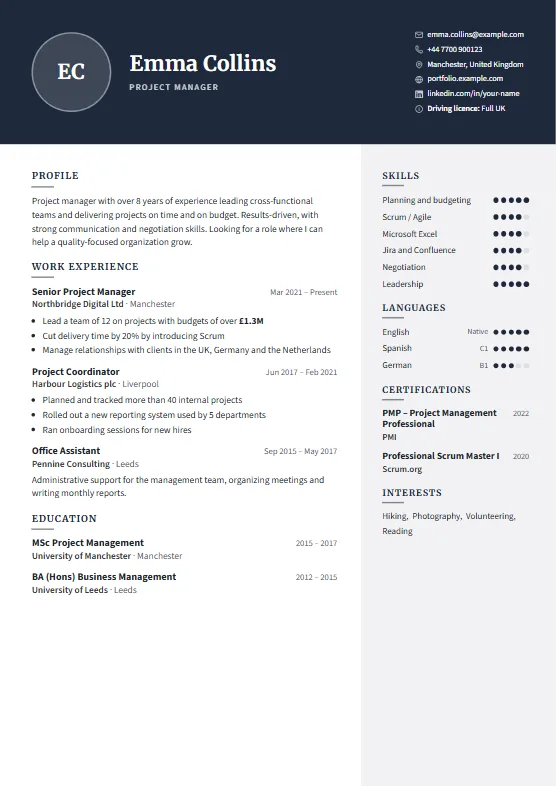
Executive opens with a dark band holding your name, photo and contact details, then splits the page between experience and a tinted side column for skills. It looks confident and composed.
Free · no sign-up · A4 PDF
For managers, directors and people with many years of experience who want to come across as settled from the first look. The dark band at the top gives your name weight, and the tinted side column keeps your skills apart from your career history. It works well when your achievements already tell the story and you need no decoration.
For a first job, or with little experience, the strong header can feel like too much for what you have to say; Highlighter or Modern will suit you better. If you are applying through a large recruitment portal, choose Consultant, which keeps the serious tone on a single column.
It is rated Good because it has two columns, and university career centers advise avoiding them when a CV goes through an automated system. It is meant mainly for a person to read: a headhunter, a founder or a board. If you know it will pass through an ATS first, test the PDF by copying the text into Notepad.
The photo sits in the top band, next to your name, and anchors the header. You can make it round or square. If you hide it in the editor, your name and contact details stay in the band.
Start from any of the 40 templates. You can switch later — your text stays.
Type into the form and watch the A4 page update live. Add or remove the sections you need.
Click “Download PDF” and save your CV, ready to send to employers or upload to job sites.
Bold colored header and skills shown as tags.
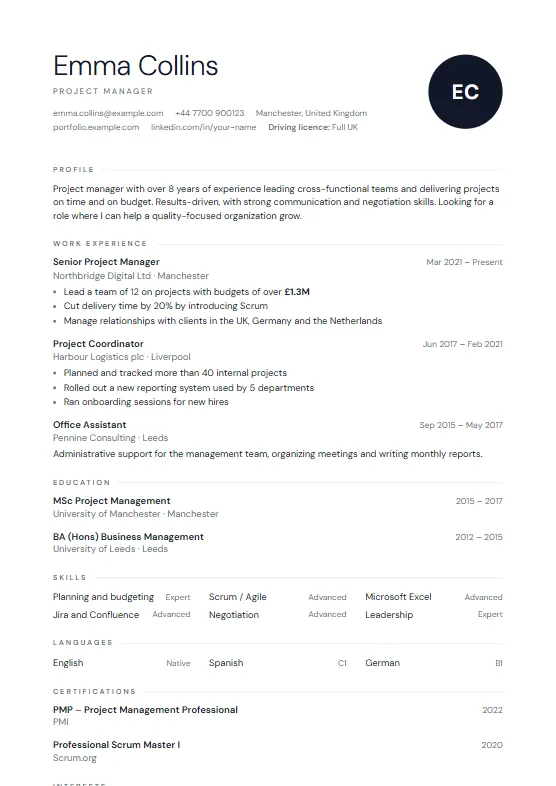
Lots of white space and refined typography. Understated and easy to read.
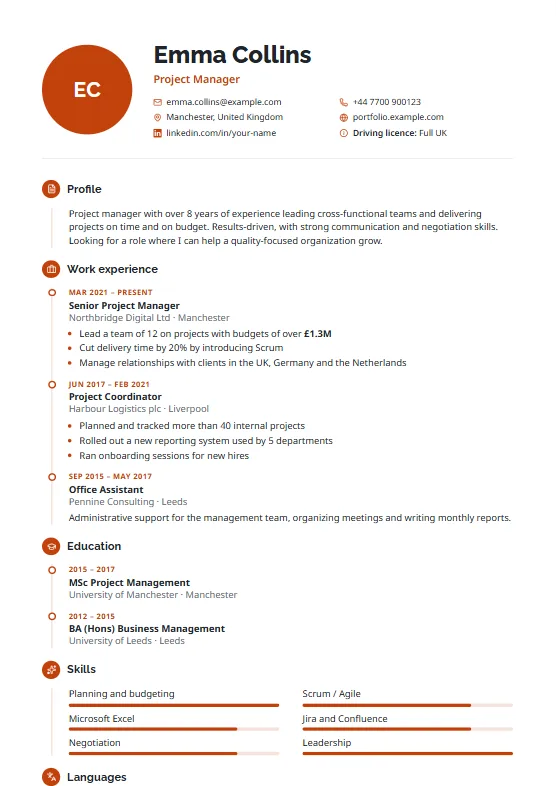
Experience and education on a timeline, with section icons.
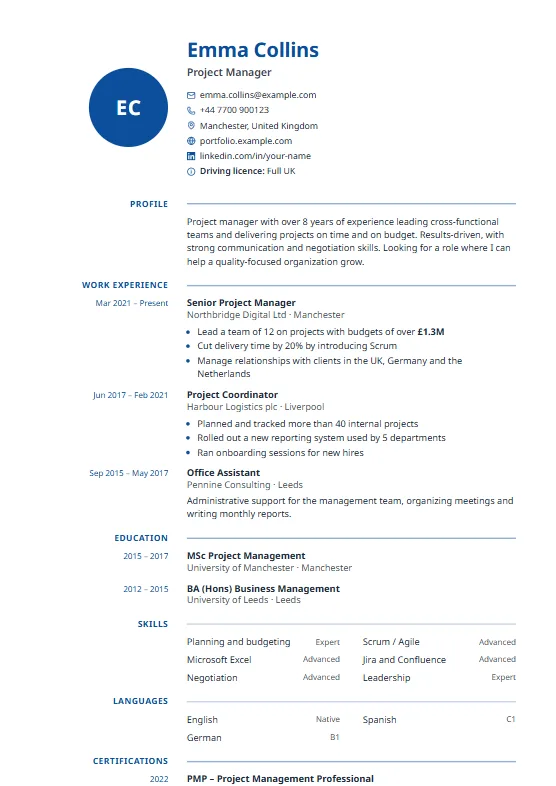
Labels and dates on the left, inspired by the classic European CV layout.
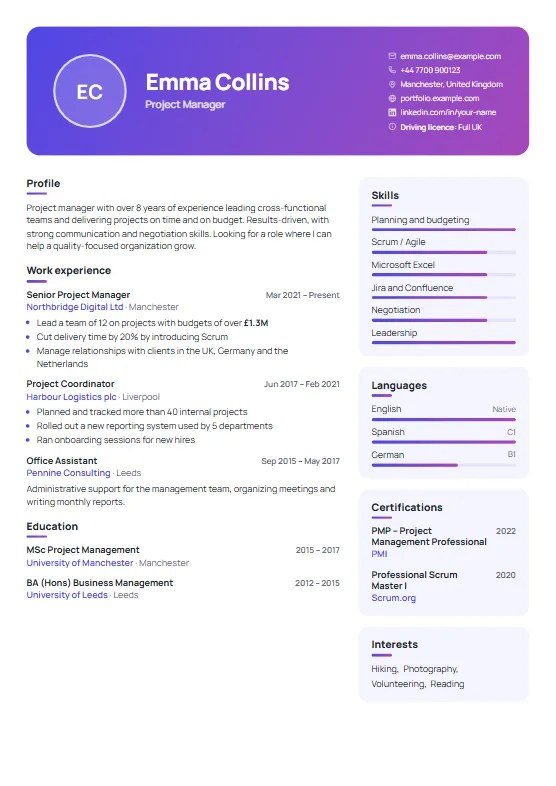
Gradient header card and rounded panels. Modern and friendly.
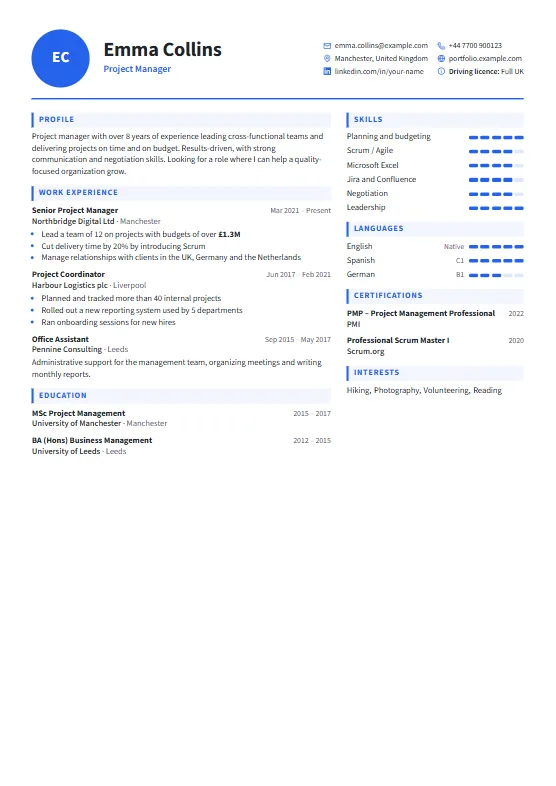
Dense two-column layout that fits a lot on one page.
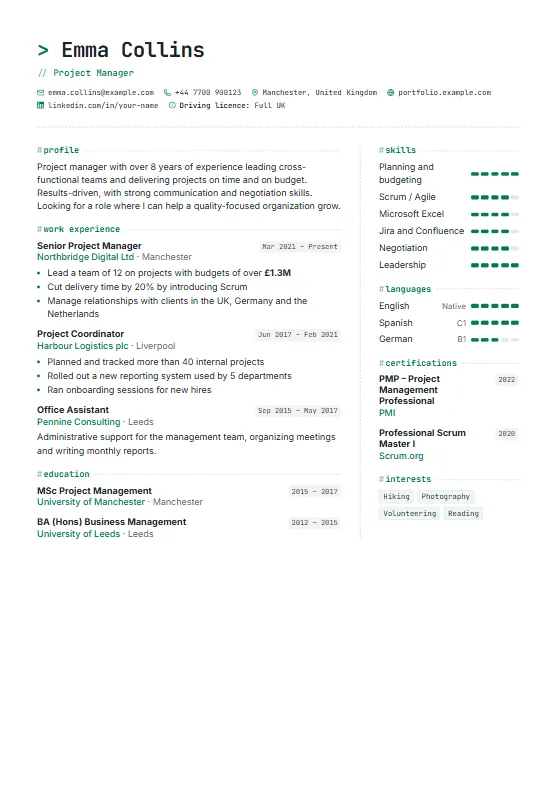
Monospace font and code-style details. For IT and technical roles.
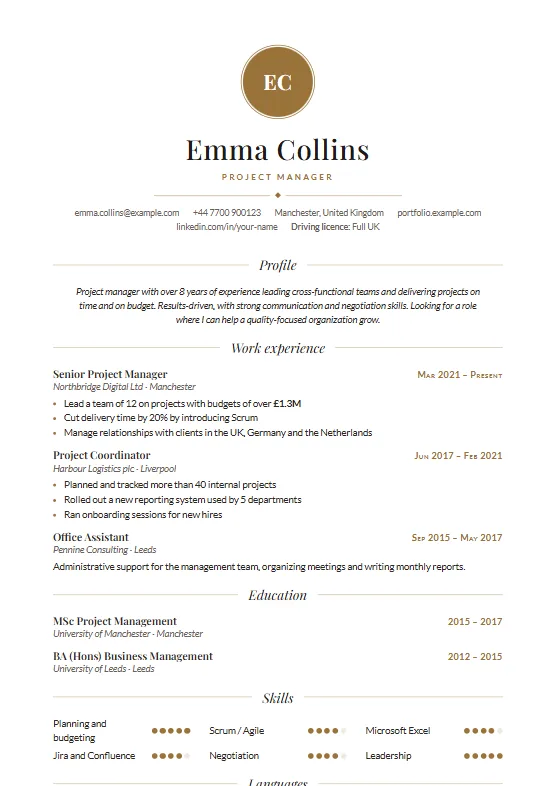
Centered layout with refined serif type and gold accents.