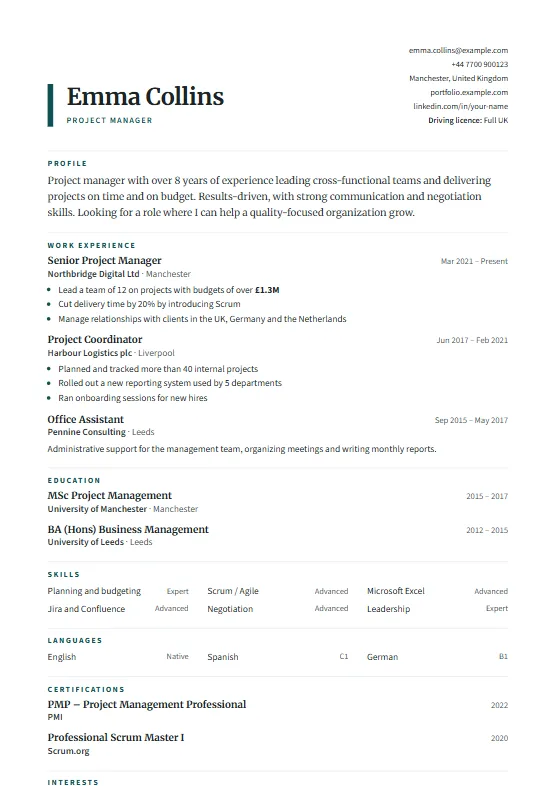
Consultant
A vertical bar beside your name and right-aligned contacts. Confident.
 Atelier CV
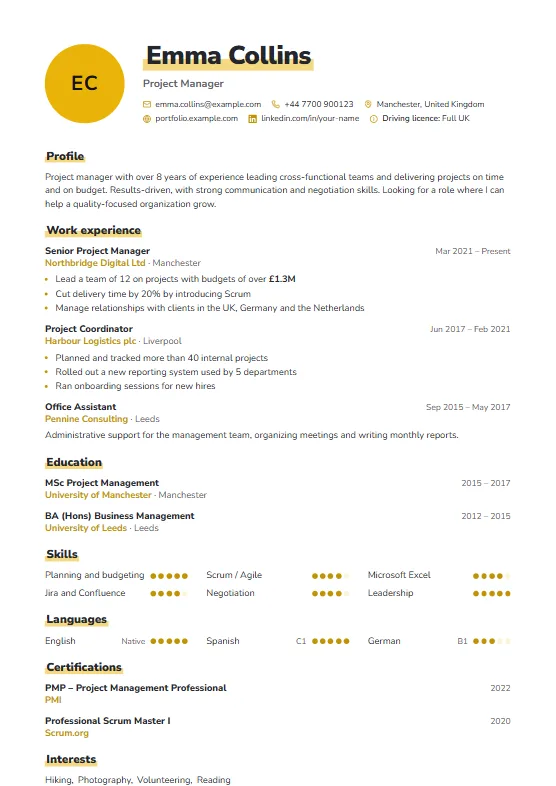
Highlighter picks out your name and section headings with a colored stroke, as if drawn with a marker pen. The rounded typeface and warm color make it friendly without cluttering the page.
Free · no sign-up · A4 PDF
For students, first jobs, education and hospitality. The colored stroke under your name and headings looks drawn with a highlighter, and the rounded font gives a friendly tone. It suits people with little experience who want what they have, such as internships, volunteering or university projects, to look neat.
After a few years of experience, the playful tone can work against you, especially at large companies; Horizon or Split are a natural next step. For formal fields, Classic remains the safe choice.
It sits on one column, so we rate it Excellent. The highlighter stroke is only decoration. On a first CV, the content is what matters: university career centers recommend using the words from the job ad and not listing skills you do not have, because they can come up in an interview or a test.
There is room for a photo in the header, where a simple image with a clean background works well. You can make it round or square, or hide it in the editor if you do not have a photo you like yet.
Start from any of the 40 templates. You can switch later — your text stays.
Type into the form and watch the A4 page update live. Add or remove the sections you need.
Click “Download PDF” and save your CV, ready to send to employers or upload to job sites.
A vertical bar beside your name and right-aligned contacts. Confident.
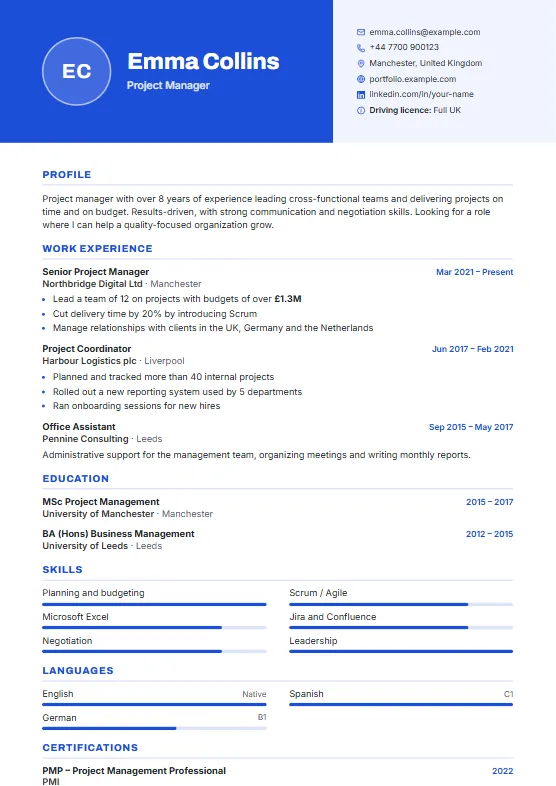
A two-tone header: your name on color, your contacts beside it.
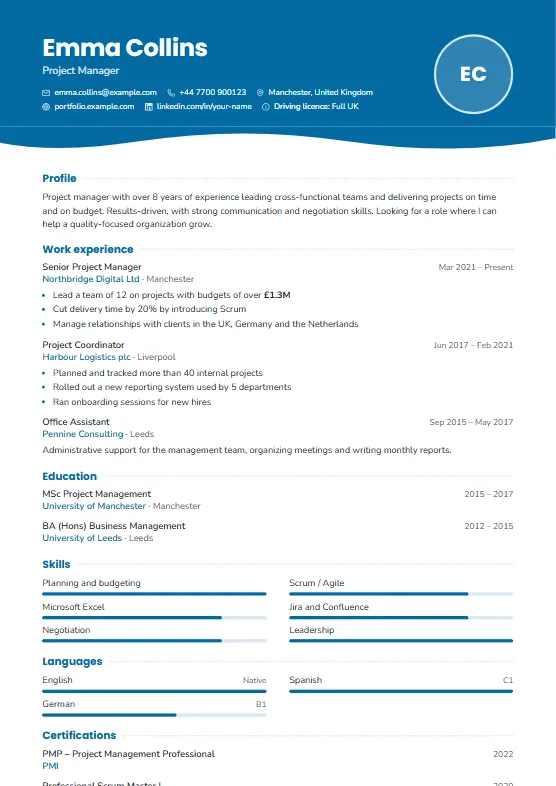
A colored header that ends in a wave. Fresh and bright.
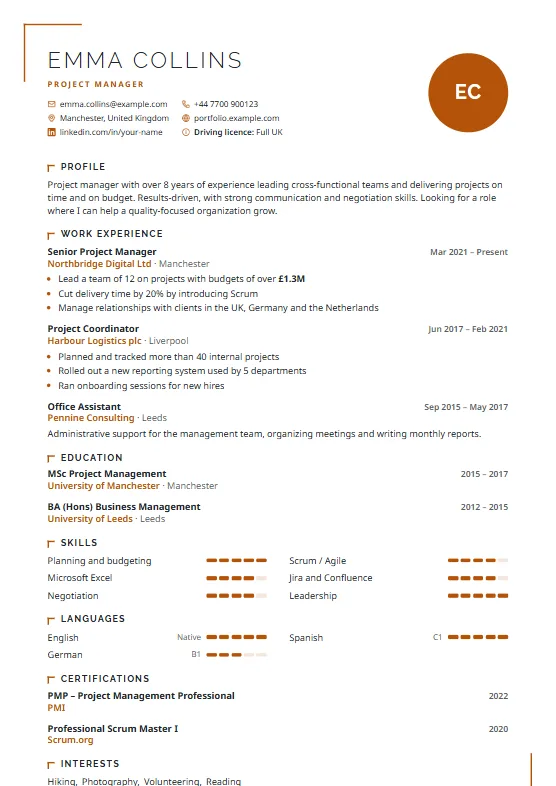
Corner brackets at the top and bottom, a widely spaced name. Refined.
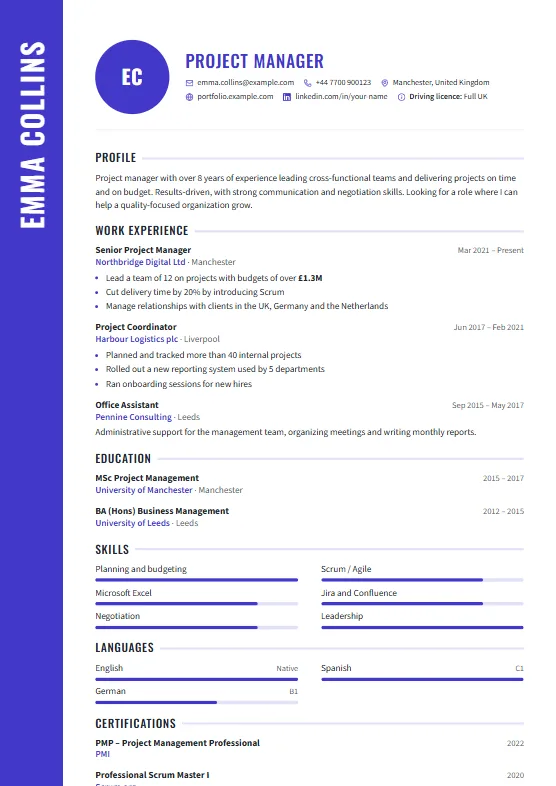
Your name written vertically on a colored strip on the left. Bold.
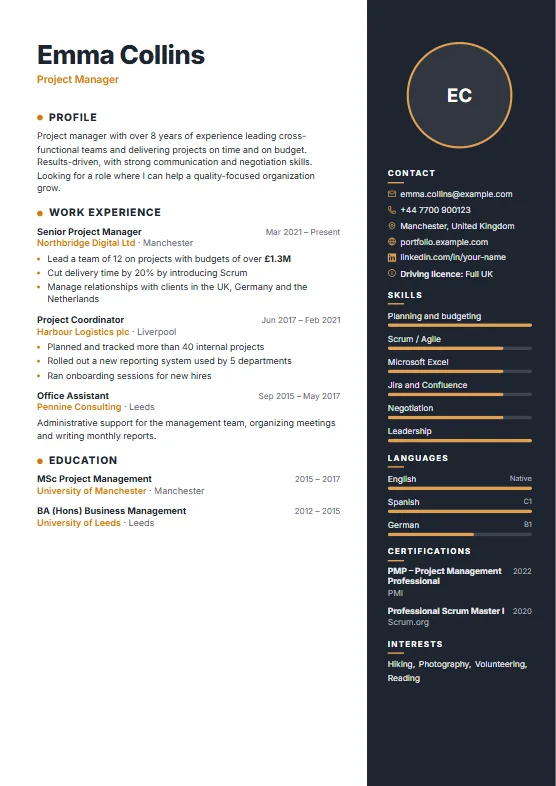
A dark sidebar on the right with warm accents.
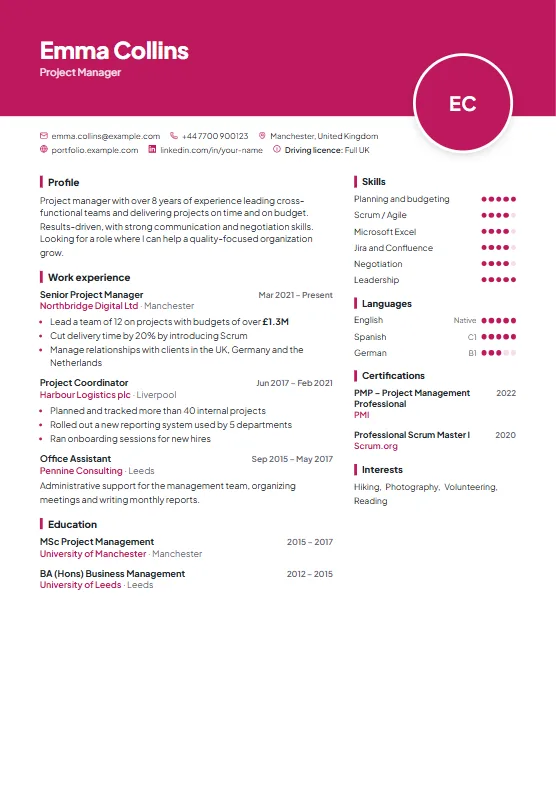
A colored band at the top with your photo sitting on its edge. Two columns.
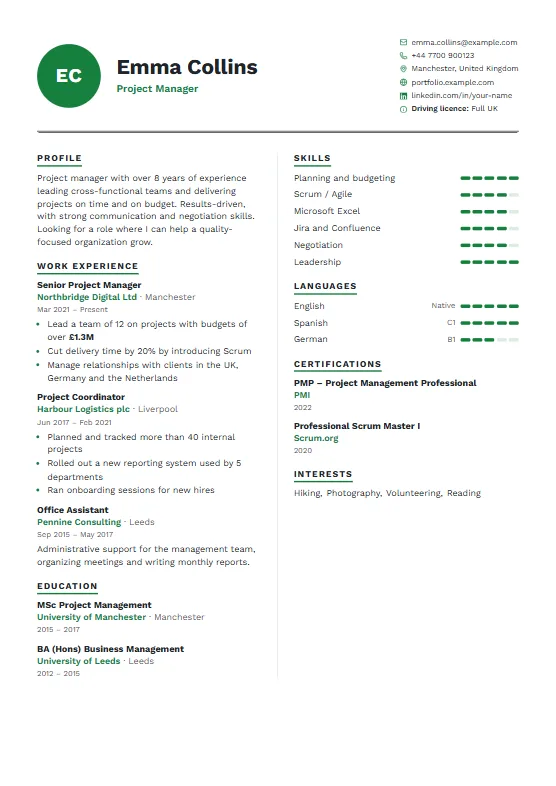
Two equal columns divided by a fine line. Balanced.