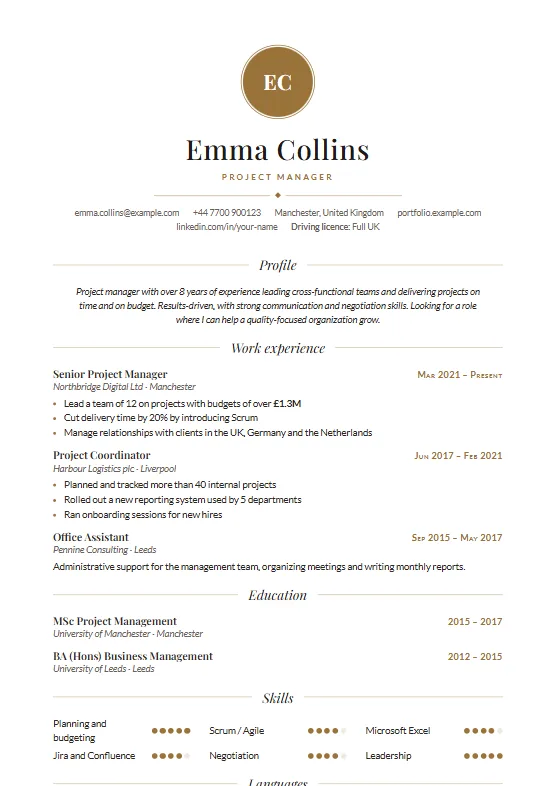
Elegant
Centered layout with refined serif type and gold accents.
 Atelier CV
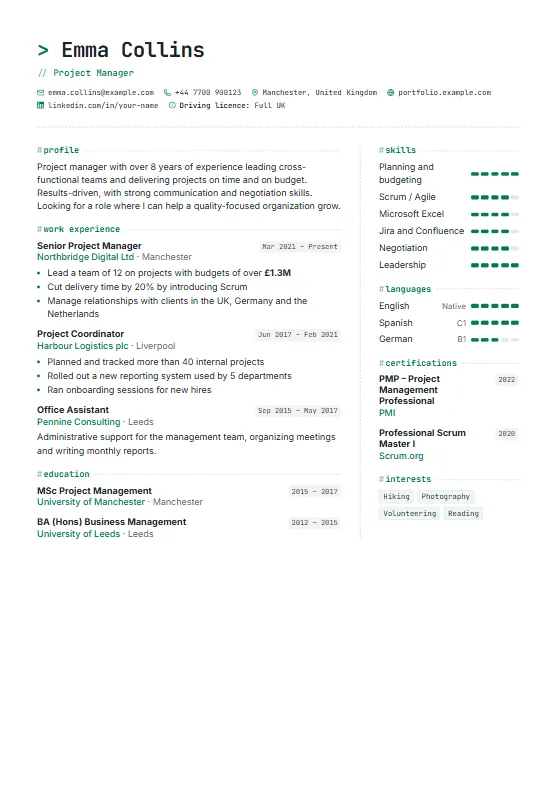
Technical uses a monospace font for headings, tags for technologies and a side column for skills. It feels familiar to anyone in tech while staying clean and easy to scan.
Free · no sign-up · A4 PDF
For developers, QA engineers, DevOps and data analysts. The monospace headings and technology tags look familiar to anyone who reads technical CVs, and the side column keeps your stack apart from your experience. A tech lead quickly sees which languages and tools you use.
Outside IT, the code style can come across as a niche joke; choose Split or Modern. At large companies, where your CV goes through an automated system, a one-column template such as Simple ATS is the better option, with your technologies written into your project descriptions.
The columns keep it at Good, since university career centers advise avoiding them when a CV goes through an automated system. The tags are ordinary text, so they can be copied. The guides also recommend using both the full form and the acronym, such as Continuous Integration (CI), and putting the terms from the job ad in your job descriptions and not only in a list.
Start from any of the 40 templates. You can switch later — your text stays.
Type into the form and watch the A4 page update live. Add or remove the sections you need.
Click “Download PDF” and save your CV, ready to send to employers or upload to job sites.
Centered layout with refined serif type and gold accents.
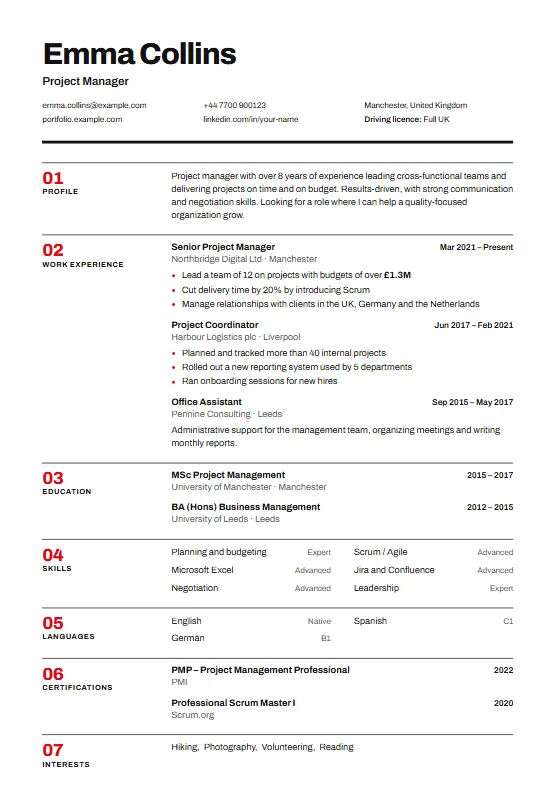
Strict grid, numbered sections and Swiss red.
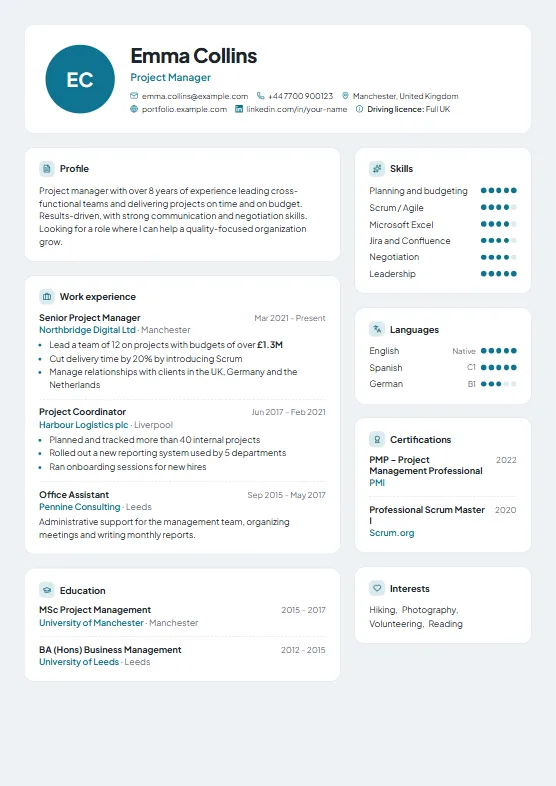
Each section in its own card on a light gray background.
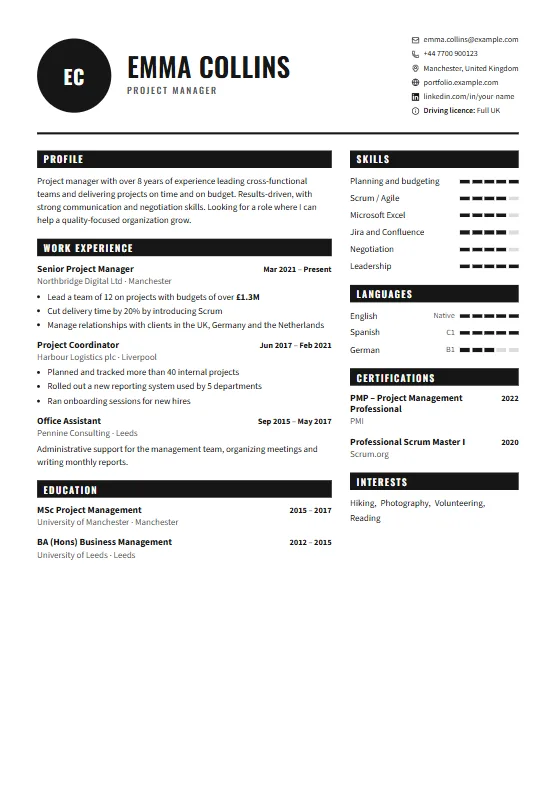
Headings on dark bars and a condensed font. Maximum impact.
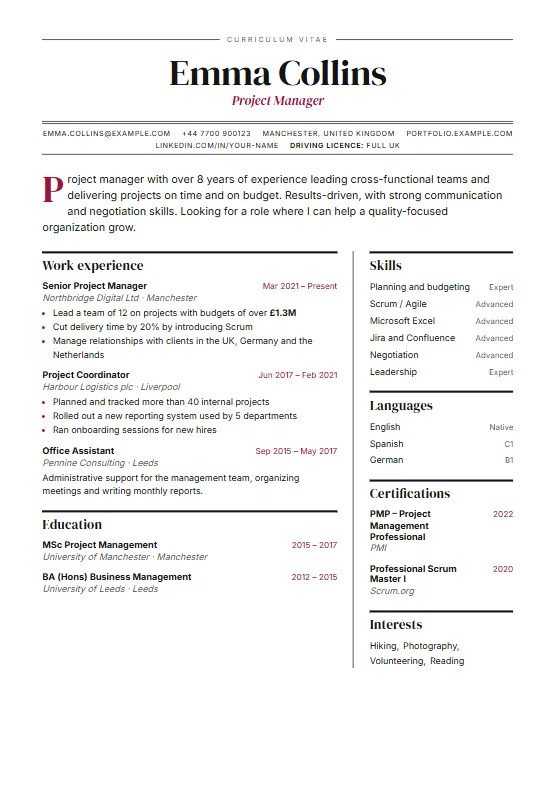
Like a magazine page: huge name, display serif and a drop cap.
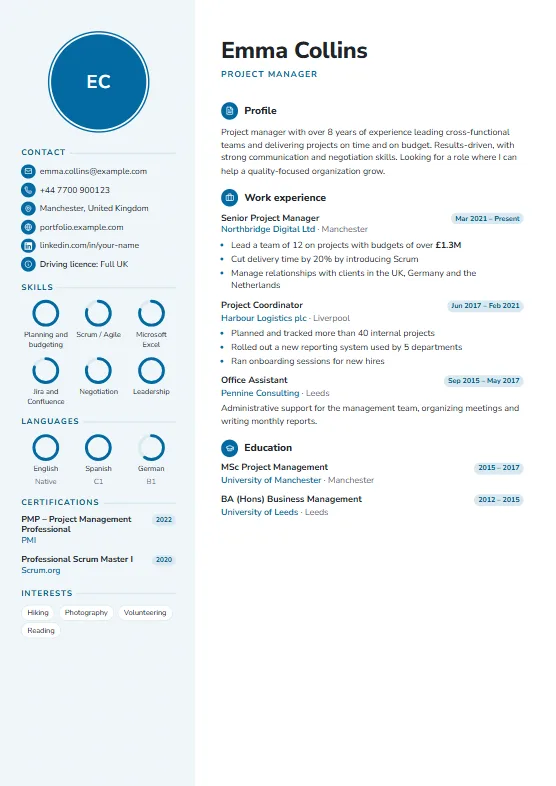
Skills as progress rings and an icon on every section.
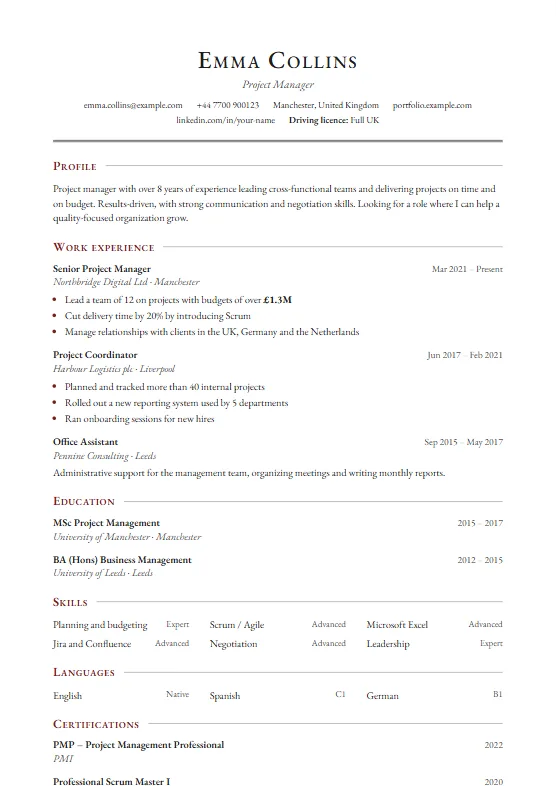
Classic serif with small-caps headings. For research and teaching.
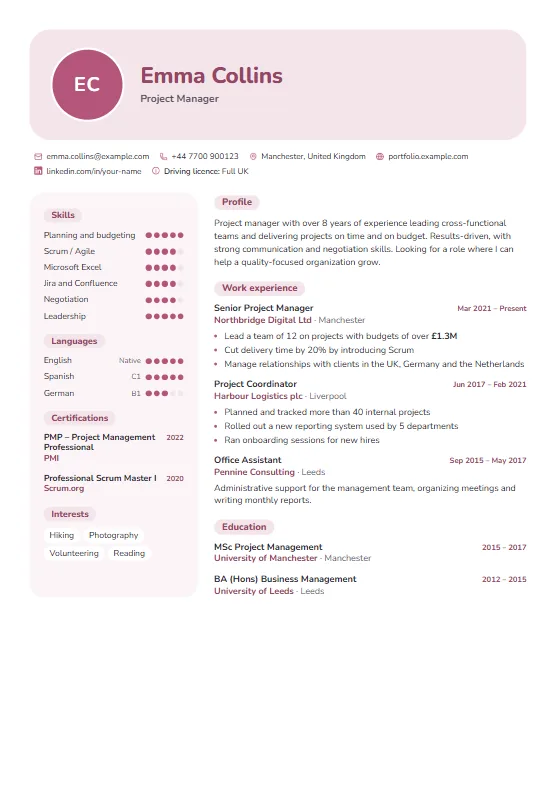
Pastel colors, rounded corners and a friendly feel.