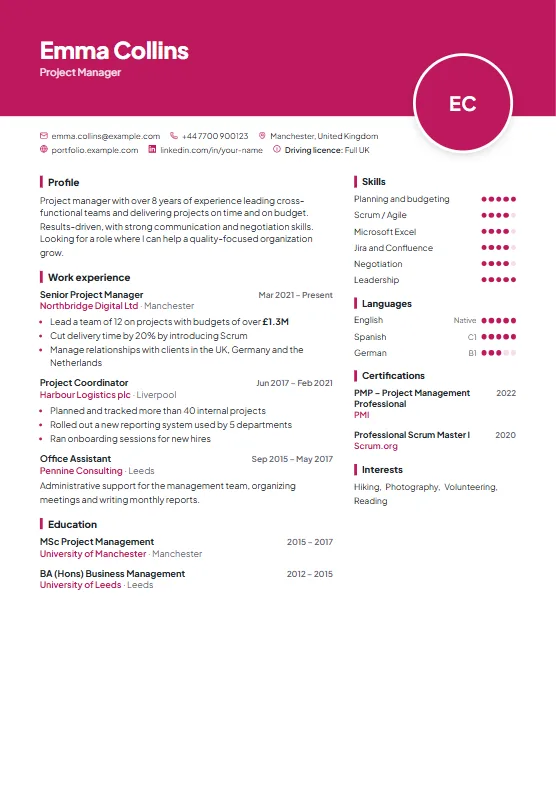
Banner
A colored band at the top with your photo sitting on its edge. Two columns.
 Atelier CV
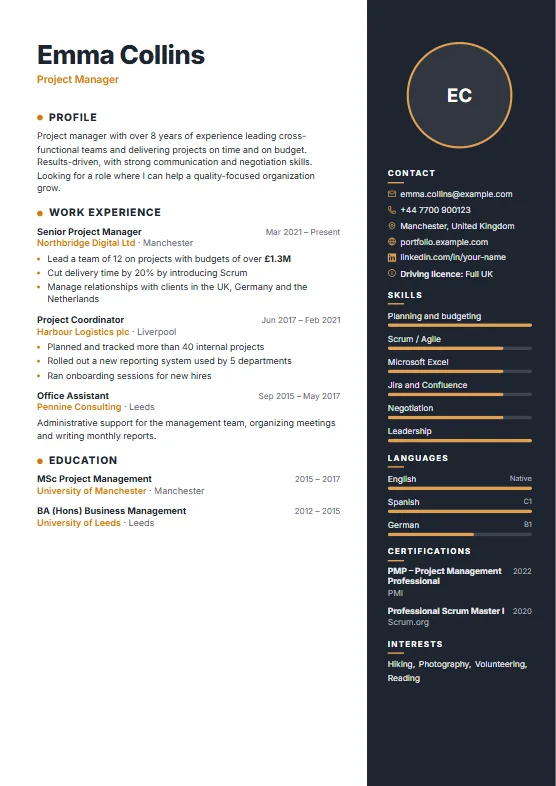
Slate puts your photo, contacts and skills in a dark column on the right, with colored accents. Your experience gets the white space on the left, under a big, strong name.
Free · no sign-up · A4 PDF
For IT, engineering, manufacturing and project management. The dark column on the right gathers your photo, contact details and skills, and your experience gets the white area under a large, bold name. It looks solid and is easy to scan when you want your career history up front.
The dark column uses a lot of ink, so for printing Duo is more practical. At large companies with online forms, go for a one-column option such as Split. If you have a great many skills, check in the preview that they fit in the side column.
It is rated Good because it has two columns, and university career centers recommend avoiding them for automated systems. Here the side column is on the right, so a system may read your skills after your experience or in between jobs. Check the order by copying the text from the PDF into Notepad.
The photo sits at the top of the dark column, where a bright image stands out very well. You can make it round or square, or hide it in the editor, and the column then starts with your contact details.
Start from any of the 40 templates. You can switch later — your text stays.
Type into the form and watch the A4 page update live. Add or remove the sections you need.
Click “Download PDF” and save your CV, ready to send to employers or upload to job sites.
A colored band at the top with your photo sitting on its edge. Two columns.
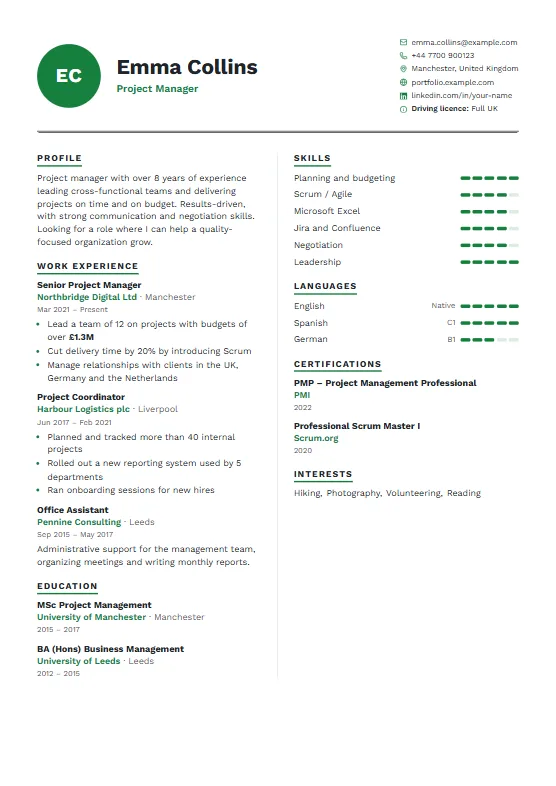
Two equal columns divided by a fine line. Balanced.
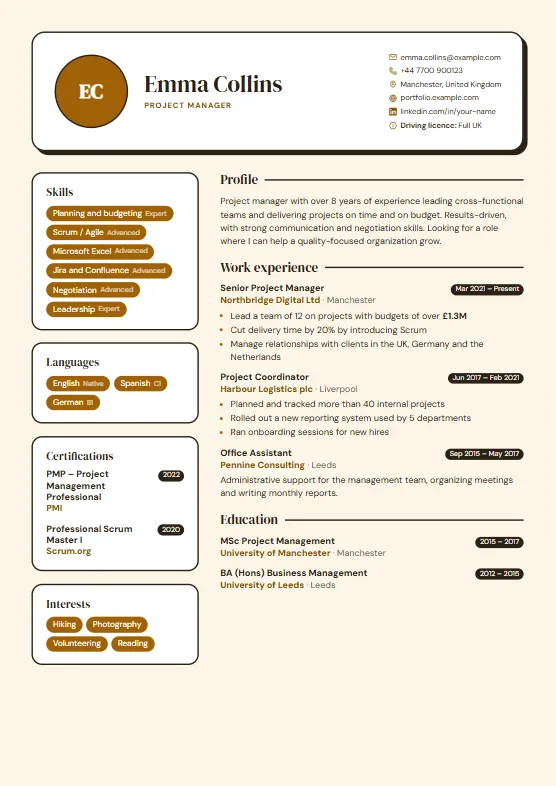
Cream background, thick outlines and offset shadows. Full of character.
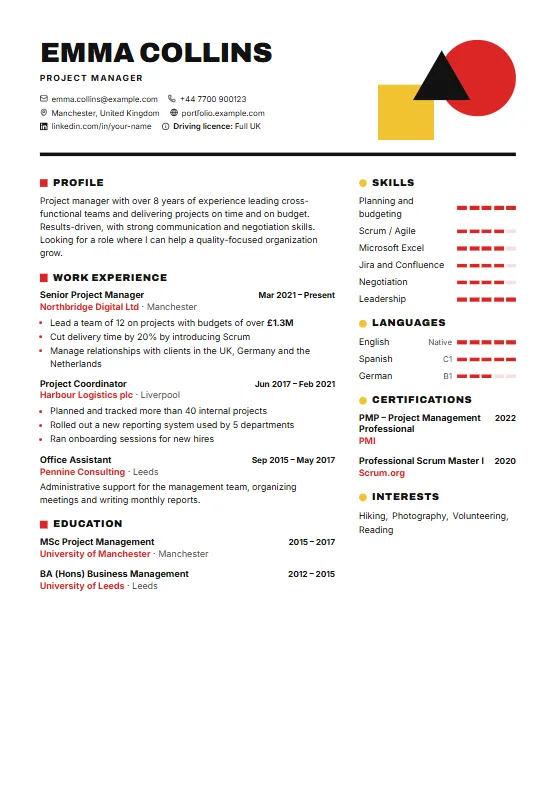
A circle, a square and a triangle in the header, heavy headings. Geometric.
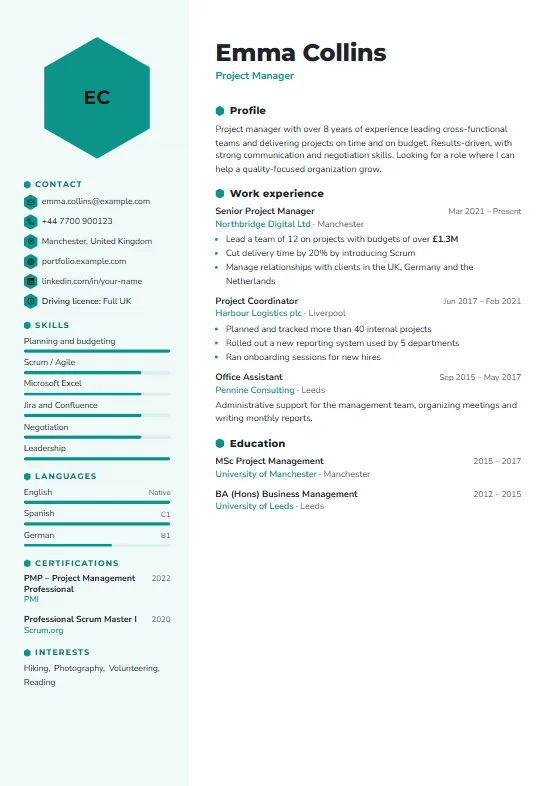
A hexagonal photo and markers, with a tinted sidebar.
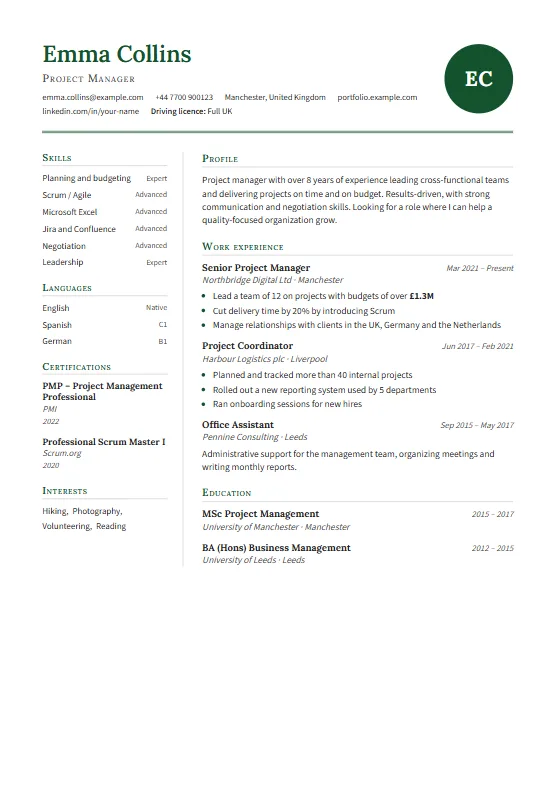
Serif in two columns, with no colored backgrounds. Classic and orderly.
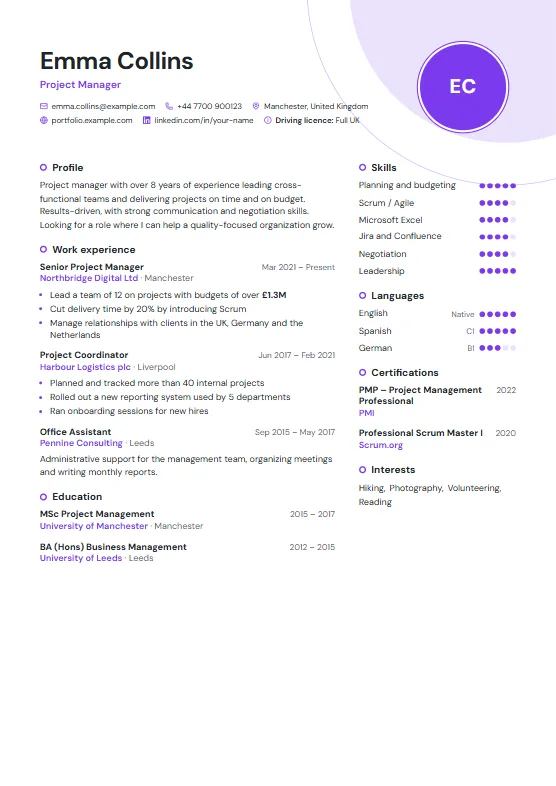
A large decorative circle in the top corner. Modern and playful.
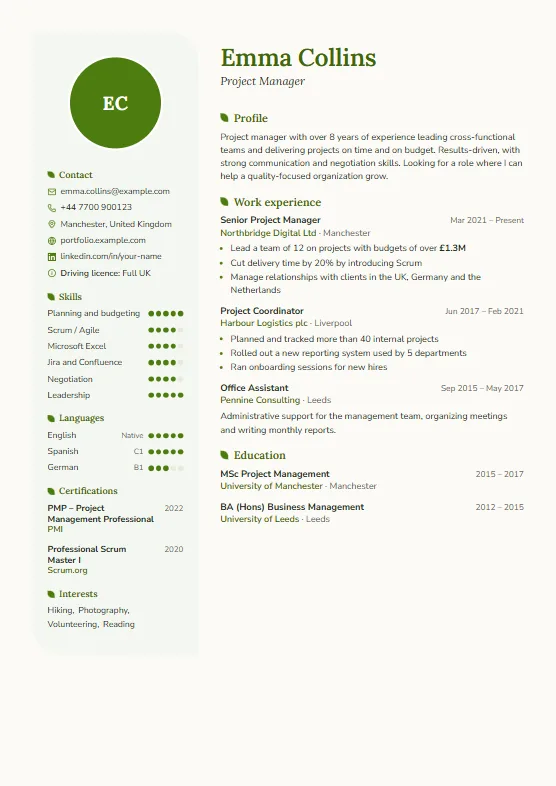
Earthy tones and a sidebar with leaf-shaped corners.