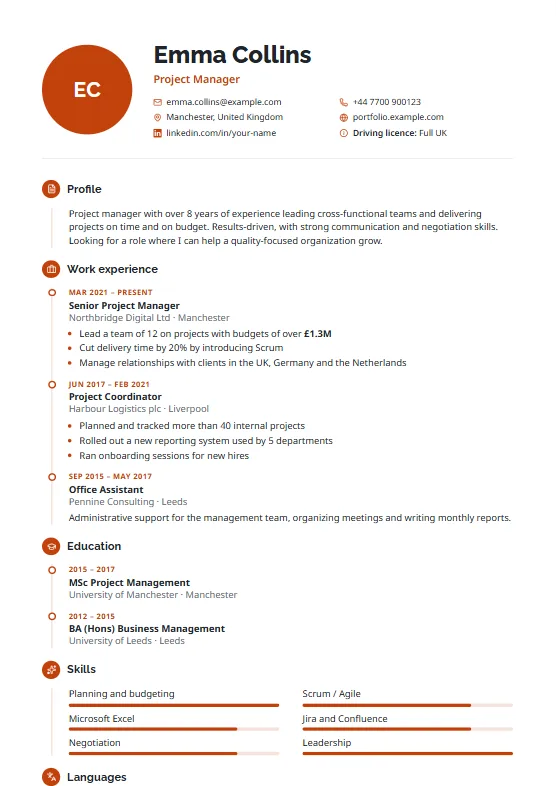
Timeline
Experience and education on a timeline, with section icons.
 Atelier CV
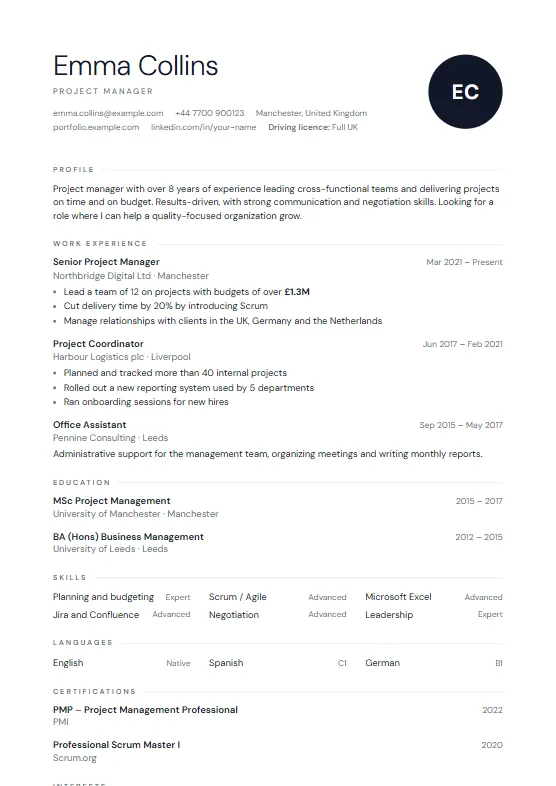
Minimalist drops every decoration: light typography, generous white space and small, quiet headings. The result is an elegant CV that lets your content speak and reads effortlessly.
Free · no sign-up · A4 PDF
For anyone who thinks a good CV needs no decoration. The fine typography and white space look polished, which suits design, architecture, consulting and management. It works best when you have clear achievements that do not need color to get noticed.
If you have a lot of content and want it on one page, the white space will get in your way; Compact was designed for exactly that. It is also not the best choice for a CV you want remembered for its color: Creative does that better.
It uses one column and no graphics, so it follows what university career centers recommend. The small, quiet headings change nothing for a system as long as they are ordinary names like Experience and Education. If you rename sections in the editor, stick to standard wording so they do not end up unrecognized.
There is room for a photo, but the template does not depend on it and looks good without one. You can make it round or square, or hide it in the editor, for example when a job ad asks for a CV without a photo.
Start from any of the 40 templates. You can switch later — your text stays.
Type into the form and watch the A4 page update live. Add or remove the sections you need.
Click “Download PDF” and save your CV, ready to send to employers or upload to job sites.
Experience and education on a timeline, with section icons.
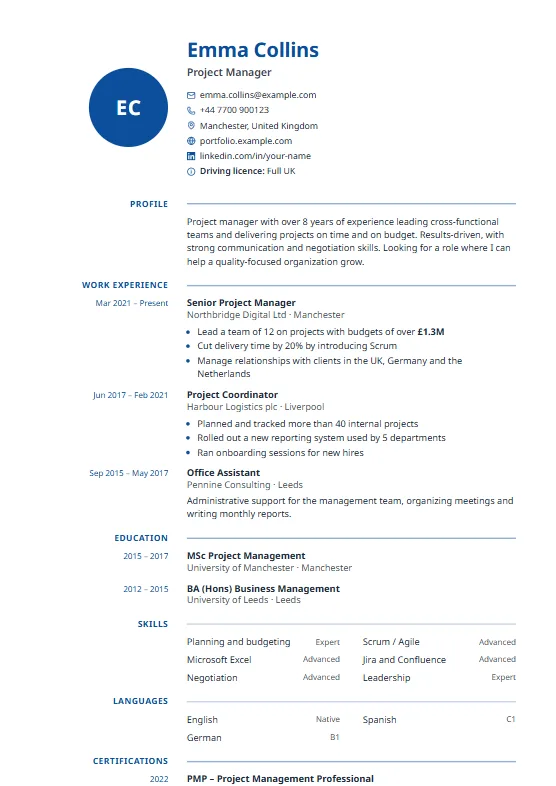
Labels and dates on the left, inspired by the classic European CV layout.
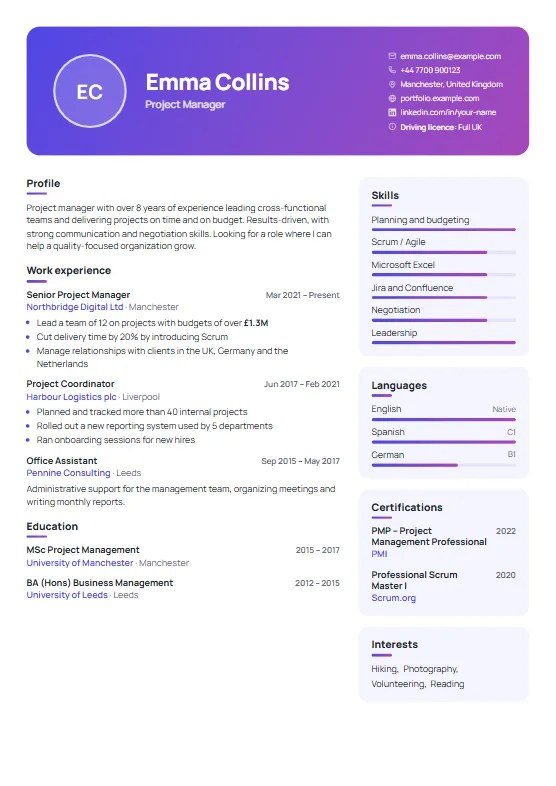
Gradient header card and rounded panels. Modern and friendly.
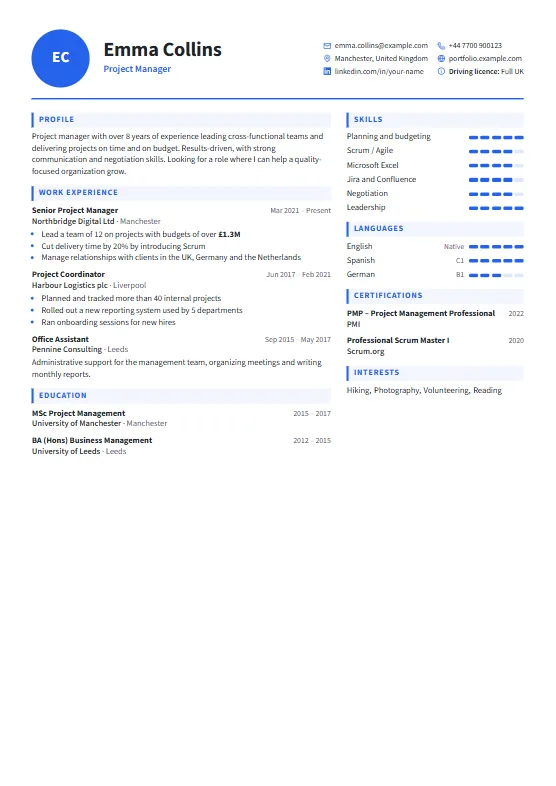
Dense two-column layout that fits a lot on one page.
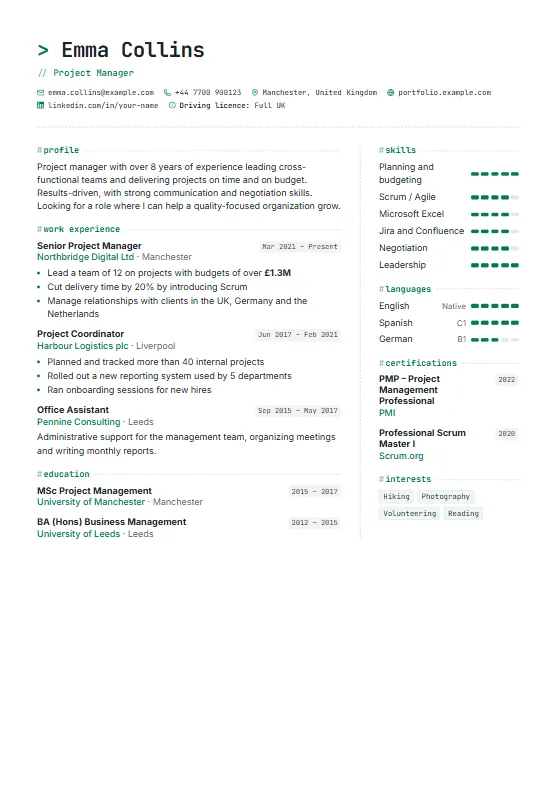
Monospace font and code-style details. For IT and technical roles.
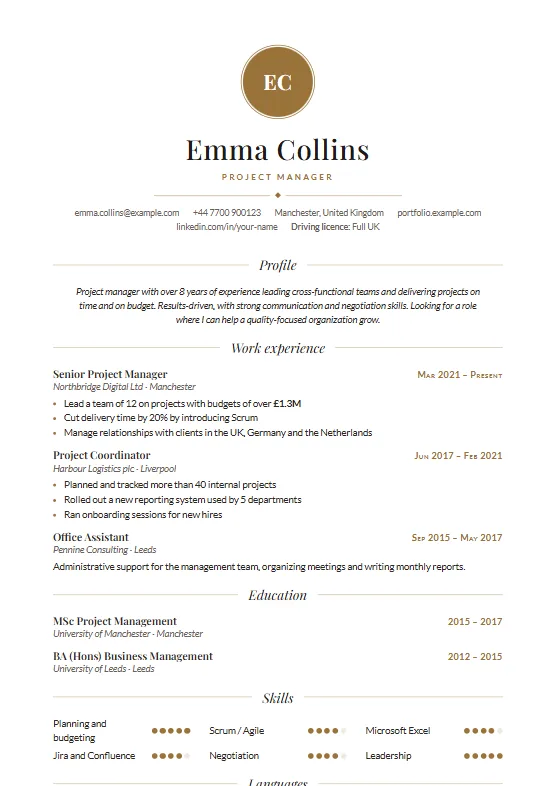
Centered layout with refined serif type and gold accents.
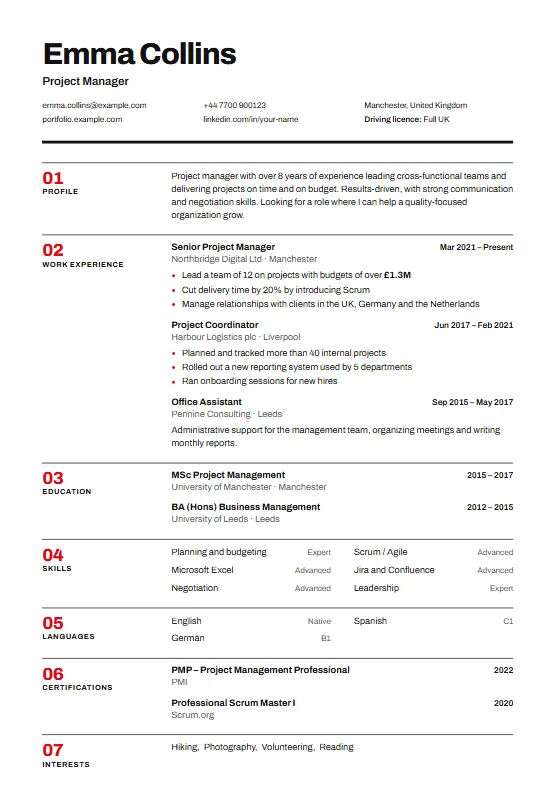
Strict grid, numbered sections and Swiss red.
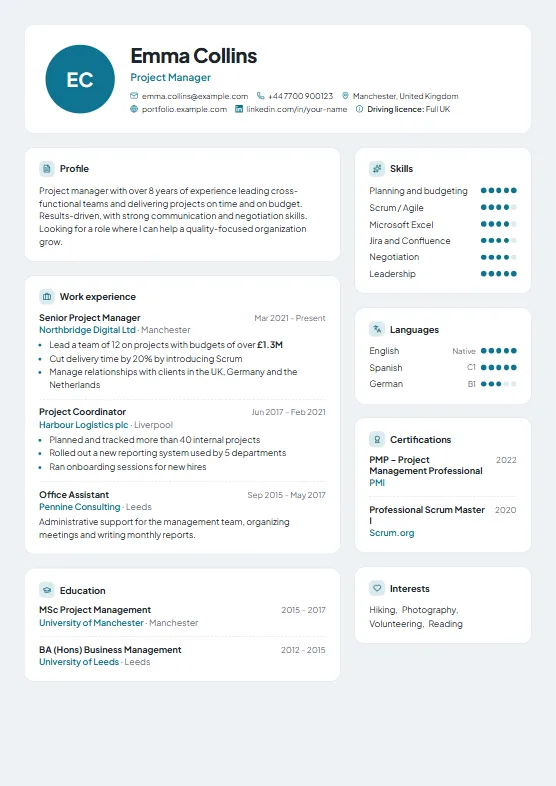
Each section in its own card on a light gray background.