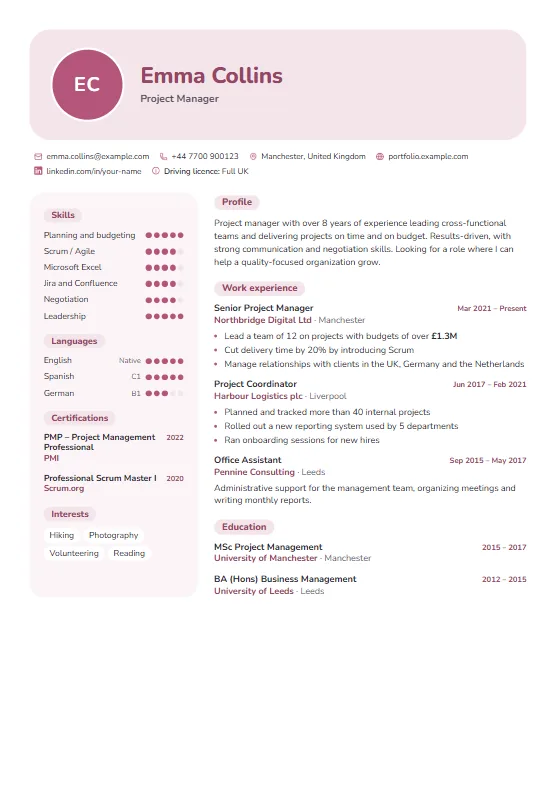
Pastel
Pastel colors, rounded corners and a friendly feel.
 Atelier CV
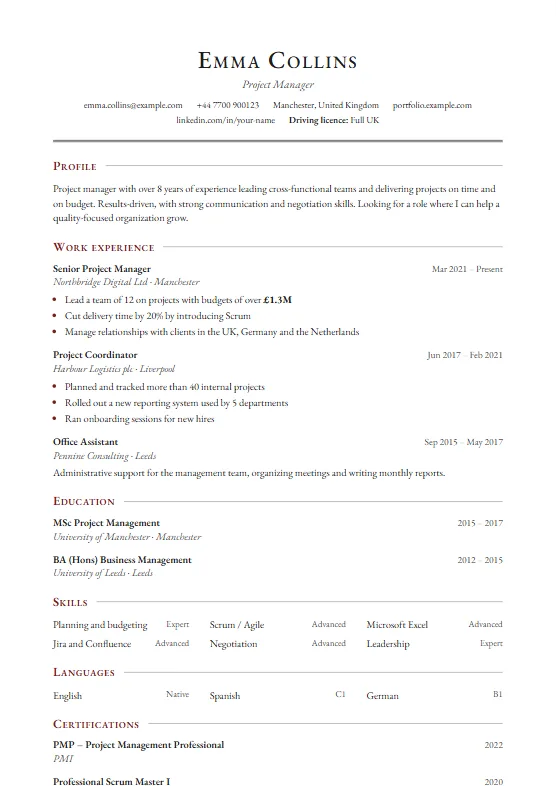
Academic is designed for long CVs with publications, conferences and research projects. The Garamond typeface, small-caps headings and single-column layout keep it formal and highly readable.
Free · no sign-up · A4 PDF
For teachers, researchers, doctoral students and scholarship applicants. It is designed for long CVs with publications, conferences and research projects, and the Garamond font and small capitals make it pleasant to read over several pages. You can add your own sections for articles or grants in the editor. Length is not a problem here: headings stay easy to find even on page three.
For jobs in the private sector, a long academic-style CV can be too much; one or two pages with Classic or Modern say faster what matters. If a scholarship call asks for a specific format, follow the format they ask for.
It has one column and clear headings, which is why it is rated Excellent. University career centers recommend common fonts, so for an automated portal you can switch to Arimo, an Arial-style font, in the editor. For sections such as Publications, keep the names simple so they are recognized.
There is no photo. If an institution asks for a CV with a picture, Institutional is just as serious and has room for one.
Start from any of the 40 templates. You can switch later — your text stays.
Type into the form and watch the A4 page update live. Add or remove the sections you need.
Click “Download PDF” and save your CV, ready to send to employers or upload to job sites.
Pastel colors, rounded corners and a friendly feel.
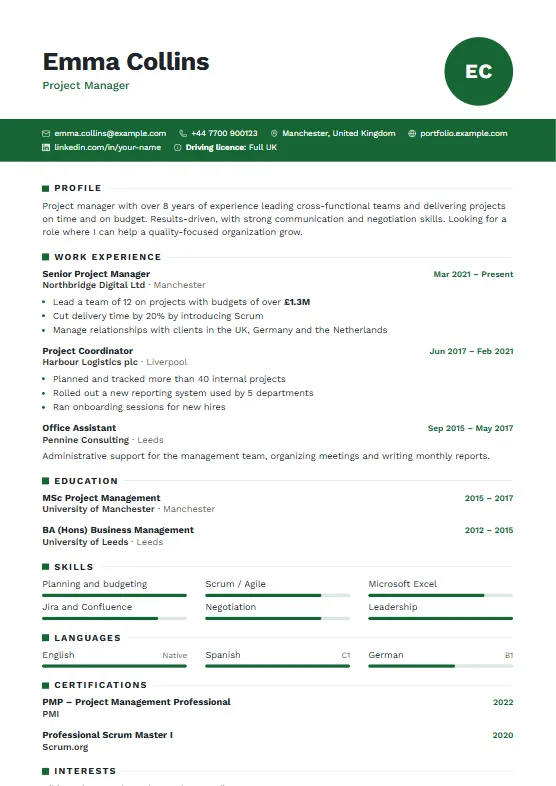
Colored strip with your contact details under the name. Clear and balanced.
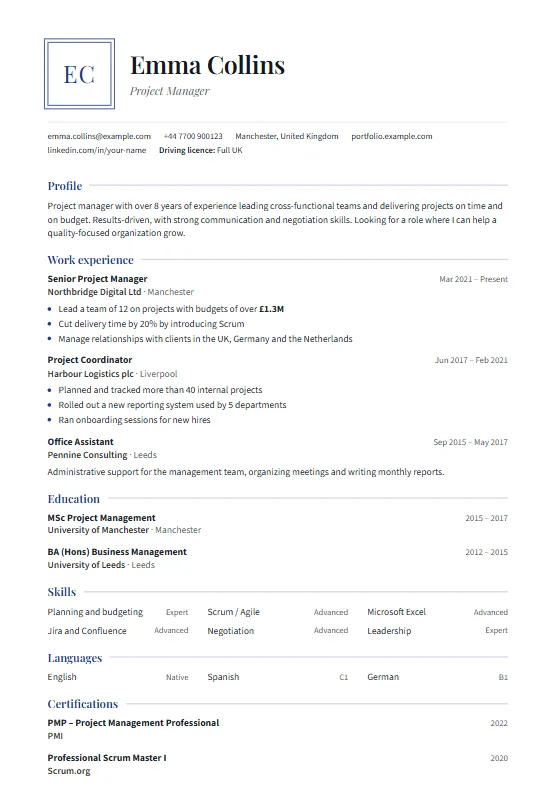
Your initials in a double frame instead of a photo. Serif and understated.
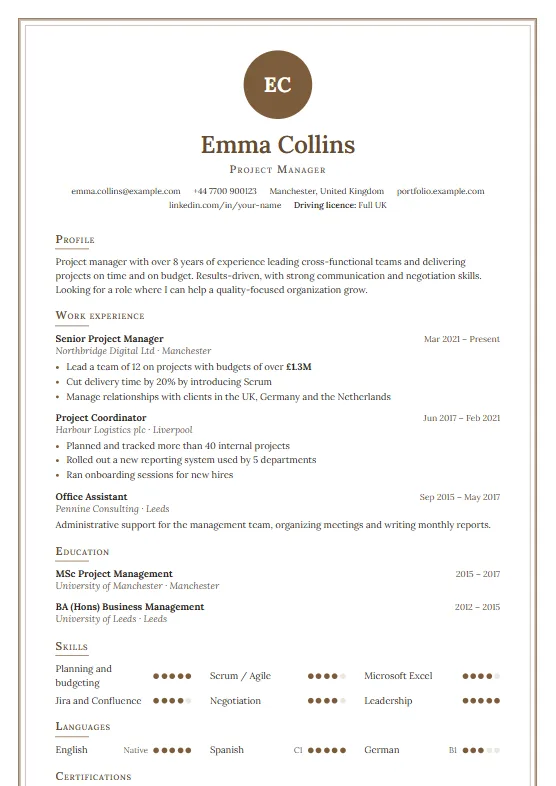
A double border around the page, like a certificate. Centered serif header.
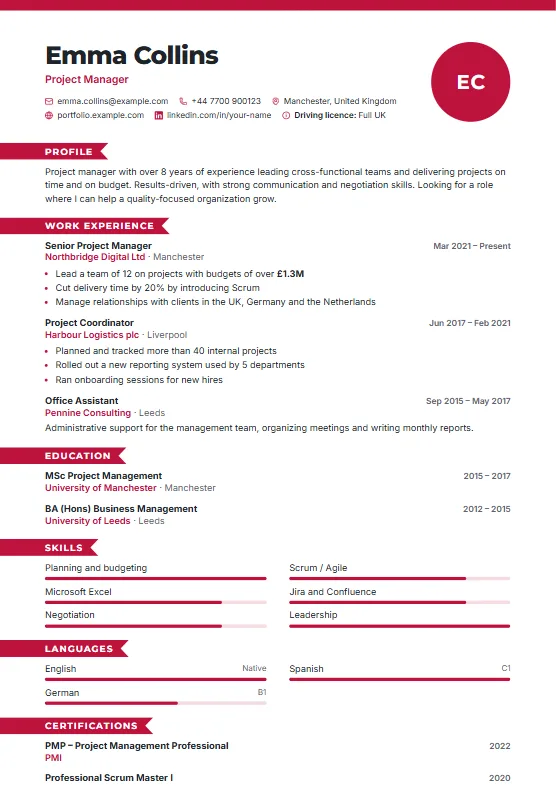
Section headings stick out from the page edge like colored ribbons.
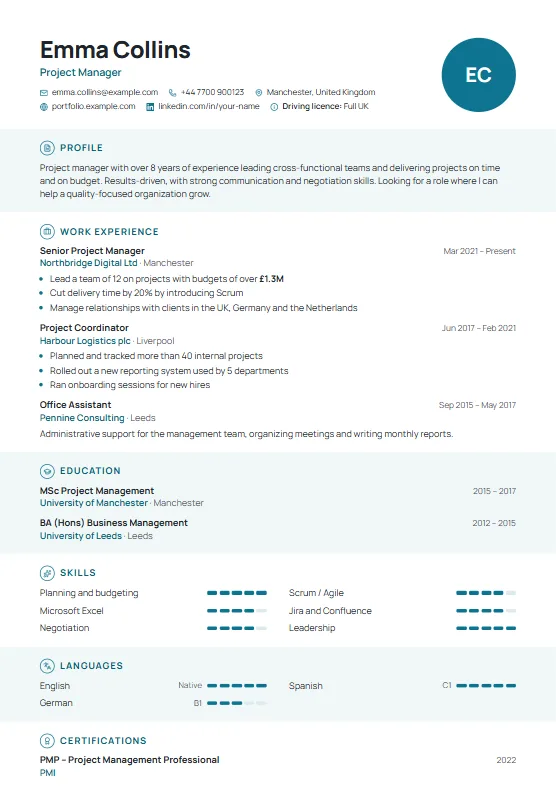
Sections on alternating full-width bands. Tidy and airy.
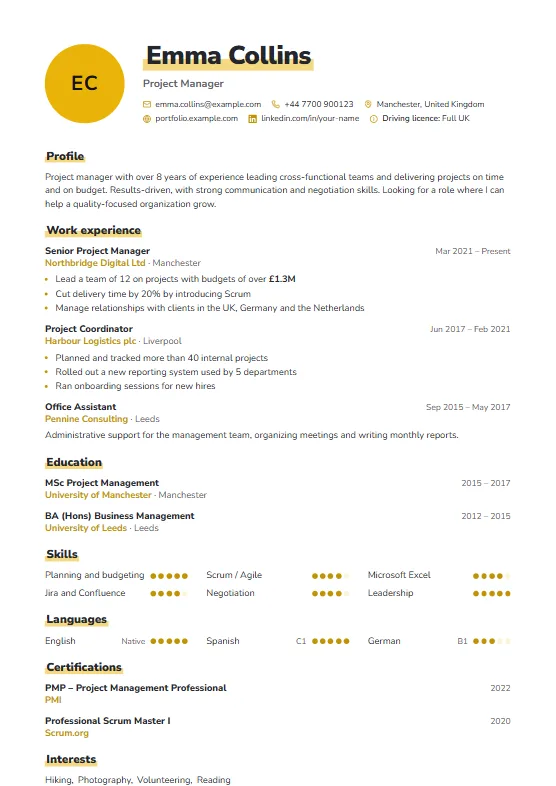
Your name and headings marked as if with a highlighter. Friendly and bright.
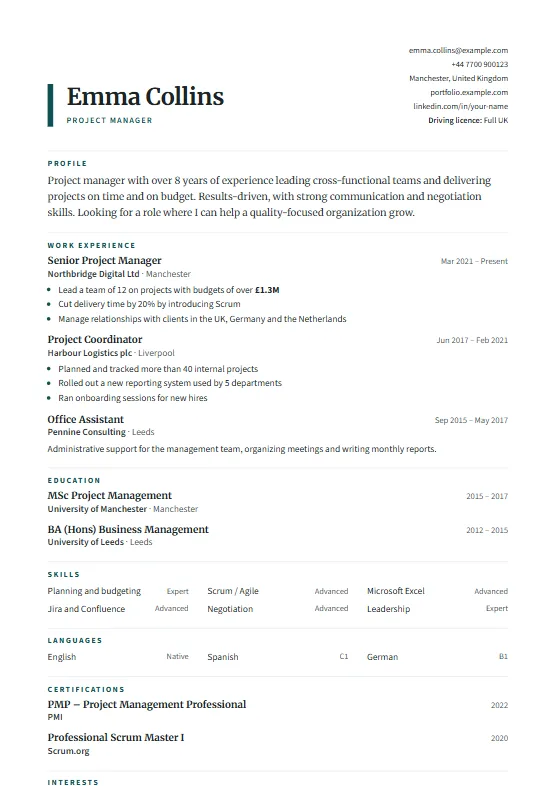
A vertical bar beside your name and right-aligned contacts. Confident.