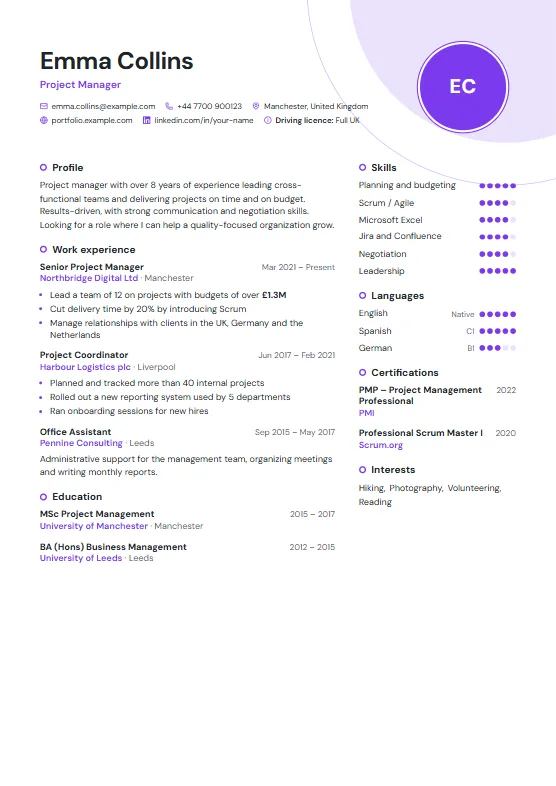
Orbit
A large decorative circle in the top corner. Modern and playful.
 Atelier CV
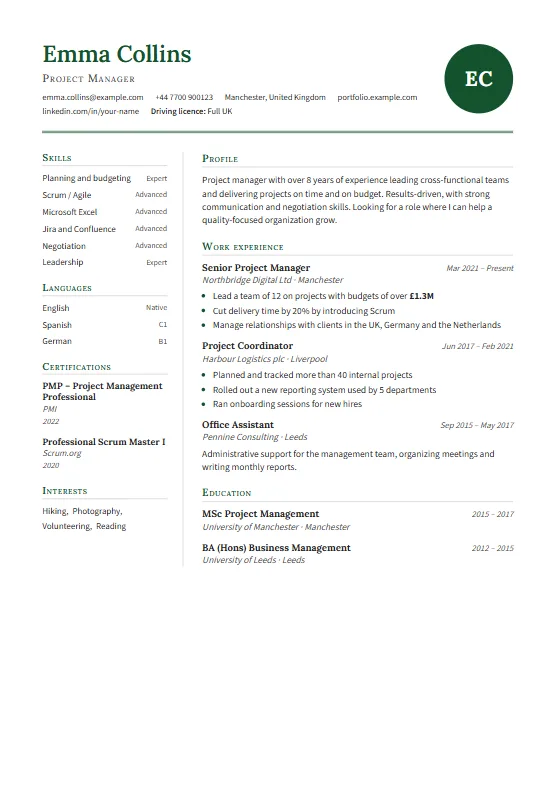
Traditional is a classic two-column CV: skills and languages on the left, experience on the right, separated by a fine line. The serif typeface, the double rule under your name and the small caps keep it formal.
Free · no sign-up · A4 PDF
For public administration, education, banking and law. It is a classic two-column CV, with skills and languages on the left and experience on the right, a double line under your name and small capitals. It looks sober, like Classic, but fits more on the page.
If you know your CV goes through an automated system, take Classic, which has the same tone on one column. At young companies, this template can feel rigid; Horizon or Modern have more life.
It is rated Good, even though it looks sober, because it has two columns, and university career centers recommend avoiding them for automated systems. A serious look does not change how a program reads the page. At institutions, where a file is read by people, this is not a problem; on a job portal, check the text in Notepad.
There is room for a photo in the header, next to your name. You can make it round or square, and a square goes better with the tone of the template. You can hide it in the editor if the job ad does not ask for a photo.
Start from any of the 40 templates. You can switch later — your text stays.
Type into the form and watch the A4 page update live. Add or remove the sections you need.
Click “Download PDF” and save your CV, ready to send to employers or upload to job sites.
A large decorative circle in the top corner. Modern and playful.
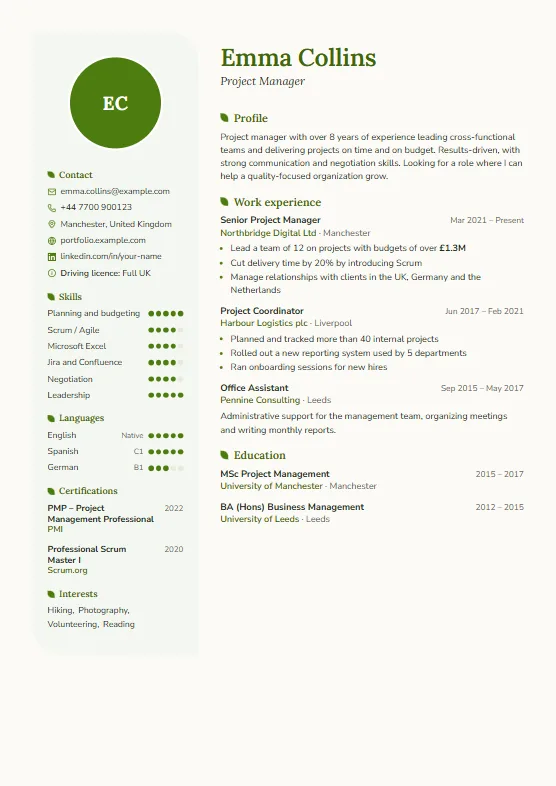
Earthy tones and a sidebar with leaf-shaped corners.
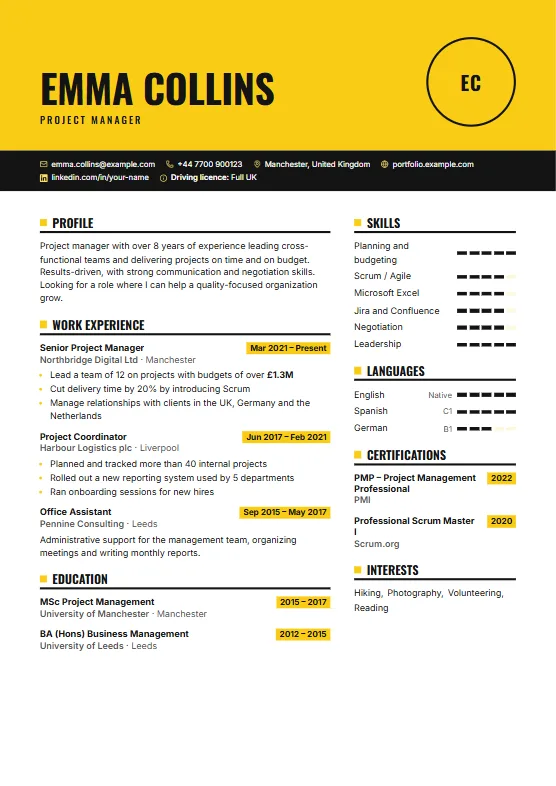
A huge name on a block of color, with a black contact strip.
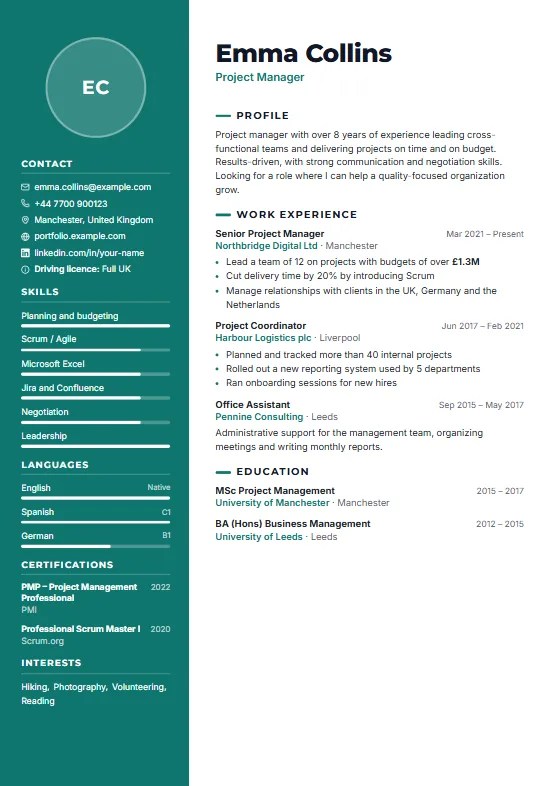
Colored sidebar with a photo and skill bars.
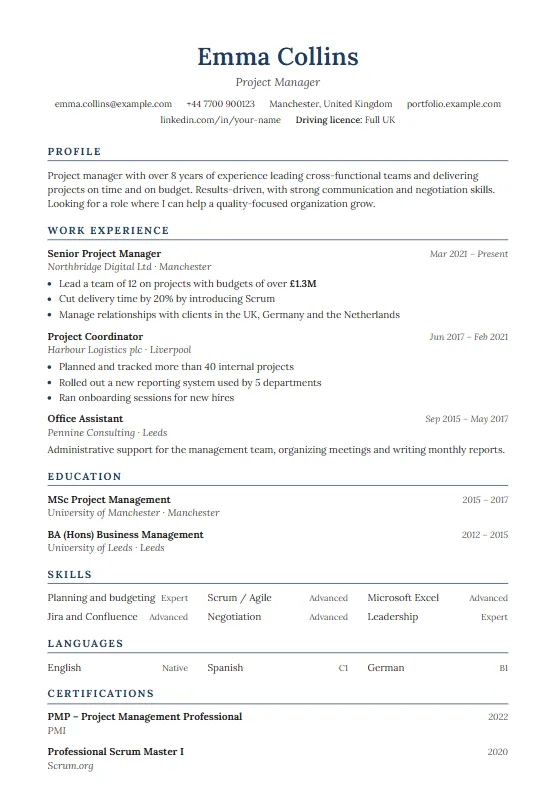
Single column, serif font and centered header. Works for any field.
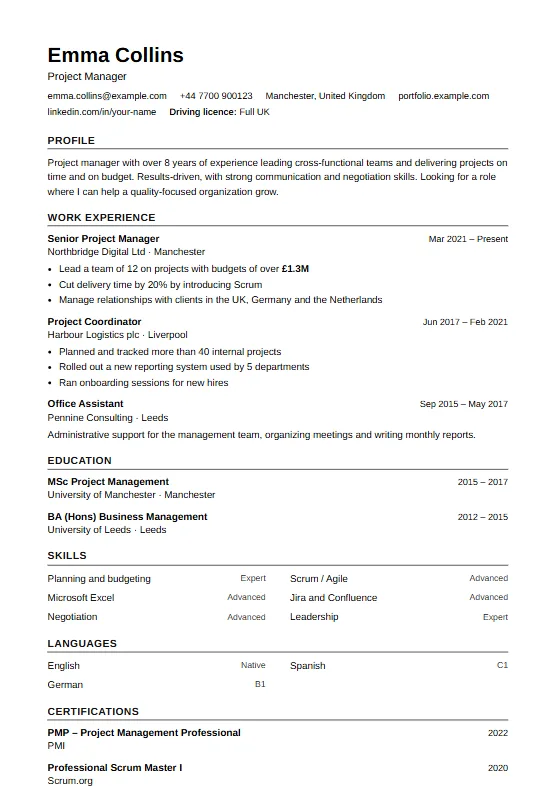
No columns, no icons, no photo. Parsed cleanly by ATS software.
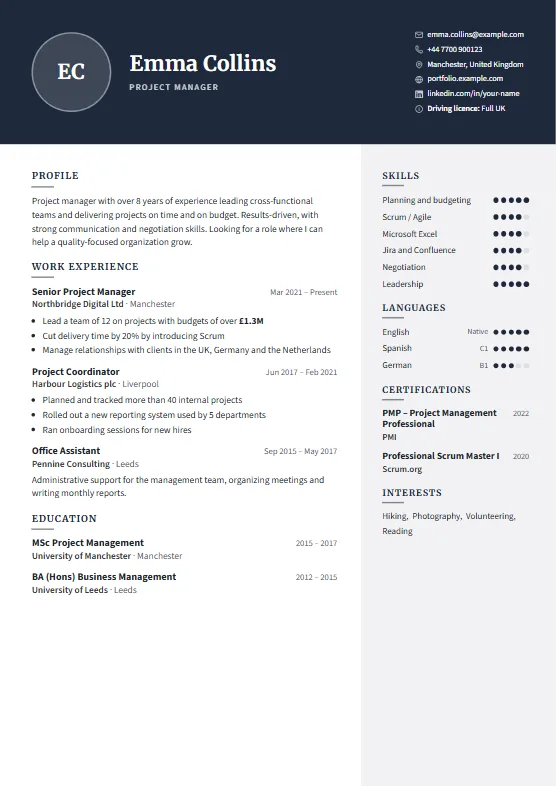
Dark header band and a tinted side column. Built for leadership roles.
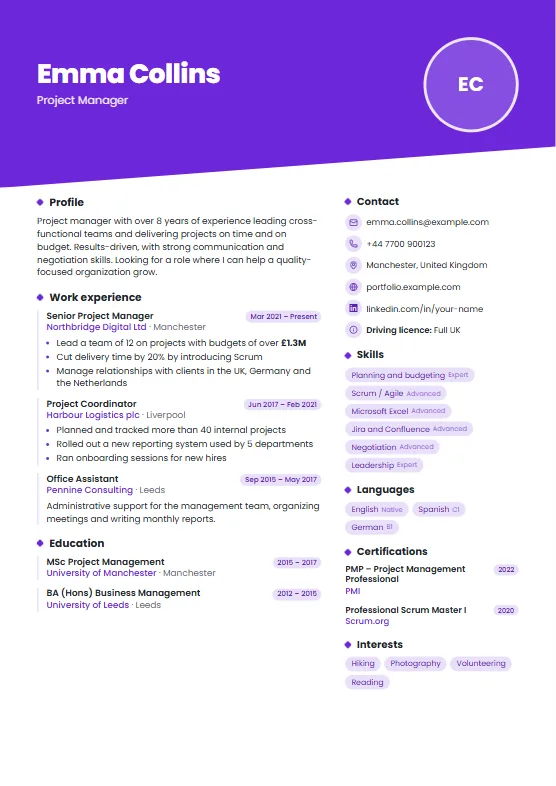
Bold colored header and skills shown as tags.