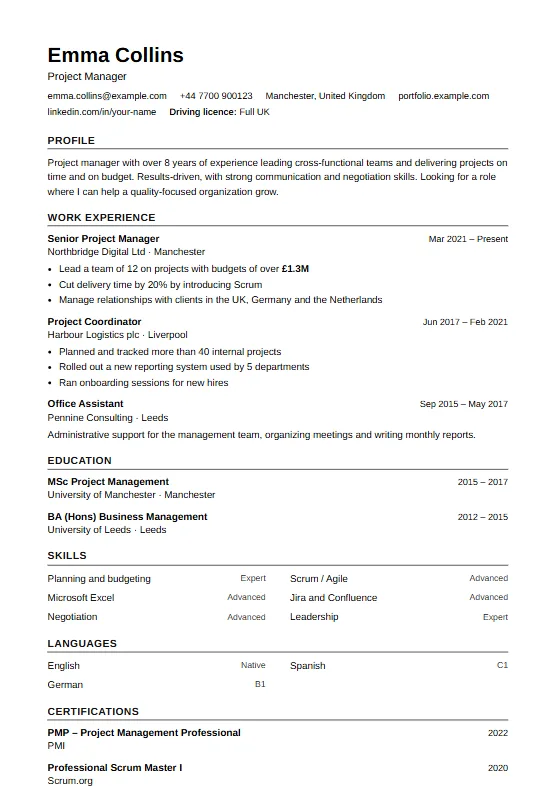
Simple ATS
No columns, no icons, no photo. Parsed cleanly by ATS software.
 Atelier CV
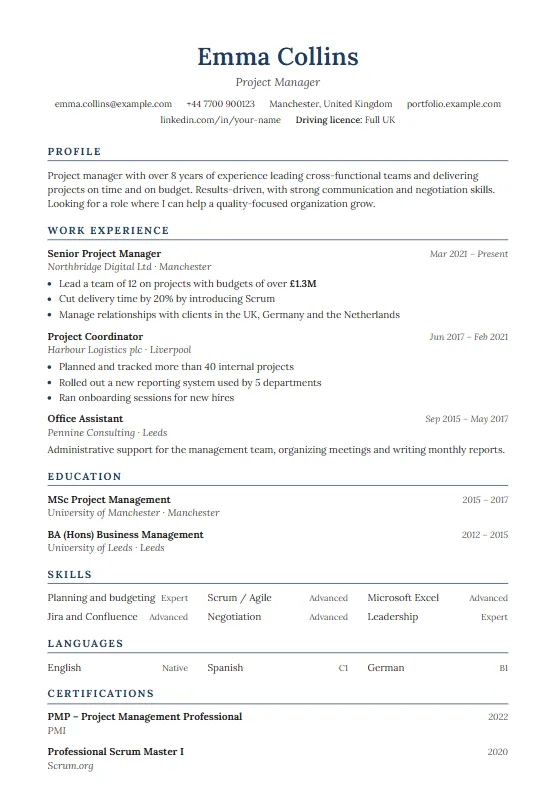
A classic one-column CV with a serif typeface and underlined headings. The simple structure is easy to read for both recruiters and applicant tracking systems (ATS), which makes it a safe choice for almost any job.
Free · no sign-up · A4 PDF
For anyone who wants the attention on the content and not on the layout. The serif font and underlined headings give it a settled look that suits finance, law and the public sector. It is also a good choice when you are not sure which template to take, because it works in almost any field.
In marketing or design, where your taste is part of what gets judged, a CV this plain can look short on personality. Try Creative or Modern. If you want the same seriousness with a more refined header, have a look at Elegant.
It has a single column and ordinary headings, which is exactly what university career centers recommend for automated systems. The same guides ask for common fonts, so for online applications you can switch to Arimo, an Arial-style font, in the editor. The rest is up to you: use the words from the job ad and keep one date format throughout.
Start from any of the 40 templates. You can switch later — your text stays.
Type into the form and watch the A4 page update live. Add or remove the sections you need.
Click “Download PDF” and save your CV, ready to send to employers or upload to job sites.
No columns, no icons, no photo. Parsed cleanly by ATS software.
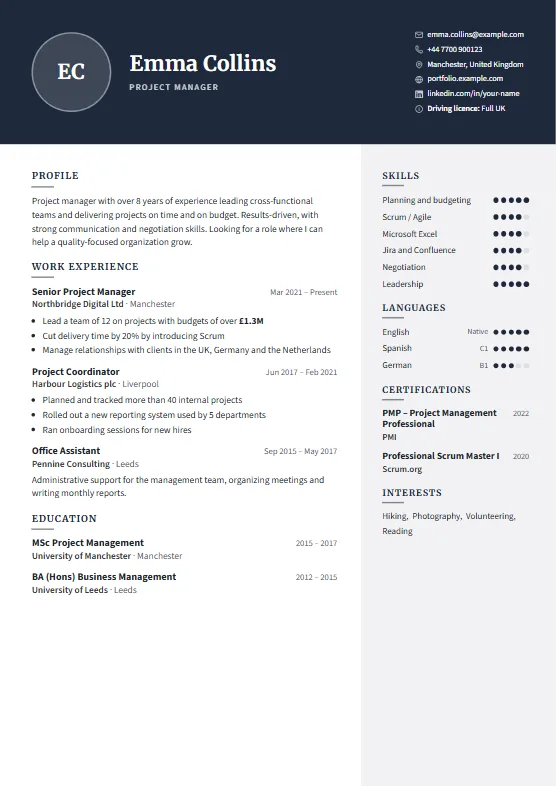
Dark header band and a tinted side column. Built for leadership roles.
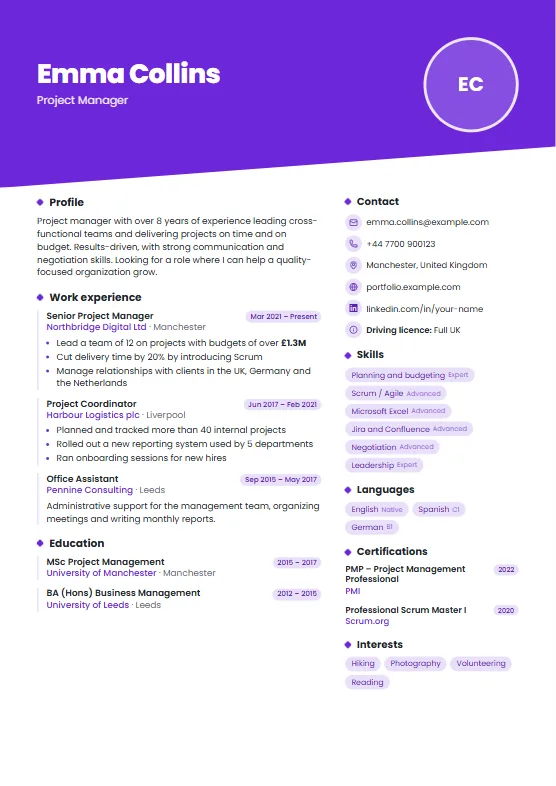
Bold colored header and skills shown as tags.
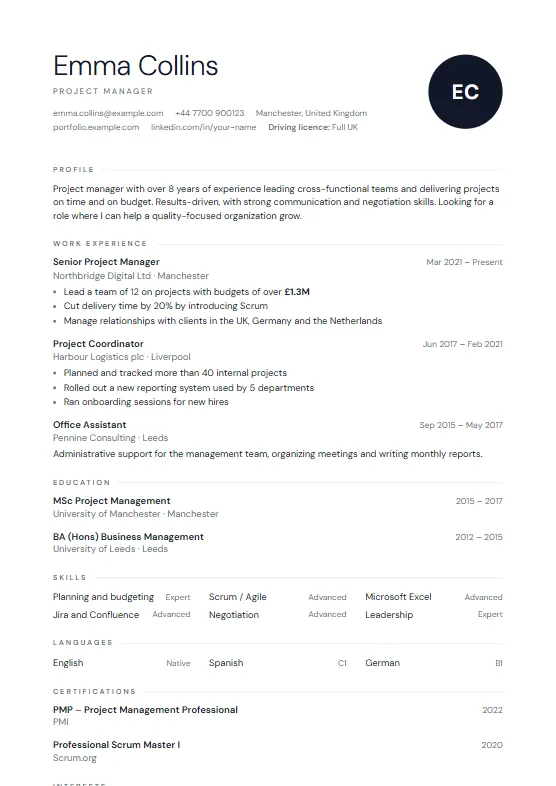
Lots of white space and refined typography. Understated and easy to read.
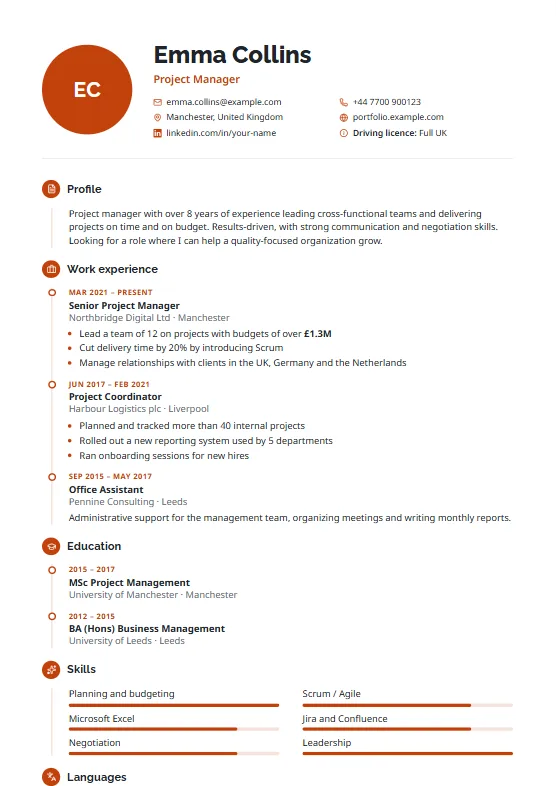
Experience and education on a timeline, with section icons.
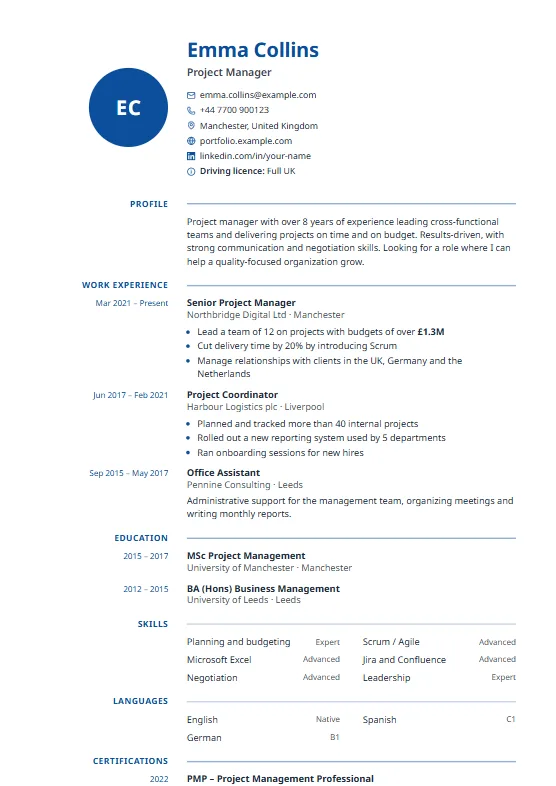
Labels and dates on the left, inspired by the classic European CV layout.
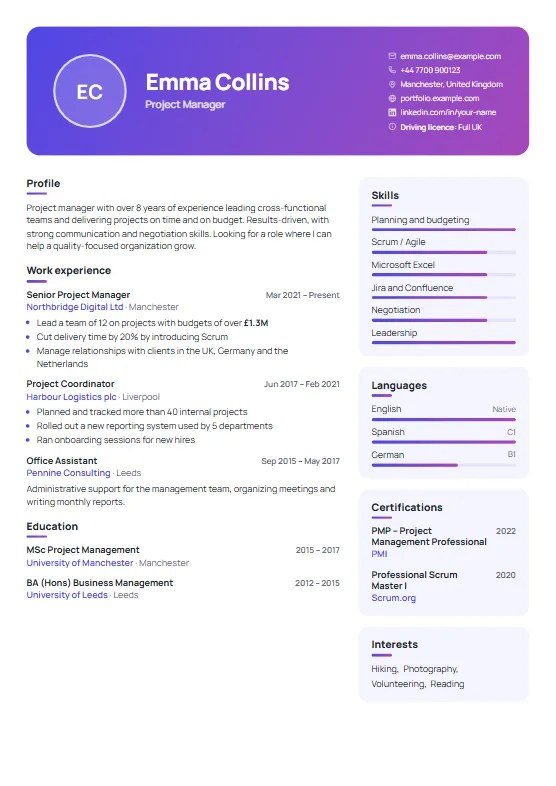
Gradient header card and rounded panels. Modern and friendly.
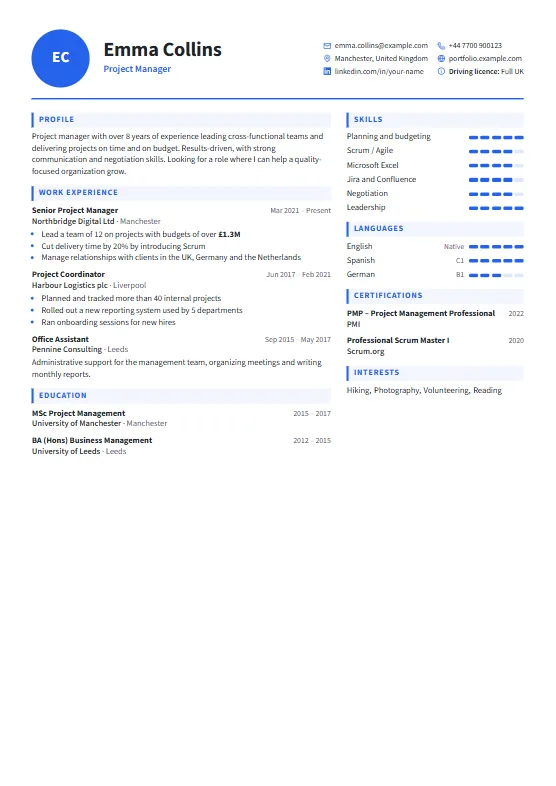
Dense two-column layout that fits a lot on one page.