
Stripes
Sections on alternating full-width bands. Tidy and airy.
 Atelier CV
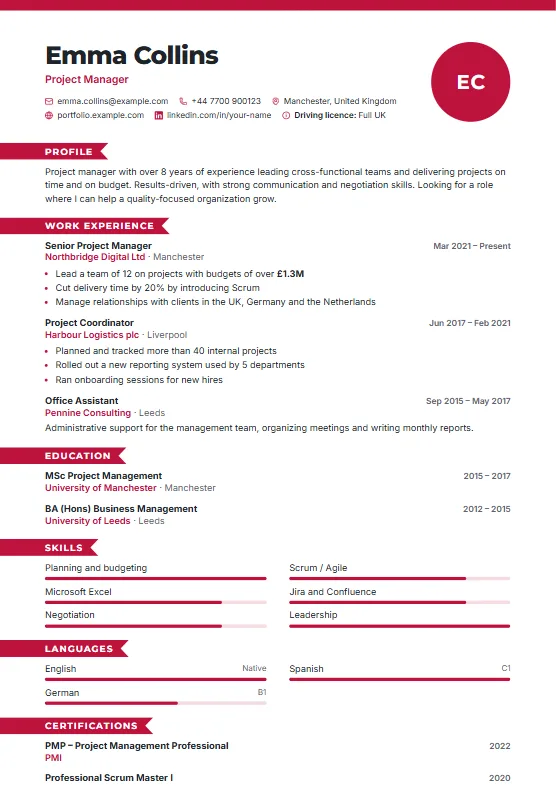
In Ribbon, every section heading sticks out from the edge of the page like a colored tag with a notched tip. A thin band at the top and a single column keep it easy to follow.
Free · no sign-up · A4 PDF
For sales, marketing, events and communications, when you want something cheerful that is still easy to follow. Headings that stick out from the page edge like labels lead the eye from one section to the next. It is a good option if you want color and still prefer one column. It also works for early jobs, when you want the page to have some life.
For very formal roles, the colored labels can look playful; take Monogram or Classic. If you print your CV on a printer that does not reach the edge of the sheet, check first how the headings near the margin come out.
We rate it Excellent because it has one column, and the labels are normal headings with a colored background. Since systems look for conventional headings, use Work Experience and Education and not invented phrases. University career centers give exactly this advice.
There is room for a photo in the header, next to your name. You can make it round or square, or hide it in the editor, and the colored headings remain the main feature of the page.
Start from any of the 40 templates. You can switch later — your text stays.
Type into the form and watch the A4 page update live. Add or remove the sections you need.
Click “Download PDF” and save your CV, ready to send to employers or upload to job sites.
Sections on alternating full-width bands. Tidy and airy.
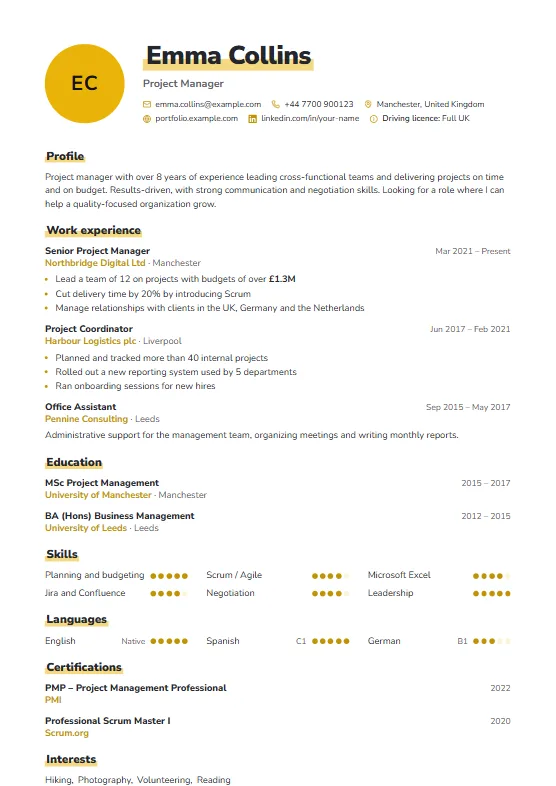
Your name and headings marked as if with a highlighter. Friendly and bright.
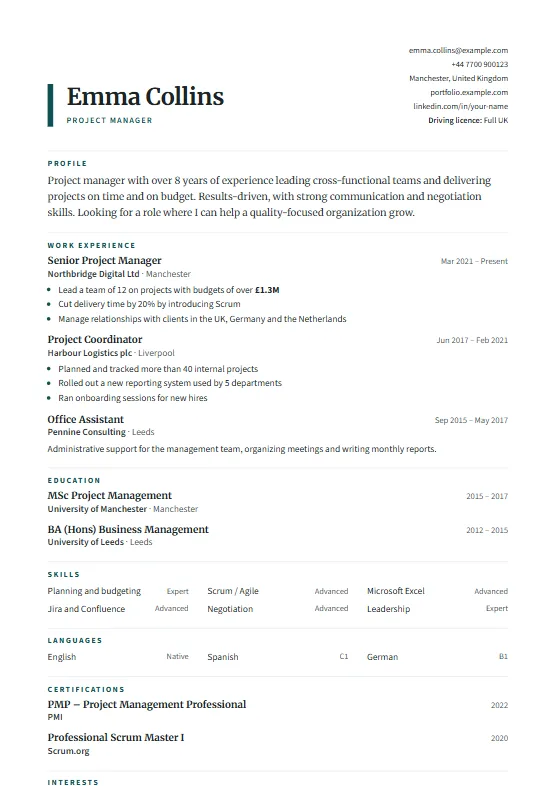
A vertical bar beside your name and right-aligned contacts. Confident.
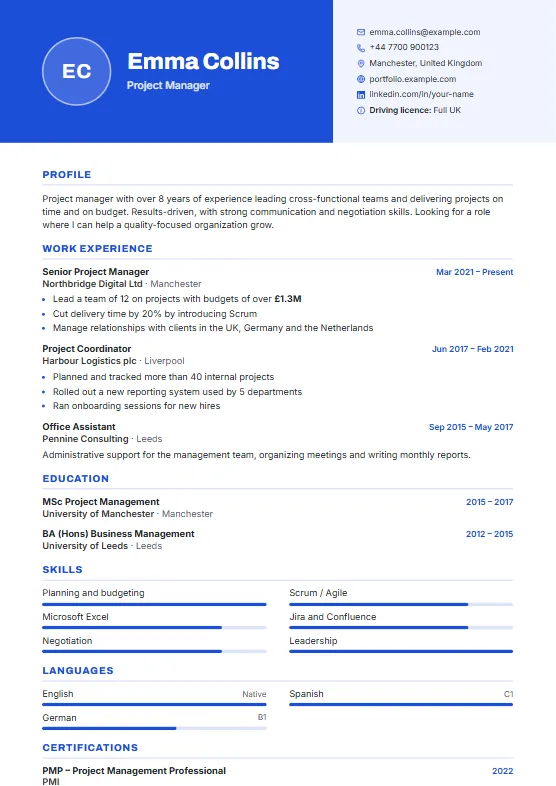
A two-tone header: your name on color, your contacts beside it.
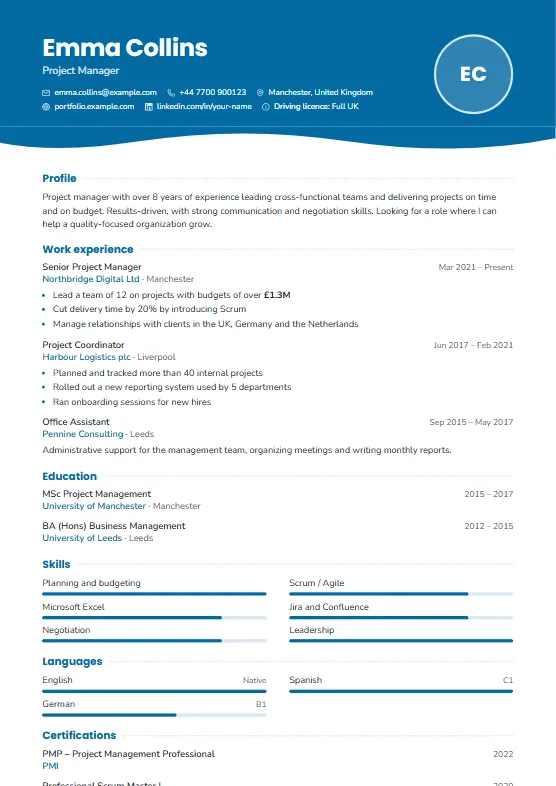
A colored header that ends in a wave. Fresh and bright.
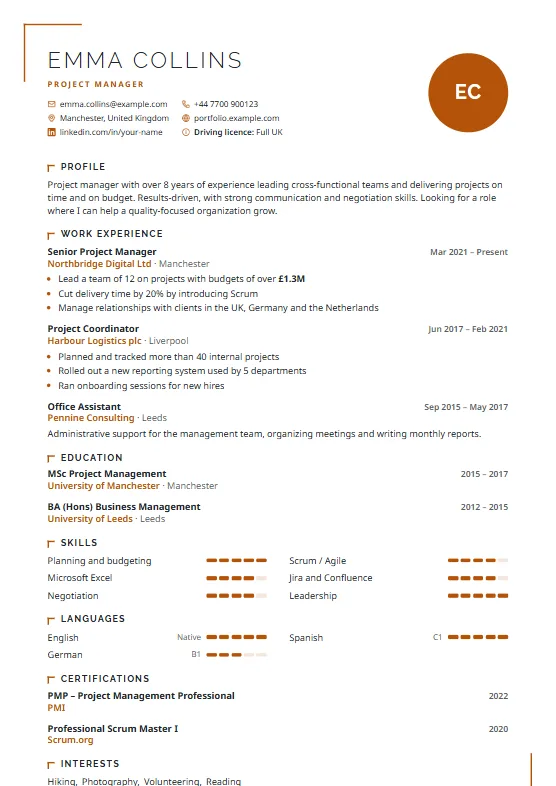
Corner brackets at the top and bottom, a widely spaced name. Refined.
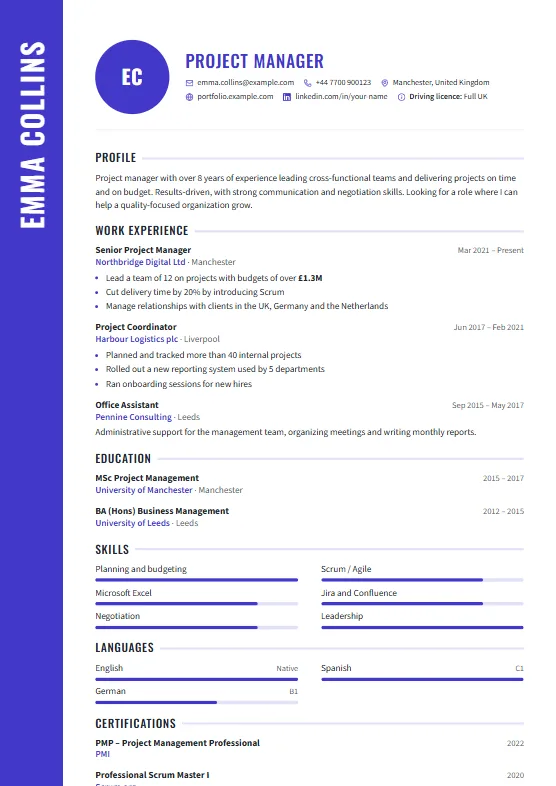
Your name written vertically on a colored strip on the left. Bold.
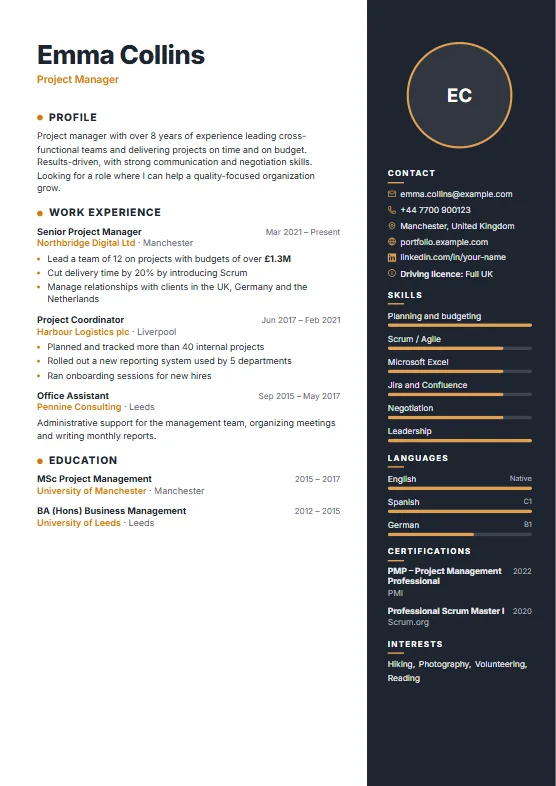
A dark sidebar on the right with warm accents.