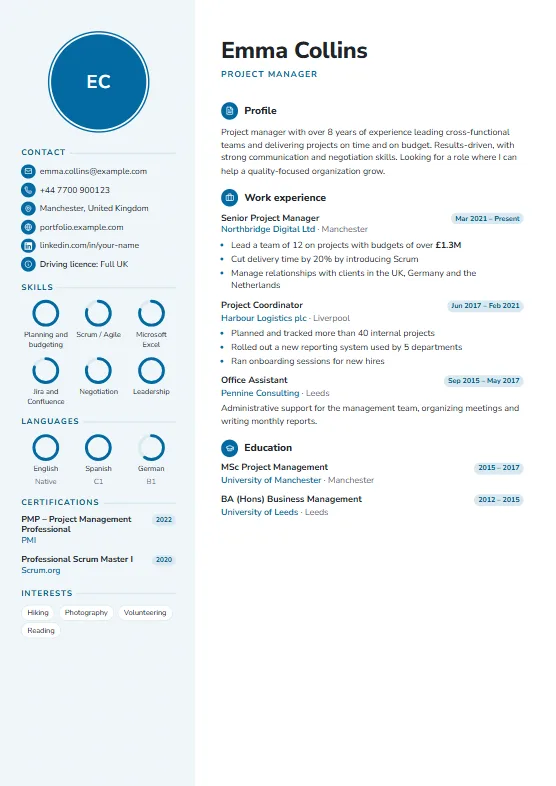
Infographic
Skills as progress rings and an icon on every section.
 Atelier CV
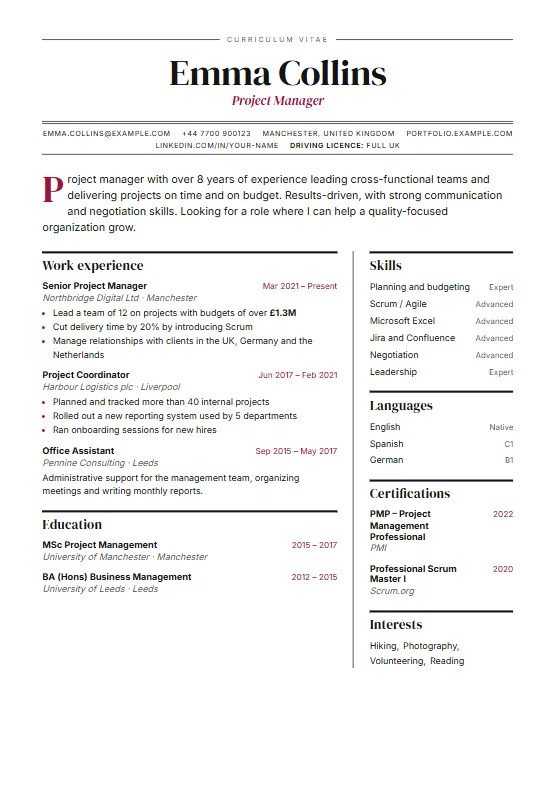
Editorial takes its cues from magazines: a very large display-serif name, double rules, a profile paragraph with a drop cap and two columns divided by a fine rule.
Free · no sign-up · A4 PDF
For journalism, communications, PR and publishing, where text is your trade. The very large name, double rules and drop cap in the profile recall a magazine page. If you write well, the template gives you room: your profile paragraph becomes the most visible thing on the CV, so it deserves some work.
If your profile is short or generic, its central position will expose that; Modern places it more quietly. It is not a template for technical fields either, where recruiters look for lists of skills and clear markers; choose Technical or Duo.
It is rated Good because it has two columns, and university career centers recommend avoiding columns for automated systems. The large first letter of the profile is one detail to test: copy the text from the PDF into Notepad and check that the first word stays whole. For large portals, Swiss is a one-column alternative.
Start from any of the 40 templates. You can switch later — your text stays.
Type into the form and watch the A4 page update live. Add or remove the sections you need.
Click “Download PDF” and save your CV, ready to send to employers or upload to job sites.
Skills as progress rings and an icon on every section.
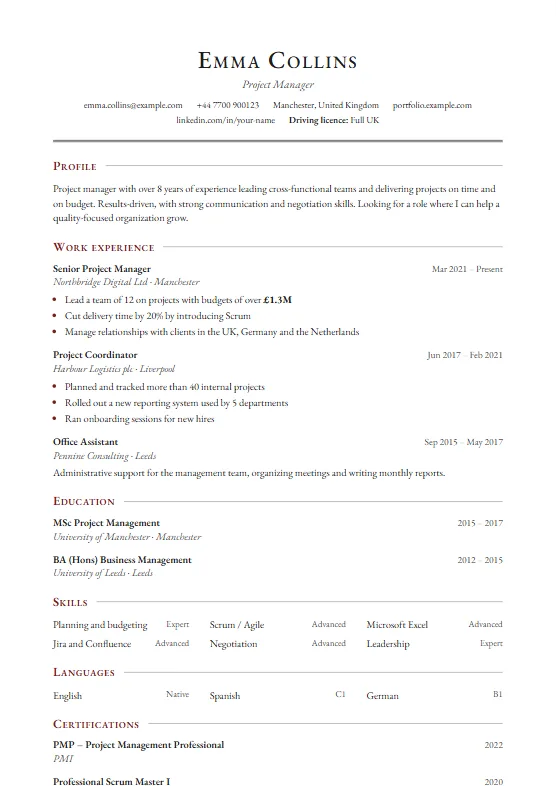
Classic serif with small-caps headings. For research and teaching.
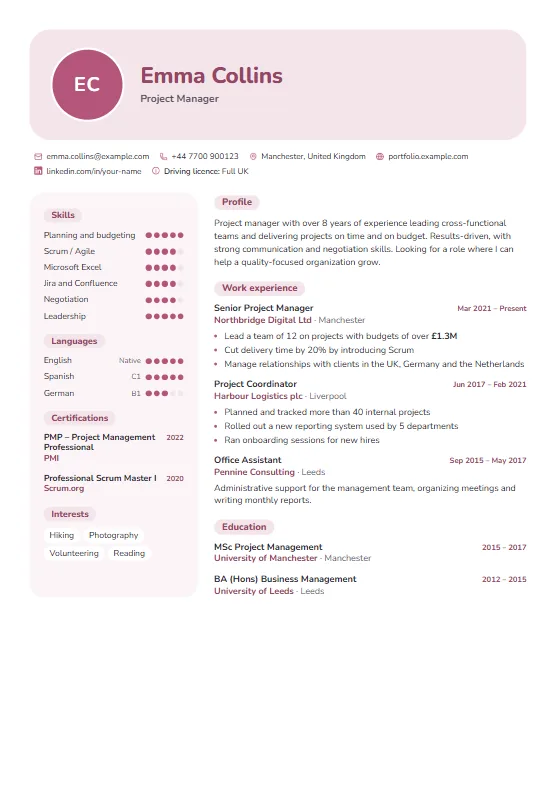
Pastel colors, rounded corners and a friendly feel.
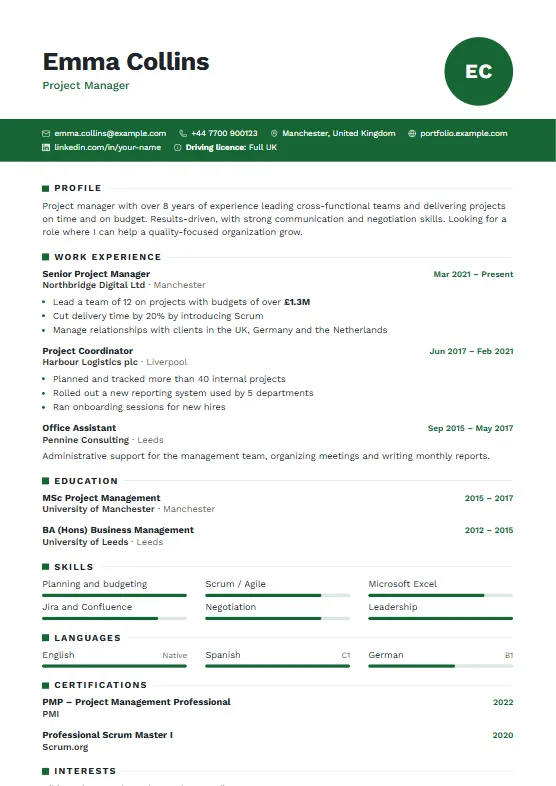
Colored strip with your contact details under the name. Clear and balanced.
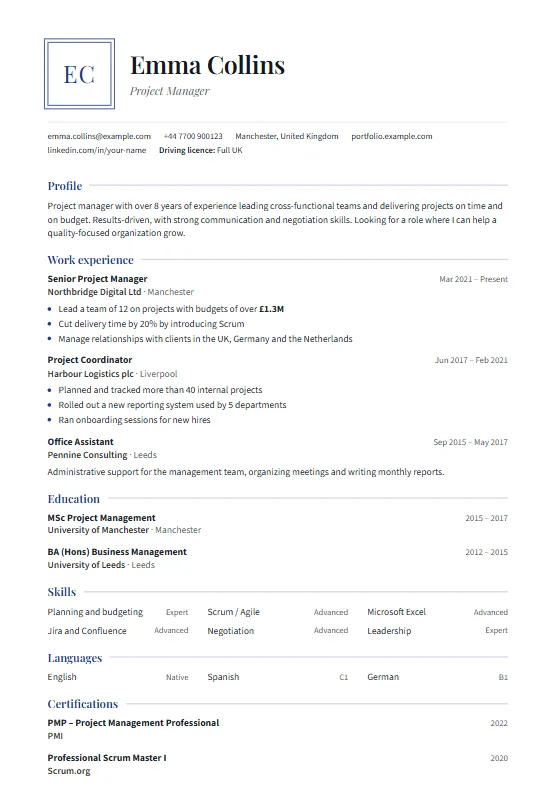
Your initials in a double frame instead of a photo. Serif and understated.
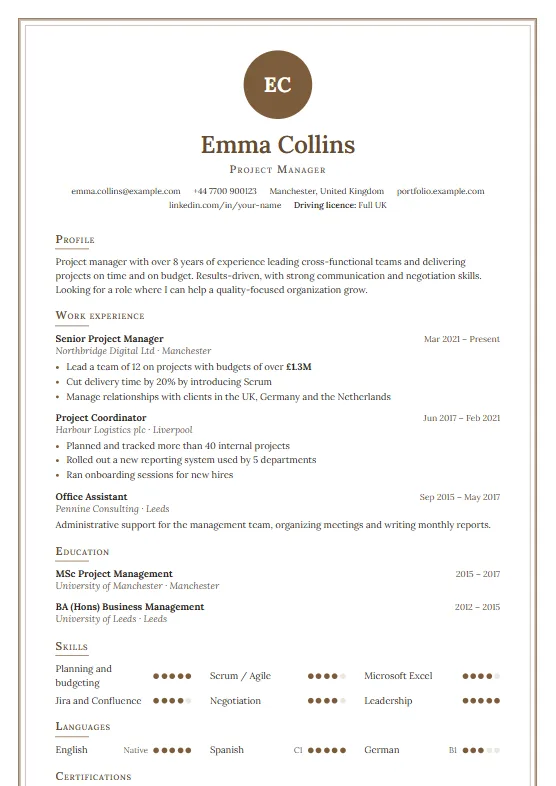
A double border around the page, like a certificate. Centered serif header.
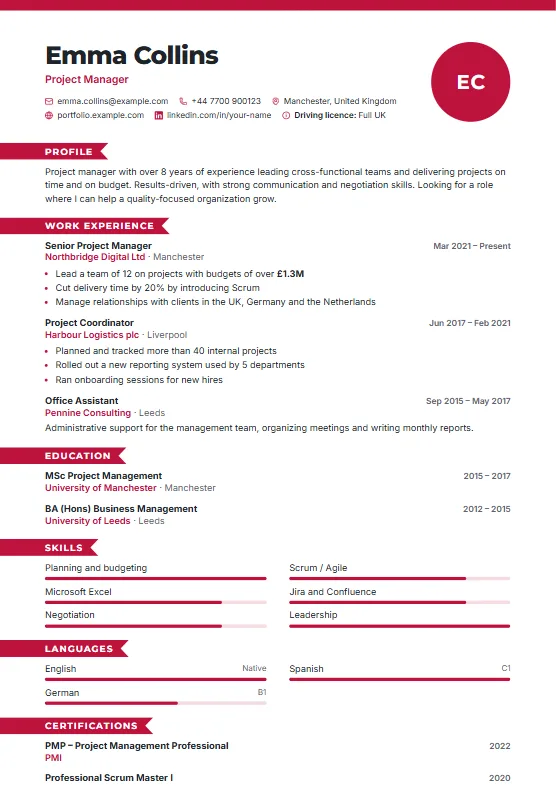
Section headings stick out from the page edge like colored ribbons.
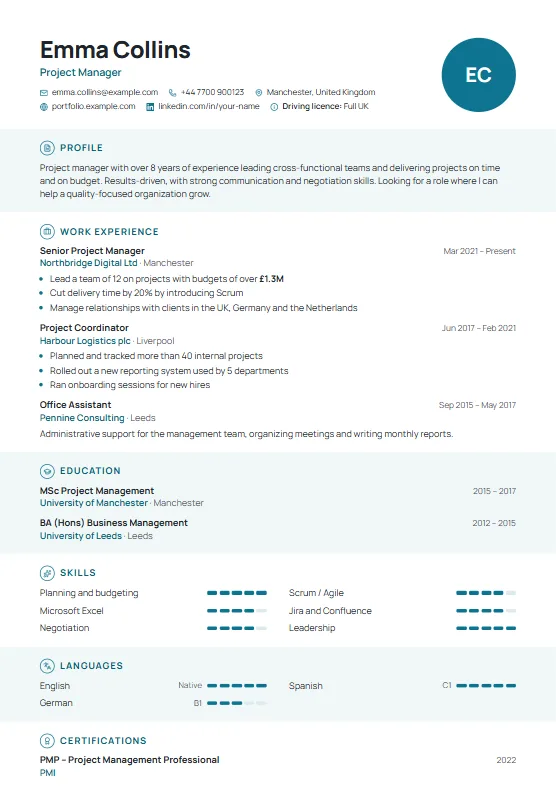
Sections on alternating full-width bands. Tidy and airy.