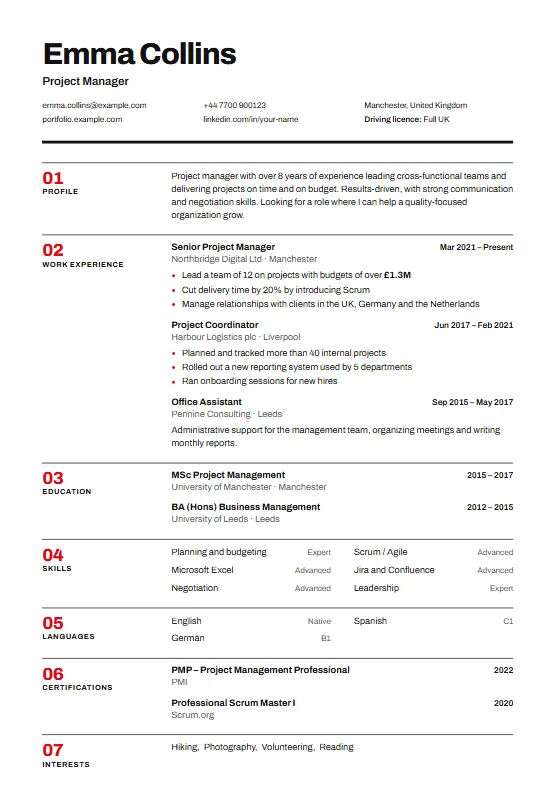
Swiss
Strict grid, numbered sections and Swiss red.
 Atelier CV
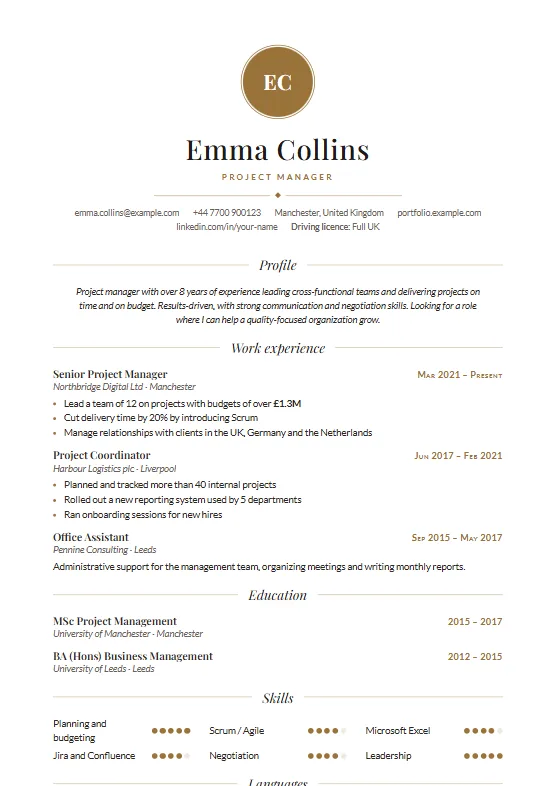
Elegant has a centered header, a subtle ornament and italic serif headings with gold accents. Pick it when you want a polished CV that signals attention to detail.
Free · no sign-up · A4 PDF
For hospitality, beauty, luxury retail and customer relations, where the way you present yourself is part of the job. The centered header, discreet ornament and italic serif headings show attention to detail. It also suits a front-of-house role at a hotel or a private clinic.
In IT, logistics or manufacturing, the gold accents can look out of place; Split or Stripes are more direct. It is not ideal if you have a lot of content either, because the centered header needs space; Compact gets more out of a page.
It sits on a single column, so we rate it Excellent. The ornament is purely decorative. University career centers recommend common fonts, so for a large portal you can switch to Arimo, an Arial-style font, in the editor. Keep your headings to ordinary names such as Experience.
The photo sits in the centered header and adds to the polished look of the template. You can make it round or square, and in these fields a good, clear image is worth the effort. If you do not have one, you can hide it in the editor.
Start from any of the 40 templates. You can switch later — your text stays.
Type into the form and watch the A4 page update live. Add or remove the sections you need.
Click “Download PDF” and save your CV, ready to send to employers or upload to job sites.
Strict grid, numbered sections and Swiss red.
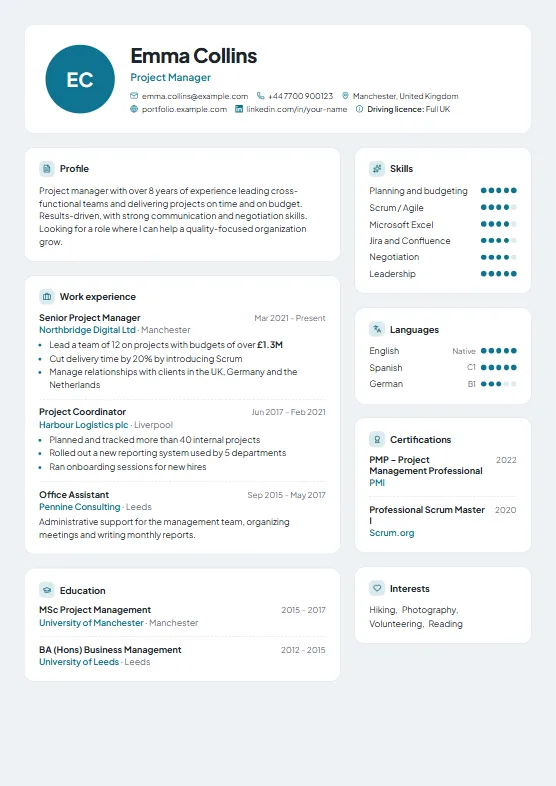
Each section in its own card on a light gray background.
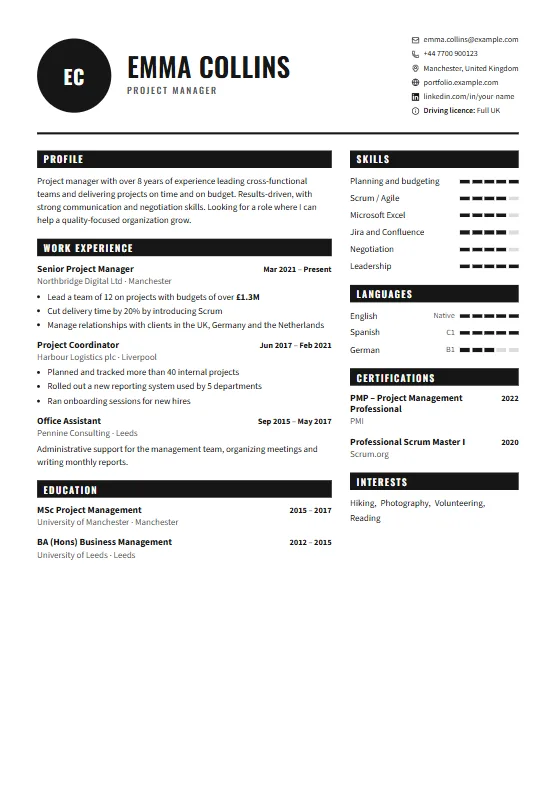
Headings on dark bars and a condensed font. Maximum impact.
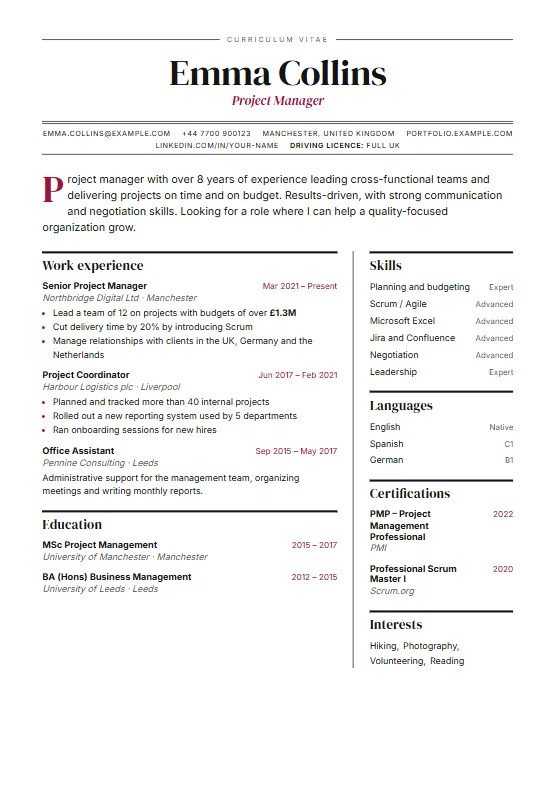
Like a magazine page: huge name, display serif and a drop cap.
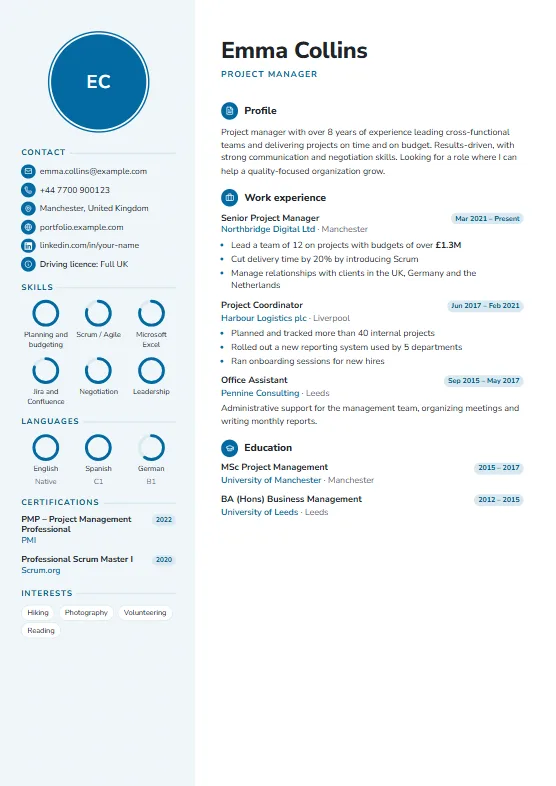
Skills as progress rings and an icon on every section.
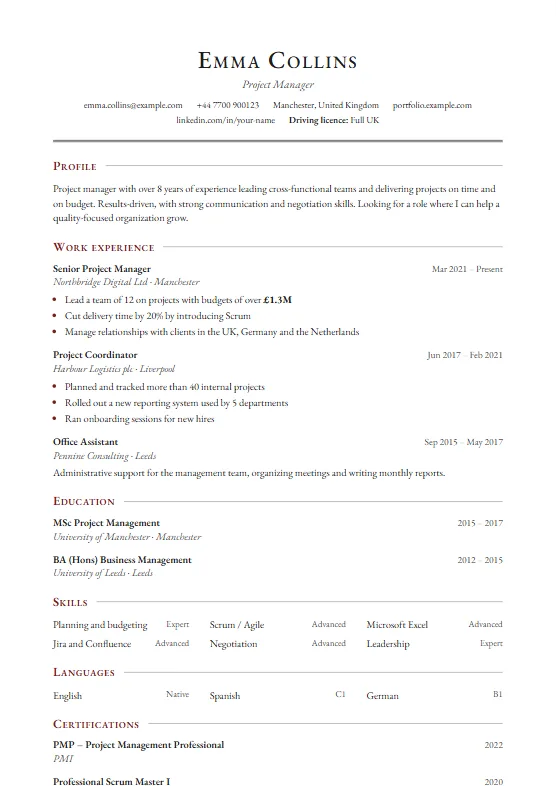
Classic serif with small-caps headings. For research and teaching.
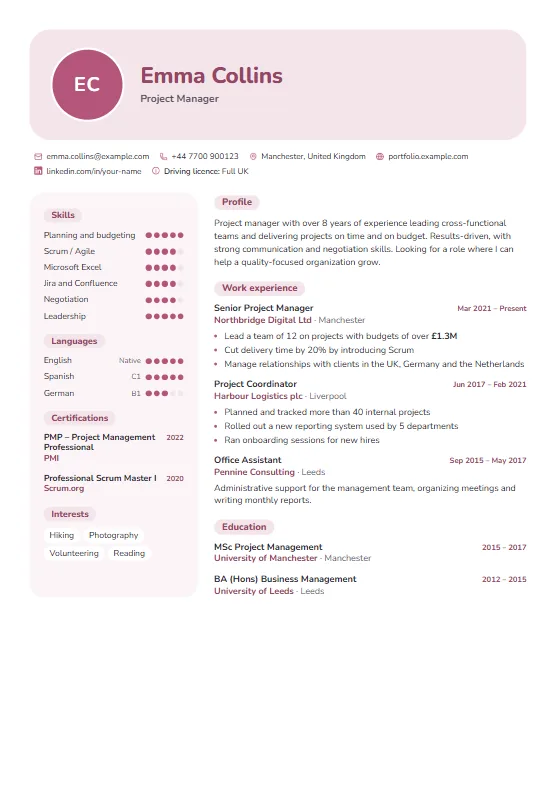
Pastel colors, rounded corners and a friendly feel.
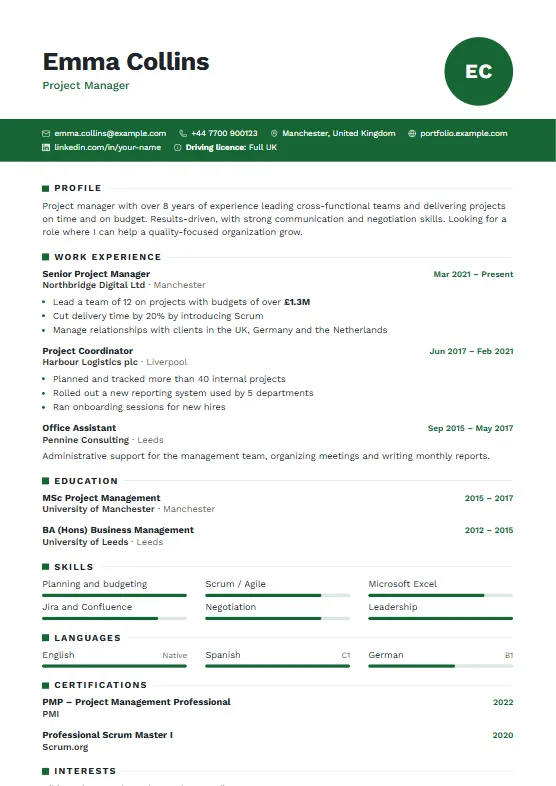
Colored strip with your contact details under the name. Clear and balanced.