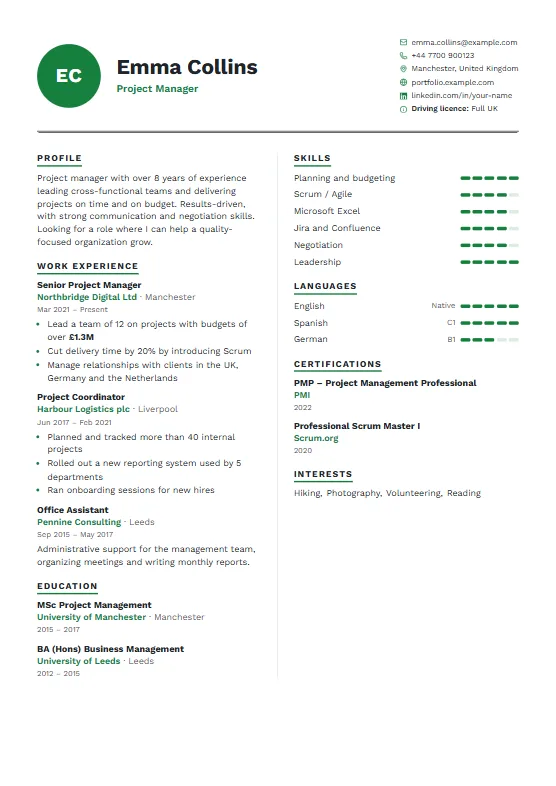
Duo
Two equal columns divided by a fine line. Balanced.
 Atelier CV
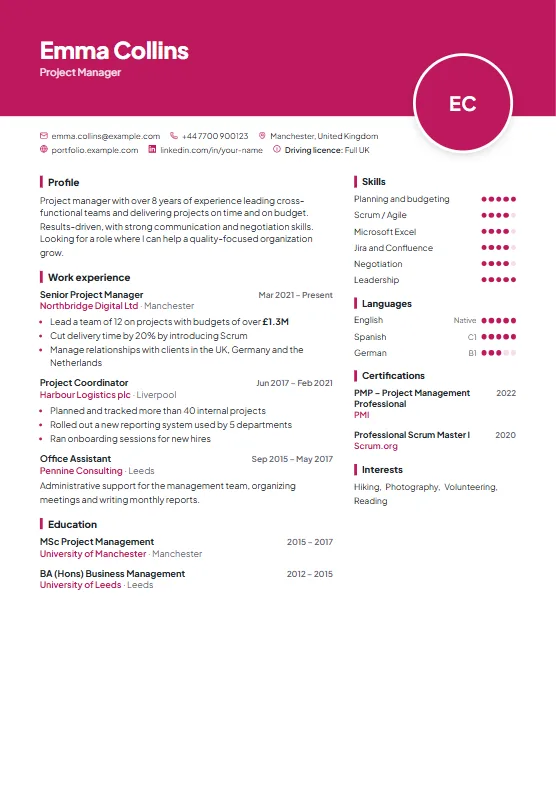
Banner opens with a colored band holding your name and job title, with your photo set on its edge like a badge. The content continues in two columns, with headings marked by a vertical bar.
Free · no sign-up · A4 PDF
For marketing, social media, human resources and sales. The colored band at the top puts your name and job title in plain view, and the photo placed on its edge looks like a badge. It is a friendly template with plenty of room for content, good when your CV is read by someone who receives a lot of them.
For institutions or a leadership role, the badge can seem too playful; Executive or Traditional have a more settled tone. If you do not want a photo, the band loses its main feature, and Swiss or Ribbon look better.
It is rated Good because after the band the content continues on two columns, and university career centers recommend avoiding columns for automated systems. For HR recruiters, who know what an ATS is, it helps to have a one-column version too. You can move the same content to Ribbon with one click in the editor.
The photo sits on the edge of the band like a badge, so it is a central element. You can make it round or square, and round fits best. You can hide it in the editor.
Start from any of the 40 templates. You can switch later — your text stays.
Type into the form and watch the A4 page update live. Add or remove the sections you need.
Click “Download PDF” and save your CV, ready to send to employers or upload to job sites.
Two equal columns divided by a fine line. Balanced.
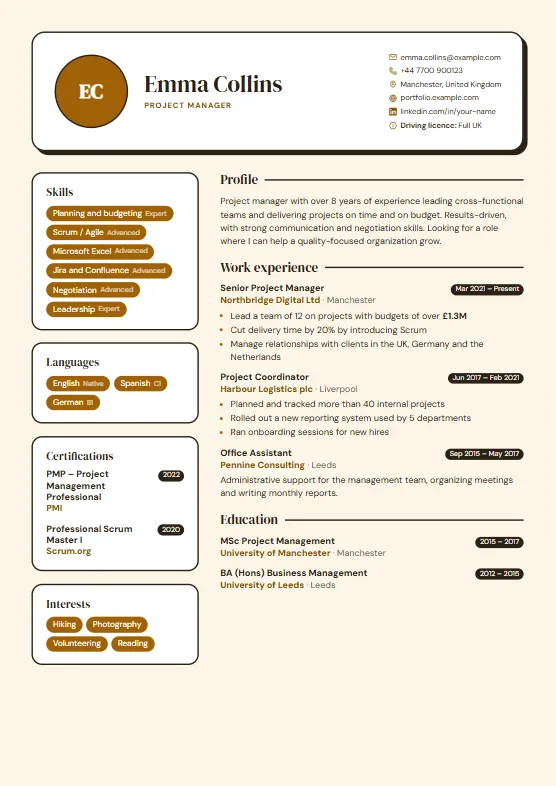
Cream background, thick outlines and offset shadows. Full of character.
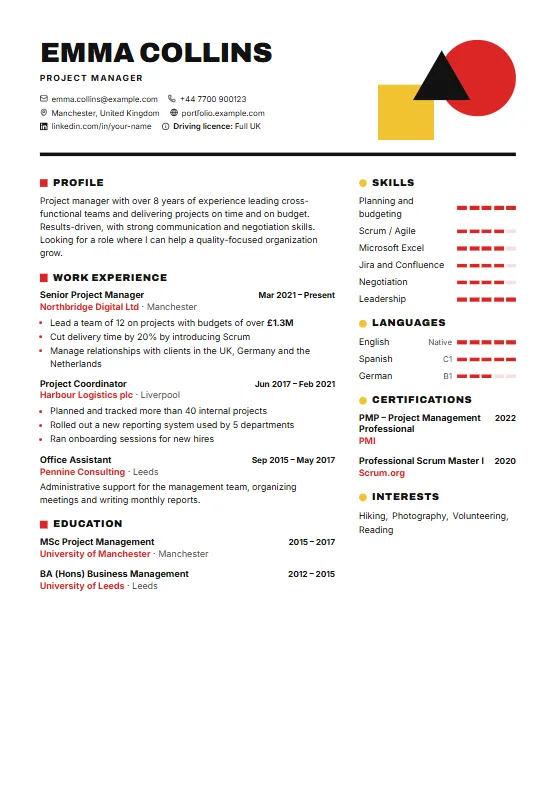
A circle, a square and a triangle in the header, heavy headings. Geometric.
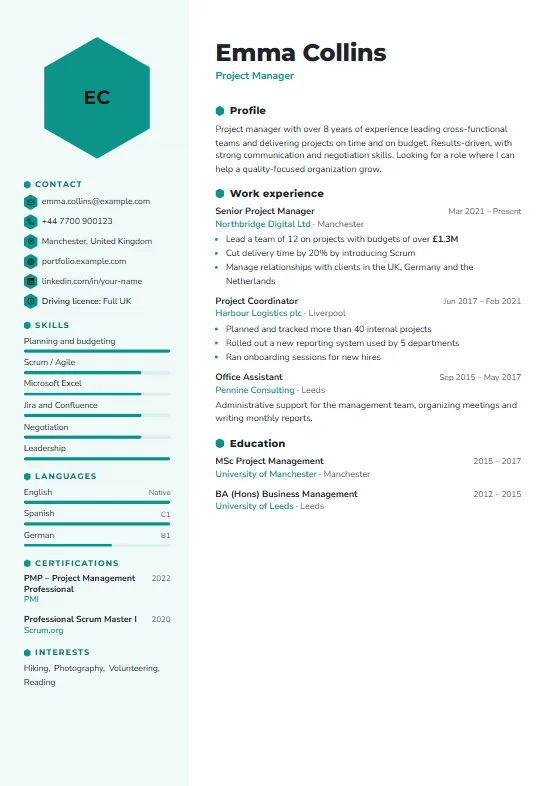
A hexagonal photo and markers, with a tinted sidebar.
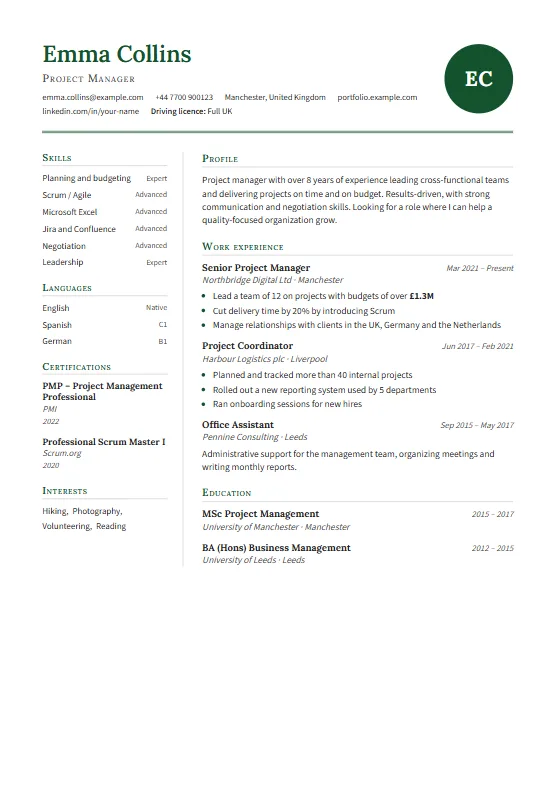
Serif in two columns, with no colored backgrounds. Classic and orderly.
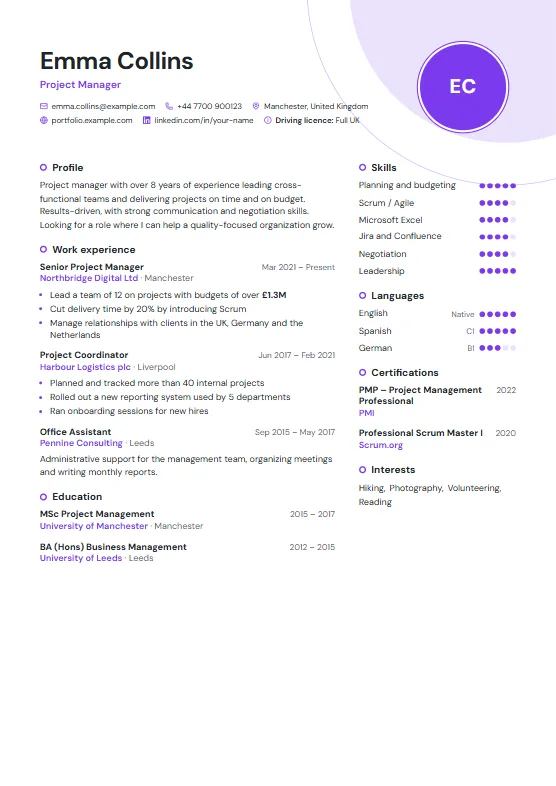
A large decorative circle in the top corner. Modern and playful.
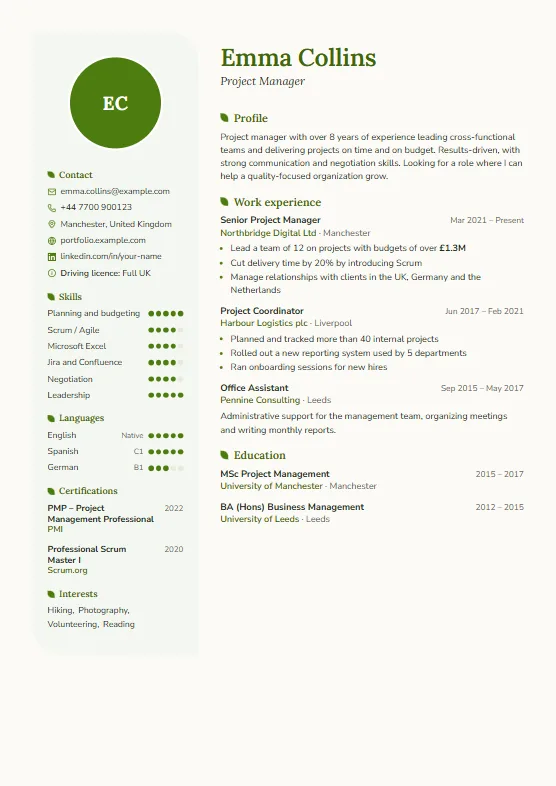
Earthy tones and a sidebar with leaf-shaped corners.
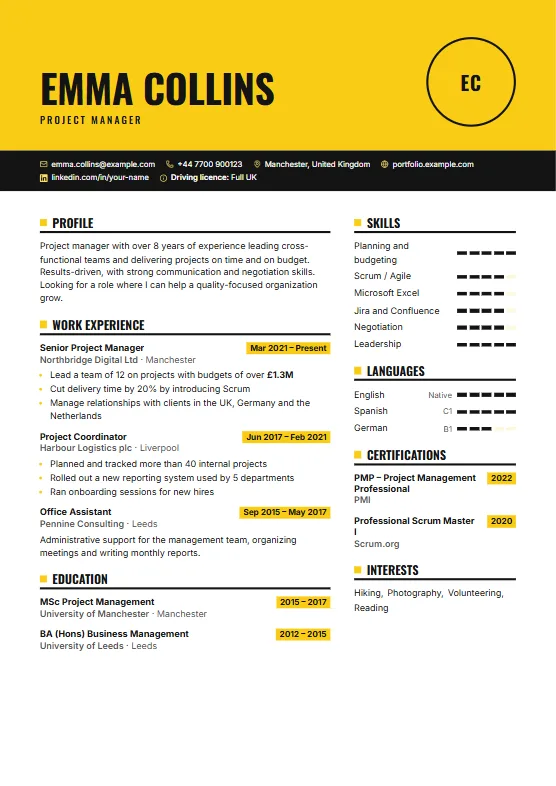
A huge name on a block of color, with a black contact strip.