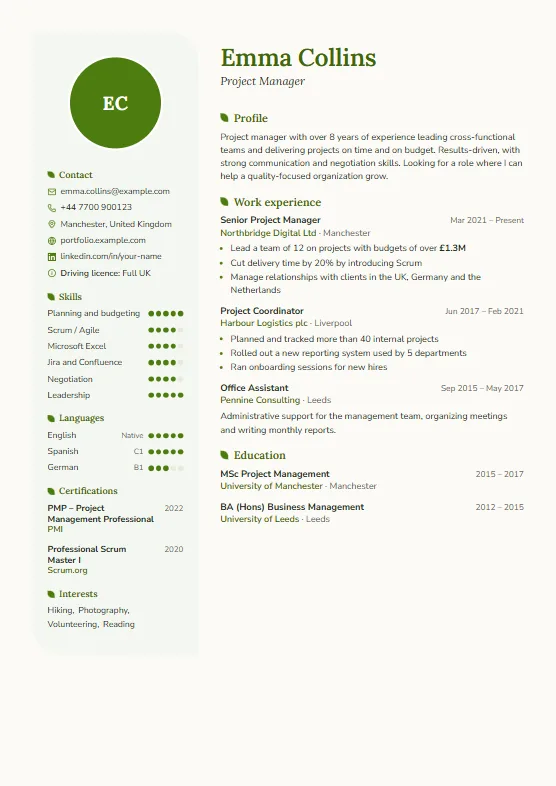
Natural
Earthy tones and a sidebar with leaf-shaped corners.
 Atelier CV
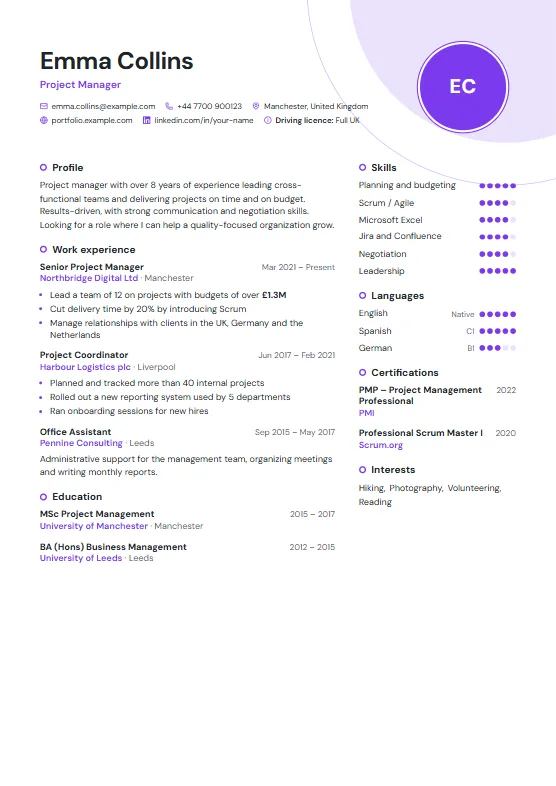
Orbit has a large colored circle coming in from the top corner of the page, with a fine ring around it and your photo on top. Headings start with a small circle, and the content runs in two columns.
Free · no sign-up · A4 PDF
For digital marketing, UX, communications and startups. The large circle in the corner of the page, with a fine ring and the photo on top, makes the CV easy to recognize, and the small circles by the headings carry the idea on. It works well when you want to show visual sense without being a designer.
In formal fields, the large circle is too playful; take Horizon or Classic. If your CV goes through an automated system, pick a one-column template such as Split. Without a photo the circle stays empty, so Swiss looks better.
It is rated Good because it has two columns and graphic elements, and university career centers recommend avoiding them for automated systems. The circles are only decoration and do not affect the text, but the order of the columns needs checking. Copy the text from the PDF into Notepad before you send it.
The photo sits on the colored circle in the top corner and is the starting point of the page. You can make it round or square, but round fits the theme. You can hide it in the editor.
Start from any of the 40 templates. You can switch later — your text stays.
Type into the form and watch the A4 page update live. Add or remove the sections you need.
Click “Download PDF” and save your CV, ready to send to employers or upload to job sites.
Earthy tones and a sidebar with leaf-shaped corners.
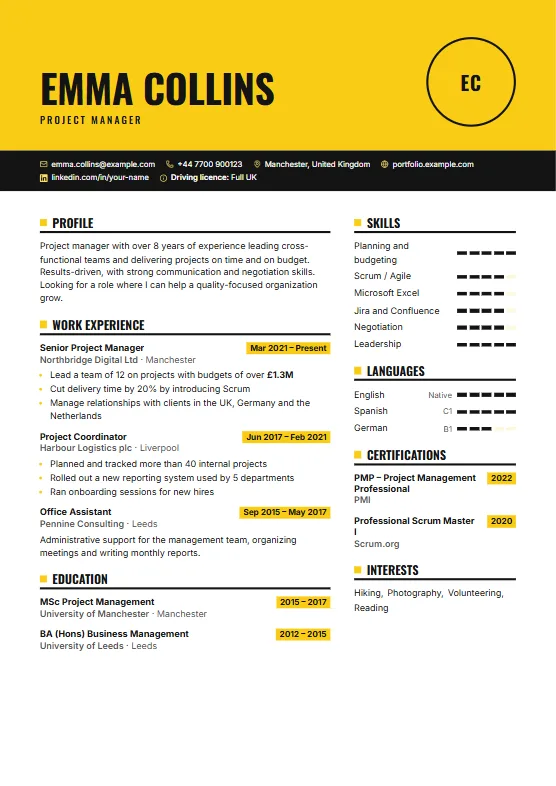
A huge name on a block of color, with a black contact strip.
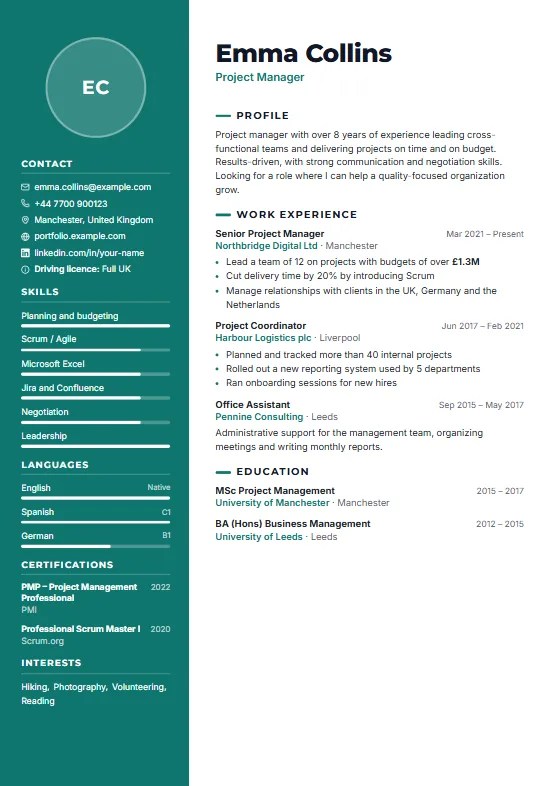
Colored sidebar with a photo and skill bars.
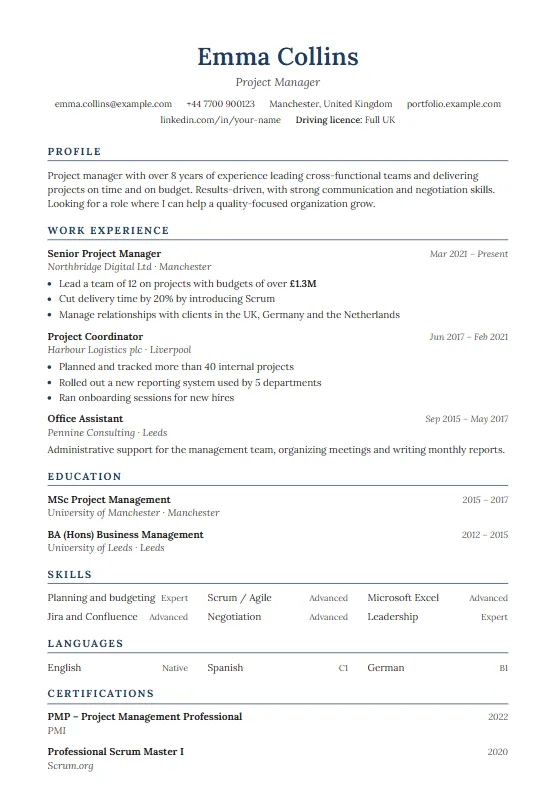
Single column, serif font and centered header. Works for any field.
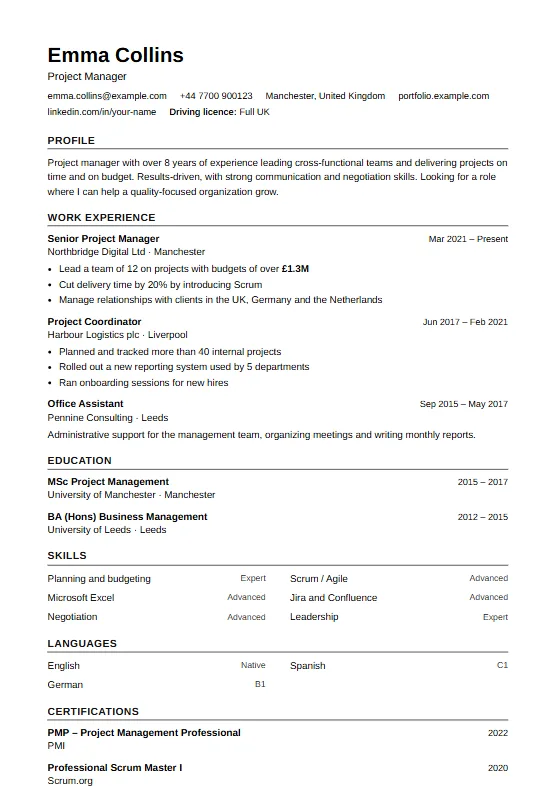
No columns, no icons, no photo. Parsed cleanly by ATS software.
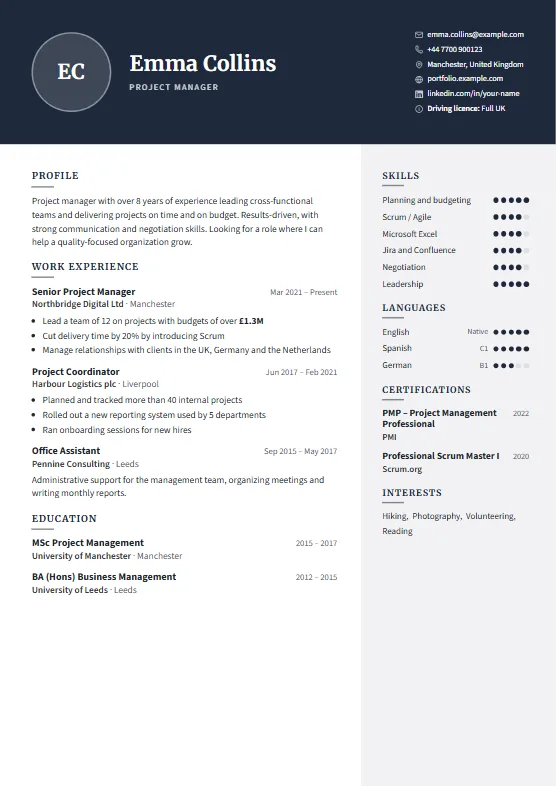
Dark header band and a tinted side column. Built for leadership roles.
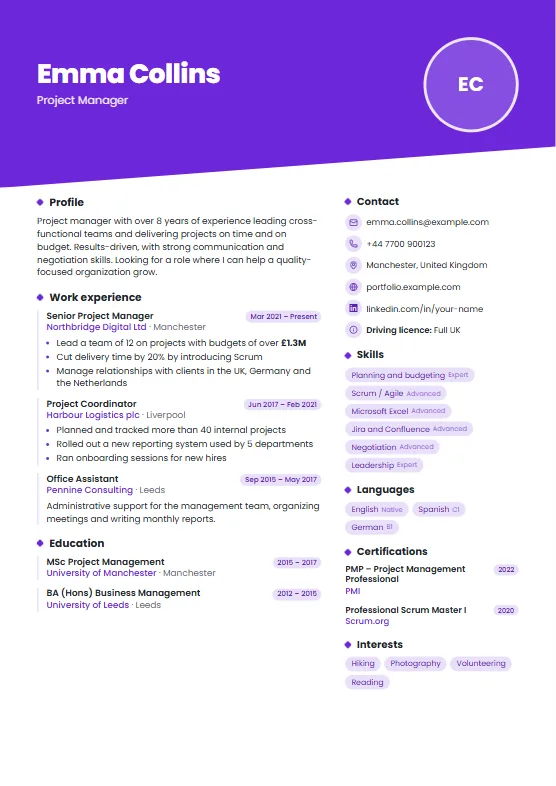
Bold colored header and skills shown as tags.
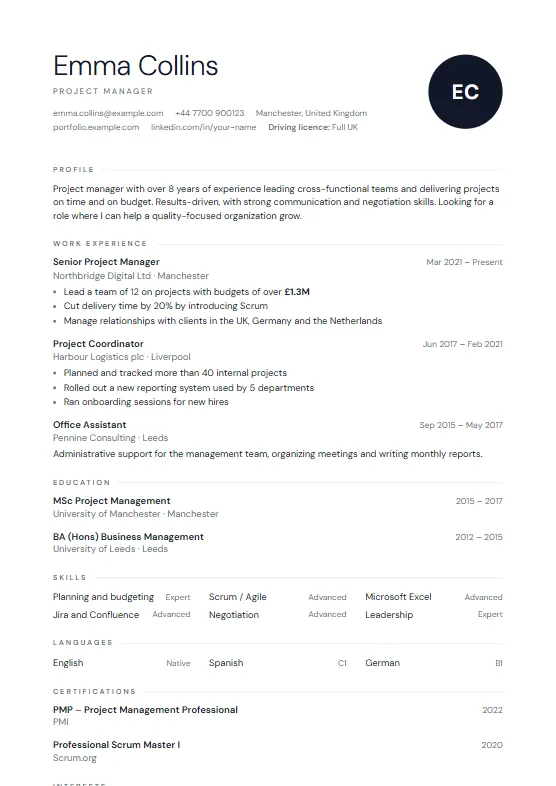
Lots of white space and refined typography. Understated and easy to read.